The physics of Interstellar's black hole, seen in a simulator
Gargantua isn't a visual effect: almost everything on screen is dictated by gravity. What the shadow is, why the disk shows above and below, what the photon ring is, and what the film deliberately left out.

Jonás Javier Encarnación7 min read
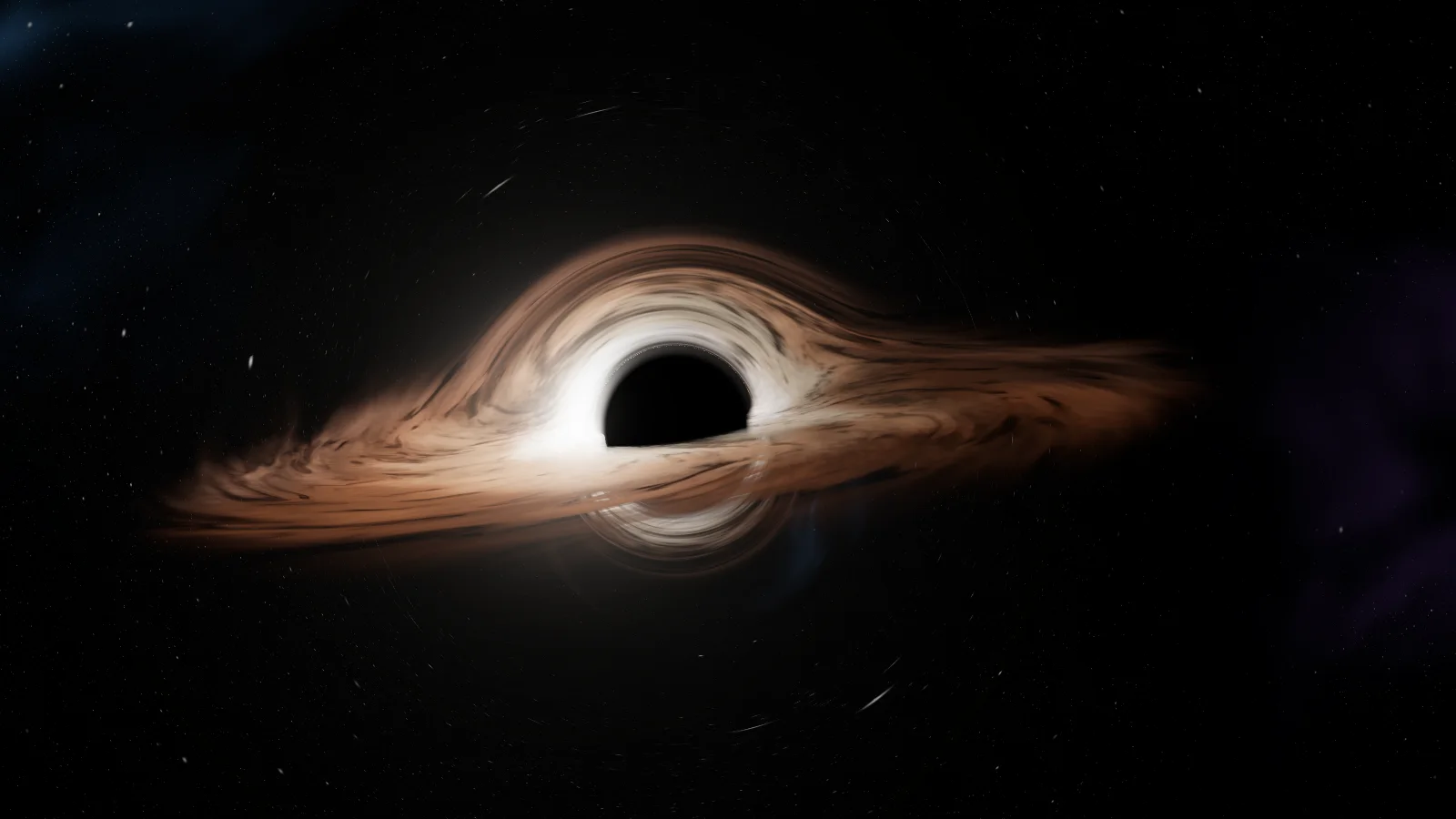
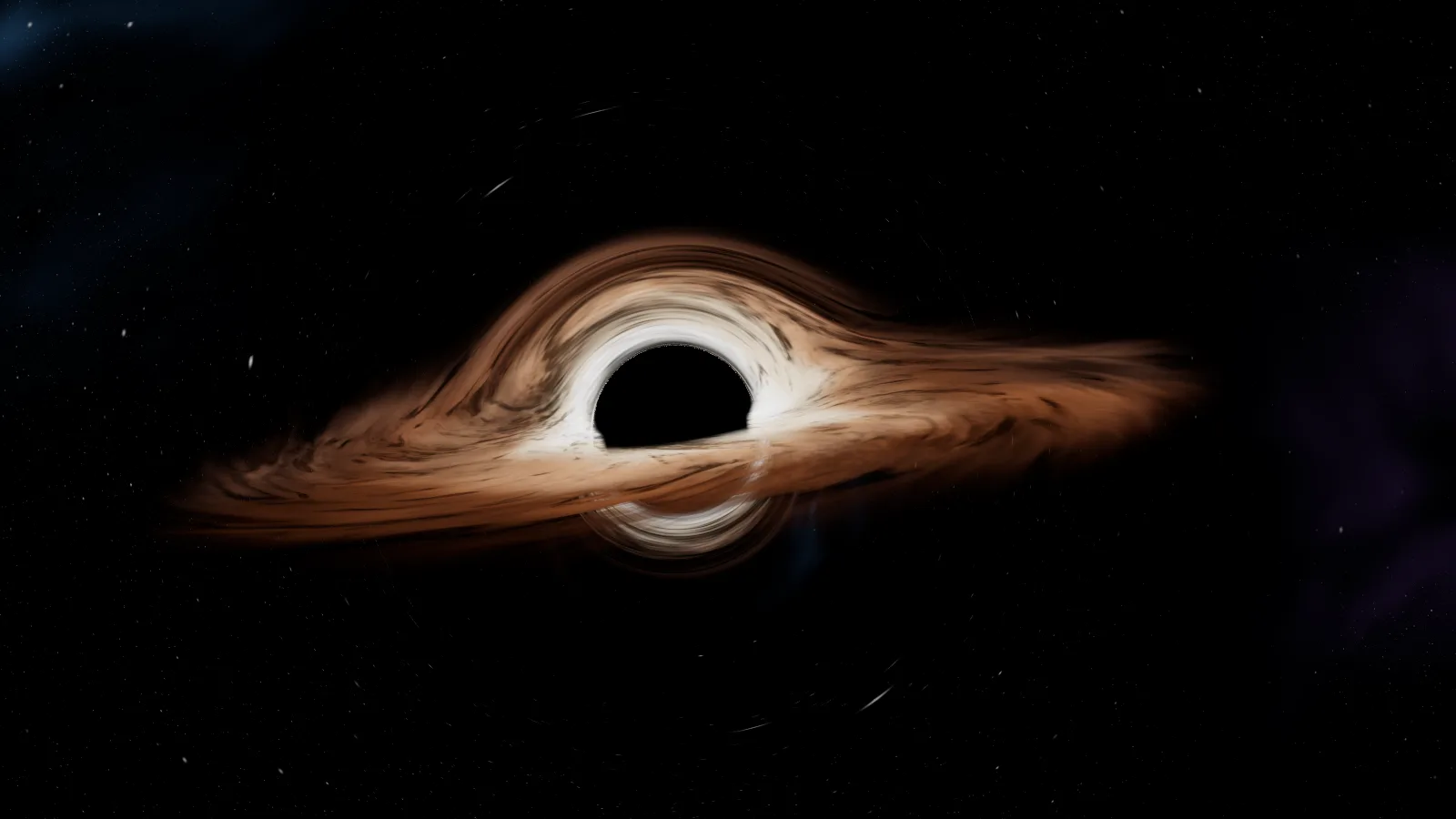
The first time I watched Interstellar I assumed Gargantua was a very good visual effect. Years later, building my own simulator for this site, I understood it's closer to the opposite: very little in that image is invented. The shadow, the disk wrapping over and under it, the thin ring of light hugging the edge: all of it comes out of one equation, the one that describes how light bends near an enormous mass.
This post explains that physics without hard maths, using the simulator as a whiteboard. If you want to know how it's programmed (the shader, the steps, the performance), that's in How I built a black hole in WebGL. Here the question is different: why does a black hole look like this?
What Gargantua is
Gargantua is the black hole in the film Interstellar (2014). The physicist Kip Thorne, who advised the production and later won the Nobel Prize for the detection of gravitational waves, asked for it to be computed for real: the effects studio Double Negative wrote a ray tracer that followed light around a spinning black hole, and the result was published in 2015 as a scientific paper in the journal Classical and Quantum Gravity.
In the story, Gargantua is a supermassive black hole, about a hundred million times the mass of the Sun, and it spins very fast. Neither detail is set dressing: the mass decides the size of everything you see, and the spin is what makes Miller's planet possible, where one hour equals seven years on Earth. A black hole that didn't spin wouldn't allow an orbit that close to the horizon, and without that closeness there'd be no time dilation that extreme.
The shadow: why the centre is black
A black hole isn't an object you see: it's a region light doesn't leave. Its
boundary is the event horizon, and for a non-spinning one its radius is the
Schwarzschild radius, rs. For a mass like the Sun's that's about three
kilometres; for Gargantua, hundreds of millions.
The curious part is that the black patch you see on screen is quite a bit
bigger than the horizon. At 1.5 times rs sits the photon sphere: the
distance at which light can circle the hole completely. Any ray that passes
inside that sphere ends up falling in. Seen from far away, that produces a
shadow whose apparent radius is √27/2 · rs, about 2.6 times the horizon. In
the simulator you can measure it: the shadow takes up 2.6 times what the
horizon would, and nobody drew it at that size. It falls out of following the
light.
The accretion disk, above and below
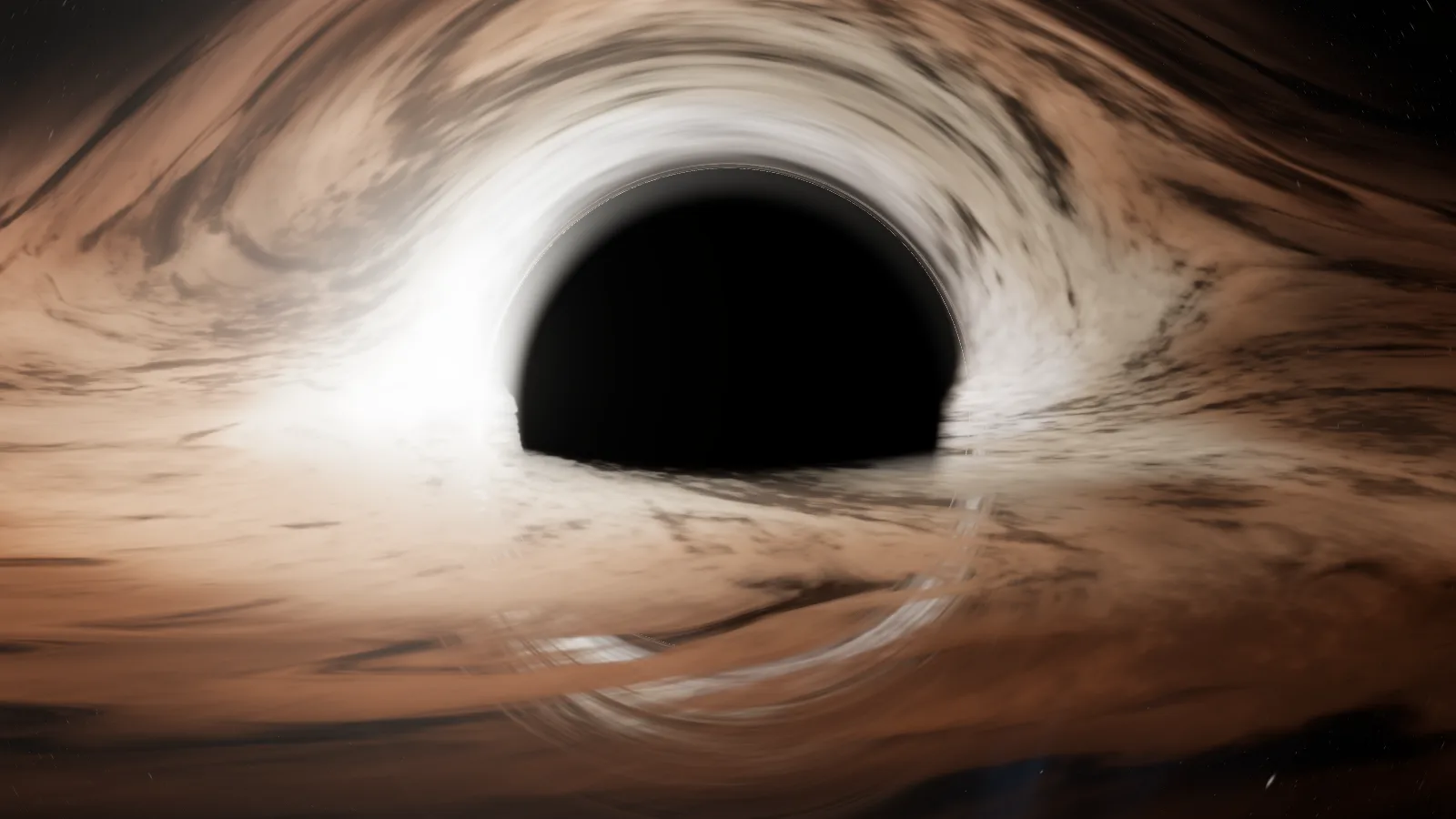
What glows around Gargantua is the accretion disk: gas spiralling into the hole, heated by friction until it emits light. It's a flat disk, like Saturn's rings. So why does it also show above and below the shadow, like a halo?
Because light leaving the back of the disk doesn't travel in a straight line. Gravity bends it over the top of the hole and under the bottom, and it reaches the camera from above and from below. The upper arc is the far side of the disk seen over the shadow; the lower arc is the same far side seen under it. That's the phenomenon called gravitational lensing, and it's why Gargantua doesn't look like a ringed planet but like something nobody had seen before the film.
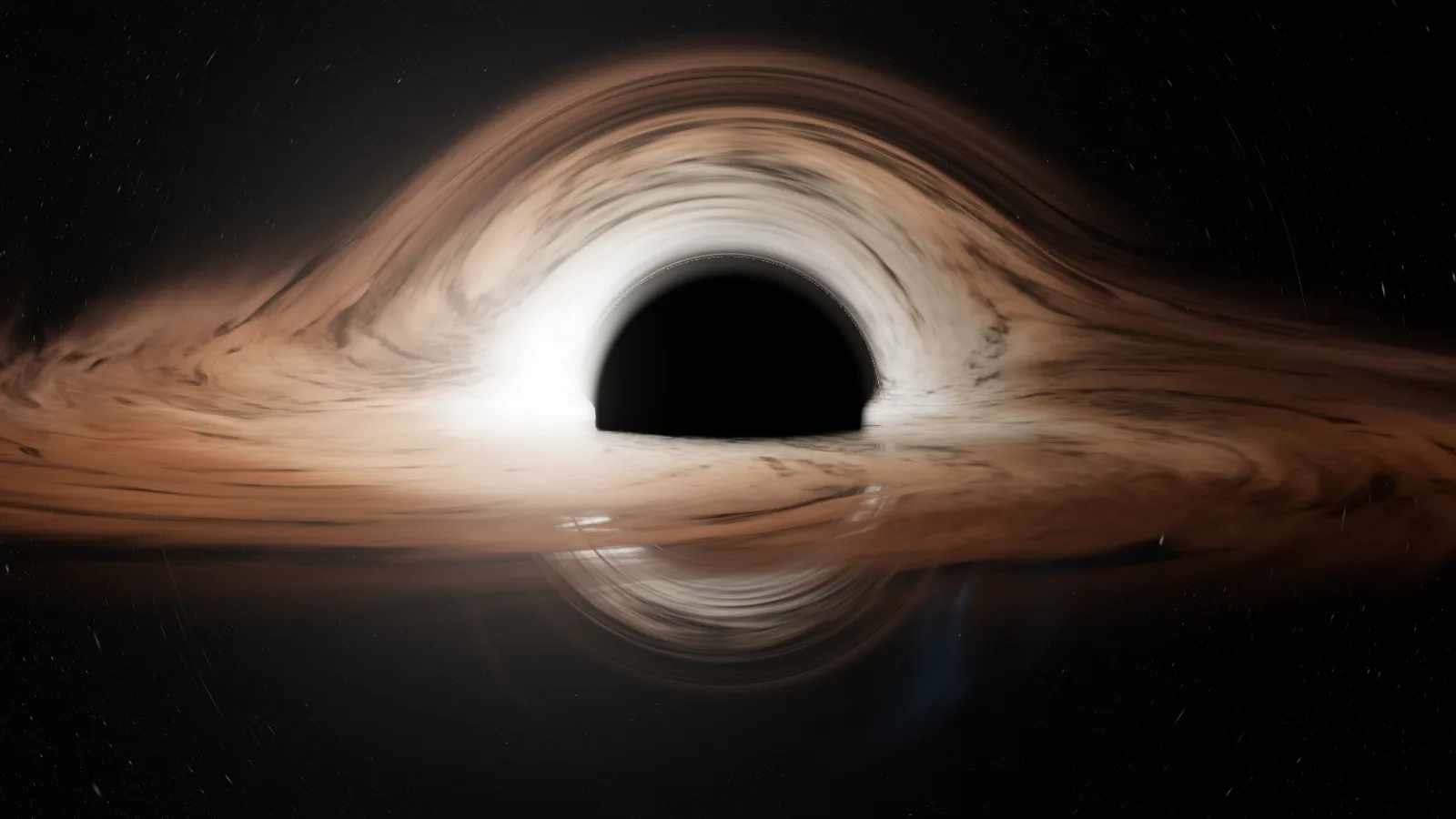
In the simulator, the Lens control turns that bending off. Without it the disk looks like what it geometrically is, a flat ring, and the image loses exactly what makes it recognisable.
The photon ring and the secondary images
Hugging the edge of the shadow there's a very thin, very bright ring. It's the photon ring: light that went half a turn, or a full turn, around the hole before escaping towards the camera. Each extra turn produces a thinner image closer to the edge, and in theory there are infinitely many, each finer than the last.
In the simulator, the Secondary images control decides how many of those turns are followed. With it off, the edge of the shadow gets poorer; with it on, the blade of light appears and, under the disk, a second, smaller image of the hidden side. In the first version of my Gargantua that ring was drawn as a one-pixel circle; it looked like a painted circle and I removed it. Now it's what light does when it stacks up.
Doppler: the approaching side shines brighter
Here's the part the film decided not to show. The gas in the disk spins at a sizeable fraction of the speed of light. The side coming towards you emits brighter, bluer light; the side moving away, dimmer and redder. That's the relativistic Doppler effect, the same principle that changes the pitch of a siren as it passes, applied to light. On top of it comes gravitational redshift: light leaving from near the hole loses energy on its way up.
A real black hole would look lopsided: one side of the disk clearly brighter than the other. Thorne and the effects team computed it, and Christopher Nolan chose to drop it from the film because audiences wouldn't have understood why the disk looked skewed. It's documented in the 2015 paper: Gargantua in the cinema is a symmetric, deliberately simplified version.
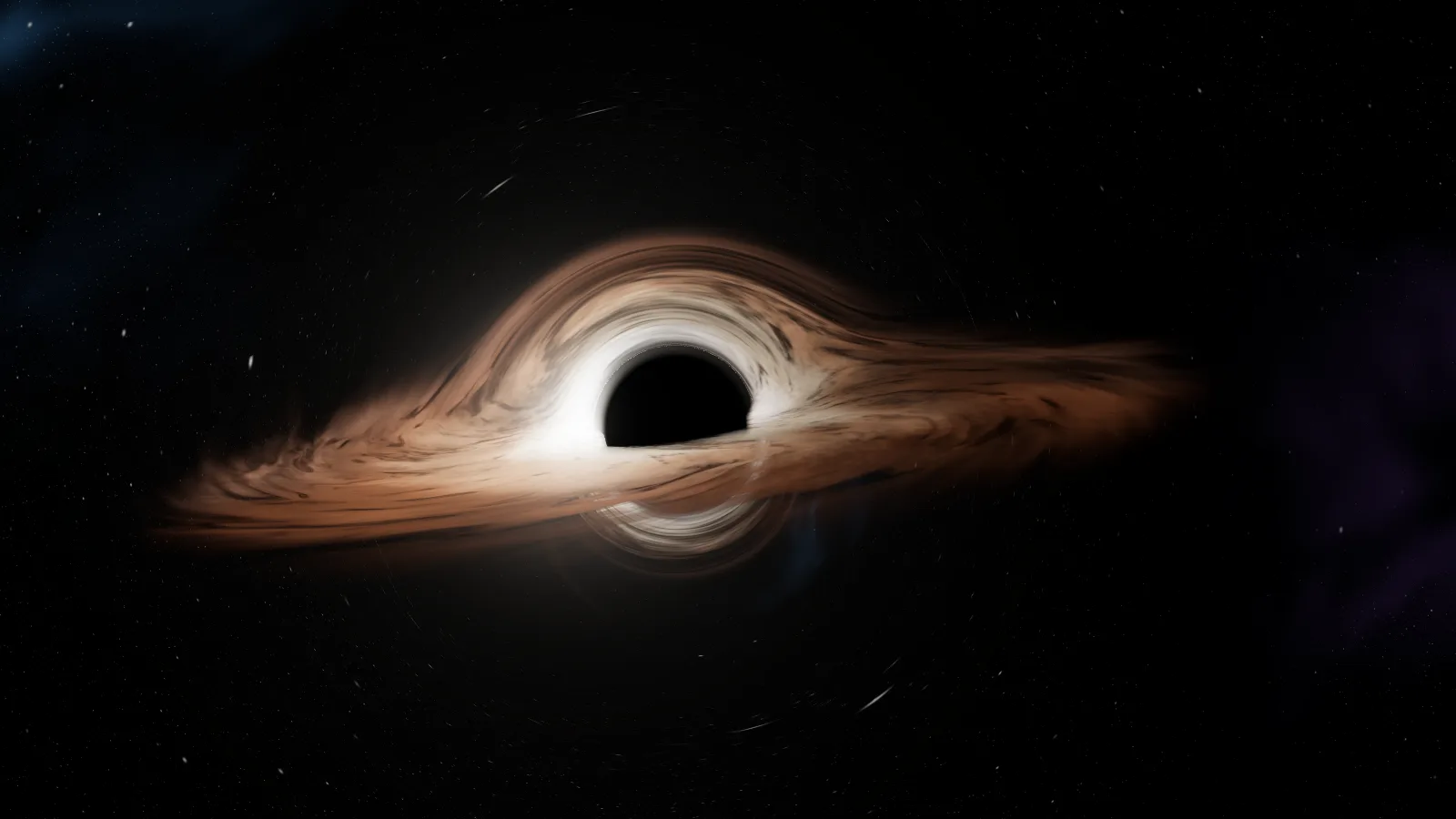
In the simulator, Doppler is on by default, because I wanted to see the version physics asks for. With the Doppler control you can turn it off and see the "film" version. It's the control that changes the image the most of the three.
What the simulator does differently from the film
I want to be precise about what this Gargantua is and isn't:
- It doesn't spin. The film's is a Kerr black hole, a rotating one. Mine uses the Schwarzschild geometry, that of a non-rotating black hole, because tracing the rotation pixel by pixel in real time in a browser was too expensive. What does spin is the gas in the disk.
- The disk is further out. Around a non-spinning black hole, gas can't orbit stably inside three times the horizon. Around one spinning very fast, like Gargantua, that innermost orbit moves much closer in, which is why in the film the disk reaches almost to the shadow. In the simulator the disk starts a little inside that orbit, at 1.58 times the horizon, and extends out to 17.
- Doppler is on. The film removed it; I left it in, and it can be turned off.
- The disk is a drawing, not a gas simulation. Its texture is noise that rotates at different speeds with distance, as the gas would, but nobody is solving fluid equations here.
What is identical is the part that matters: light follows, ray by ray, the geodesic equation of a black hole. The shadow, the arcs, the photon ring and the secondary image aren't painted anywhere.
How to use the simulator
Open Gargantua in the Observatory and switch to Study mode. There are four views:
- Cinematic: the film's framing, with the disk edge-on.
- Lens: closer and higher, to see both arcs and the secondary image.
- Disk: the disk almost face-on, where the gas's differential rotation shows.
- Shadow: the edge of the shadow up close, where the photon ring shows.
And three controls that switch real physics off: Doppler, Secondary images and Lens. My advice is to turn them off one at a time and watch which part of the image disappears: that's exactly what each phenomenon contributes.
The simulator runs in any browser with WebGL2. If the device can't manage it, or if you'd rather not spin up the graphics card, the site shows a flat version with the same content.
Questions I get asked
Has anyone seen a real black hole? Yes. In 2019 the Event Horizon Telescope published the image of the black hole at the centre of the galaxy M87, and in 2022 the one at the centre of our own galaxy, Sagittarius A*. They are blurry orange rings, very different from Gargantua, but they show the same thing: a central shadow and light bent around it. And yes, the brighter side of M87's ring is the one moving towards us.
Does Gargantua exist? No. It's a fictional object with a mass and a spin chosen so the story works. What does exist is the physics it was computed with.
Why is one hour seven years on Miller's planet? Gravitational time dilation: near an enormous mass, time runs slower. For the difference to be that large the planet has to orbit very close to the horizon, and that's only possible if the black hole spins almost at the limit. It's one of the places where the film stretched the physics as far as physics allows, but not beyond.
Why is the film's disk so faint? A real disk around a black hole swallowing a lot of gas would blaze in X-rays and fry any nearby planet. The film's is, on purpose, a cold, anaemic disk, so the crew can get close.
Try it
Open the simulator and, before touching anything, try to find the shadow, the two arcs and the photon ring. Then turn Lens off and watch the halo vanish into a flat ring. That difference is general relativity.
If what interests you is how it's built inside, here's the shader. And if you'd like a 3D experience like this for your product or brand, here's how I work.