Gargantua wallpapers in 4K: Interstellar's black hole
Eight wallpapers of Gargantua, the black hole from Interstellar, taken from my simulator in native 4K for your desktop and in portrait for your phone. Free for personal use.

Jonás Javier Encarnación2 min read
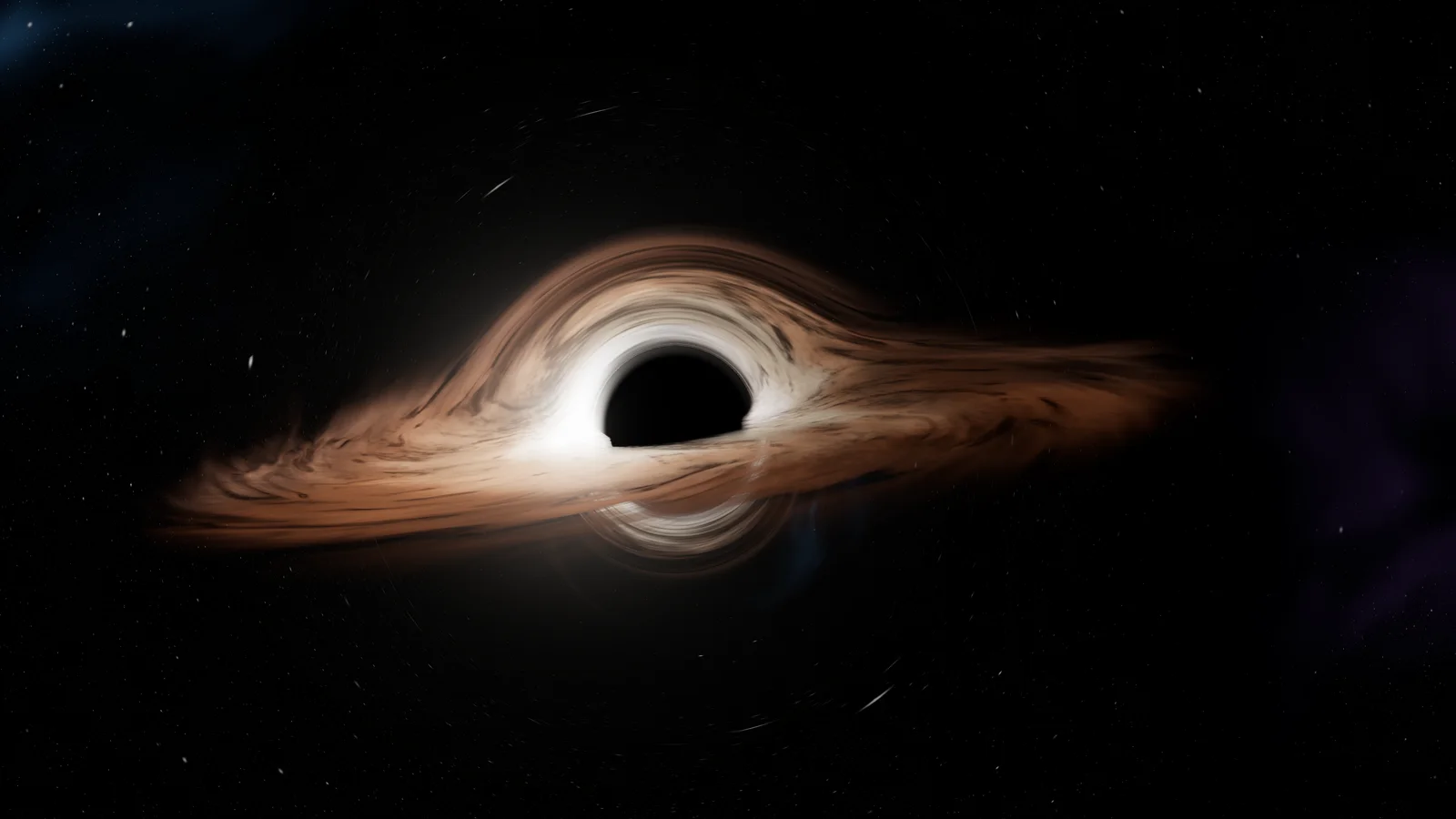
Gargantua, the black hole in Interstellar, is the image I spent the most time looking at while building this site. It lives in my simulator, which draws it in real time in the browser by following light around the horizon. These wallpapers come from there: not stretched screenshots or illustrations, but the simulator rendering at a true 3840 × 2160 pixels, with the interface switched off.
Tap any image to see it full size, or use the button to download it.
4K desktop wallpapers
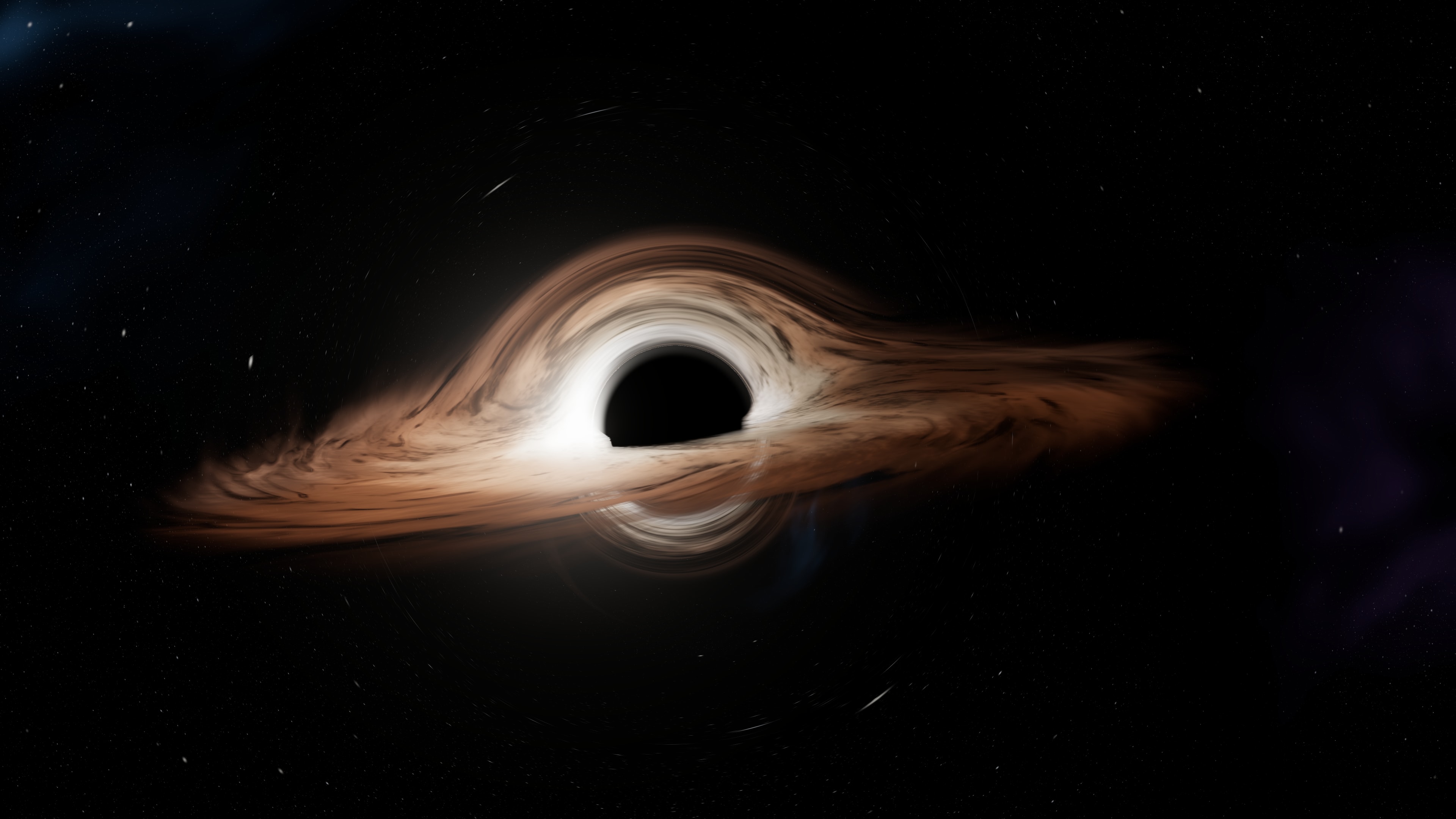
Download in 4K 3840 × 2160 · JPG
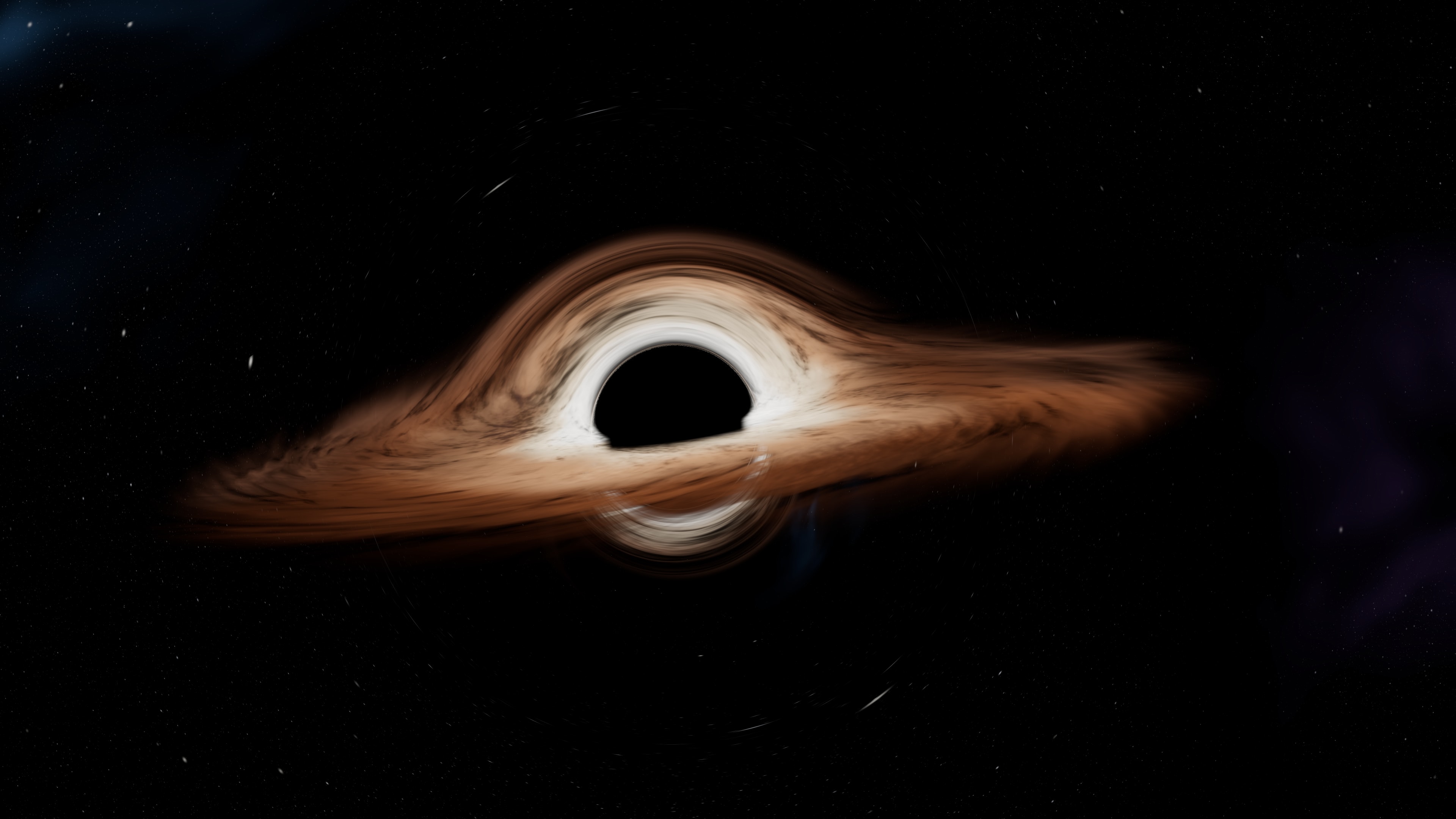
Download in 4K 3840 × 2160 · JPG
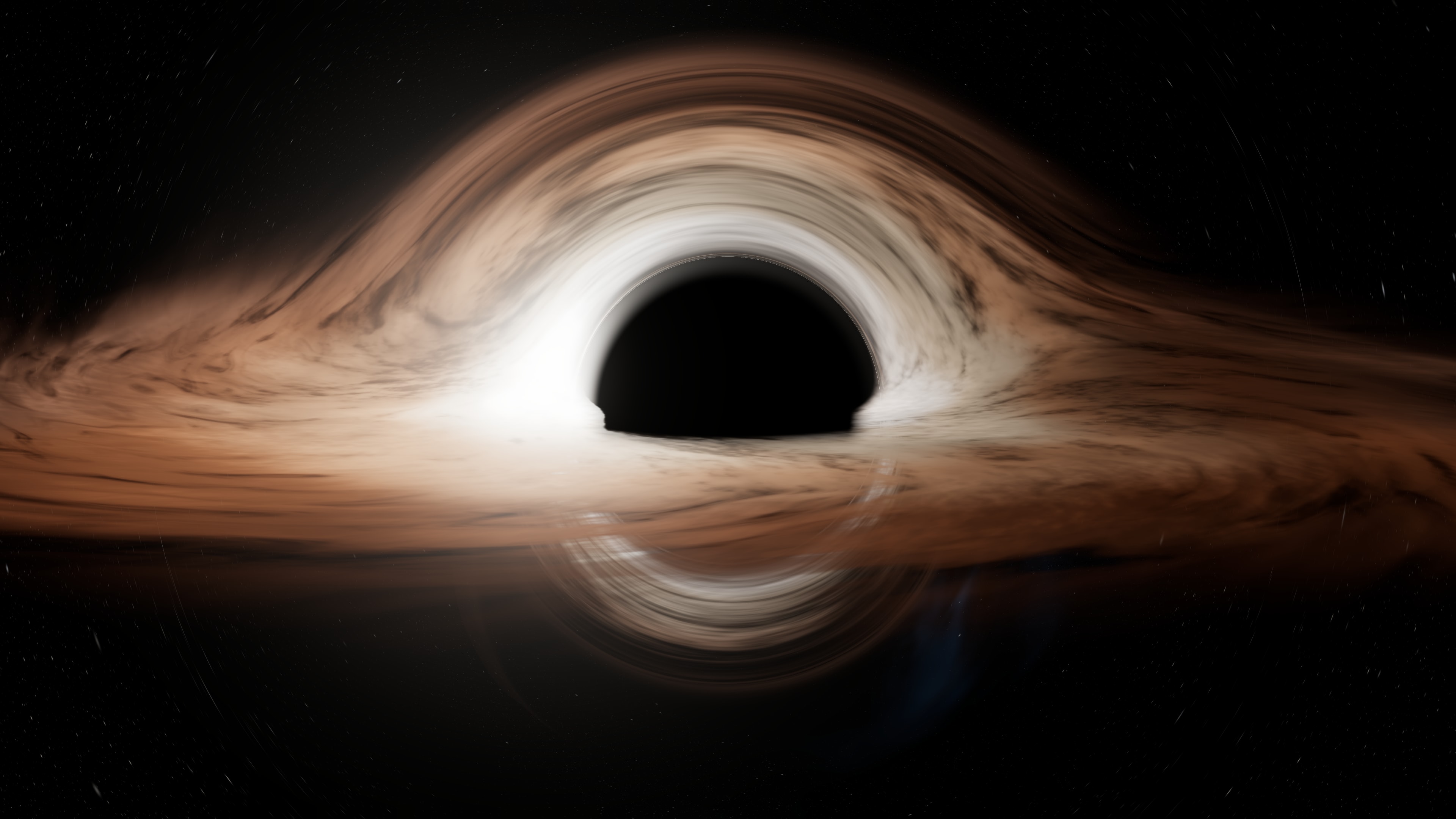
Download in 4K 3840 × 2160 · JPG
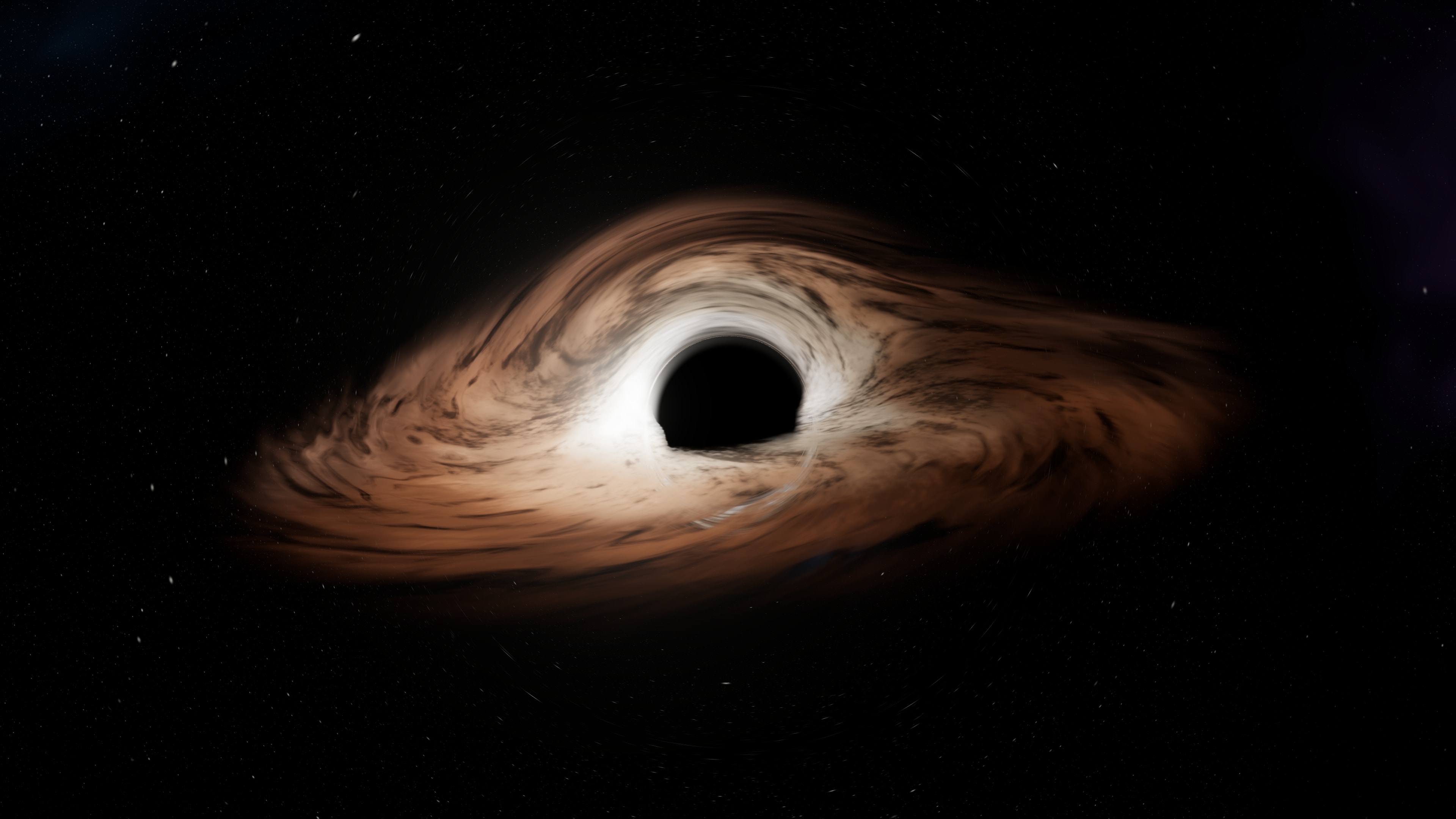
Download in 4K 3840 × 2160 · JPG
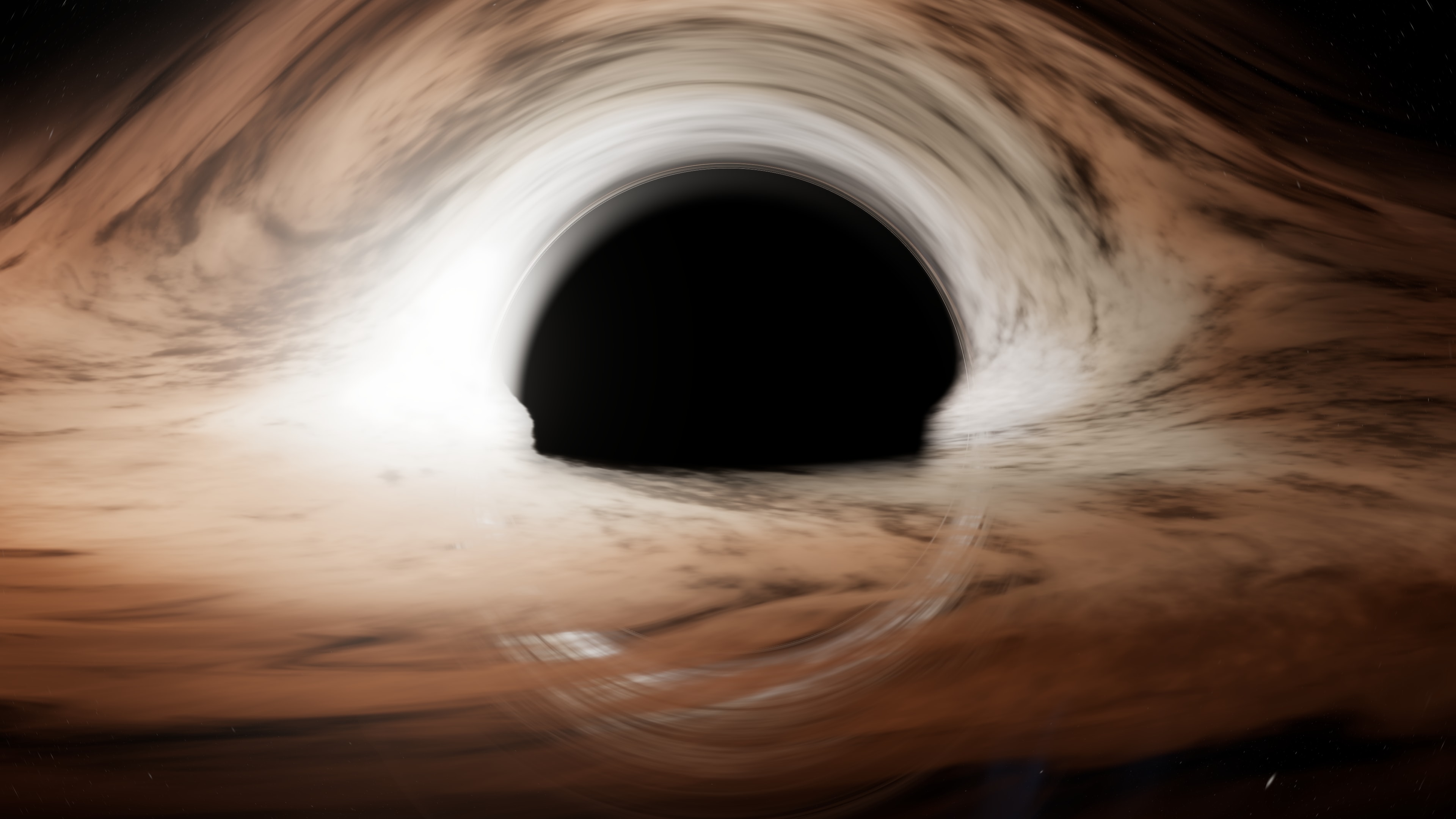
Download in 4K 3840 × 2160 · JPG
For your phone
The three portrait ones are 1440 × 3120, the size of large phones. The black hole sits in the middle, so the lock-screen clock lands on the sky.
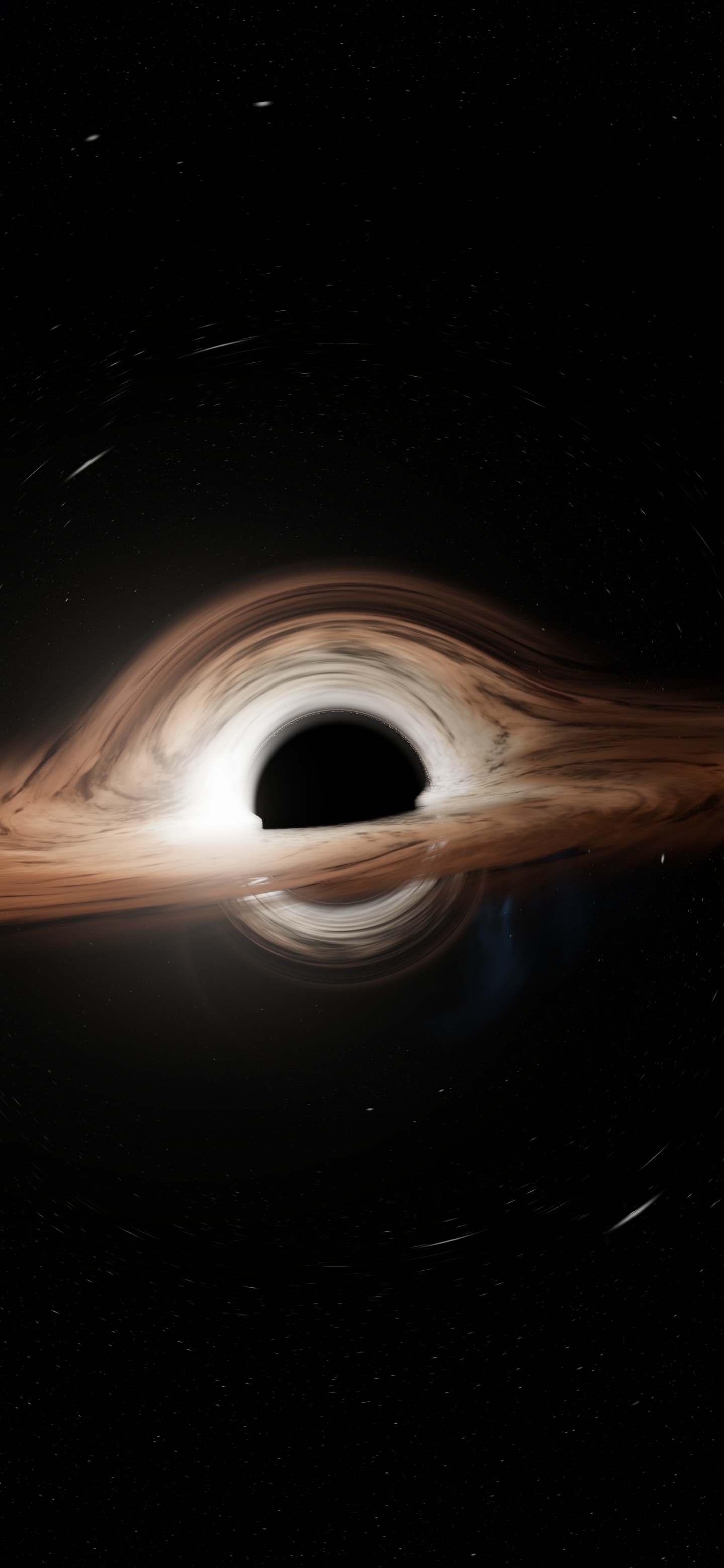
Download 1440 × 3120 · JPG
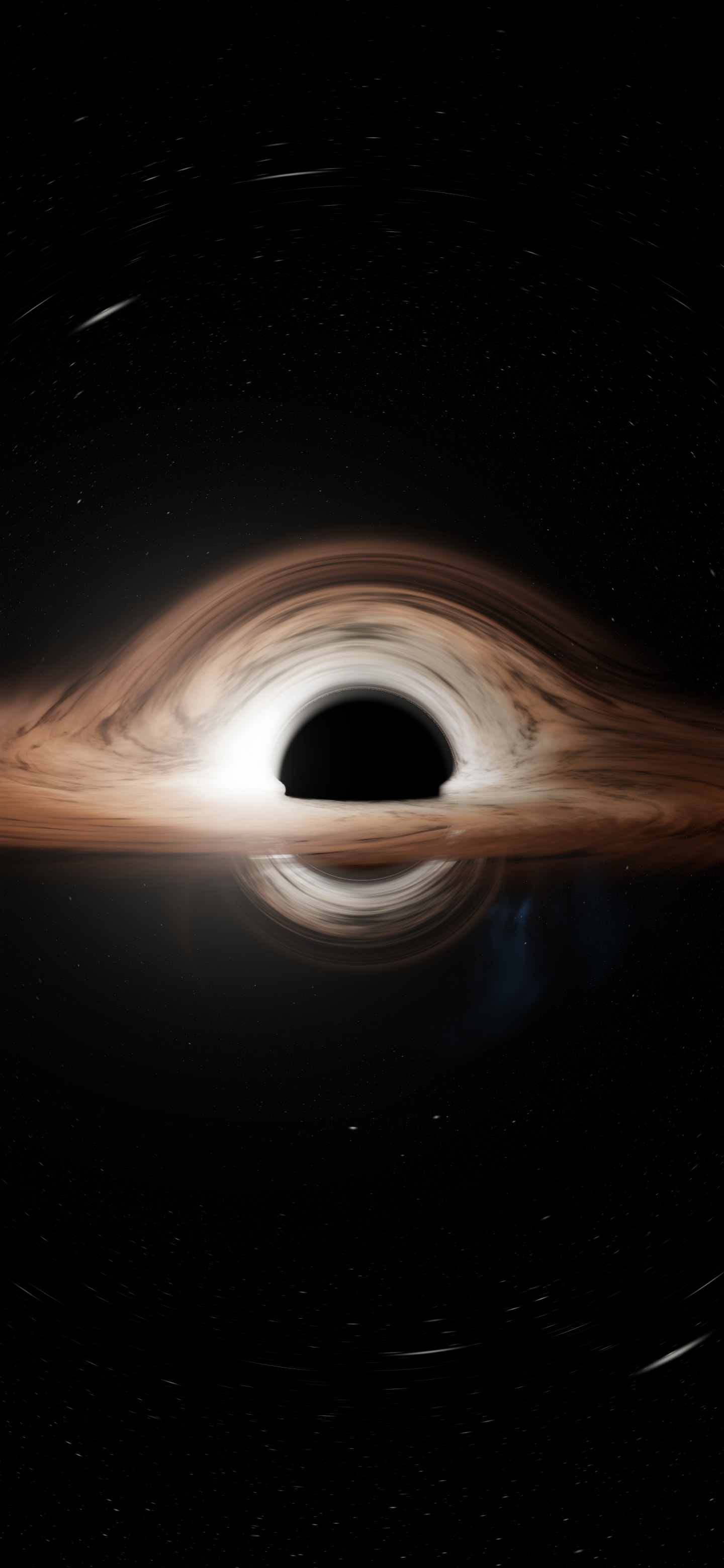
Download 1440 × 3120 · JPG
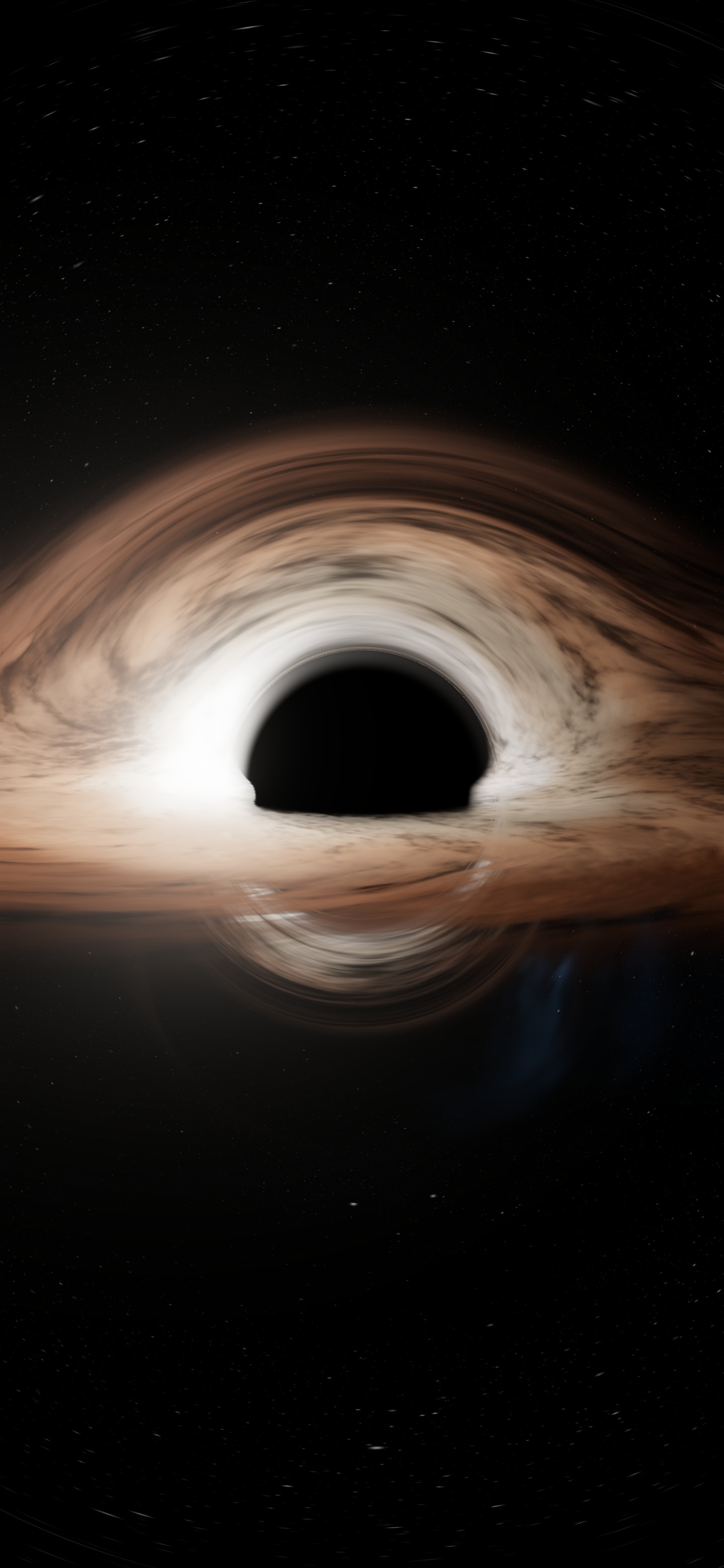
Download 1440 × 3120 · JPG
How they were made
Each image is a frame from the simulator, not an hours-long render. The shader follows one ray of light per pixel, bends it around the black hole and checks whether it falls into the horizon or escapes; while the view is still it keeps adding frames and the image sharpens on its own. For the wallpapers I opened the simulator in a window exactly the size of 4K, picked each of its four views, hid the interface and waited for the image to settle.
The Doppler effect is on in all of them but one: a real disk is brighter on the side coming towards you, and the film chose to leave that out. I explain it properly in the physics of Interstellar's black hole, and the code is in how I built a black hole in WebGL. If you'd rather see it move, step into the simulator and pick the framing yourself.
License
You can use these wallpapers for free as a background on your own devices. Don't sell them or republish them as your own; if you share them, link to this page. For any other use —a project, a publication, anything commercial— write to me and we'll talk.
The images are mine: they come from my simulator. Interstellar and its Gargantua belong to their creators; this is a tribute from someone who loved the film, with no connection to it or its studios.