02 / 05Case study
Izak's Photos
Photography site and portfolio
A bilingual, live demo photography studio: a 42-photo gallery with shareable links, an accessible viewer and bookings stored in Django, all served by a single Railway service.
- My role
- Full-stack evolution; interface, bilingual experience, API, performance and deployment
- Stack
- React 18 · Vite 8 · React Router 7 · Django 5.2 · Django REST Framework · Railway
- Status
- Live on Railway · demo studio
Scope
- −74 %lighter gallery thumbnails
- 42photos in 4 series, each with its own link
- 2languages, English and Spanish
The challenge
An archive of photos in four series tends to turn into a generic grid, and the same site has to take a visitor from "I like this work" to "I'm sending a request".
- What I built
- I rebuilt the site in React and Django — a filterable gallery with the open photo in the URL, a keyboard-friendly viewer, English and Spanish, validated bookings — and took it to production with WebP thumbnails, rate limiting and CI.
- Key technical decision
- A single service in production: Django serves the Vite build, the API and the admin from the same origin, with no CORS.
Design decisions
- Problem
- The site has to show off the work and, at the same time, lead to a booking.
- Decision
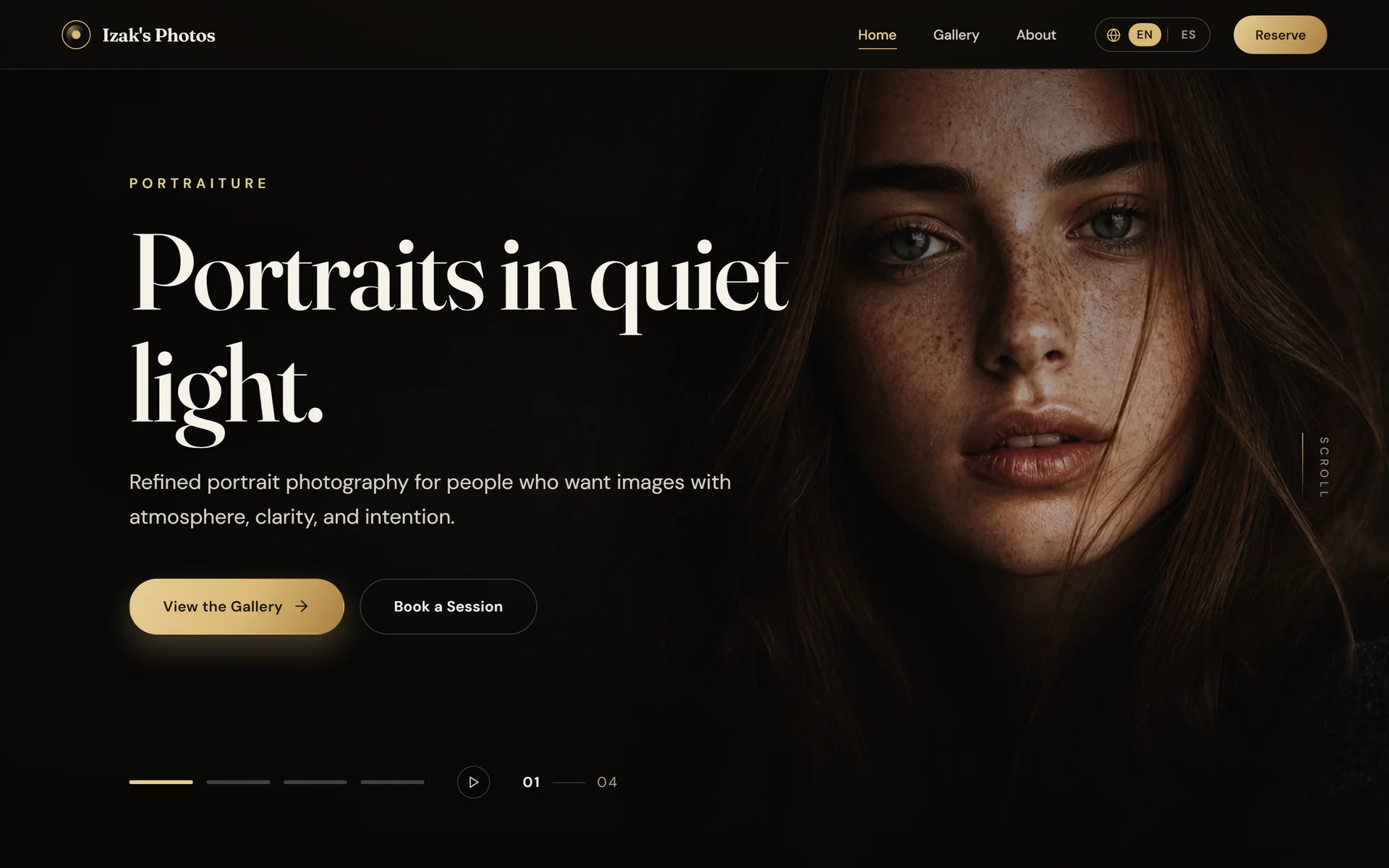
- A full-bleed hero with two actions and “Reserve” pinned in the header on every page.
- Problem
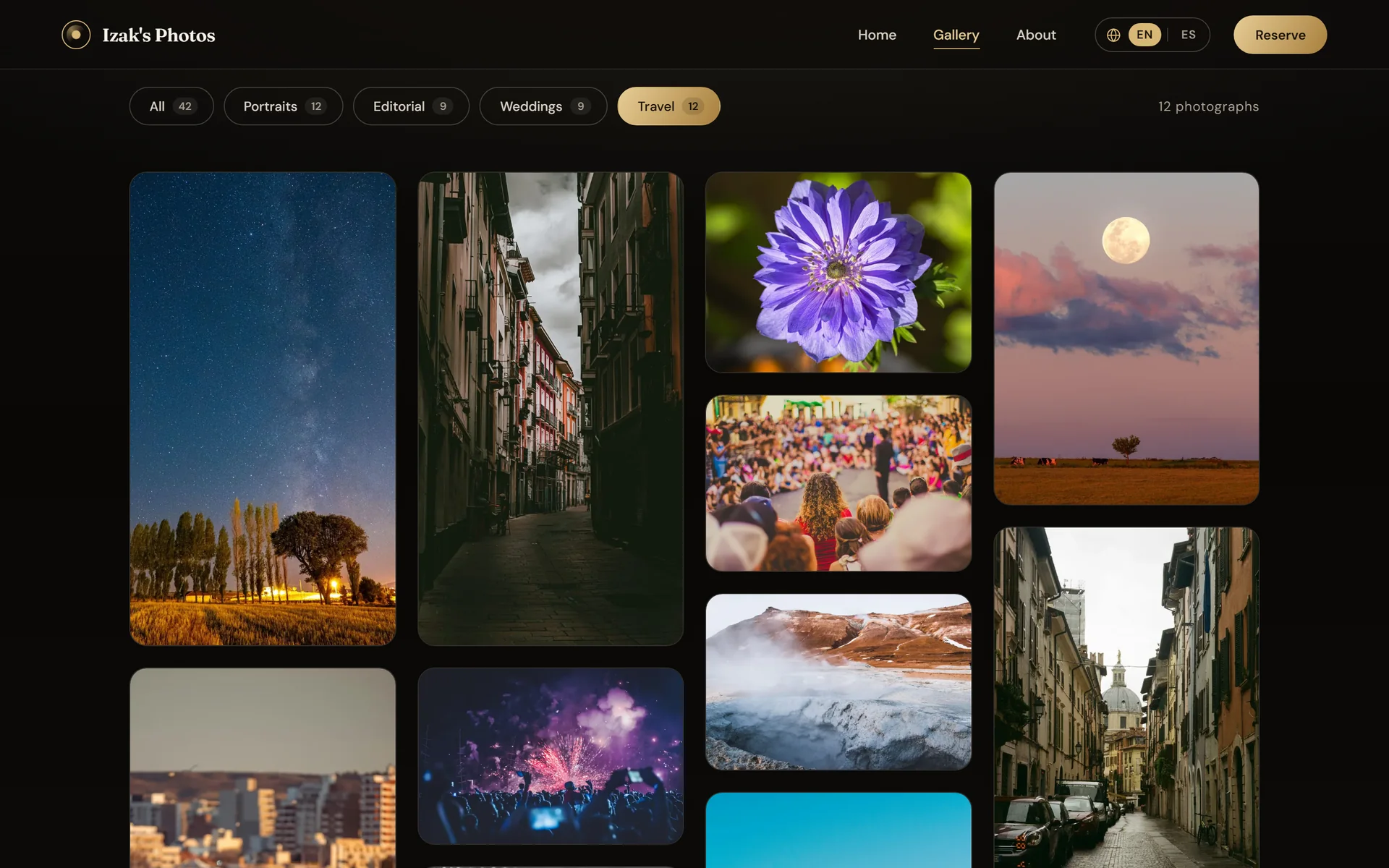
- Forty-two photos in four series turn into a generic grid.
- Decision
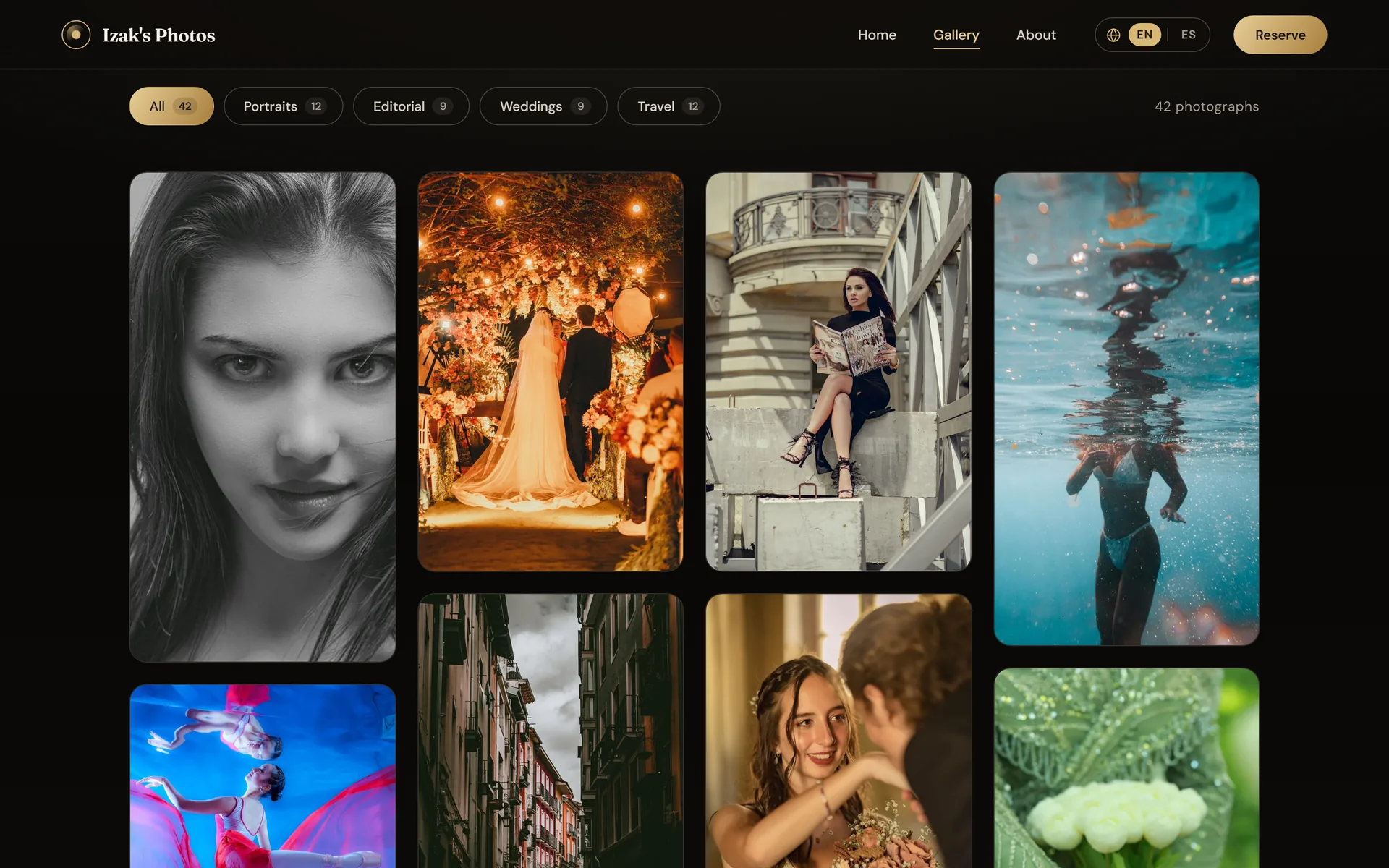
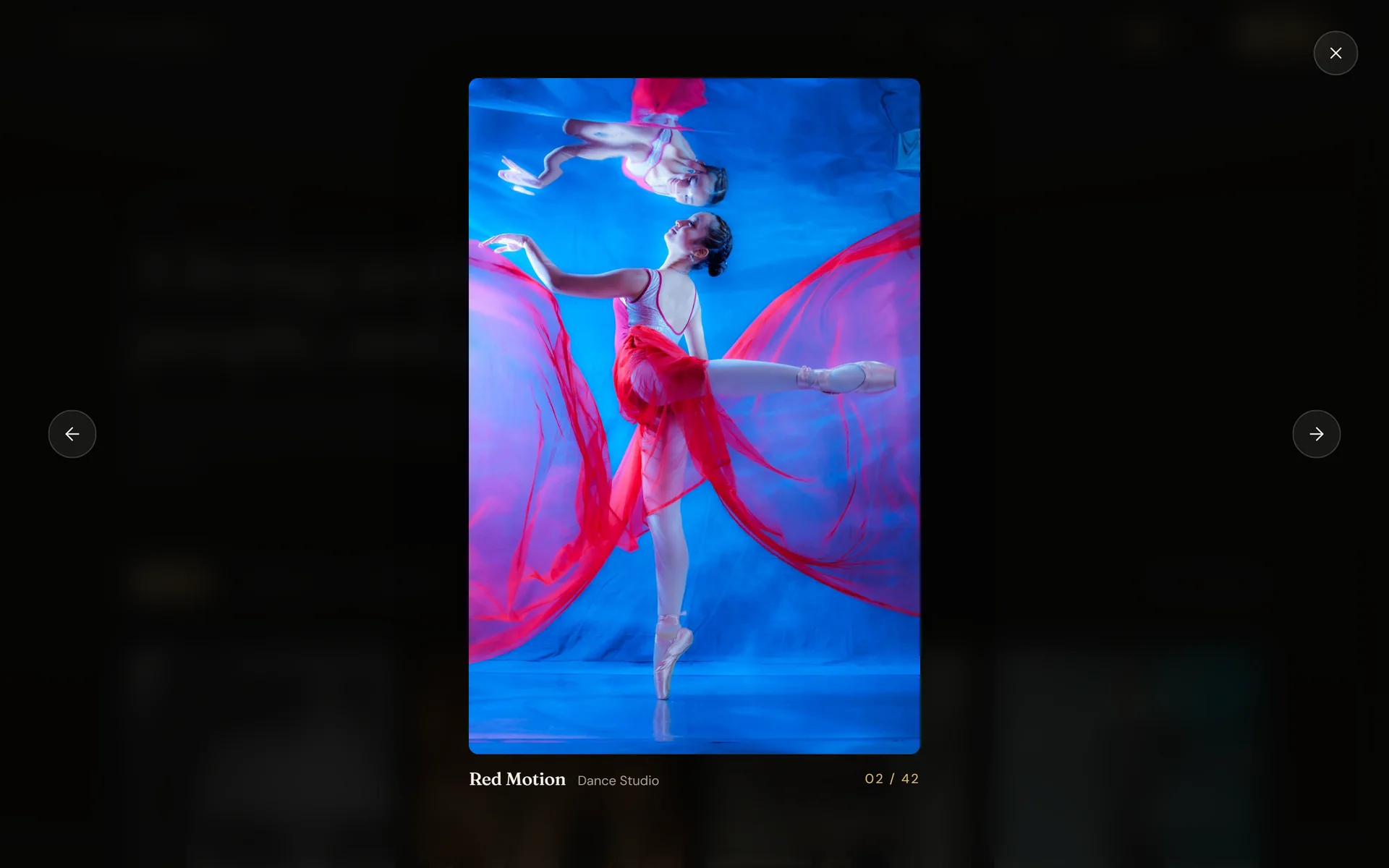
- A mosaic that interleaves the series, filters with counts and a full-screen, keyboard-ready viewer.
- Problem
- There was no way to share or link to a specific photo.
- Decision
- The category and the open photo live in the URL; every photo has its own link.
- Problem
- On the phone, titles never showed, because they only appeared on hover.
- Decision
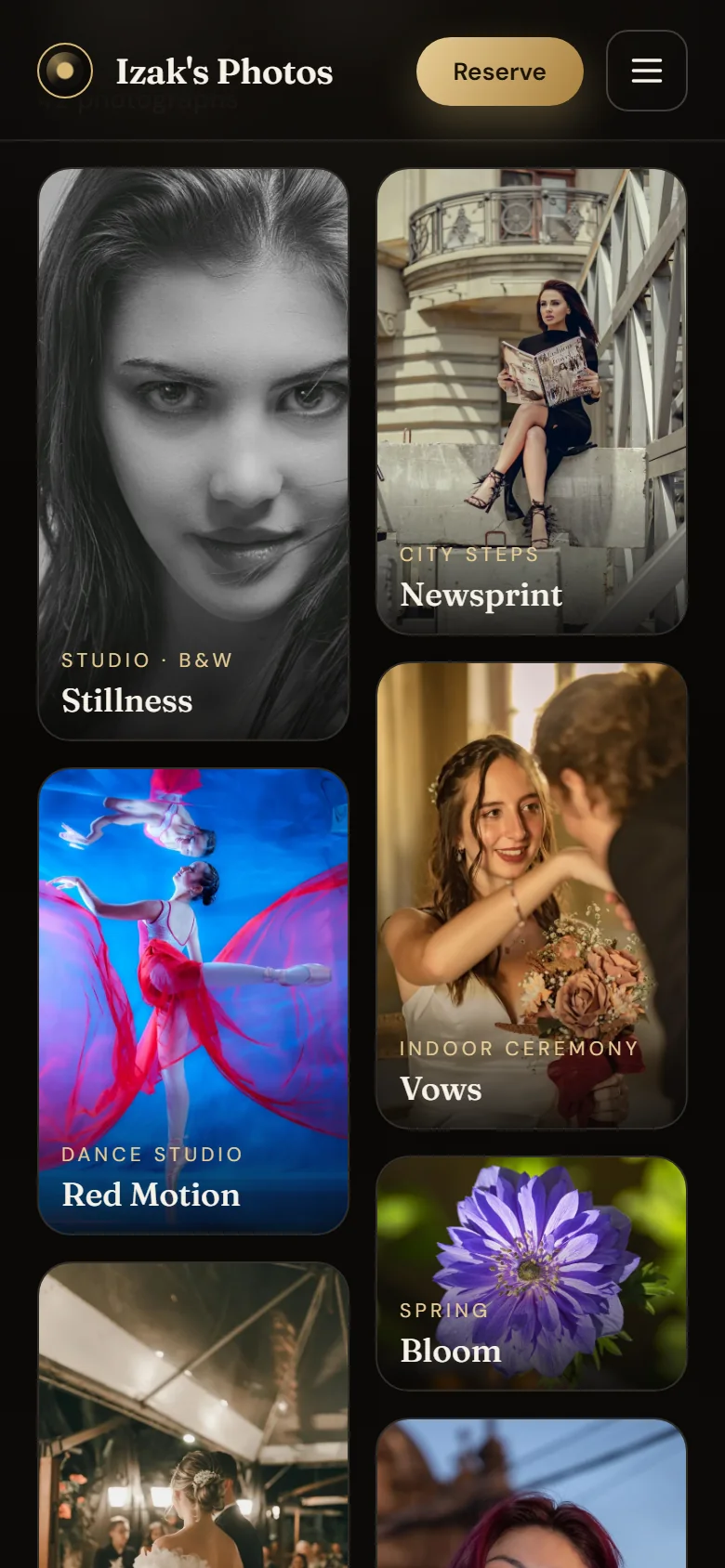
- On touch screens, the location and title stay visible over every photo.
- Problem
- The gallery downloaded 9.3 MB of full JPEGs just to show small thumbnails.
- Decision
- 720 px WebP thumbnails in the grids; the full JPEG only loads in the viewer.
- Problem
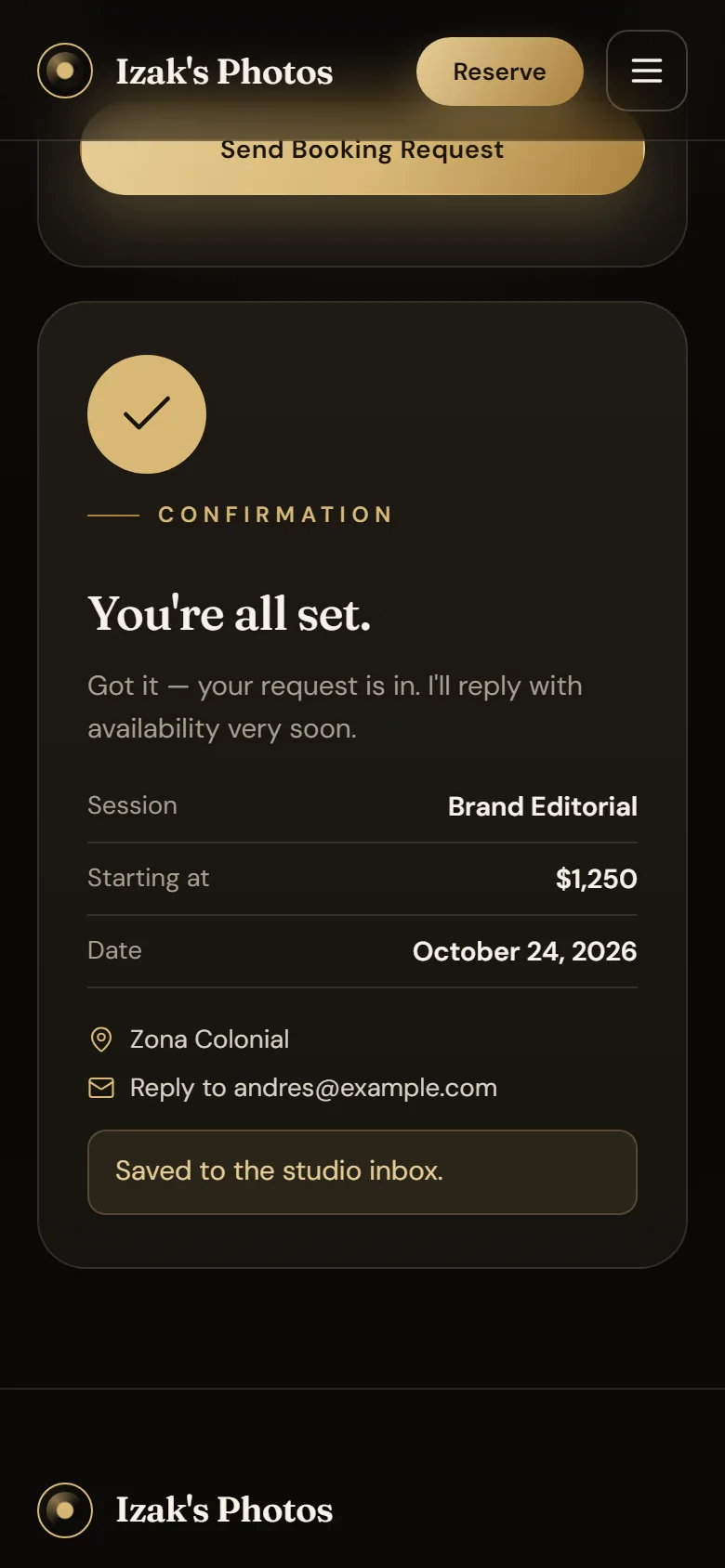
- On the phone, the booking confirmation landed off-screen.
- Decision
- After submitting, the page scrolls to the confirmation, which sums up what was sent.
- Problem
- A generic error makes you guess what failed and type everything again.
- Decision
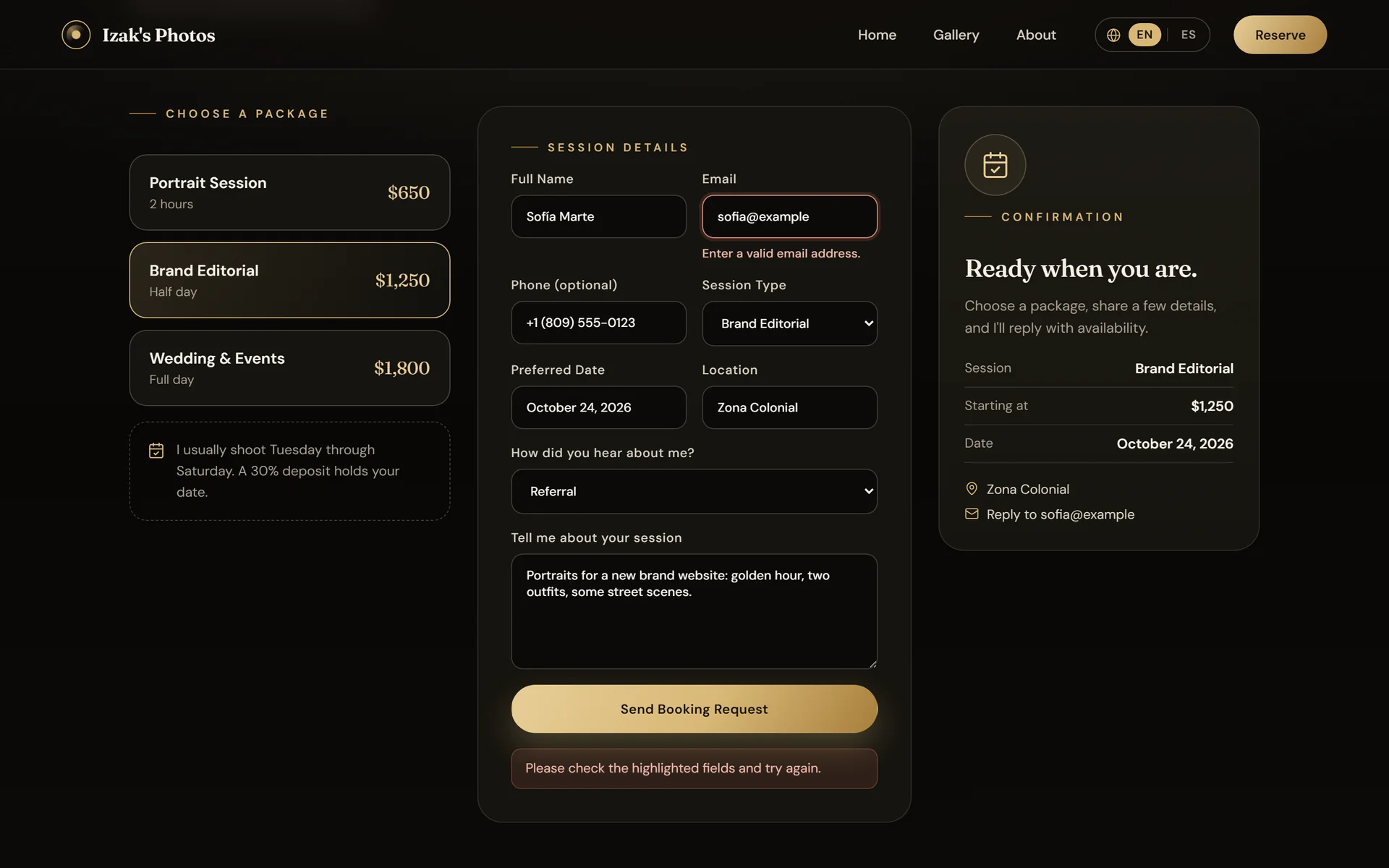
- The API returns each field's error and the form marks it in place, without clearing what was typed.
- Problem
- A studio that works at home and abroad can't speak just one language.
- Decision
- English and Spanish across the site in one click; the choice is remembered and updates the page lang.
System
Pick a module: its path lights up.Pick a module: its decision appears below.
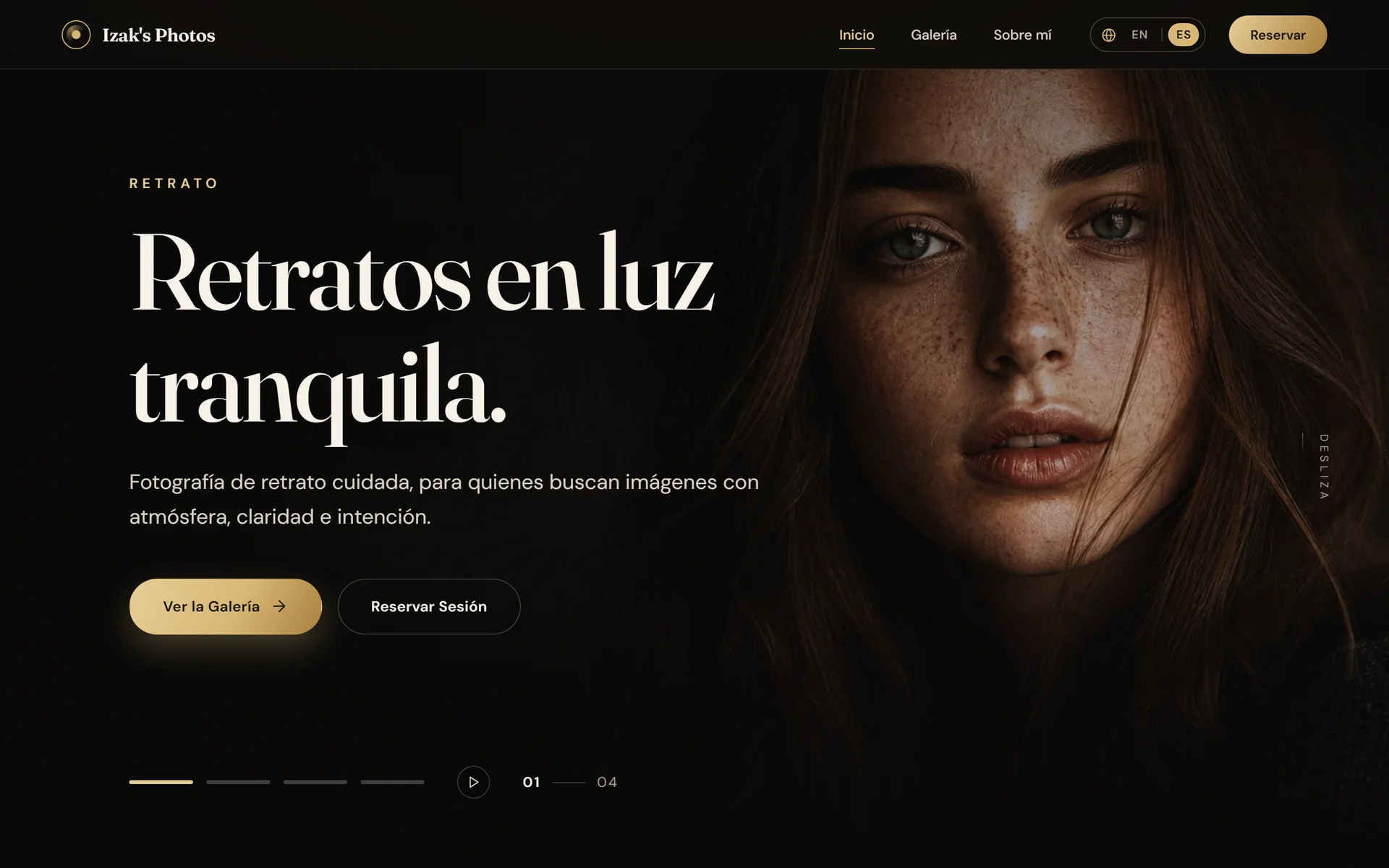
A full-bleed hero with a pause button and “Reserve” pinned in the header; featured photos open that image in the viewer.
React 18 · React Router 7
The mosaic interleaves the series and each photo reserves its aspect ratio; the category lives in the URL.
useSearchParams · Custom CSS
Keyboard, swipe and focus kept inside the dialog; the open photo is a link, and its thumbnail covers it while the JPEG arrives.
React 18 · useSearchParams
On touch, each photo's location and title are always visible: there's no hover to reveal them.
@media (hover: none) · Custom CSS
Photos are labeled as portfolio work, not as a portrait of anyone.
React 18
Per-field errors returned by the API and, after submitting, a summary the page scrolls to on the phone.
fetch · aria-invalid
A custom Context with t({ en, es }), no translation library; the language is remembered and updates the page lang.
React Context · localStorage
Validates and stores each request; ten per hour per client, and a honeypot field that accepts bots without saving them.
Django REST Framework 3 · DRF throttling
Filters, search and two actions: mark requests as handled or reopen them.
Django Admin
Railway only releases the new version if /api/health/ responds.
Django 5.2
SQLite locally and PostgreSQL with DATABASE_URL, without code changes; a single ten-field model for requests.
SQLite · PostgreSQL · dj-database-url
Shipped in the build: the full JPEG for the viewer and hero, and 720 px WebP thumbnails for the grids.
import.meta.glob · WebP
Stores only the chosen language: the site has no accounts and no tracking cookies.
localStorage
Railpack builds everything, migrates before release and restarts the service if the health check fails.
Railway · Railpack
A single process serves the Vite build, the API and the admin from the same origin: no CORS in production.
Gunicorn 23 · WhiteNoise 6.12
On every push and pull request: pending migrations, the 8 tests and the frontend build.
GitHub Actions
Fraunces and DM Sans: the only external runtime dependency.
Google Fonts
Client
Home page
A full-bleed hero with a pause button and “Reserve” pinned in the header; featured photos open that image in the viewer.
- Technologies
- React 18 · React Router 7
- Sends to
- Gallery · Viewer · Bookings · Google Fonts
Technologies
38 tools across 10 areas. In the system, each module lists its own.
Languages
- JavaScript (JSX)
- Python 3
- CSS
- HTML
Frontend
- React 18.3
- React Router 7.18
- Vite 8.3
- @vitejs/plugin-react 6.1
Interface
- Custom CSS with variables
- Fraunces and DM Sans
- lucide-react 0.468
- IntersectionObserver
State and language
- React Context
- useSearchParams
- localStorage
- fetch
Backend
- Django 5.2
- Django REST Framework 3
- Django Admin
- django-cors-headers 4
- python-dotenv 1
Data
- SQLite
- PostgreSQL
- dj-database-url 2
- psycopg2 2.9
Images
- 720 px WebP thumbnails
- Pillow (thumbnail script)
- Vite import.meta.glob
Server and deployment
- Gunicorn 23
- WhiteNoise 6.12
- Railway
- Railpack
Quality and CI
- Django TestCase
- GitHub Actions
- EditorConfig
Tooling
- Node.js 24
- npm
- Git
Verifiable results
- Live at izaksphotos.jonasjavier.dev as a single Railway service, with migrations before release and a health check
- A 42-photo gallery in 4 series with filters and the open photo in the URL, so every image has its own link
- A full-screen viewer with keyboard support, touch swipe and focus kept inside the dialog
- The full interface in English and Spanish, with the language remembered
- WebP thumbnails that cut the full mobile gallery from 9.3 MB to 2.4 MB
- Bookings stored in Django with per-field errors, rate limiting and a honeypot field; 8 tests in CI
Tour by module
44 screens across 7 modules.
Home and navigation7 screens
The photo leads, and the two main actions are visible at first glance.
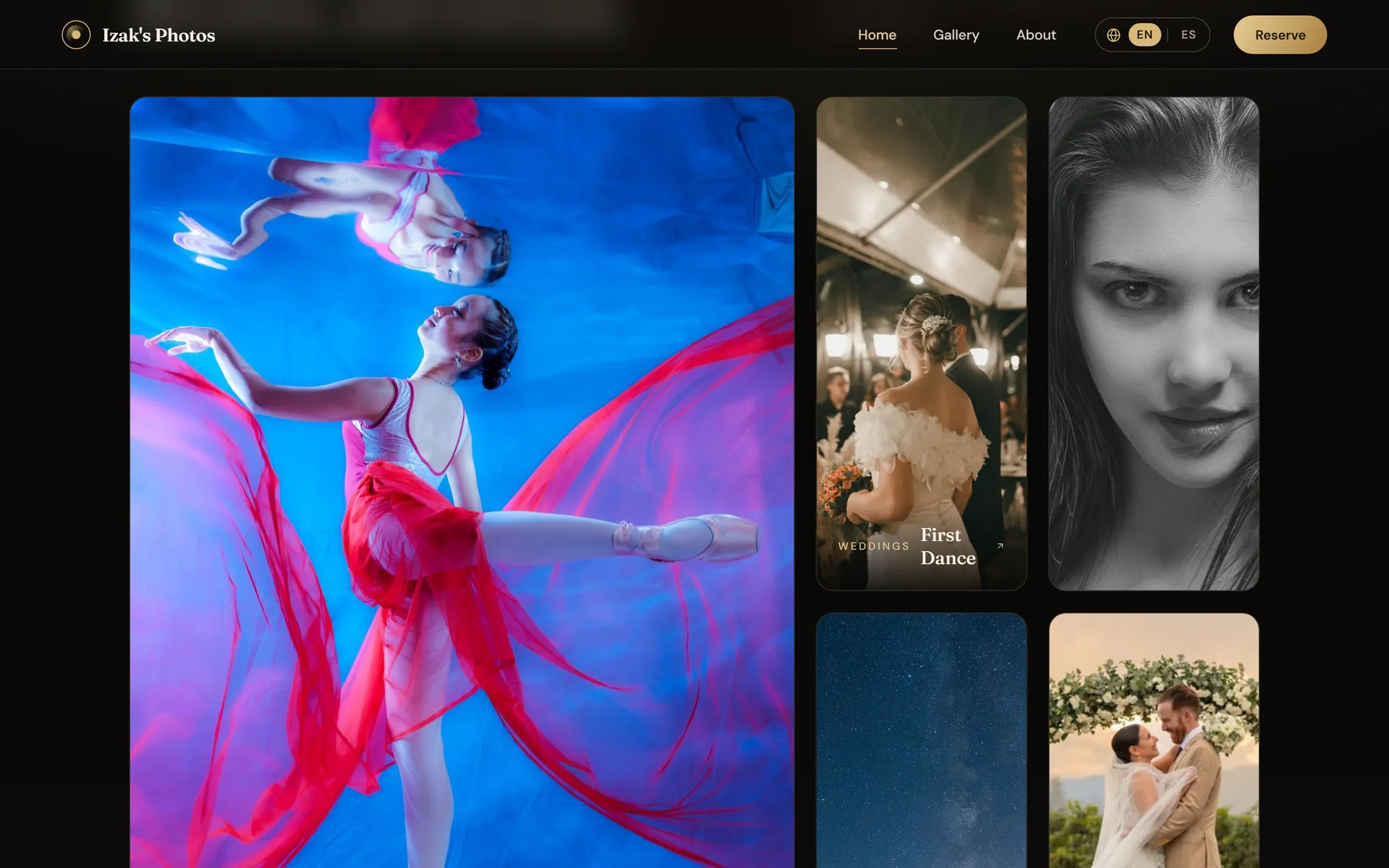
Each featured photo shows its series and opens that image in the viewer.
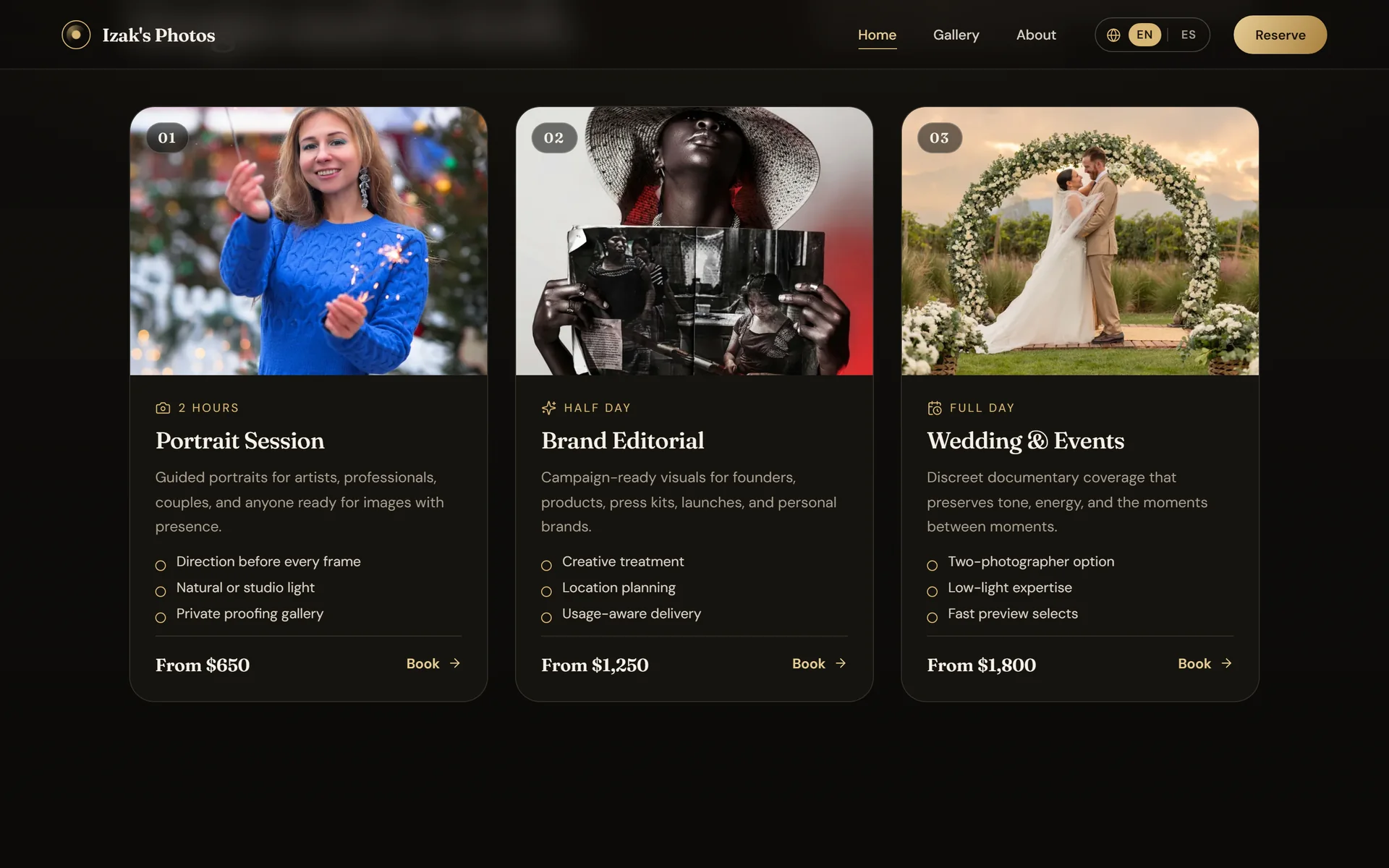
Three packages with length, what's included and price; the prices are samples.
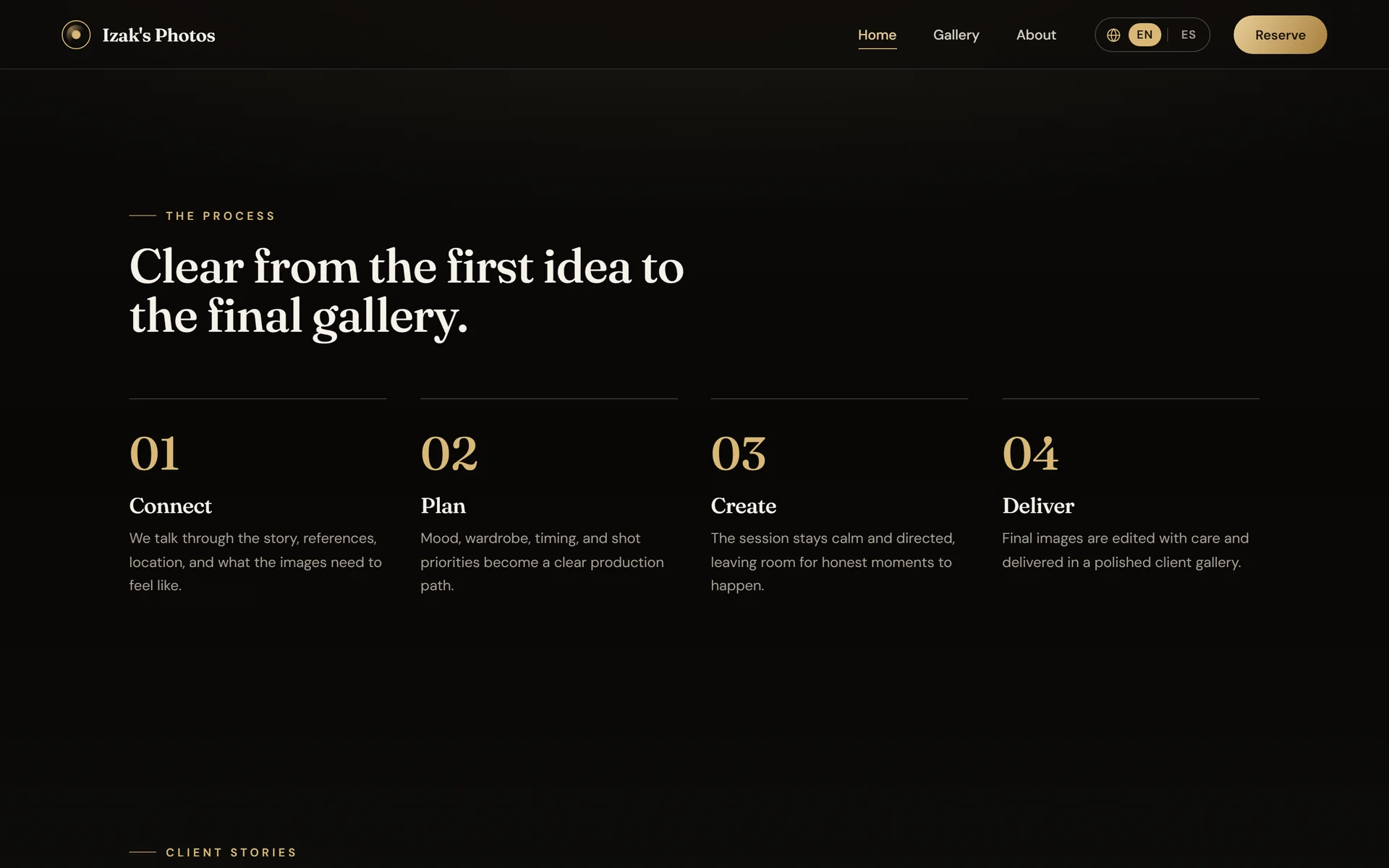
Four steps explain the work from first idea to delivery.
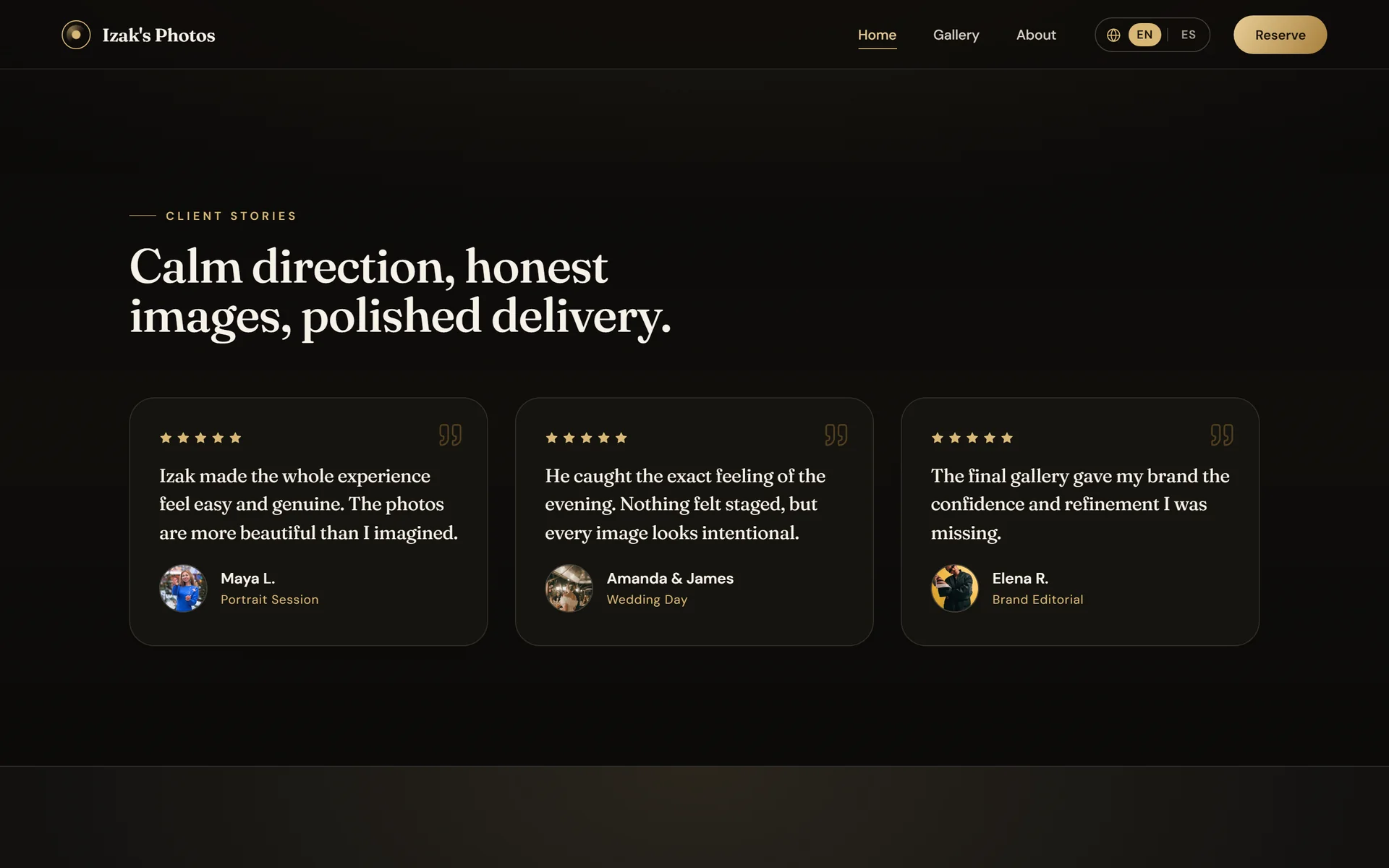
A testimonials block ready for real ones; the current ones are samples.
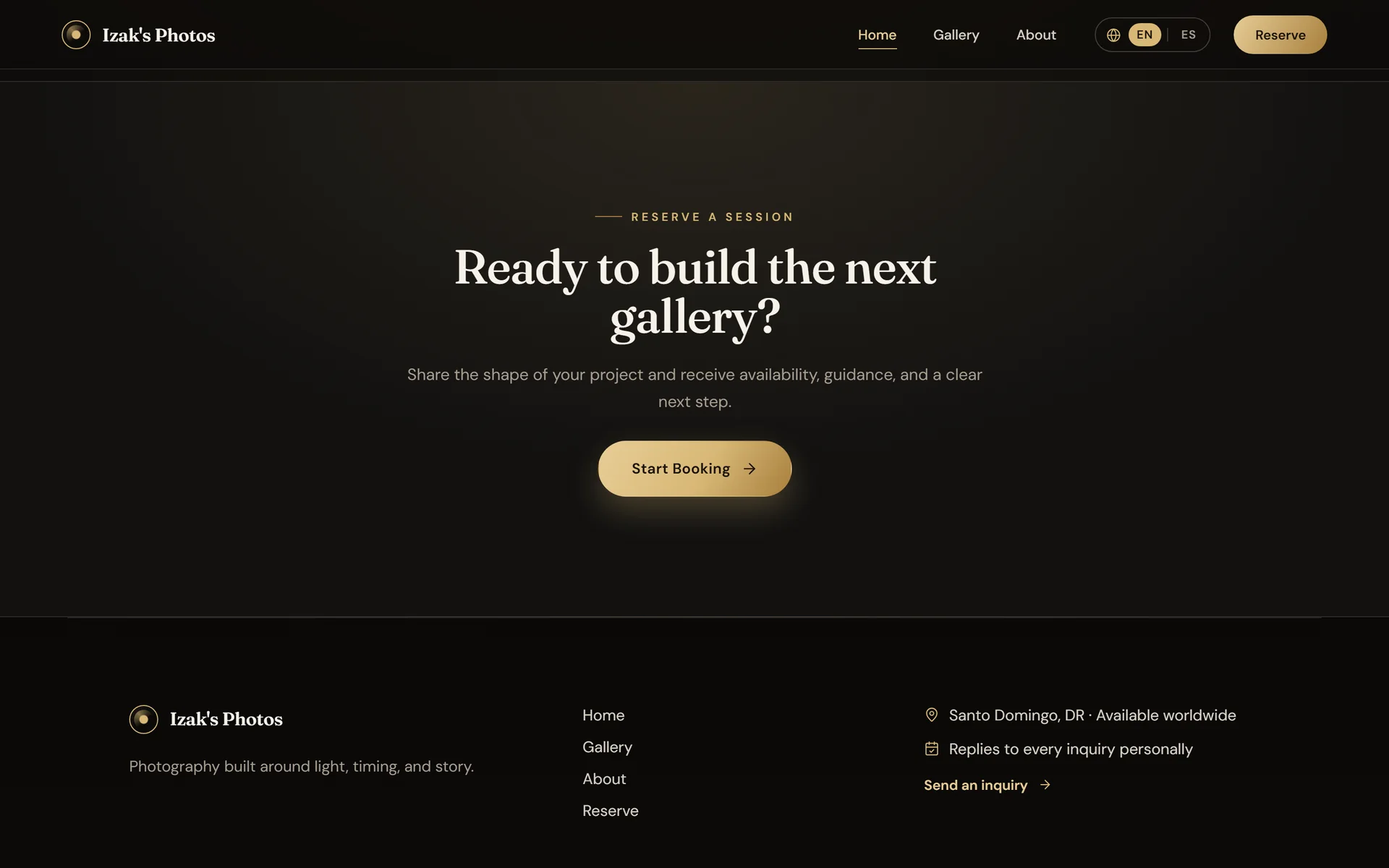
The footer leads to the form instead of to an email that doesn't exist.
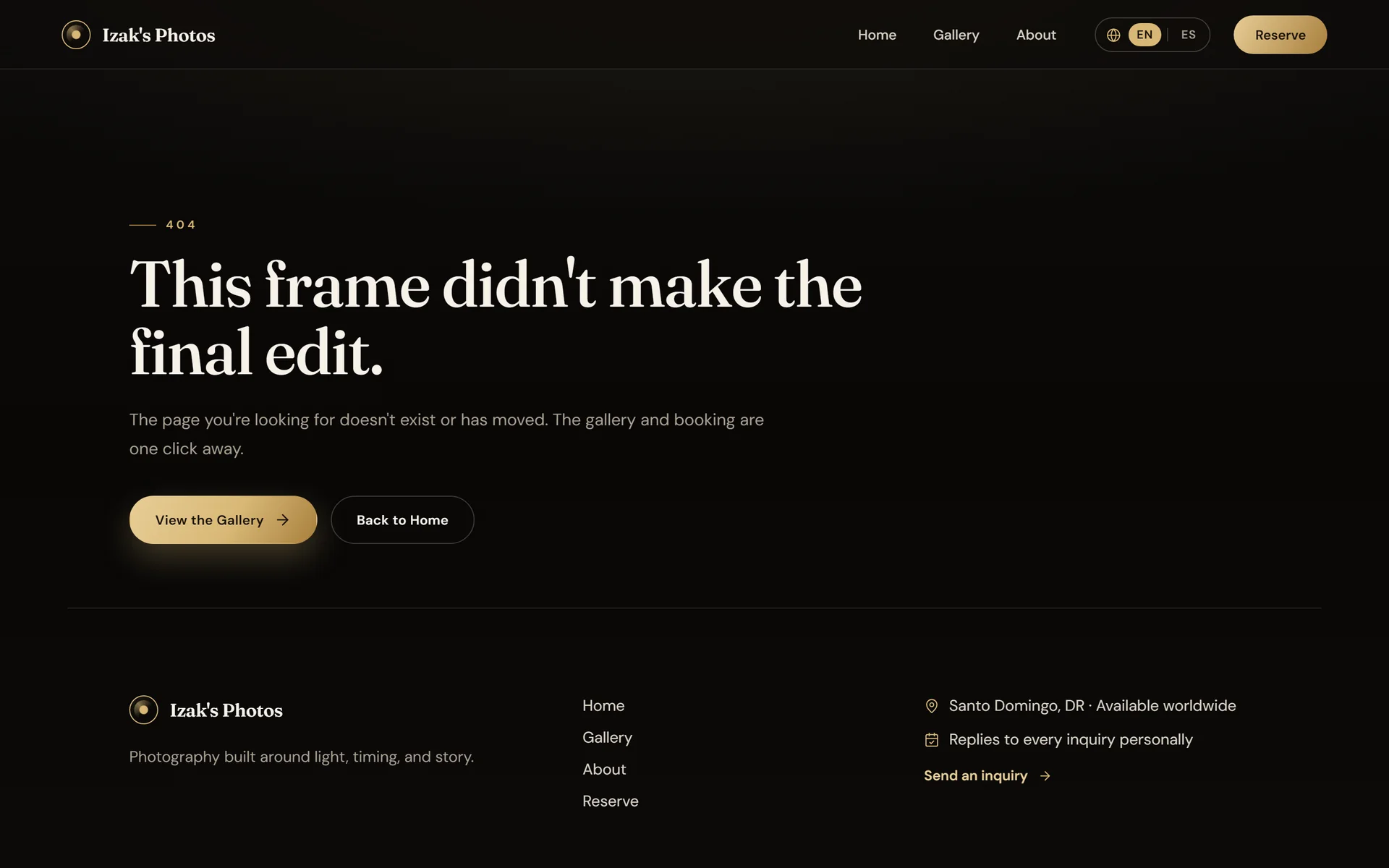
A broken URL gets its own page, with a way back to the gallery.
Gallery and viewer6 screens
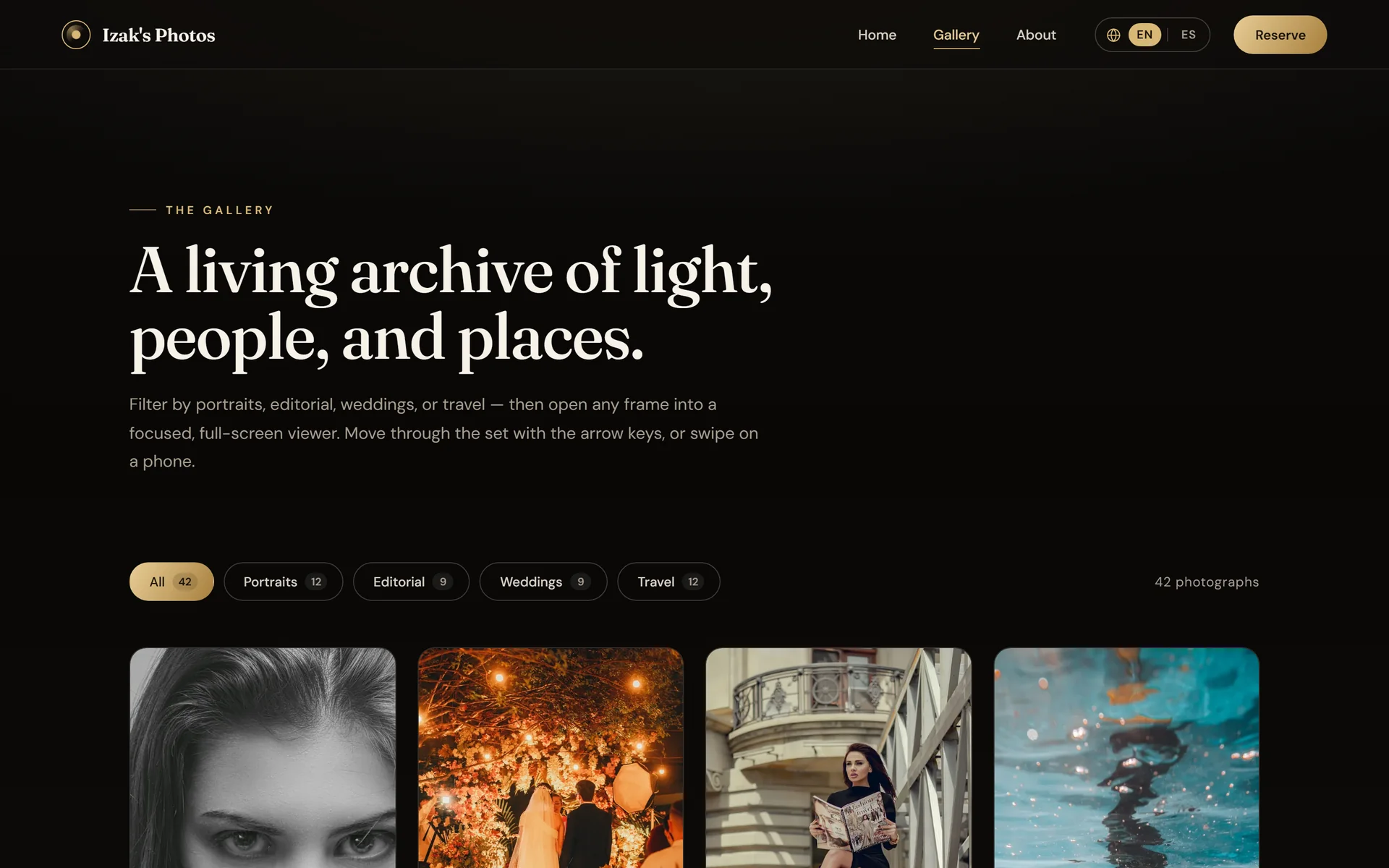
The filters say how many photos each series holds.
“All” interleaves the series so the mosaic doesn't cluster by type.
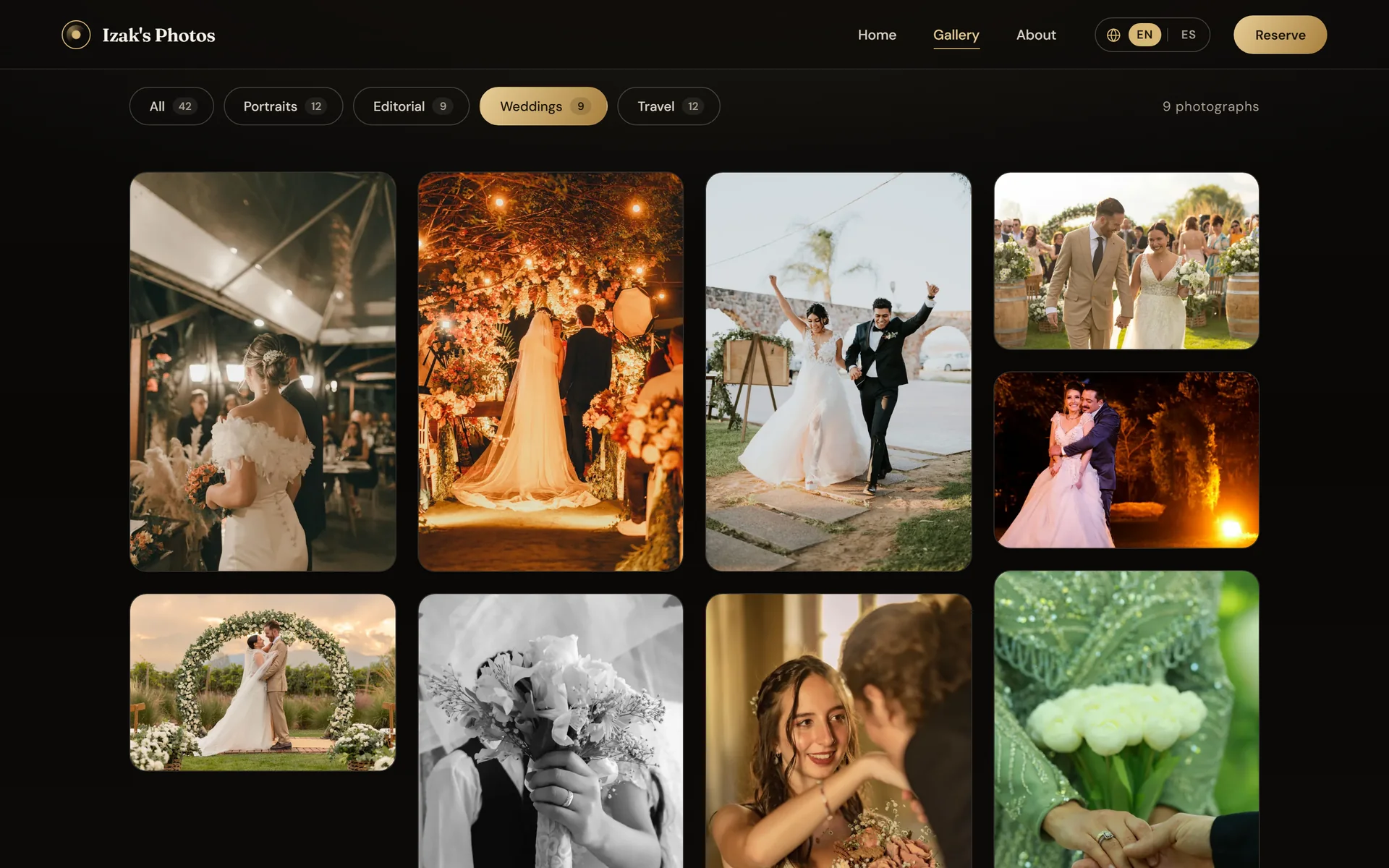
Each series has its own URL, ready to share.
Portrait and landscape photos sit together because each one reserves its aspect ratio.
Every photo has its own link that opens the viewer directly.
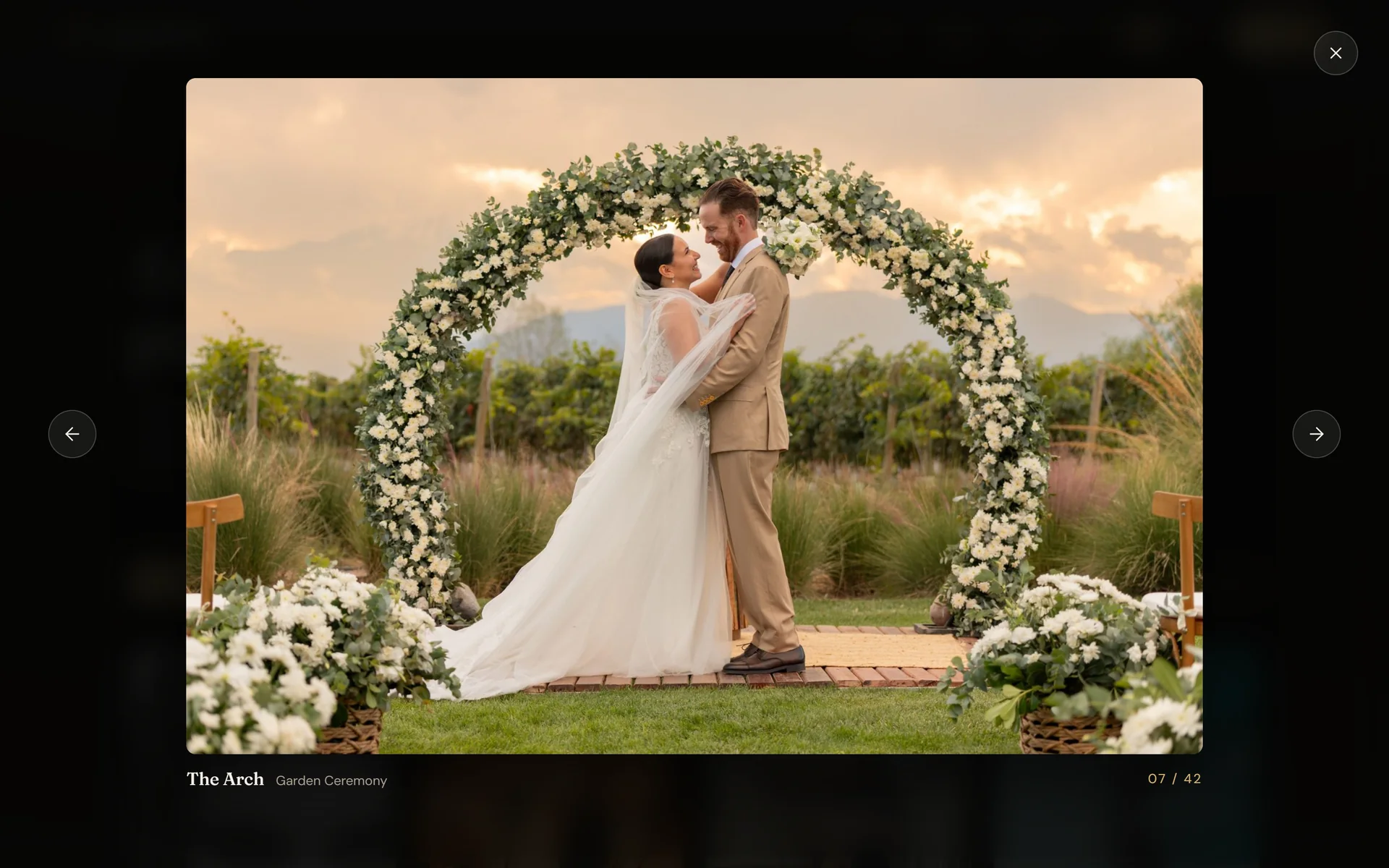
The viewer adapts its frame to portrait and landscape photos.
About2 screens
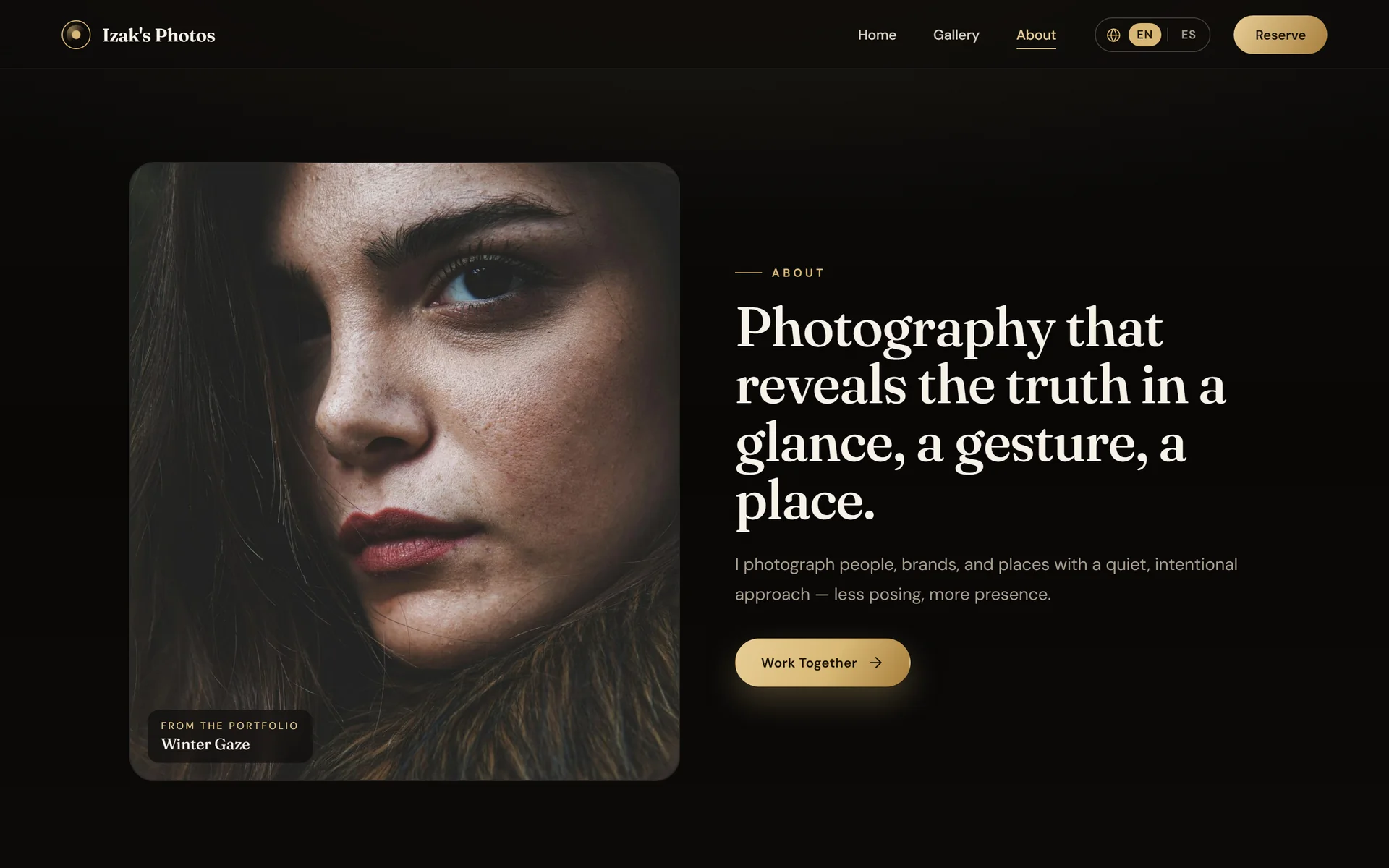
About opens with a photo from the portfolio, labeled as such.
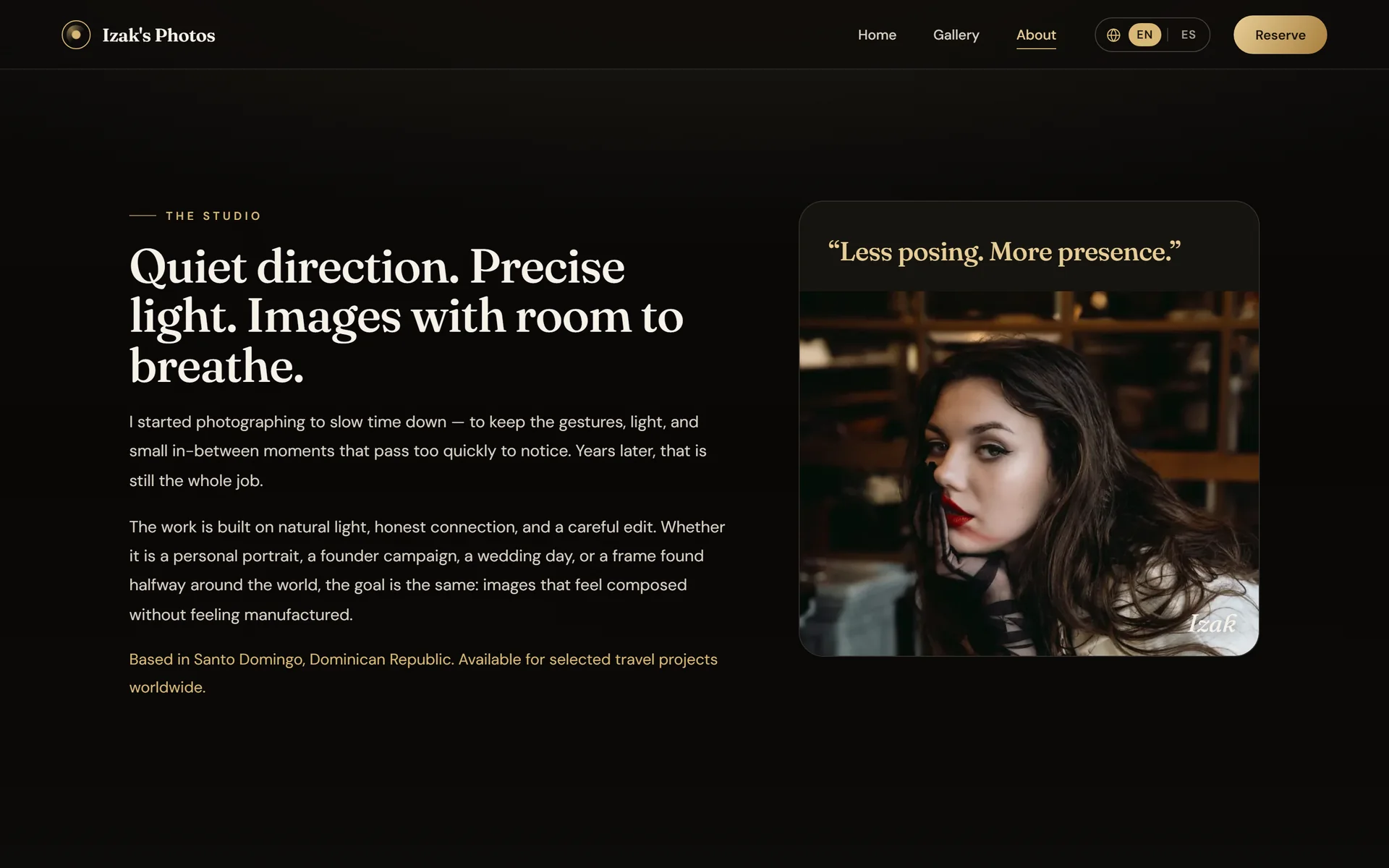
The story and a quote sum up the philosophy: less posing, more presence.
Bookings5 screens
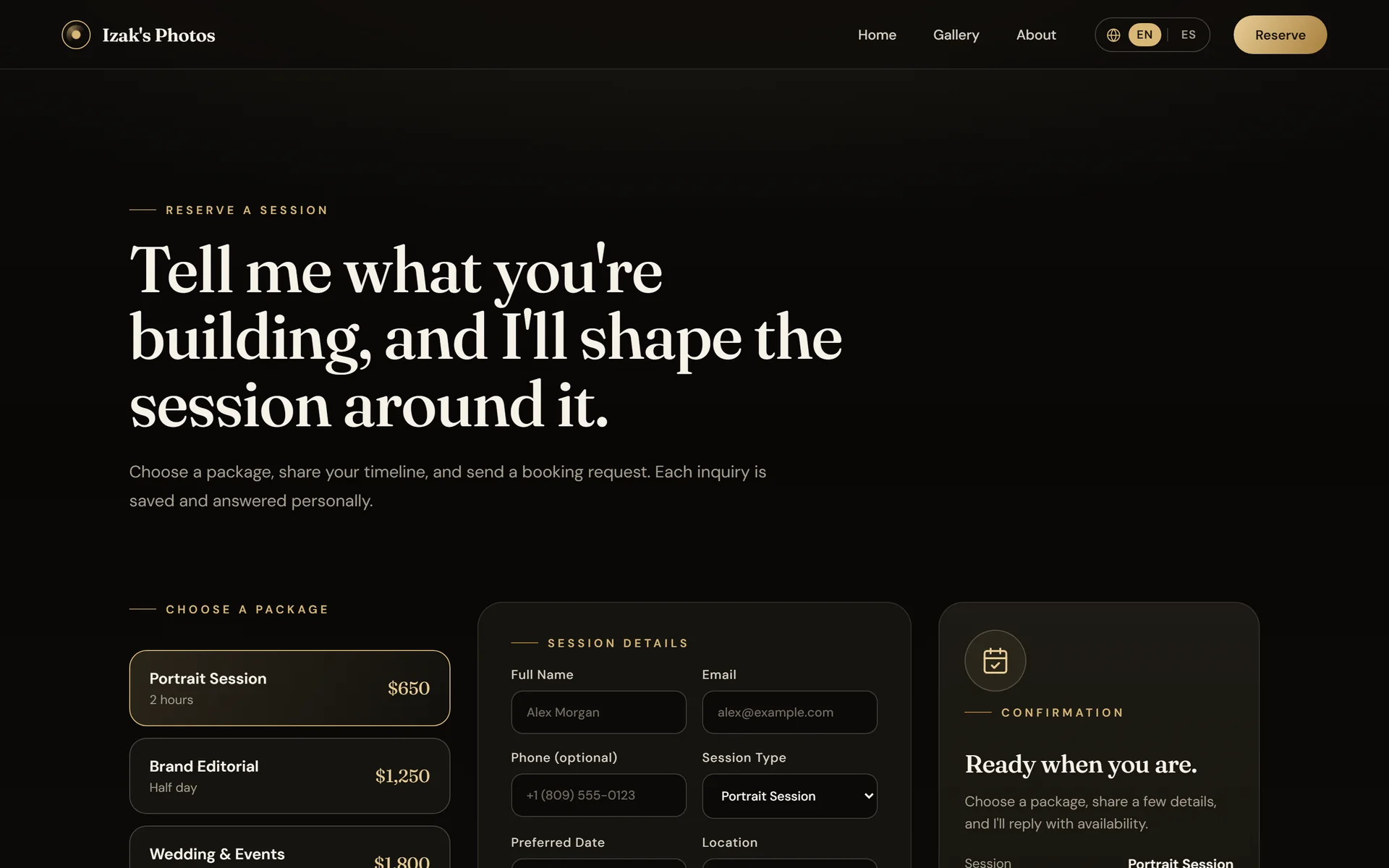
Package, form and summary share a single view.
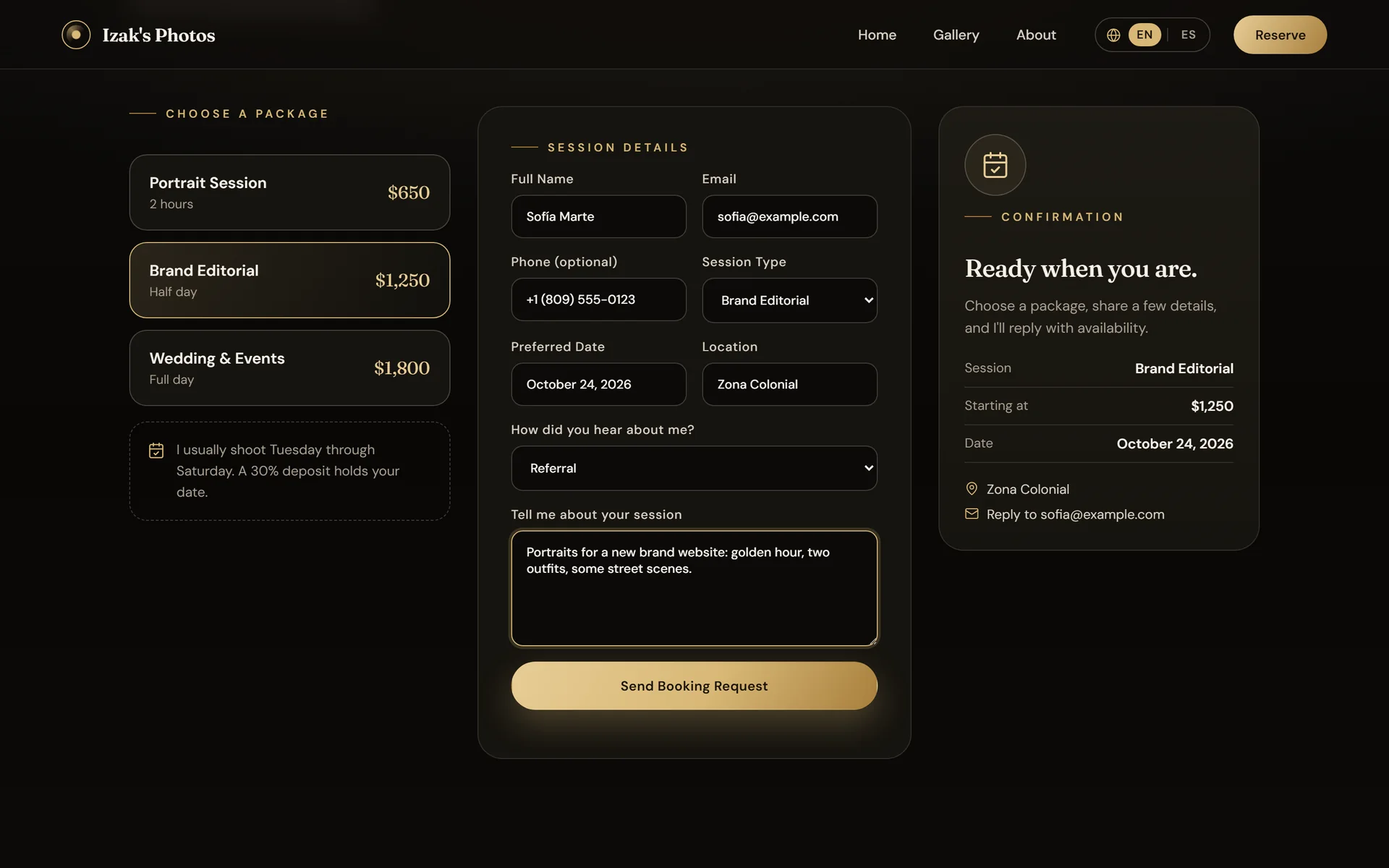
The summary updates as the visitor types.
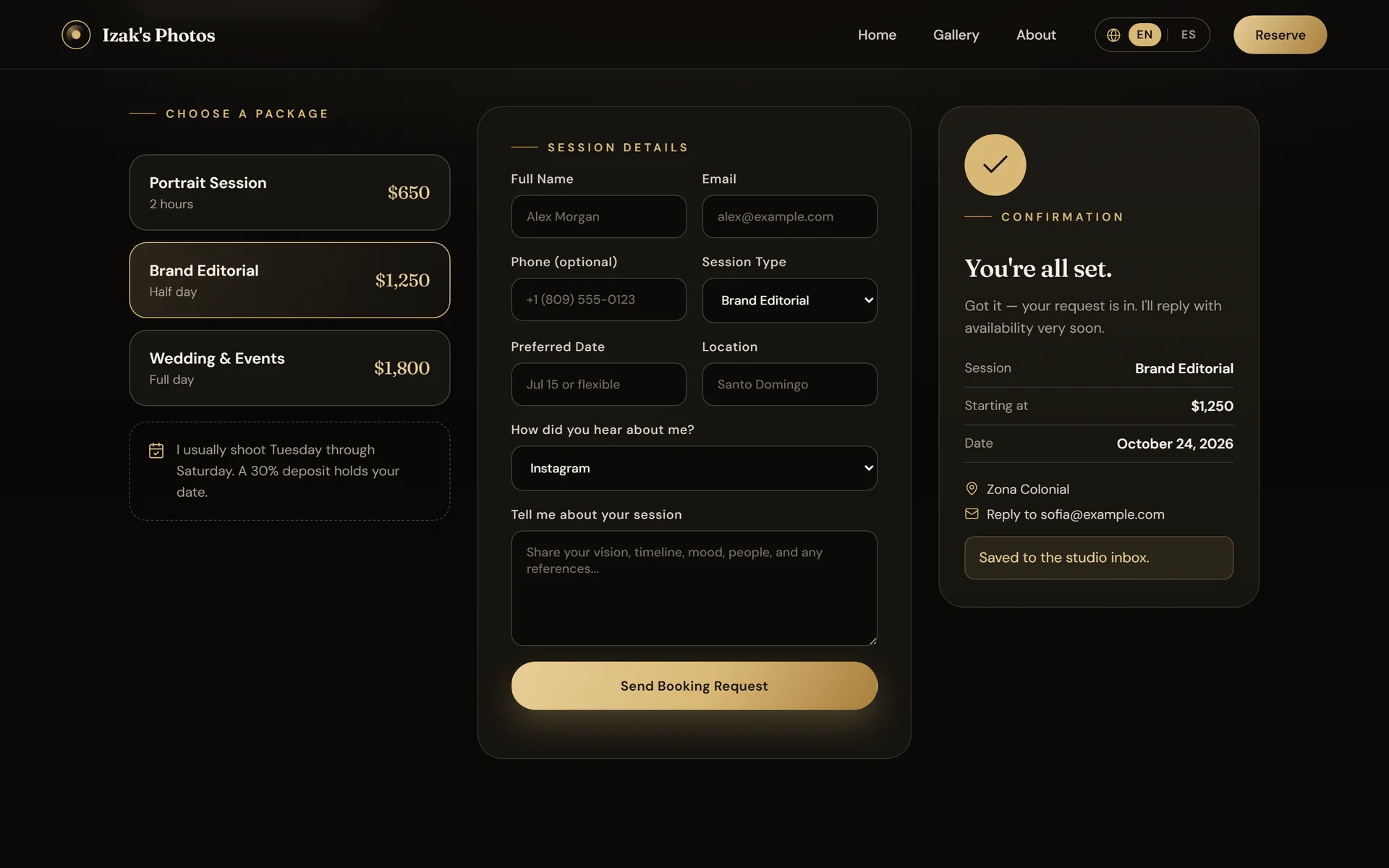
After submitting, the confirmation sums up exactly what was sent.
If the API rejects a value, the exact field is marked and explained.
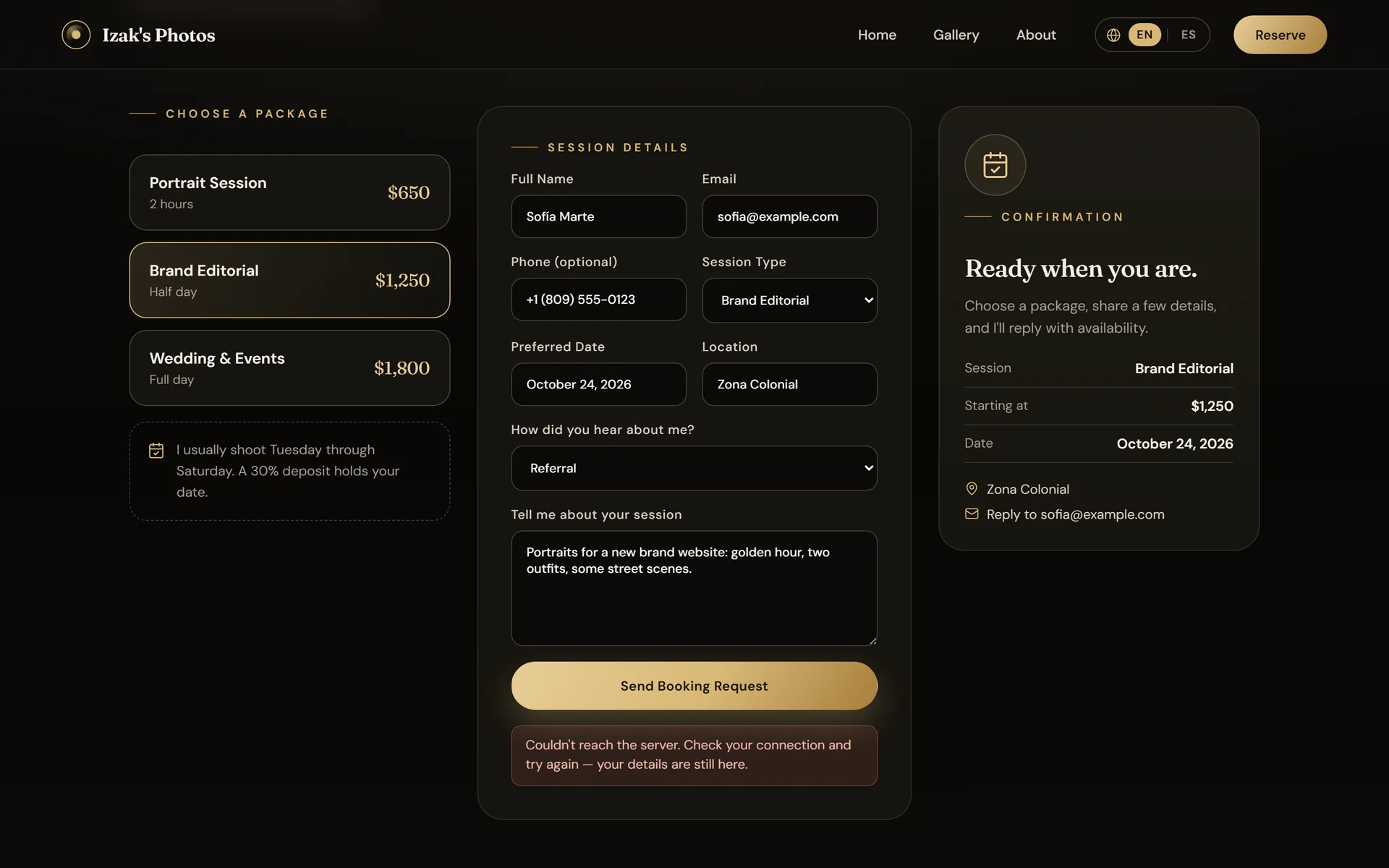
If the network fails, the notice says so and the data stays typed in.
In Spanish3 screens
The whole site exists in English and Spanish, and remembers the choice.
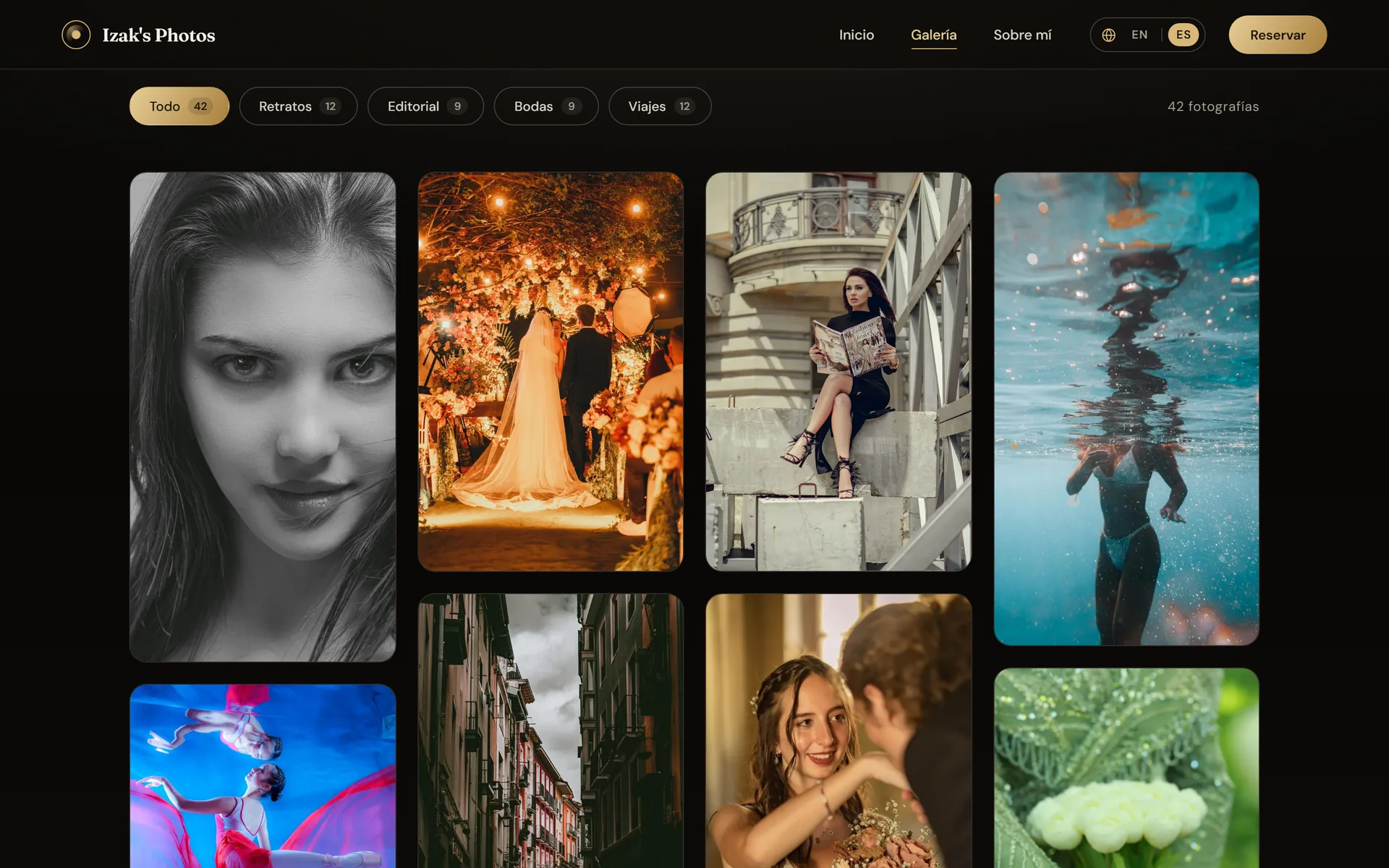
Filters and counters, in Spanish too.
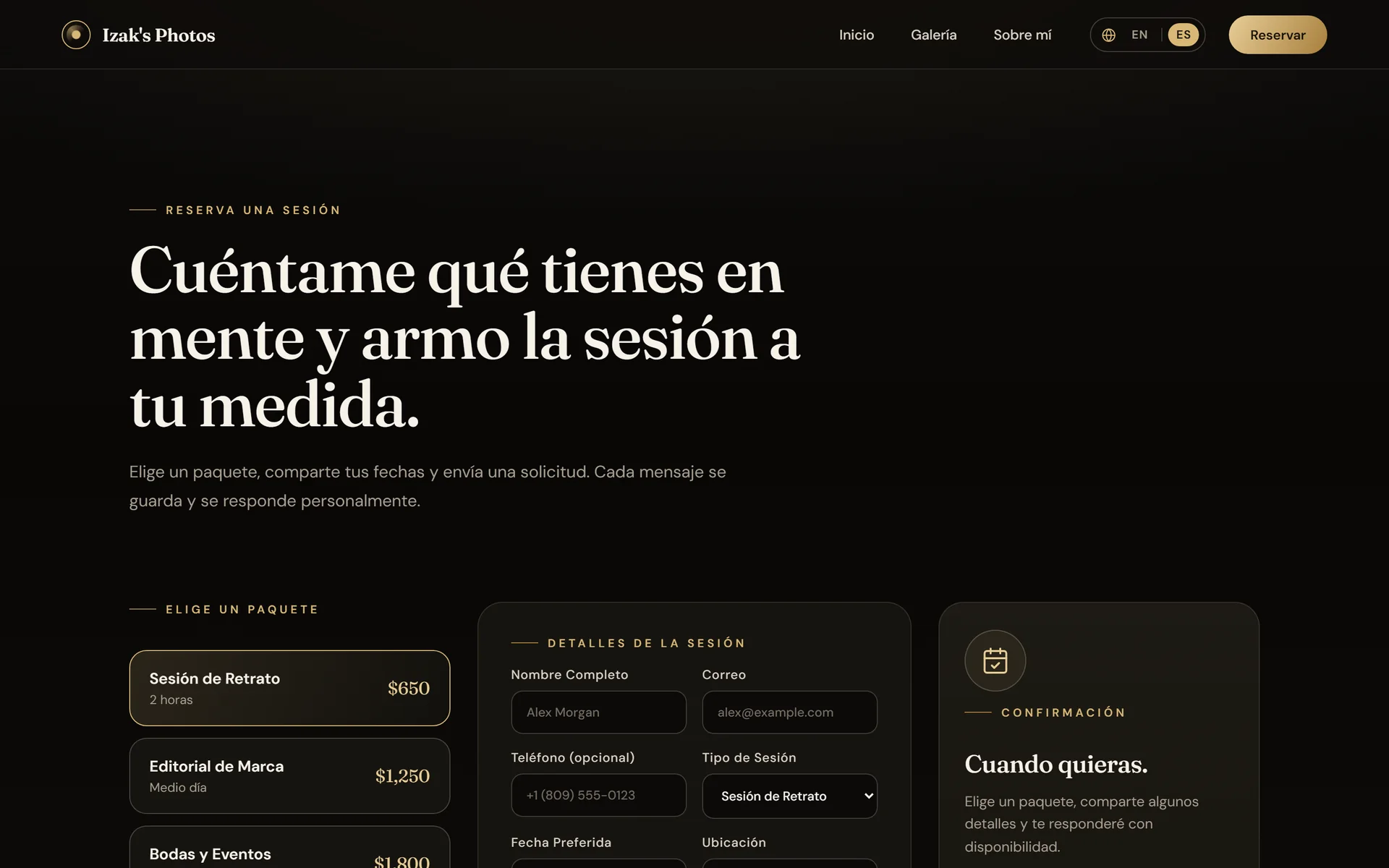
The booking form, translated from start to finish.
Admin2 screens
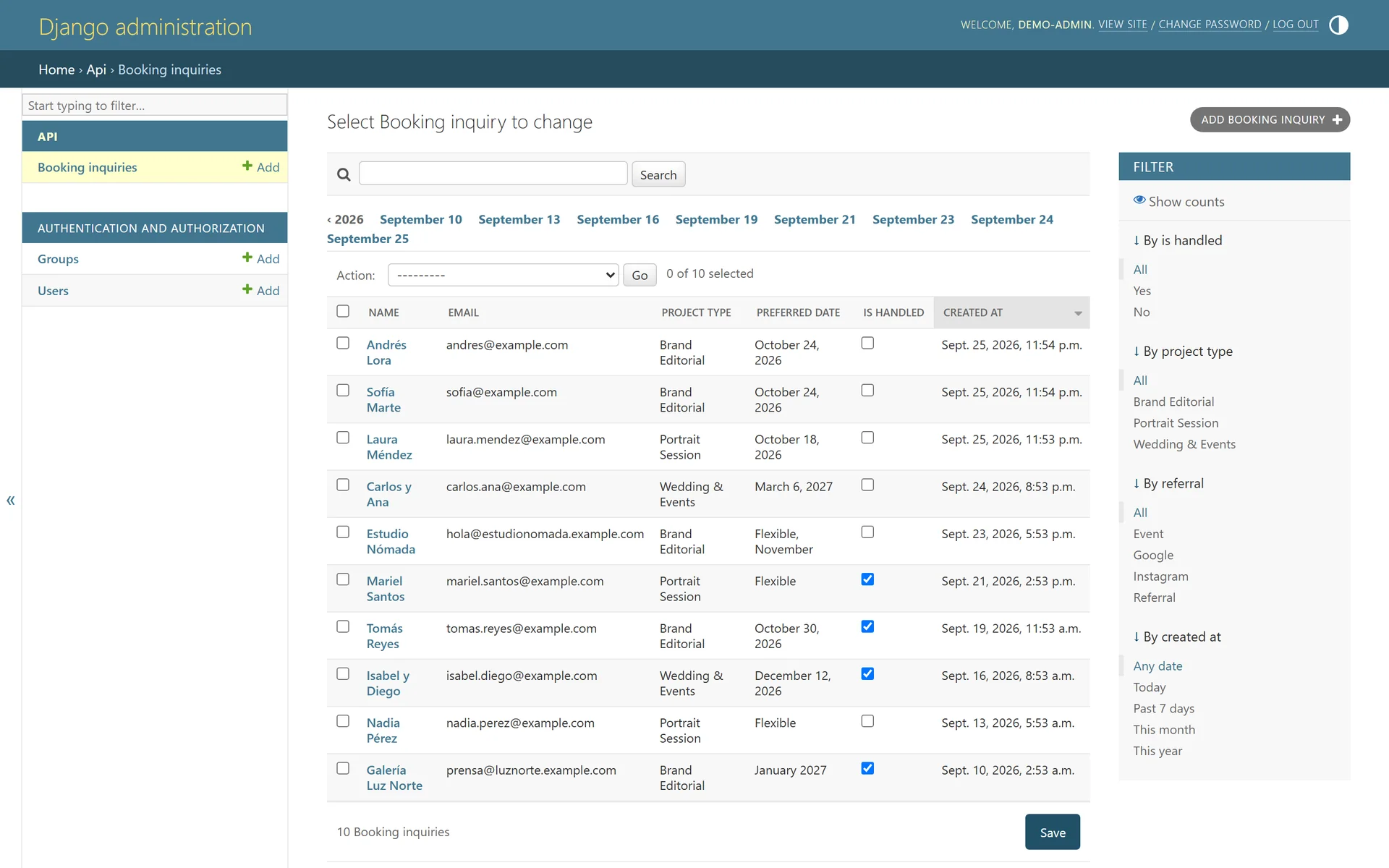
Every request reaches the admin, where it can be filtered and searched.
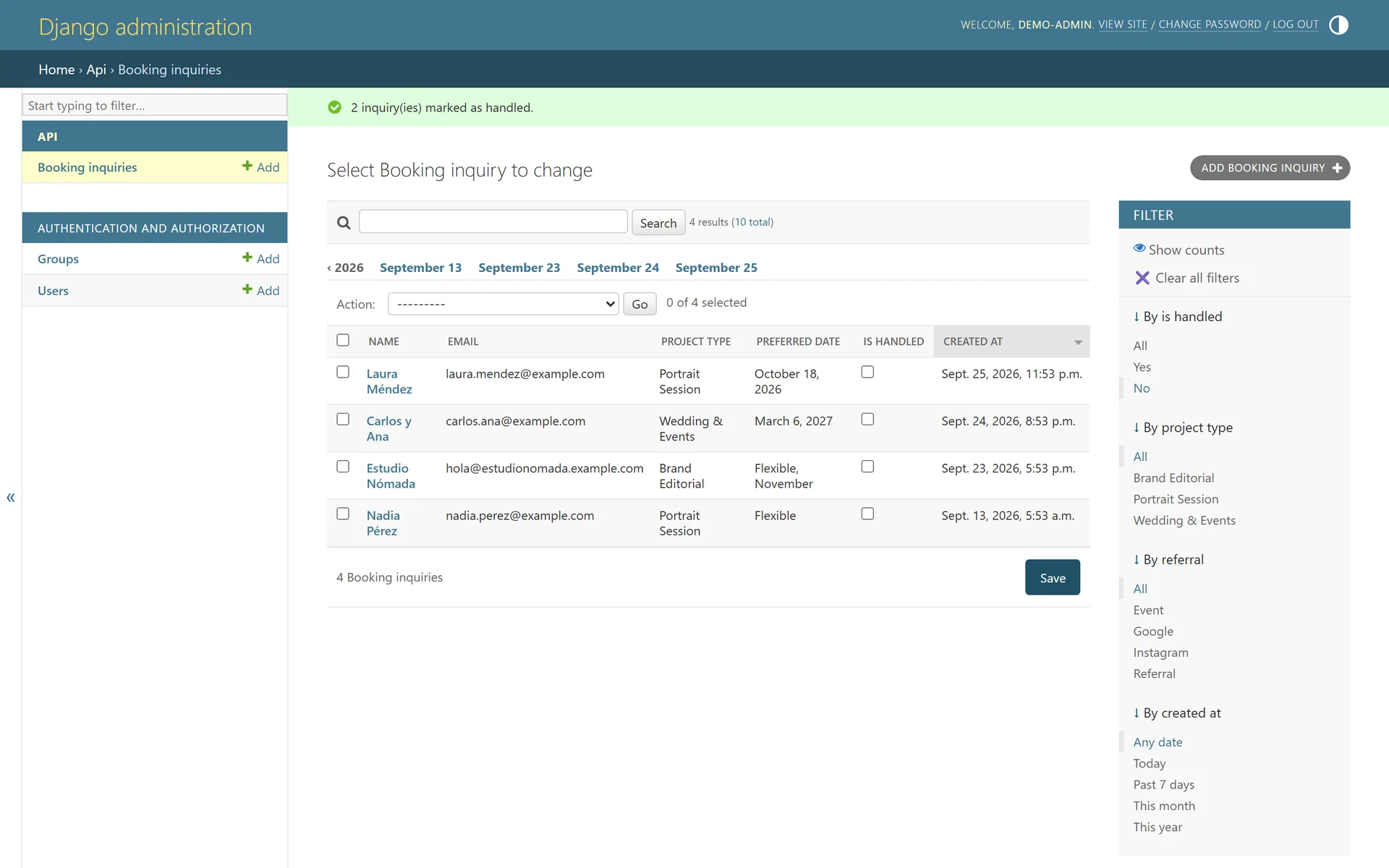
One action marks several requests as handled at once.
On the phone19 screens
On touch screens each photo shows its location and title.
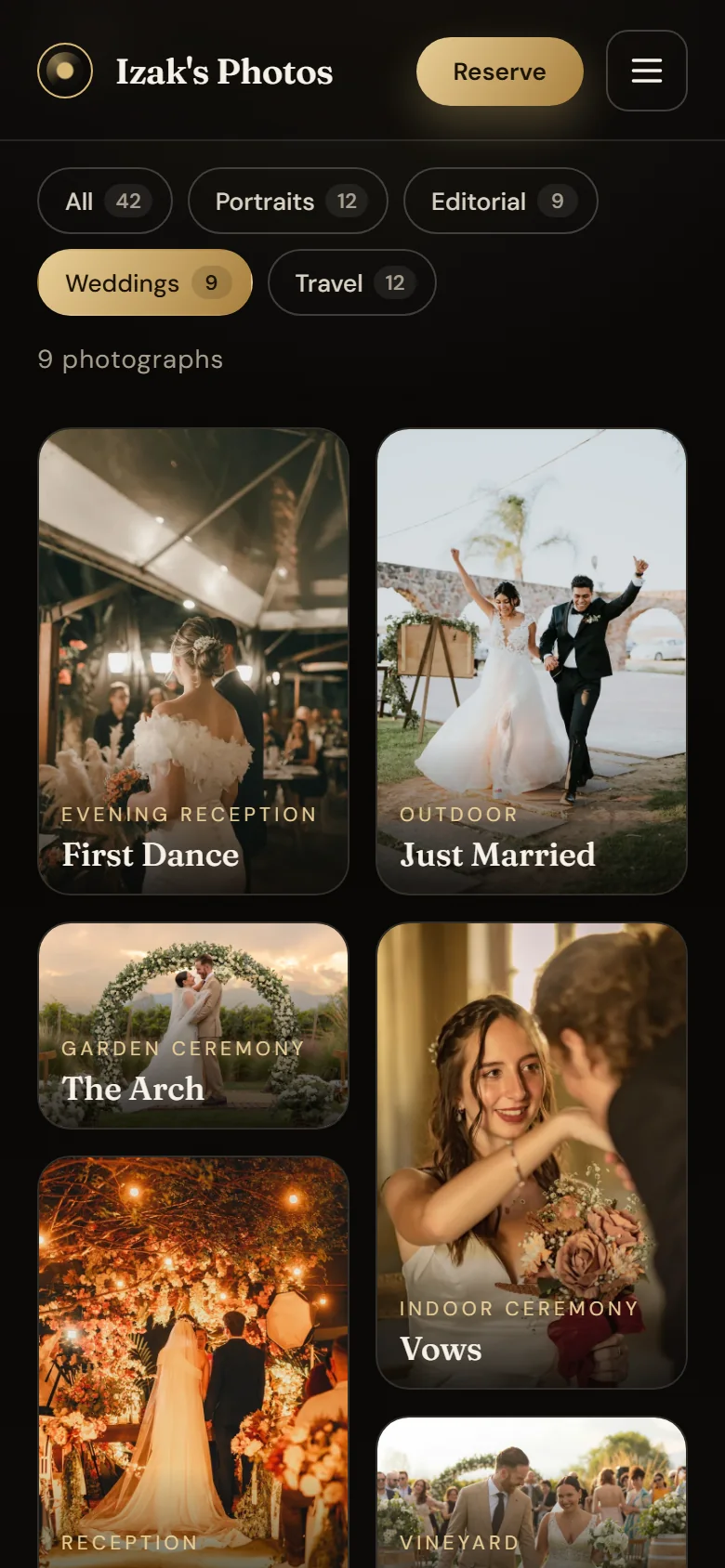
The wedding series on the phone, every photo labeled.
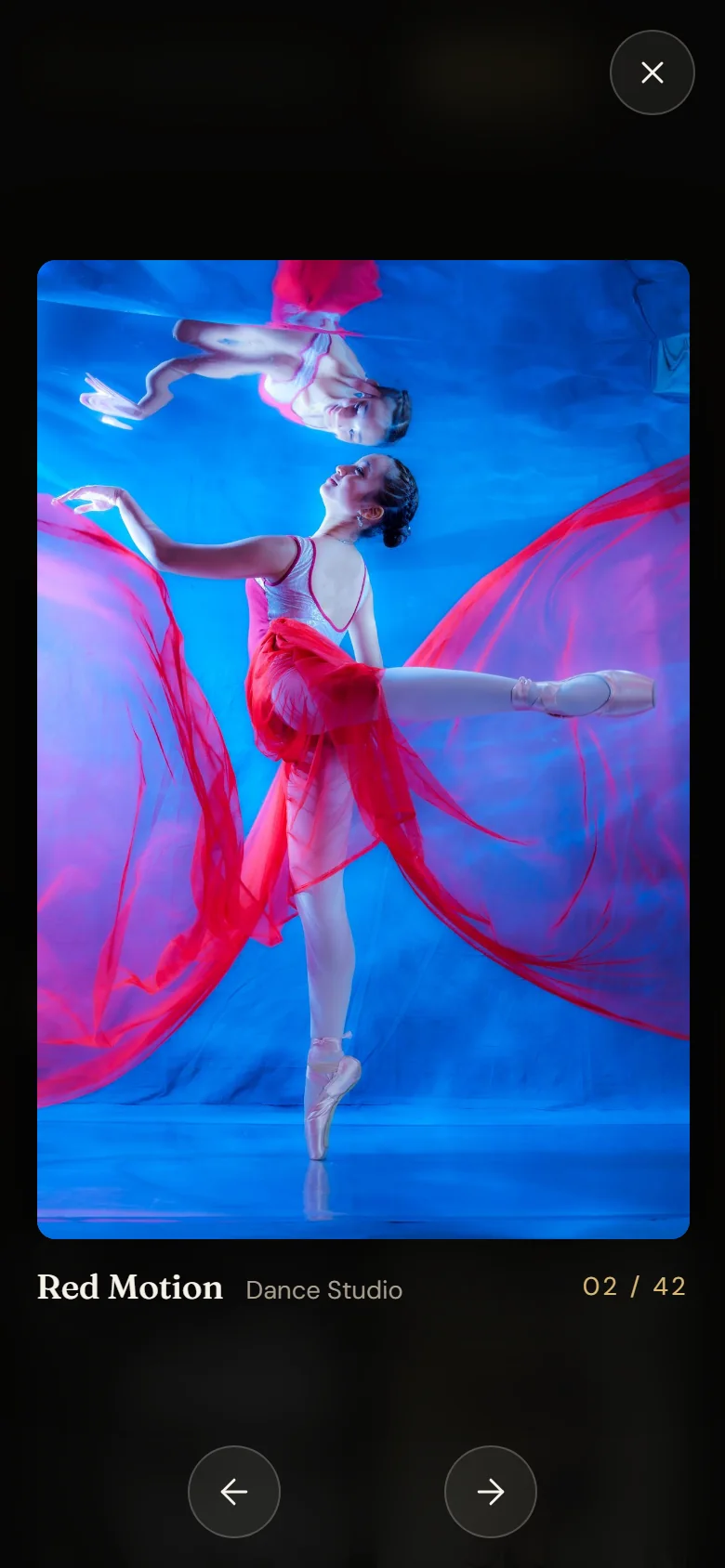
Move between photos with the arrows or by swiping.
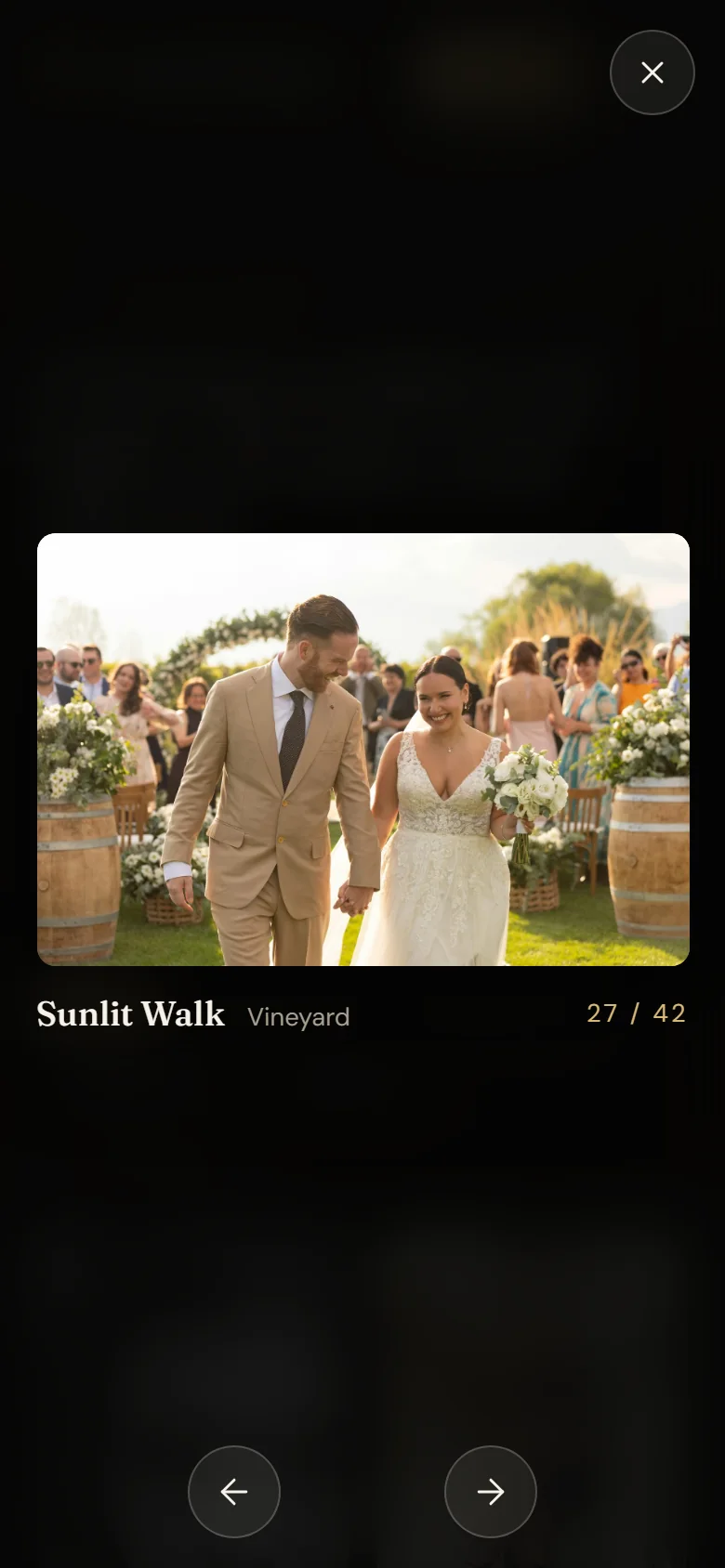
Landscape photos center at full width.
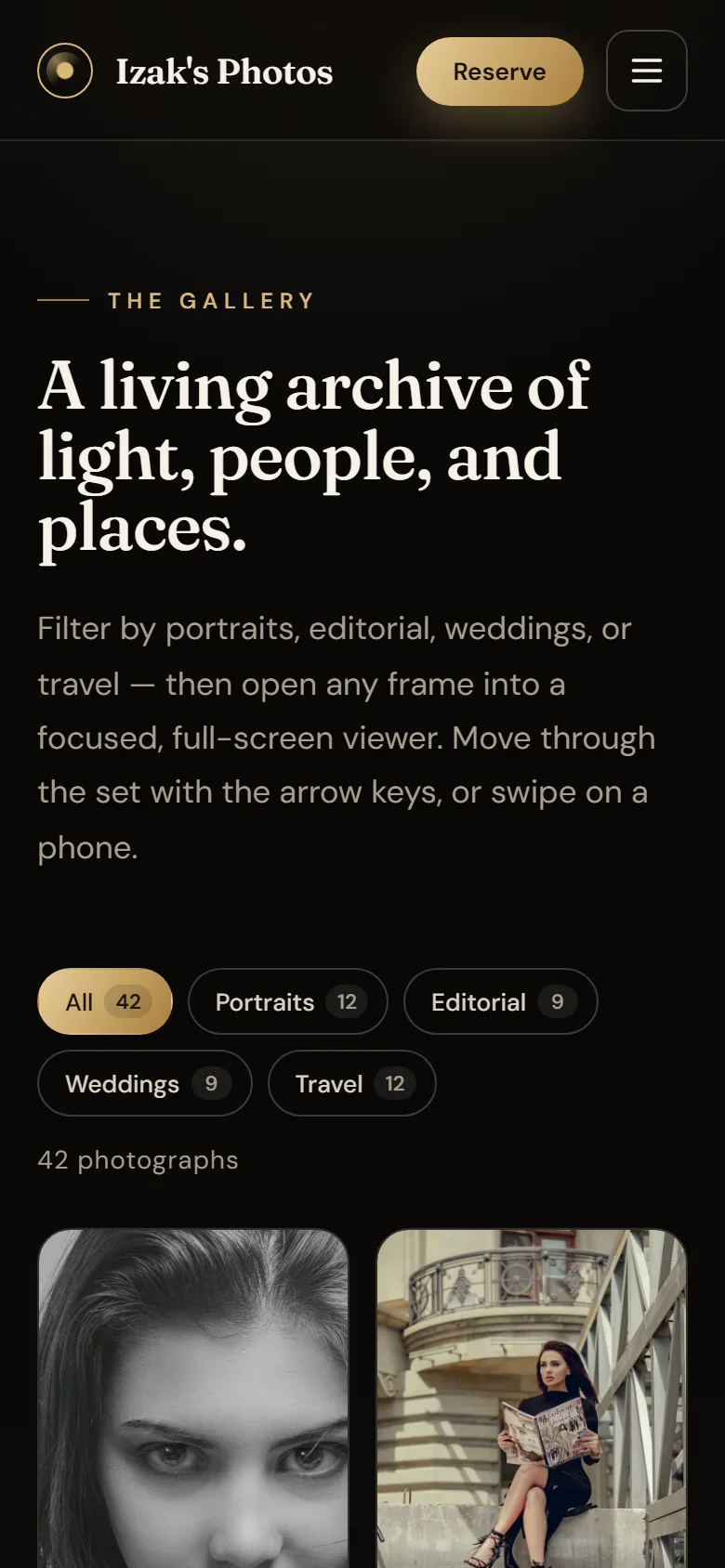
The filters fit on two rows without hiding a single series.
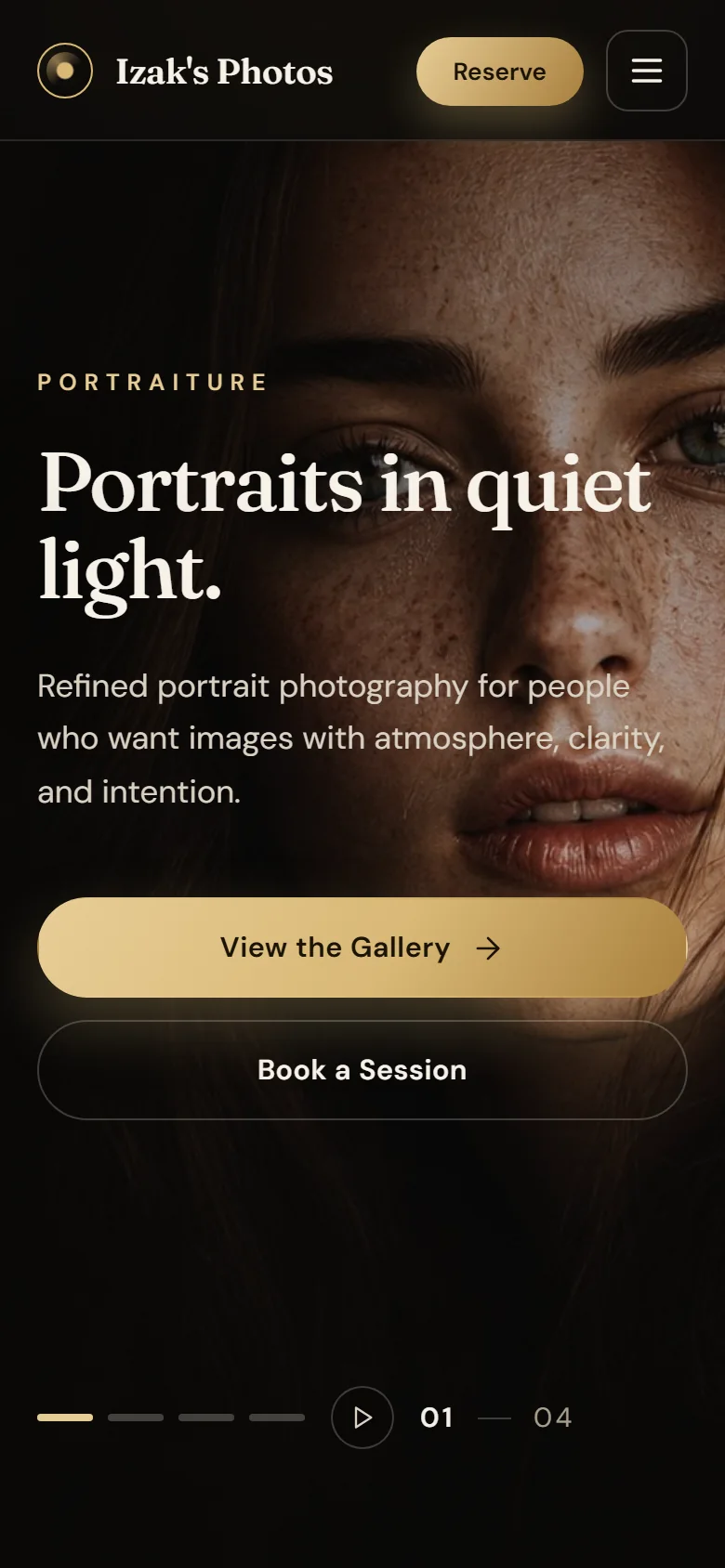
Actions go full width, and “Reserve” never disappears.
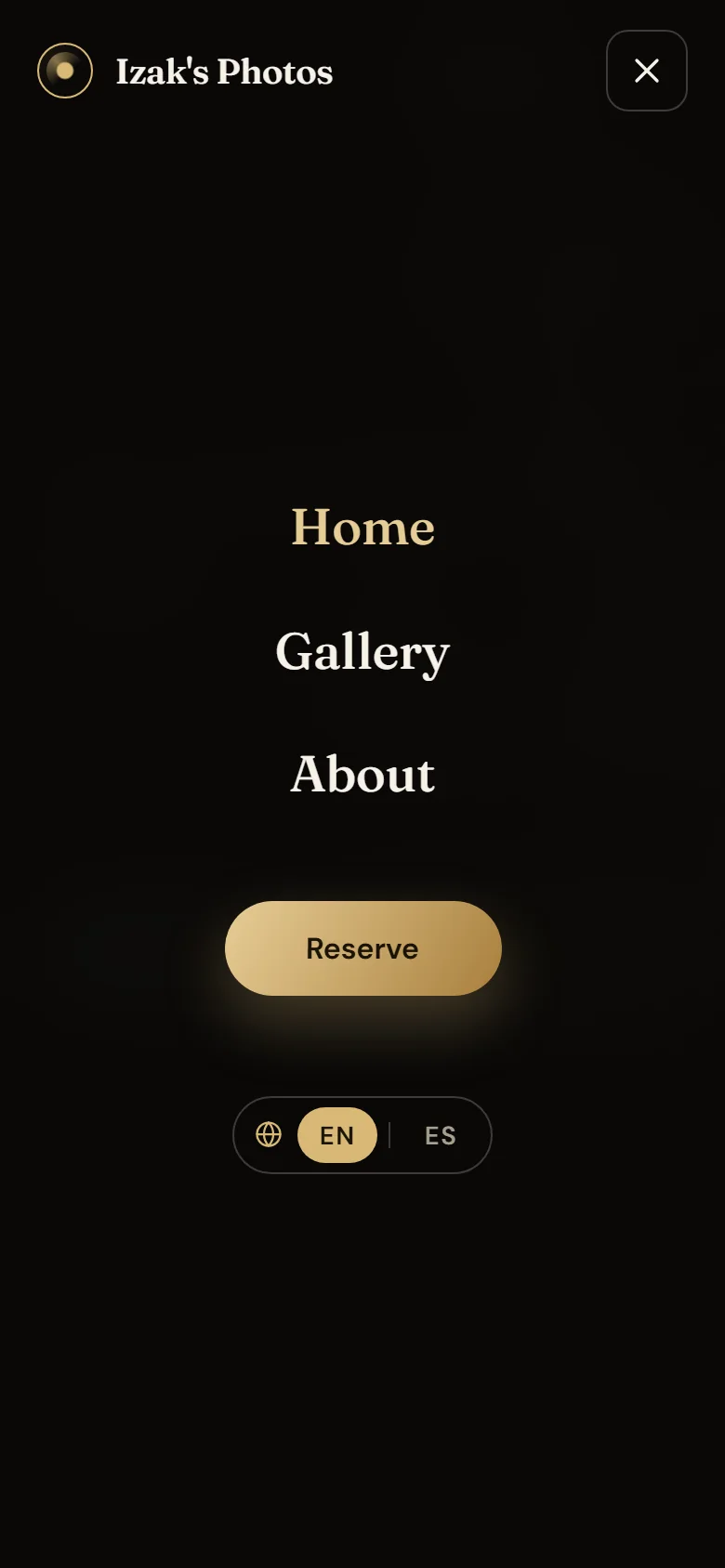
The menu holds navigation, booking and language; Escape closes it.
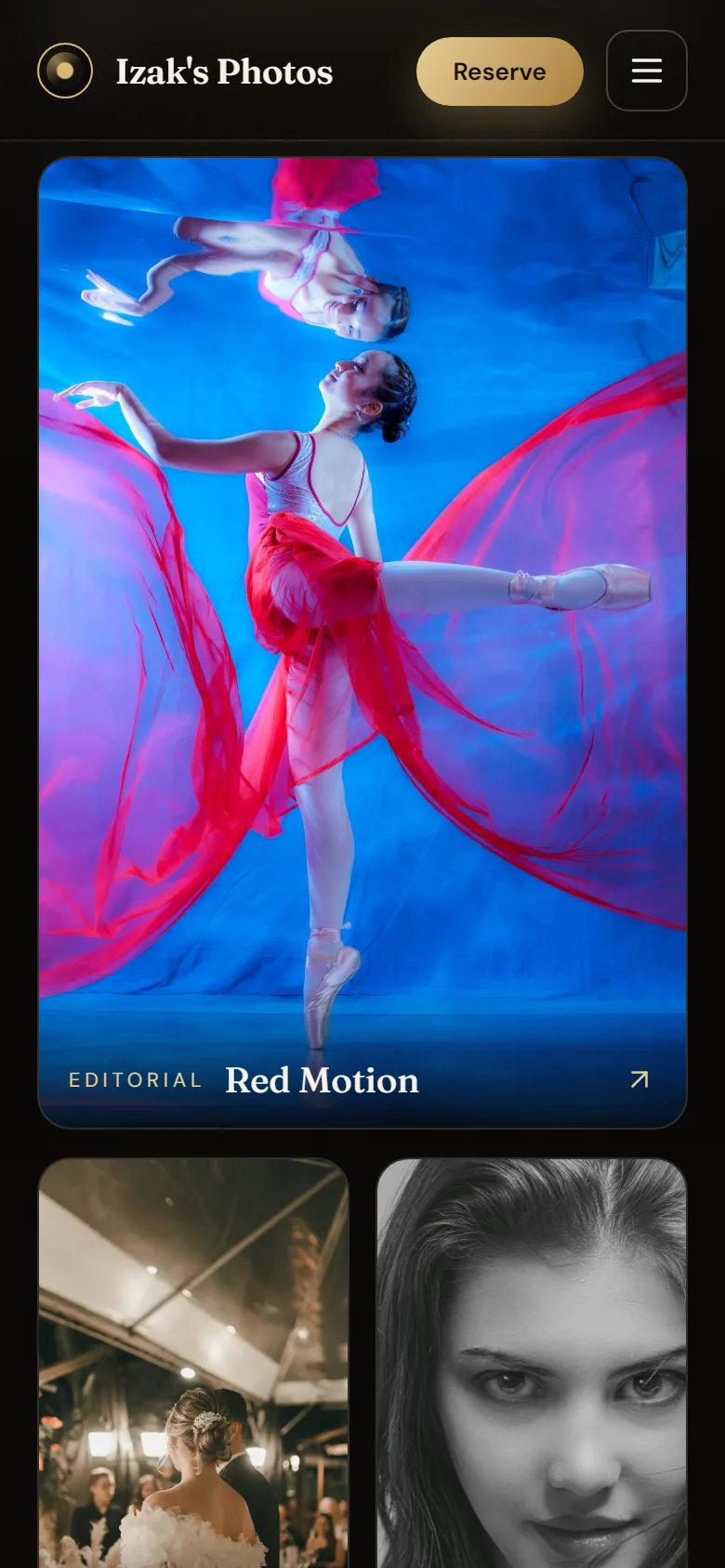
Titles are always visible, with no mouse required.
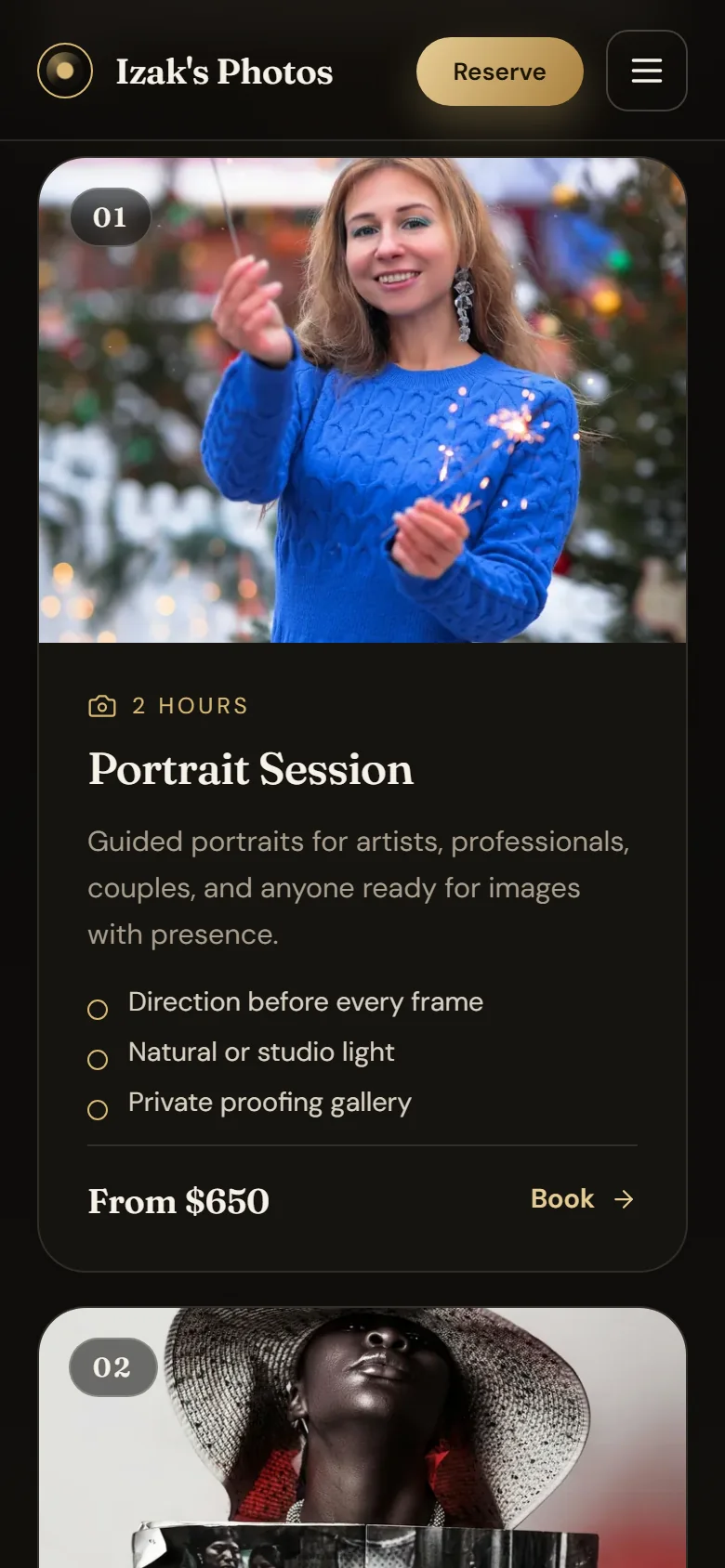
Each package reads in full on a single card.
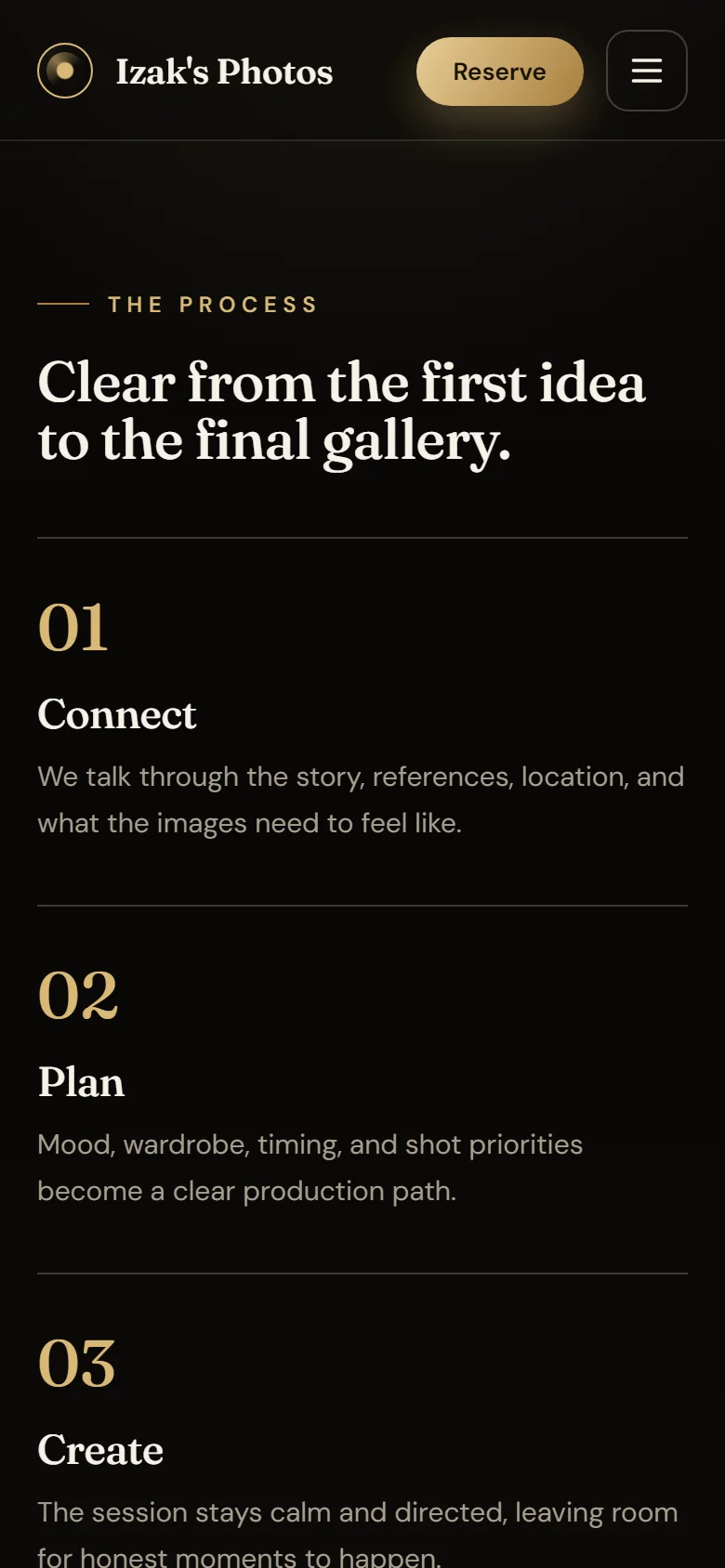
The steps stack with large numbers.
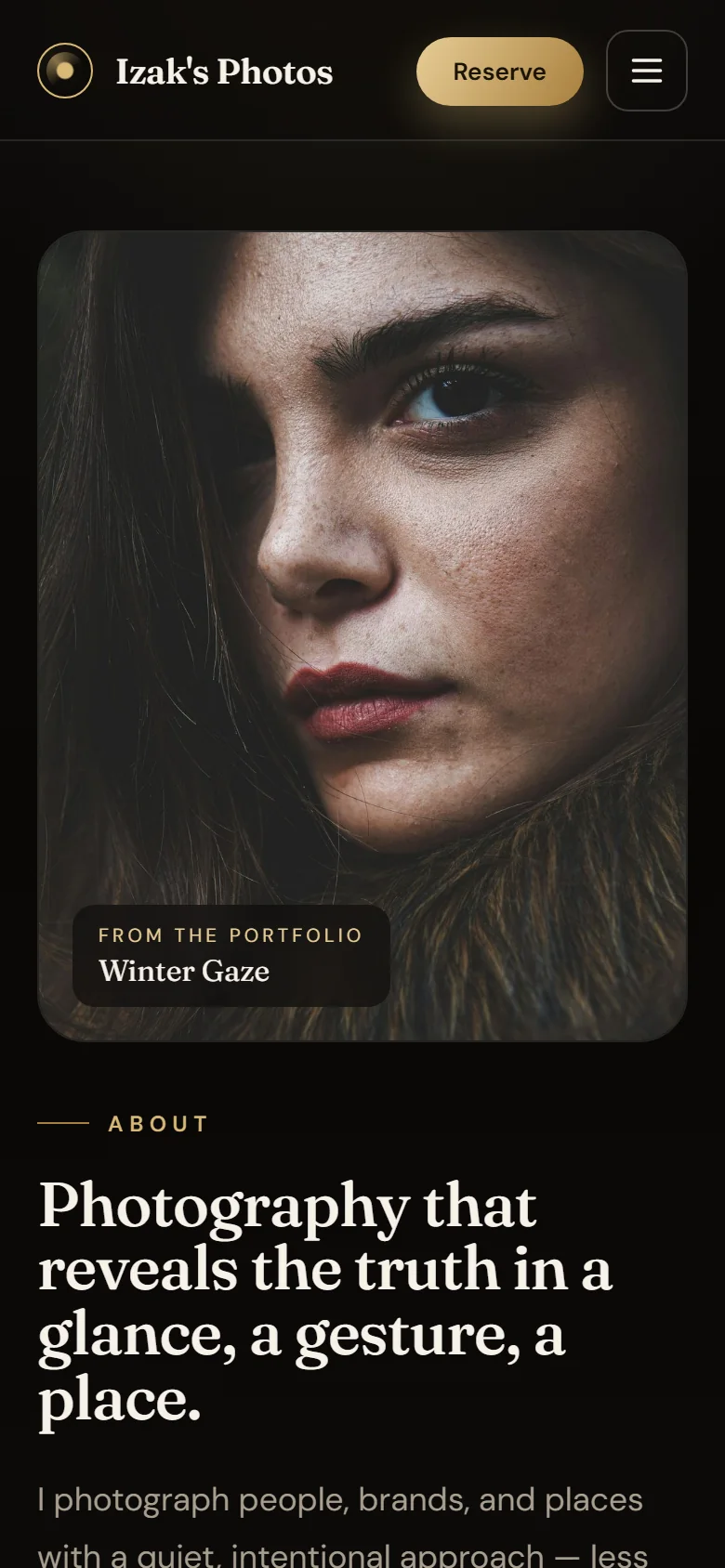
The photo comes first, cropped to 4:5 so it doesn't take the whole screen.
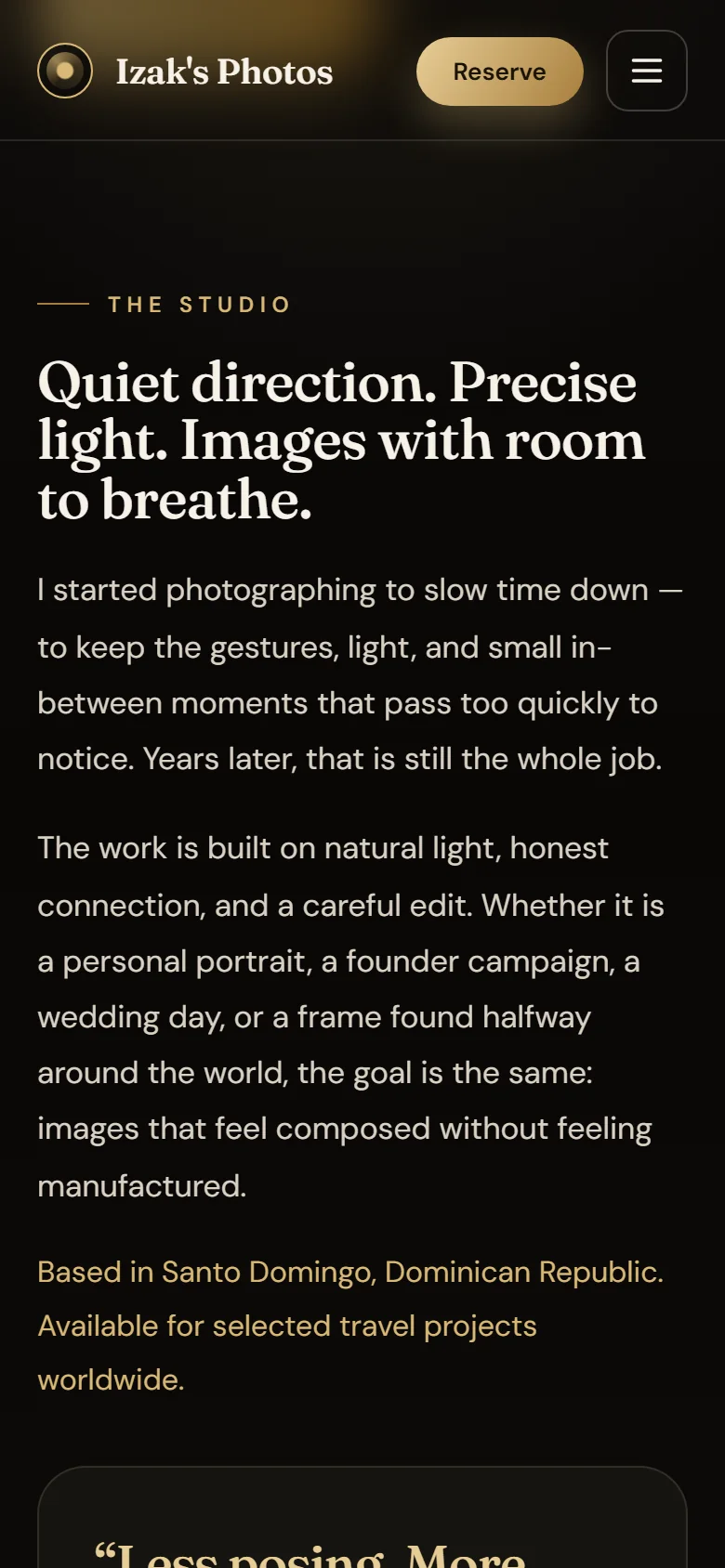
The story reads straight through in one column.
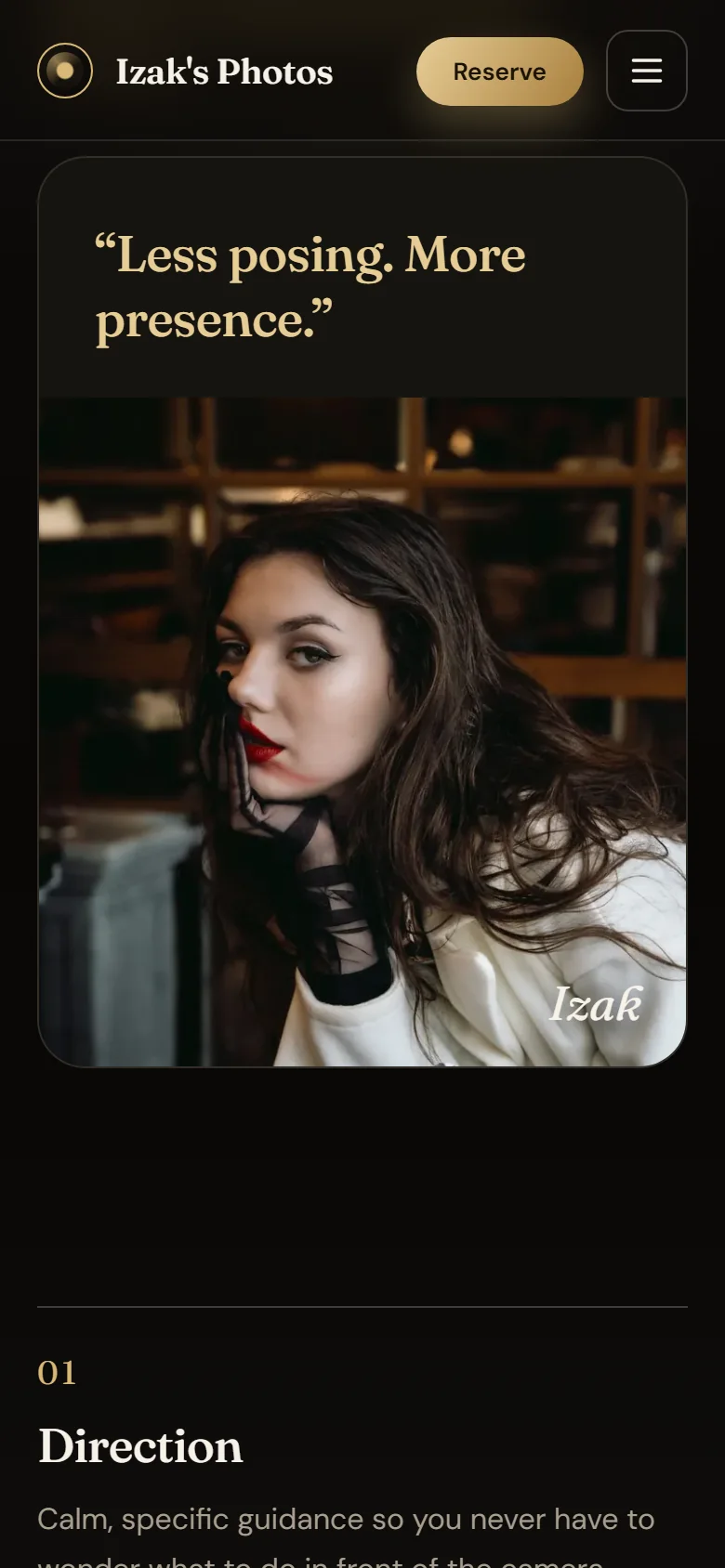
The quote and the signature close the story.
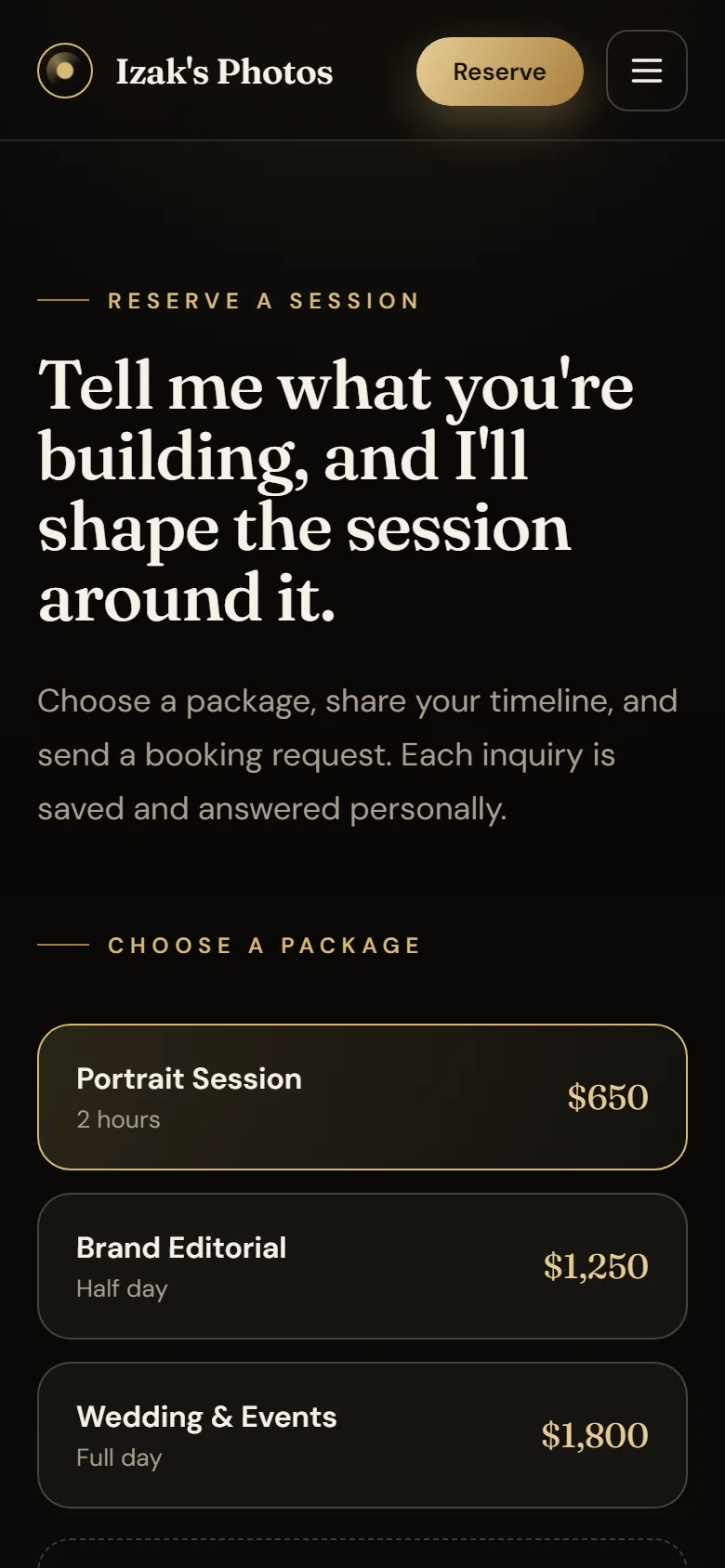
Pick the package first, then fill in the form.
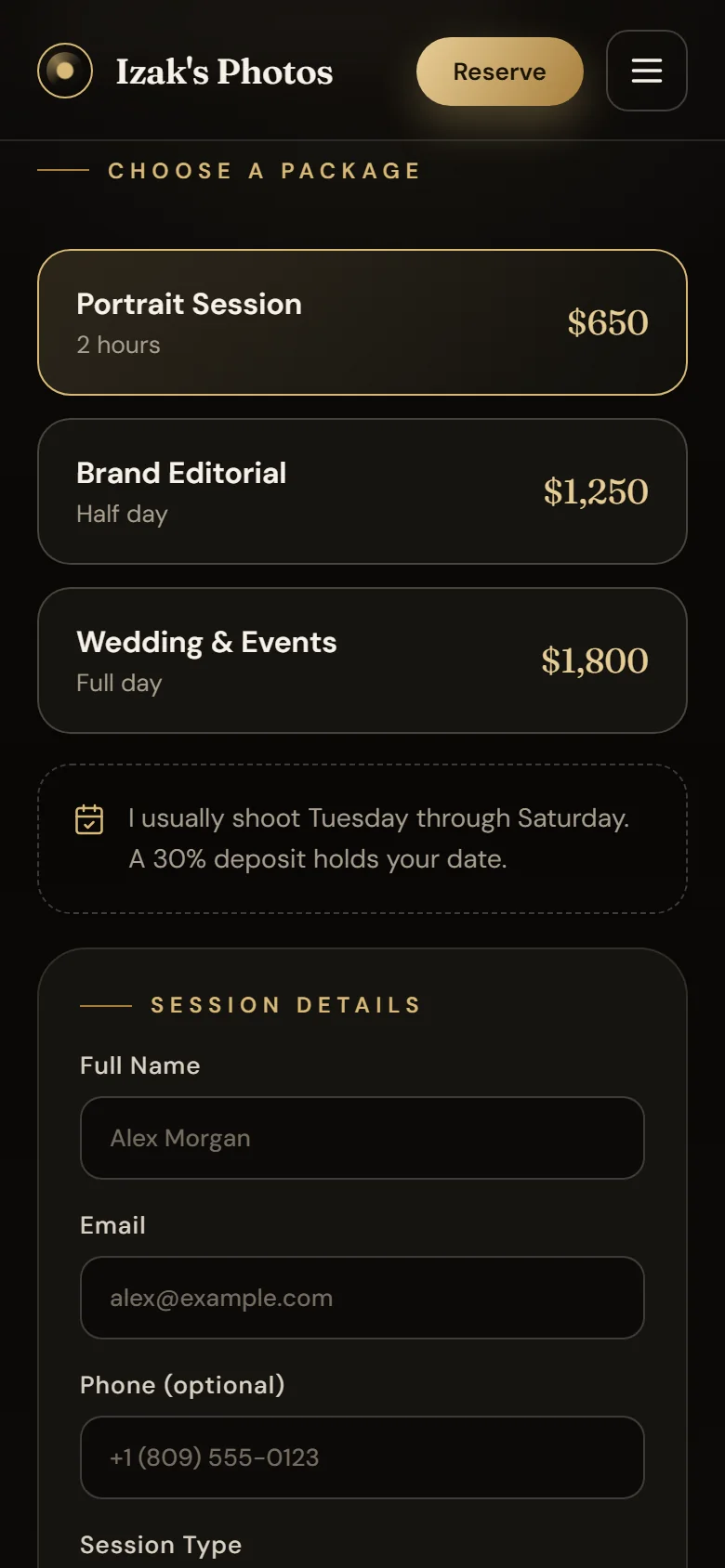
A note spells out session days and the deposit before the form.
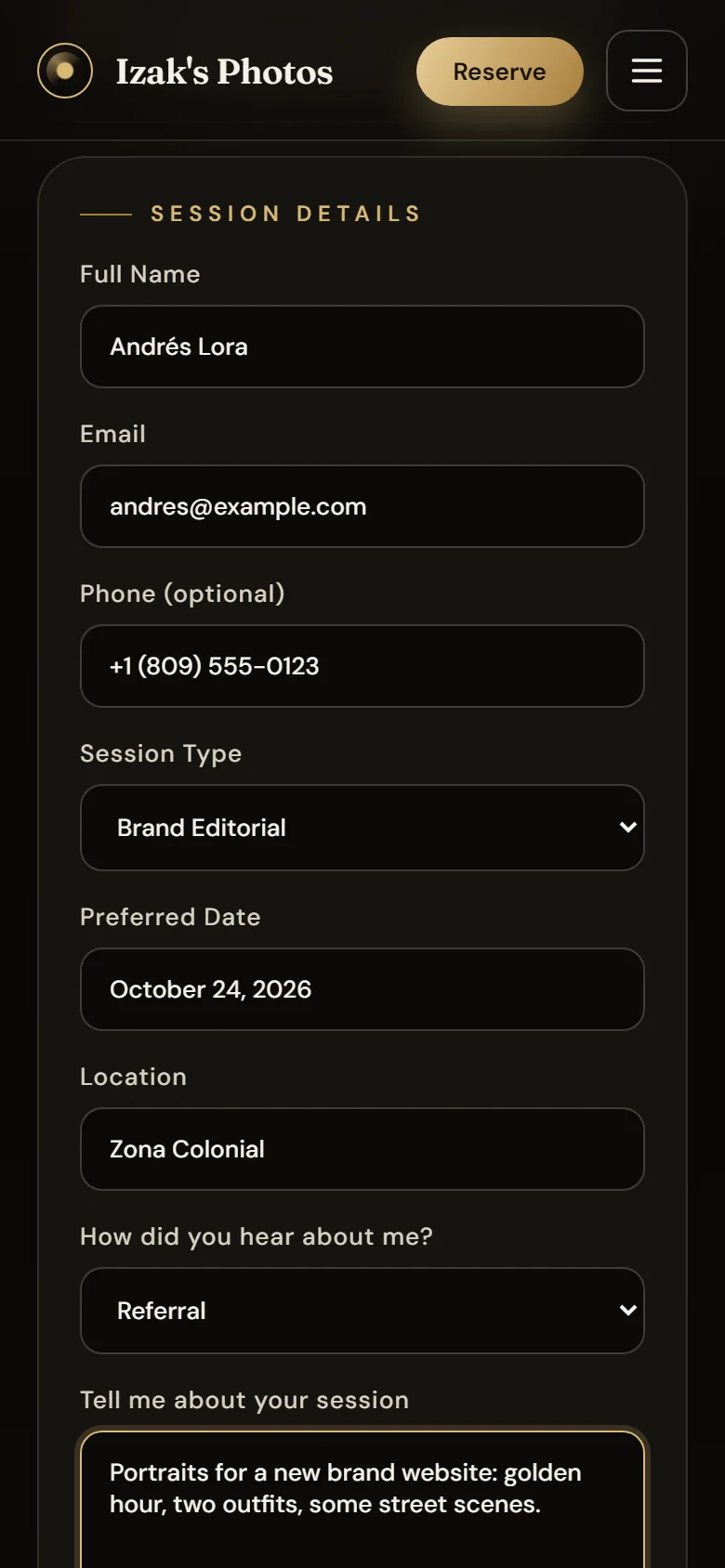
The form goes to one column with roomy fields.
After submitting, the page scrolls down to the confirmation on its own.
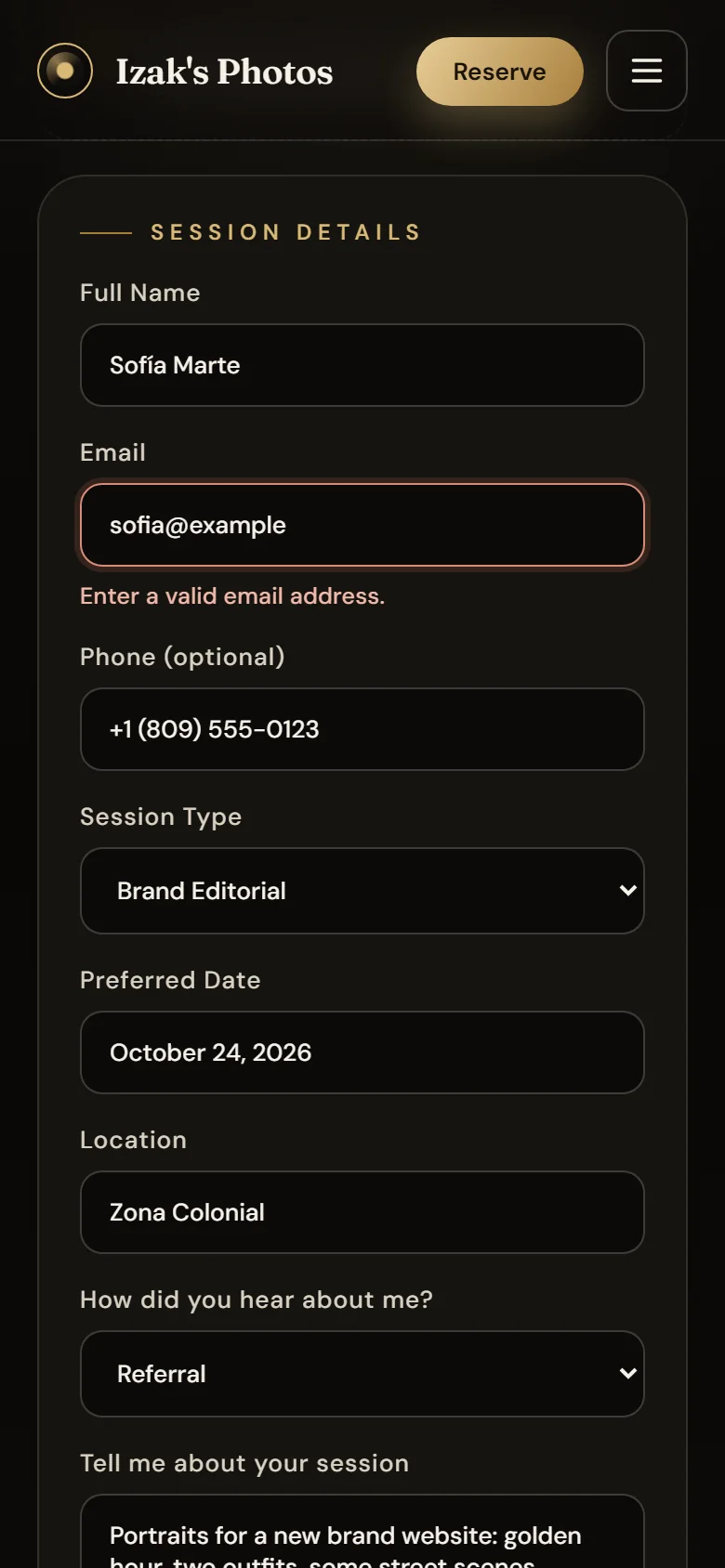
The same per-field notice, on the phone.
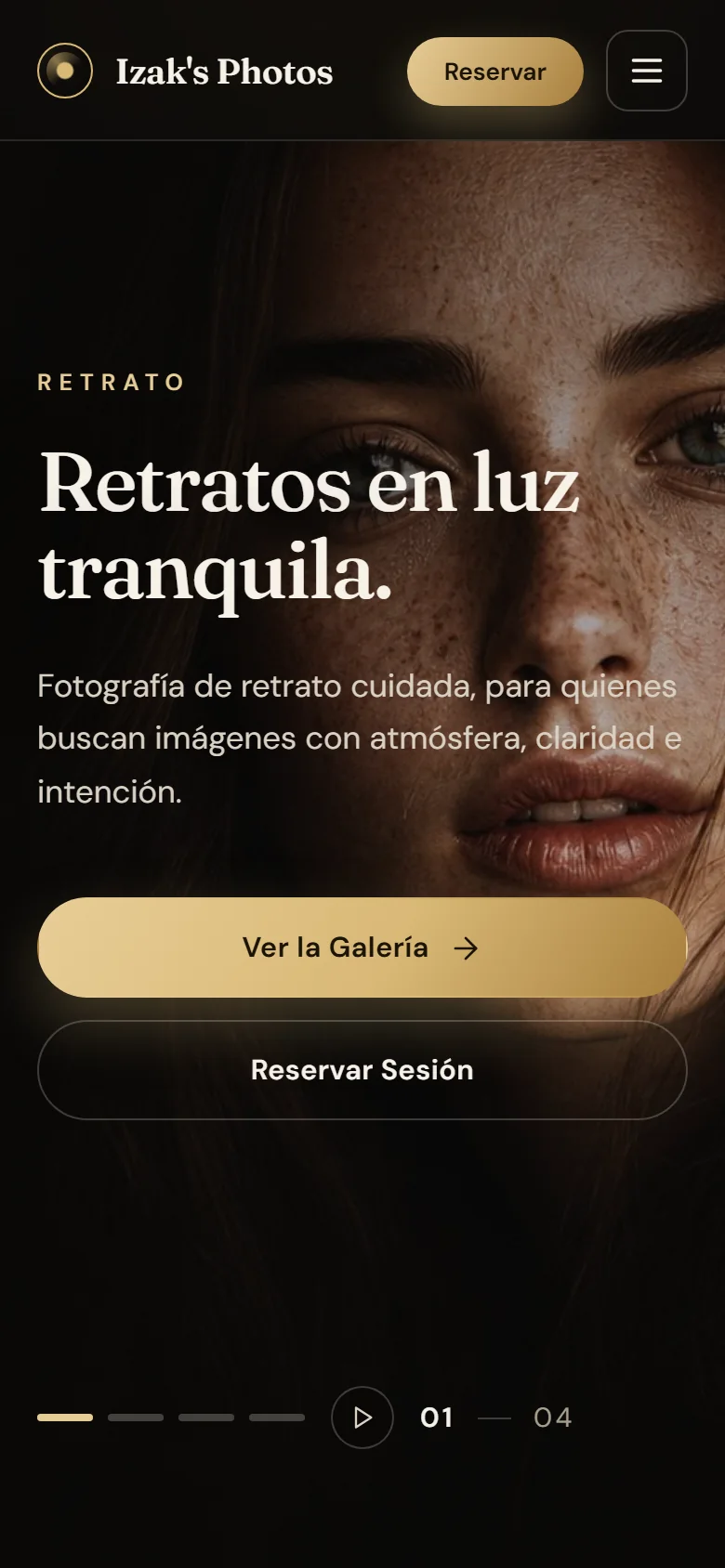
The Spanish version keeps its hierarchy on the phone.
6 min read
The full case
Context
Izak's Photos is the site of a portrait, wedding, editorial and travel photography studio based in Santo Domingo. The studio is fictional: Izak doesn't exist, and the prices, studio figures and testimonials are sample content to show off the product. What is real is the software: it's live, it stores requests and it deploys like any client's site.
The project started in May 2024 in a repository created by Job Nacor, where we collaborated: a React and Bootstrap site with seven pages and a four-field contact form. In June 2026 I rebuilt it from scratch, and in September I took it to production. Today I maintain this edition, and the repository keeps both of our authorship.
The problem
A large archive of photos tends to become a generic grid, and a photographer's site has two jobs at once: show off the work and turn a visit into a request. On top of that, a photo you can't link to is a photo you can't share, and on the phone everything that depends on a mouse disappears.
My role
The 2026 rebuild is mine: the responsive interface, the bilingual experience, the gallery and the viewer, the booking API, the admin, image performance, the Railway deployment, the tests, continuous integration and the documentation.
Constraints
- A single service. Django serves the API, the admin and the Vite build from the same domain.
- No photo uploads. Images are build files: adding one requires a deploy.
- No outgoing email. Requests stay in the database and are handled from the admin.
- Hand-written bilingual copy. 256 Spanish strings next to their English versions, with no translation library.
How I built it
The 2026 version went from 25 runtime dependencies to 6, and from seven sections to four pages — home, gallery, about and bookings — plus a custom 404. The four-field contact model became a ten-field booking request, and the form talks to the API in camelCase while the serializer maps it to the model's fields.
In September I reviewed it at five widths (1440, 1024, 768, 390 and 360 px) and in both languages, and fixed what that review turned up before deploying: shareable links, an accessible viewer, WebP thumbnails, rate limiting, a 404 page and a stricter production configuration.
Architecture decisions
- Same origin in production. Django and WhiteNoise serve the build with
hashed, compressed file names, and a catch-all route returns
index.htmlfor React's routes. The form calls/api/contact/, so no CORS is needed. In development, Vite and Django run separately. - Gallery state in the URL.
?category=and?photo=: a series or an open photo can be linked, and the featured photos on the home page open their own directly. - Minimal, custom translation. A Context with
t({ en, es })that detects the browser language, remembers it and updates<html lang>. - The database by configuration. SQLite locally and PostgreSQL if
DATABASE_URLexists, with no code changes. - Ship only what works. Railway migrates before release and checks
/api/health/before sending traffic to the new version.
Image performance
The gallery downloaded full JPEGs to paint small thumbnails: 9,303 KB on a phone. A script now generates 720 px WebP thumbnails, 74% lighter than the JPEGs (8,986 KB versus 2,372 KB); the full JPEG is only requested when the viewer opens. Browsing the whole gallery on a phone went from 9.3 MB to 2.4 MB. Each photo reserves its aspect ratio with its real width and height, so the page doesn't jump while loading.
Accessibility and security
- The home page carousel has a pause button, stops when it receives focus and
doesn't autoplay with
prefers-reduced-motion. - The viewer keeps focus inside and returns it to the thumbnail when it closes; you can move through it with the arrow keys or by swiping.
- There's a skip-to-content link, a visible focus ring and a tab title for every page.
- The booking API accepts ten requests per hour per client, and a honeypot field accepts bot submissions without saving them.
- Outside development, cookies are secure and DRF's browsable API is turned off.
Challenges
The multi-width review found defects that were easy to miss by eye:
- An uneven frame around every thumbnail. The button wrapping each photo kept the browser's default padding.
- A header that never blurred the background. With both forms of
backdrop-filterwritten, Vite 8's minifier kept only the prefixed one. - A 0×0 viewer while loading.
widthandheightdon't reserve space if the CSS overrides them withauto. - A floating language switcher that covered photos, packages and the booking confirmation; it now lives in the header and the menu.
- A UTC date in the title of each request in the admin, which didn't match the local time it was created.
Design and UX
A near-black background and muted gold so the photos carry the color, an editorial serif (Fraunces) for headlines and a sans (DM Sans) for text. Booking fits in one view: you choose a package, fill in the form and a summary updates as you type. If the network fails, the notice says so and the data stays typed in; if the API rejects a value, the exact field is marked.
What it doesn't have
So nobody assumes otherwise: there are no payments, no client accounts, no
private galleries, no photo uploads from the admin and no outgoing email:
requests only show up in /admin/. There are also no frontend tests and no
analytics.
About the content and screenshots
The studio, its prices, figures and testimonials are samples, and the production form stores demo requests: don't use it with real data. The photographs, and the people in them, carry rights separate from the code's, and the site doesn't attribute them to a real author. The screenshots were taken on September 25, 2026, on the production build served locally, with invented requests in the admin. Screens with any visible defect were left out.
What I learned
Automated screenshots found three defects a manual review didn't catch. And the hardest bugs weren't in the logic: an incomplete button reset, a minifier that dropped a property and a size the CSS overrode. Reviewing the site at several widths, in both languages and with a throttled network is what brought them to light.
Current status
Live at izaksphotos.jonasjavier.dev as a single Railway service, with the repository public under the GPL-3.0 license, continuous integration green and 8 backend tests passing. It's a demo studio: it has no real clients or bookings, so I don't publish usage figures.