
04 / 05Case study
Network 3.0
Full-stack social network
A Django REST API and a React and TypeScript app: cursor-paginated feed, reposts and quotes, hashtags, mentions and notifications, deployed on Railway with a public demo.
- My role
- Sole developer; product design, API, frontend, testing and deployment
- Stack
- React · TypeScript · Vite · Tailwind CSS · TanStack Query · Django · Django REST Framework · PostgreSQL · Redis · Docker
- Status
- Deployed on Railway · public demo
Scope
- 132automated tests, backend and frontend
- 37API operations documented in OpenAPI
- 8notification types, each with its target
The challenge
In a social network everything is connected: one like changes a counter, a profile, a list of people and someone else's notifications, while the feed keeps moving under the reader.
- What I built
- I rewrote my CS50W project from scratch as a Django REST API and a React and TypeScript app, and took it to production with Docker, continuous integration and 132 tests.
- Key technical decision
- Cursor pagination so the feed never repeats, counters as subqueries instead of multiple JOINs, and notifications as a domain of their own.
Design decisions
- Problem
- What you see on a social network depends on who you follow, and who to follow doesn't find itself.
- Decision
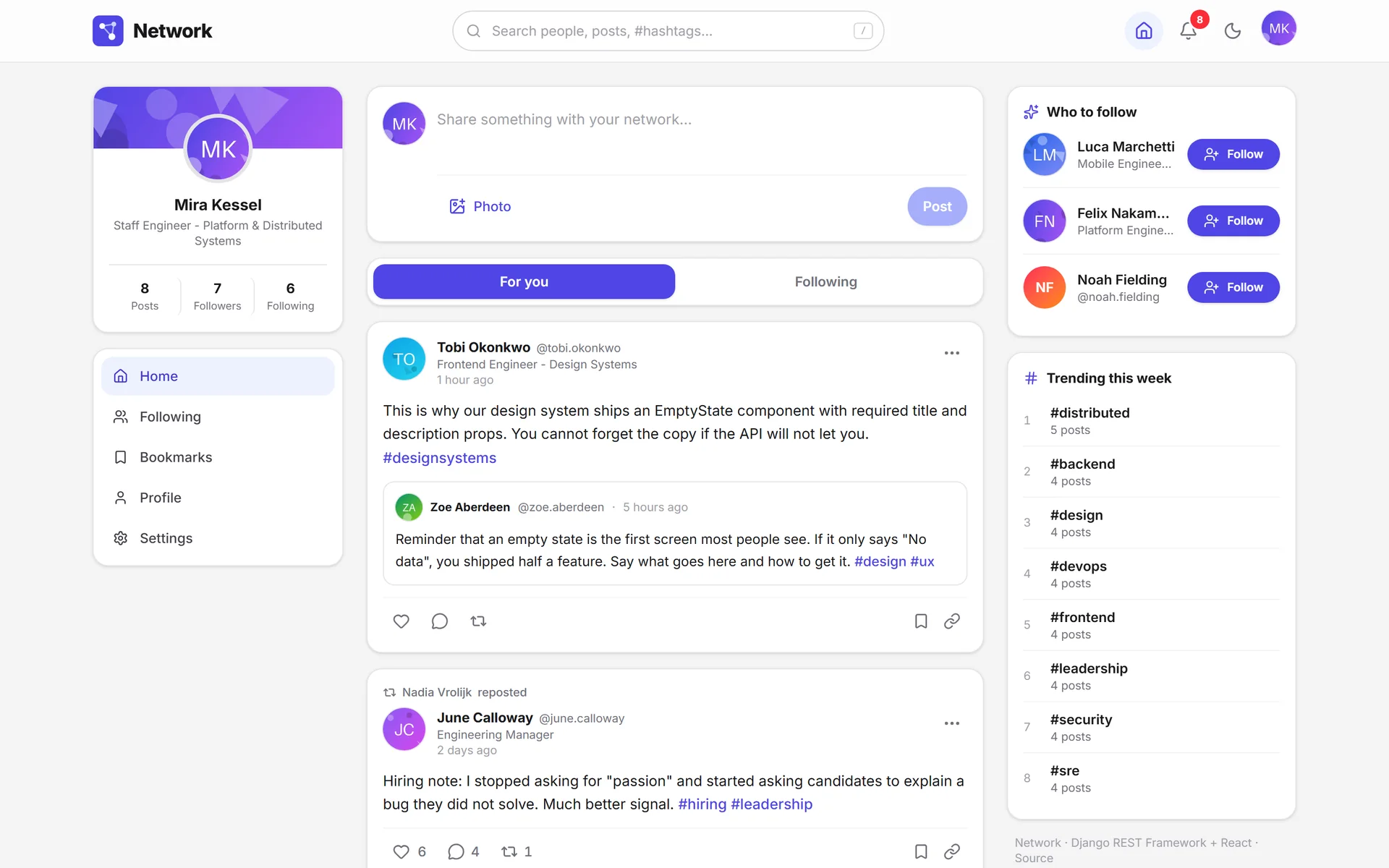
- Posting, talking and discovering people share one three-column view, without leaving the feed.
- Problem
- A phone has no room for three columns or six navigation destinations.
- Decision
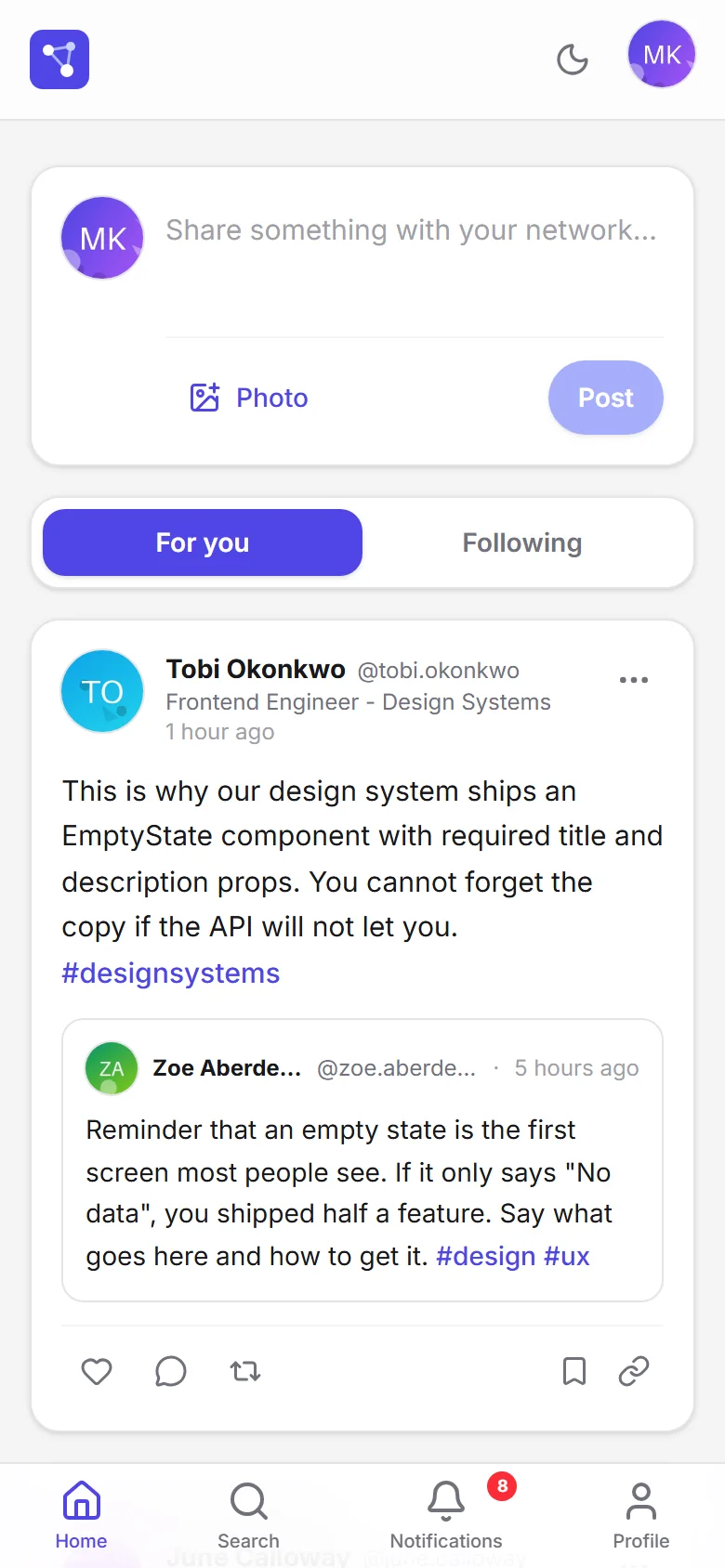
- One column and a four-destination bottom bar; bookmarks and settings move into the account menu.
- Problem
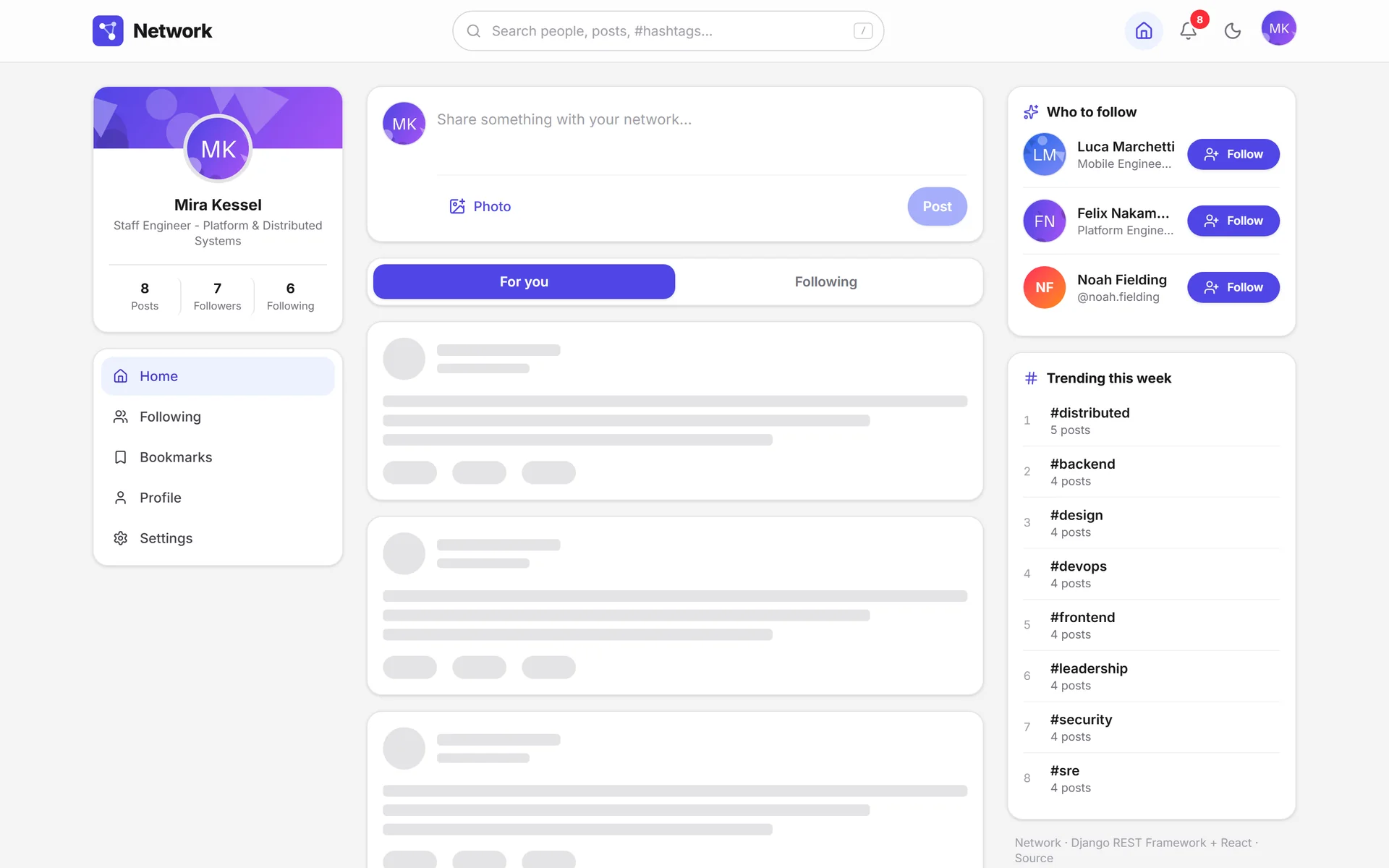
- A centered spinner doesn't say what's coming, and the page jumps when the content arrives.
- Decision
- Skeletons with the exact geometry of the real card; the space is already sized and nothing moves.
- Problem
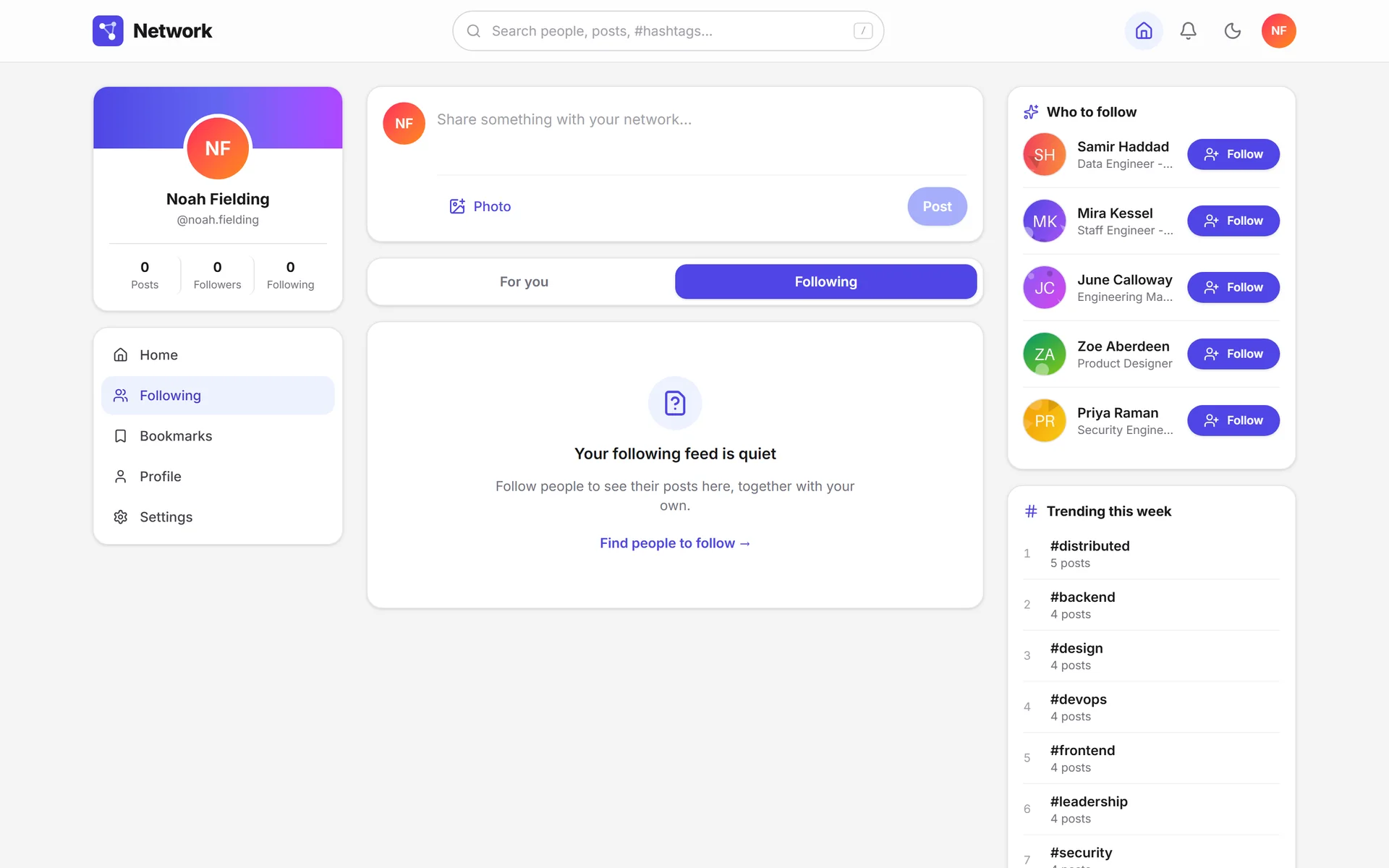
- A screen that only says "nothing here" looks like a half-finished feature.
- Decision
- Each empty state explains what goes there and offers the action that fills it, like finding people.
- Problem
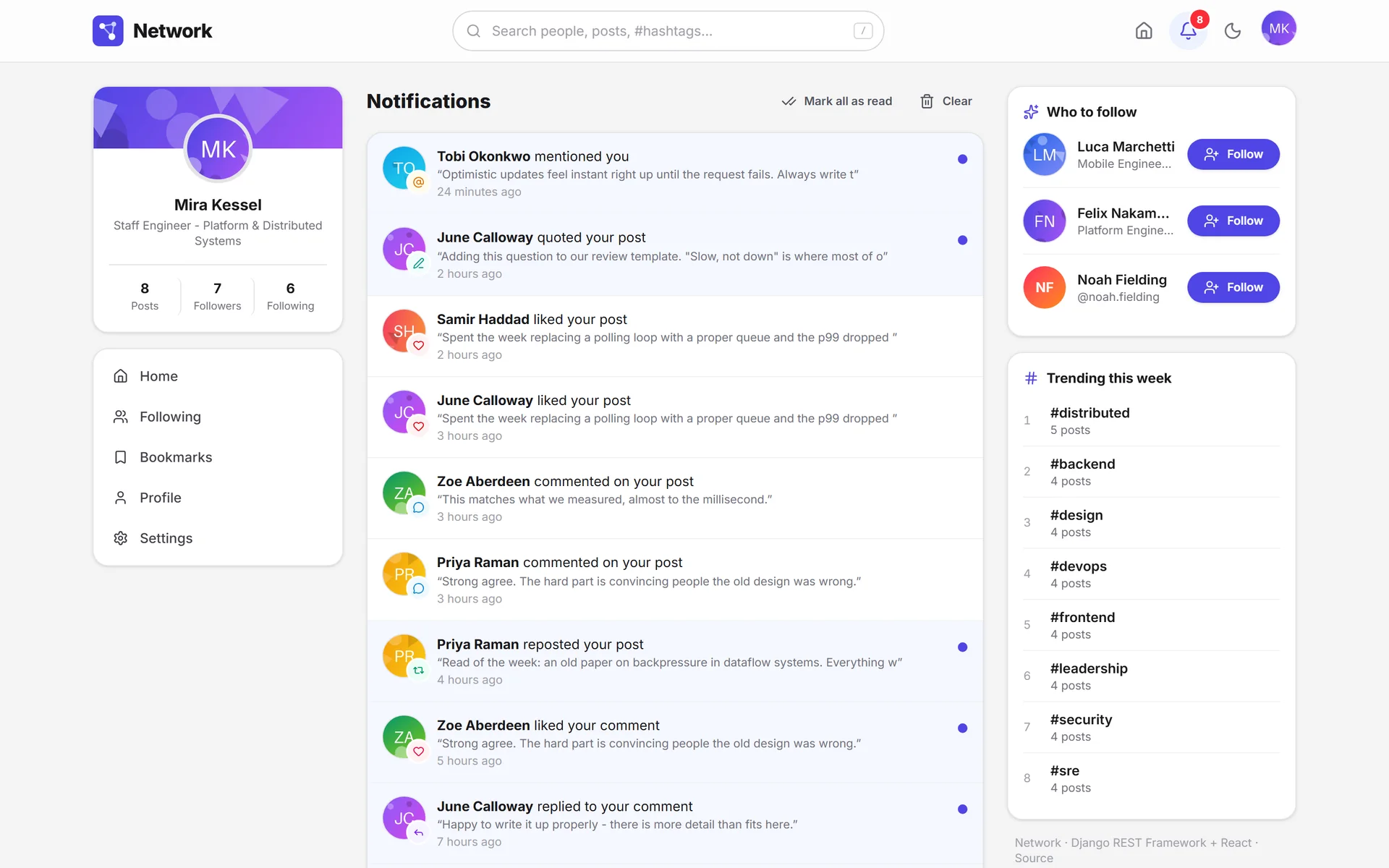
- Eight kinds of activity in a single list read as an undifferentiated wall.
- Decision
- Each kind has its icon, color and sentence; unread ones are marked and every row leads to its source.
- Problem
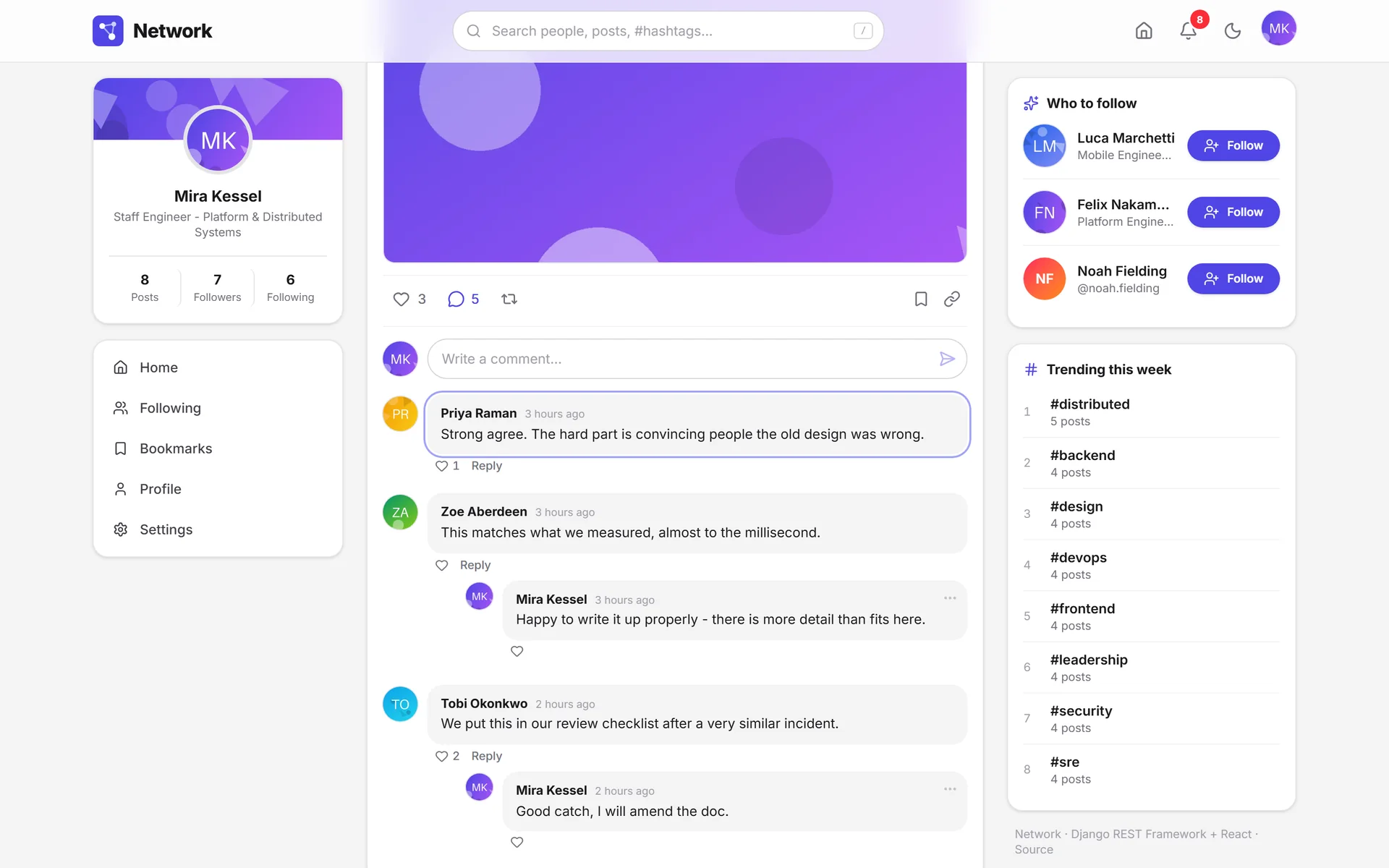
- A comment notification that only opens the post makes you hunt for the comment in the thread.
- Decision
- The link goes to the exact comment; the page scrolls to it and highlights it with a ring.
- Problem
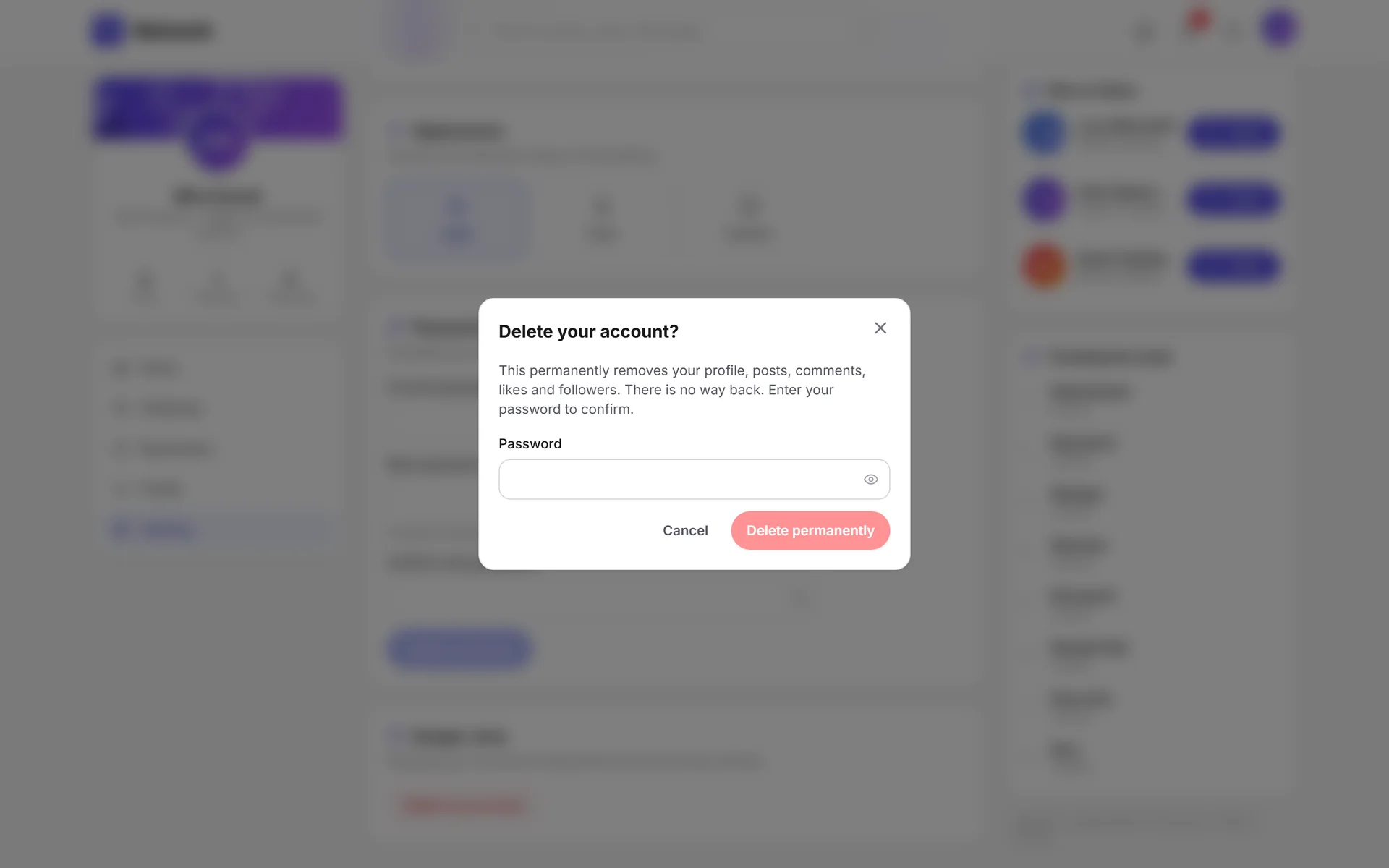
- "Are you sure?" says nothing; people confirm without knowing what they'll lose.
- Decision
- The dialog names what gets deleted and, when there's no going back, asks for the password.
- Problem
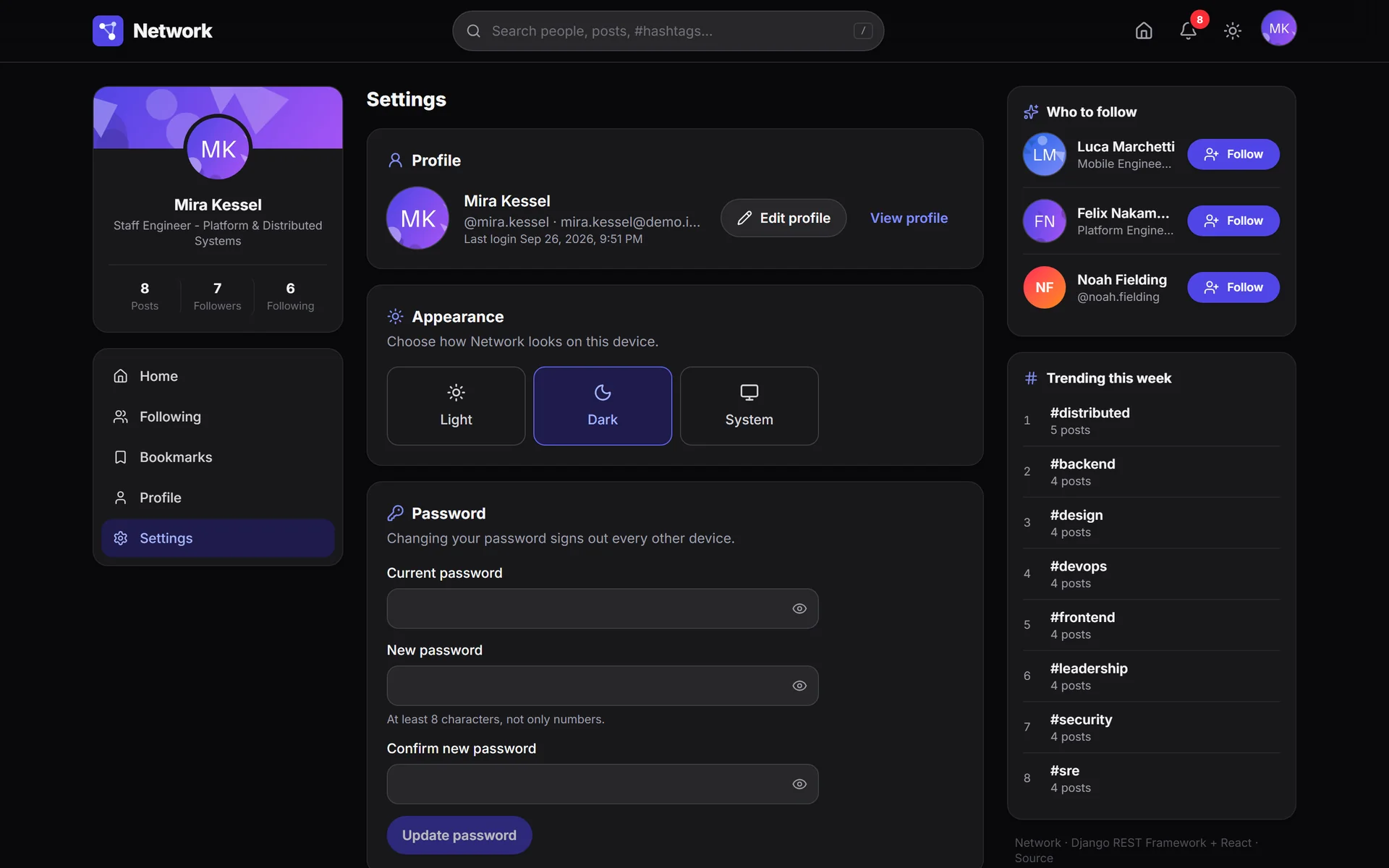
- A dark mode that flashes white on load, or ignores the system setting, feels broken.
- Decision
- Light, dark or system; the theme is applied before React mounts, with no flash.
System
Pick a module: its path lights up.Pick a module: its decision appears below.
Three columns: post, talk and discover people without leaving a feed that loads more on its own when you reach the end.
React 19 · IntersectionObserver
One level of replies: enough to hold a conversation without threads that get lost in depth.
React 19 · React Router 7
Posts, Media and Likes tabs; followers and following are modals with their own URL.
React 19 · React Router 7
Each verb with its icon, color and sentence, and every row leads to its exact source.
React 19 · lucide-react
One box for people, text and hashtags, with a / shortcut; typing a # jumps to the posts.
React Router 7 · 350 ms debounce
Signing up signs you in, and the sign-in screen offers one-click demo accounts.
Zustand 5 · React 19
One column and a four-destination bottom bar; bookmarks and settings go to the account menu.
Tailwind CSS 4 · Installable manifest
An optimistic like shows up in the feed, the detail and the profile at once, written in a single place.
TanStack Query 5 · Zustand 5
One shared refresh promise: ten requests with an expired token trigger one refresh, not ten.
Axios 1.20
Versioned under /api/v1/: 28 routes and 37 operations, with the OpenAPI schema generated from the code itself.
Django REST Framework 3.17 · django-filter · django-cors-headers
Rotated refresh tokens with a blocklist and 10 attempts per minute per IP; changing the password signs out every other session.
SimpleJWT 5.5 · Token blocklist
A cursor on date and id: posting something new doesn't repeat the next page; counters are subqueries, not JOINs.
DRF CursorPagination · Subquery and Exists
Repost and quote are the same model; a conditional unique constraint stops you from reposting the same thing twice.
Django 6.0 · UniqueConstraint
Every upload is validated, rotated by EXIF, stripped of metadata and rewritten as WebP.
Pillow 12.3
Following yourself is forbidden by the database, not just the view.
Django 6.0 · CheckConstraint
Its own app with eight verbs; undoing a like, a follow or a repost deletes its notification.
Django 6.0
Extracted on save; trends count the last seven days and are cached for five minutes.
Regular expressions · Django cache
Eight models with indexes written for the queries that actually exist, like the unread notifications one.
PostgreSQL 17 · psycopg 3.3 · dj-database-url
Trends and suggestions only: if it goes down, the app slows down, it doesn't break.
Redis 8 · django-redis 7.0
Local disk by default; an S3-compatible bucket just by setting the variables.
django-storages 1.14
Beyond lint, types and tests, it validates migrations, check --deploy and the build of both images.
GitHub Actions · Ruff · ESLint · Vitest
Two multi-stage images that honor $PORT: the same one runs locally and on Railway.
Docker · Docker Compose
Both services, configured as code; the health check only fails if the database goes down.
Railway · railway.json
Serves the app, applies the CSP and security headers, and returns index.html for client-side routes.
nginx · Content-Security-Policy
WSGI: there's nothing real-time that would justify ASGI.
Gunicorn 26 · WhiteNoise 6.12
The schema comes from the code: the documentation can't go stale.
drf-spectacular 0.29 · Swagger UI · ReDoc
Built in but off unless SENTRY_DSN is set; it doesn't force a dependency on an external service.
Sentry SDK 2.70
Client
Feed
Three columns: post, talk and discover people without leaving a feed that loads more on its own when you reach the end.
- Technologies
- React 19 · IntersectionObserver
- Sends to
- Cursor feed
Technologies
55 tools across 10 areas. In the system, each module lists its own.
Languages
- Python 3.13
- TypeScript 6.0
- JavaScript
- SQL
- HTML and CSS
Frontend
- React 19.2
- Vite 8.0
- React Router 7.18
- TanStack Query 5.101
- Zustand 5.0
- Axios 1.20
Interface
- Tailwind CSS 4.3
- lucide-react 1.18
- Inter (Fontsource) 5.3
- clsx 2.1
Backend
- Django 6.0
- Django REST Framework 3.17
- django-filter 25.2
- django-cors-headers 4.9
- Pillow 12.3
- python-dotenv 1.2
Authentication
- SimpleJWT 5.5
- Token blocklist
- Sign-in with username or email
- Django password validators
API contract
- drf-spectacular 0.29
- OpenAPI 3.0
- Swagger UI
- ReDoc
Data and cache
- PostgreSQL 17
- SQLite 3
- psycopg 3.3
- dj-database-url 3.1
- Redis 8
- django-redis 7.0
- django-storages 1.14
Infrastructure
- Docker
- Docker Compose
- nginx
- Gunicorn 26
- WhiteNoise 6.12
- Railway
- Sentry SDK 2.70
Quality and CI
- Django test runner
- Vitest 5.0
- Testing Library 16.3
- jsdom 30.1
- Ruff 0.16
- ESLint 10.5
- typescript-eslint 8.61
- Prettier 3.9
- GitHub Actions
Tooling
- Make
- EditorConfig
- Keep a Changelog
Verifiable results
- Deployed on Railway with a public demo; the web app and the API run as separate services on PostgreSQL and Redis
- A full rewrite of CS50W's project 4, from a template-based monolith to a versioned REST API and a React app
- Cursor-paginated feed, with counters resolved as subqueries rather than multiple JOINs
- JWT with refresh rotation and a blocklist; changing your password signs out every other session
- Reposts and quotes, trending hashtags, mentions, bookmarks and eight kinds of notifications
- 132 automated tests and a CI that also validates migrations, check --deploy and both Docker images
Tour by module
62 screens across 9 modules.
Feed and posts11 screens
Post, talk and discover people in a single three-column view.
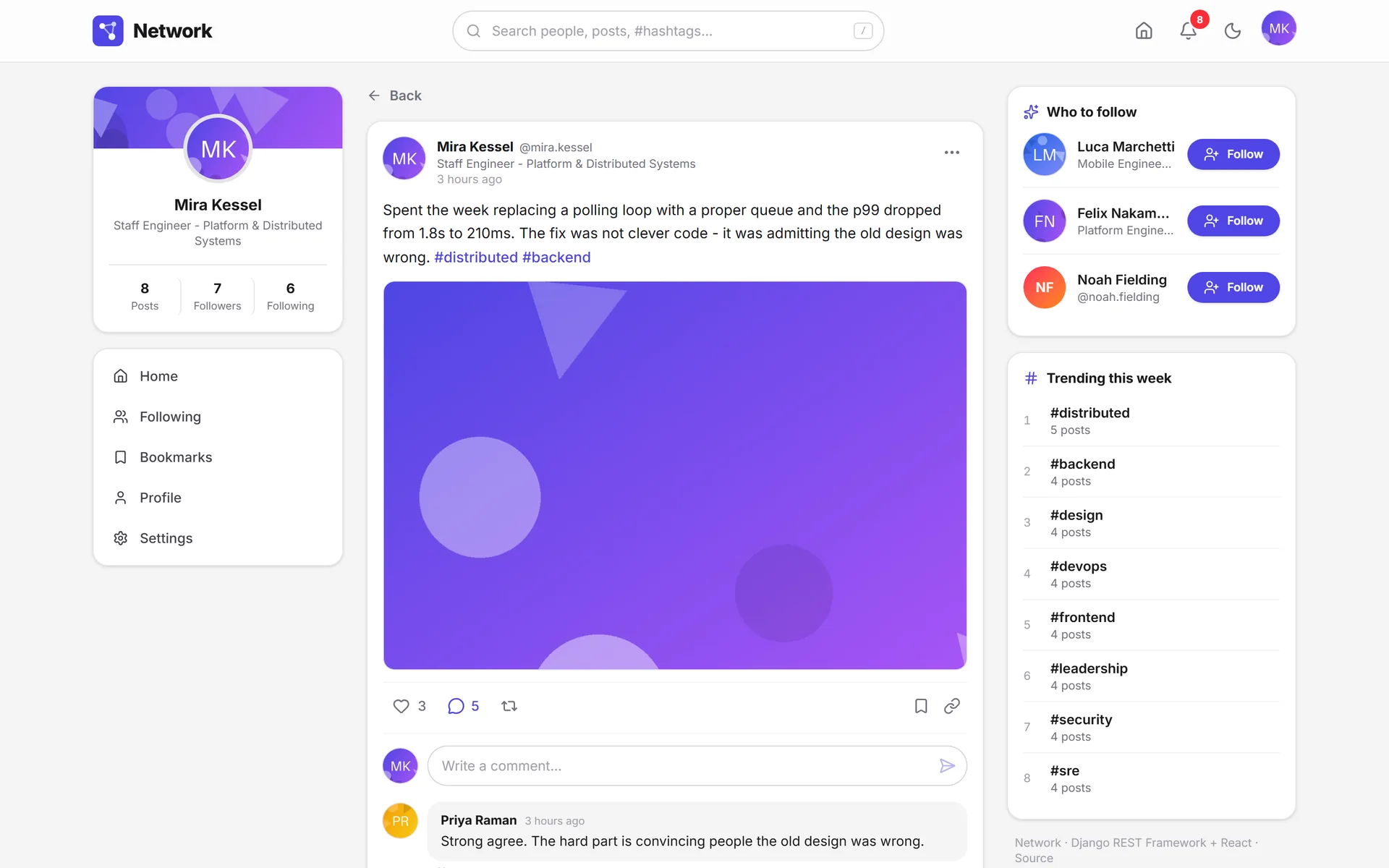
The detail view brings the post and its whole conversation together.
The notification takes you to the exact comment and highlights it.
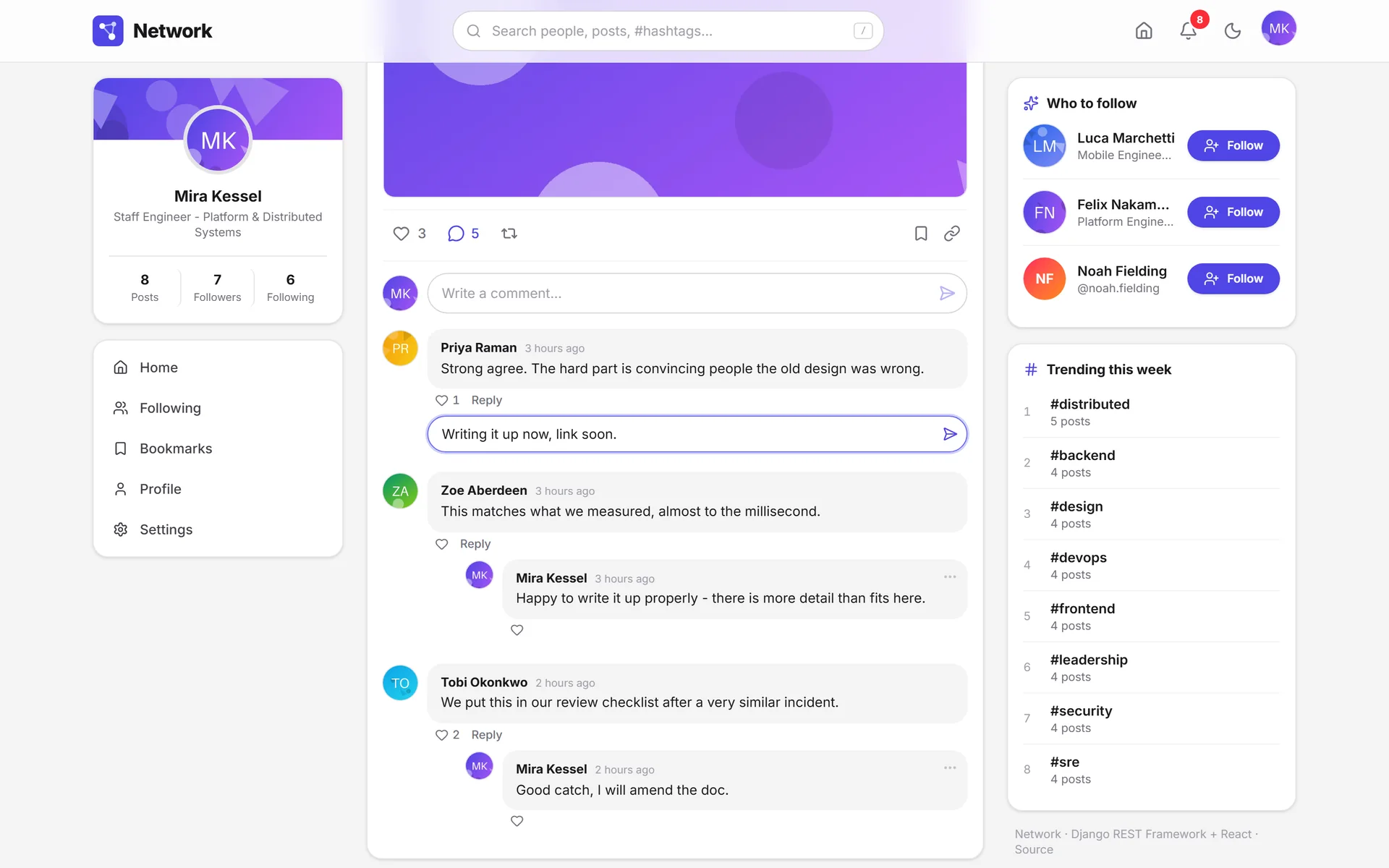
Replies happen under the comment, without leaving the thread.
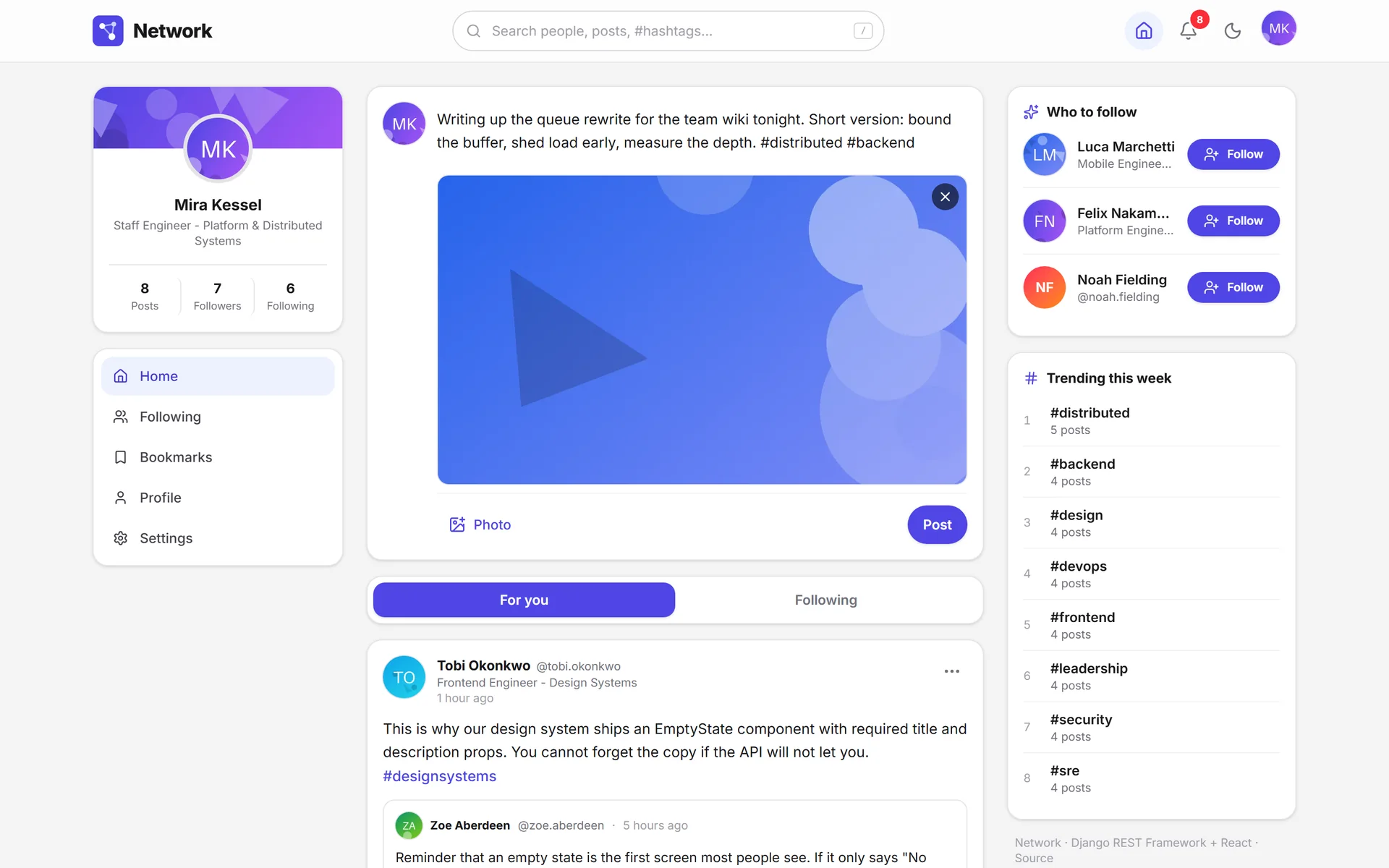
You see the image before posting; the server rewrites it as WebP.
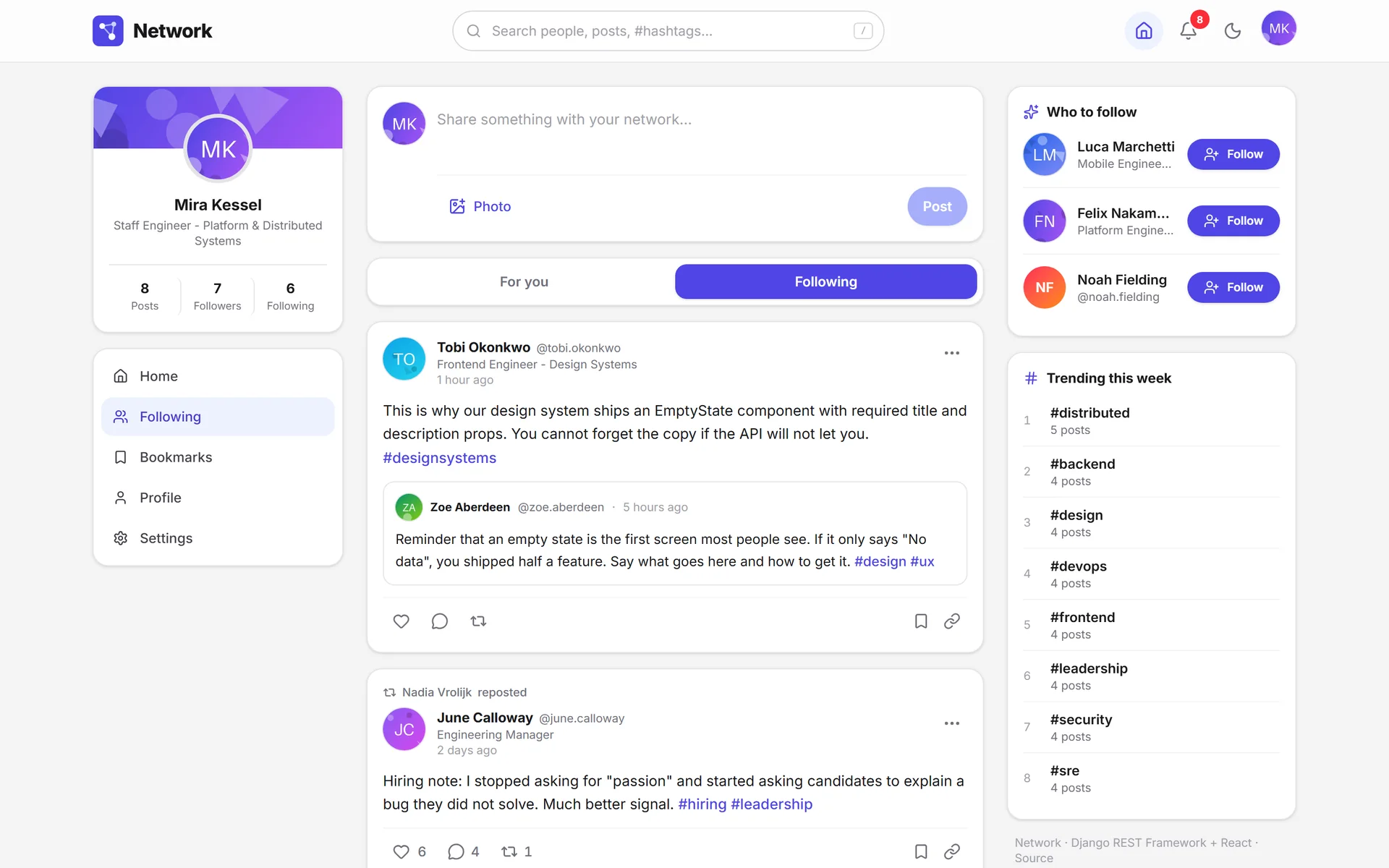
Following gathers posts from people you follow, plus your own.
While it loads, the skeleton takes the card's exact place.
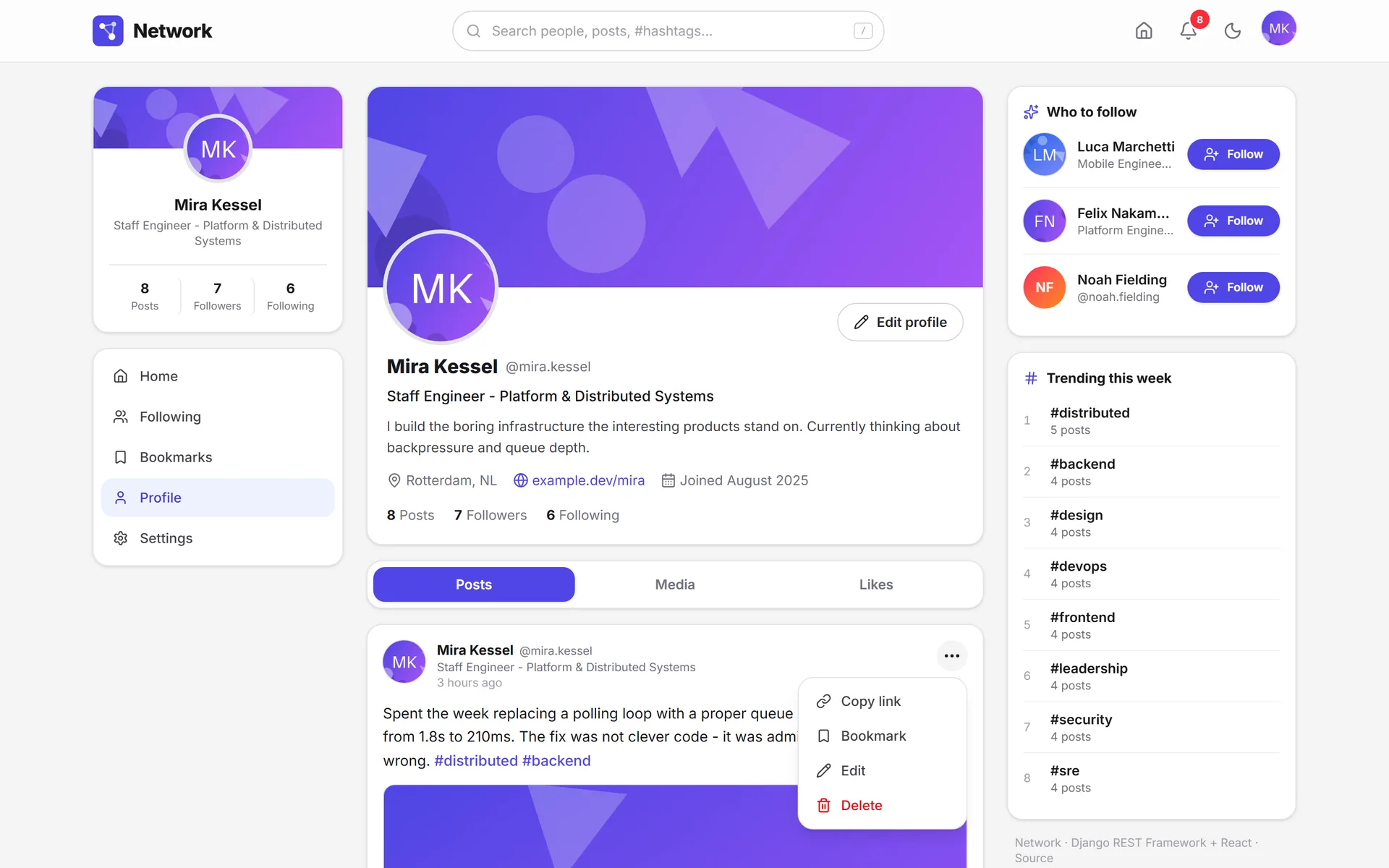
Edit and delete only show up on your own posts.
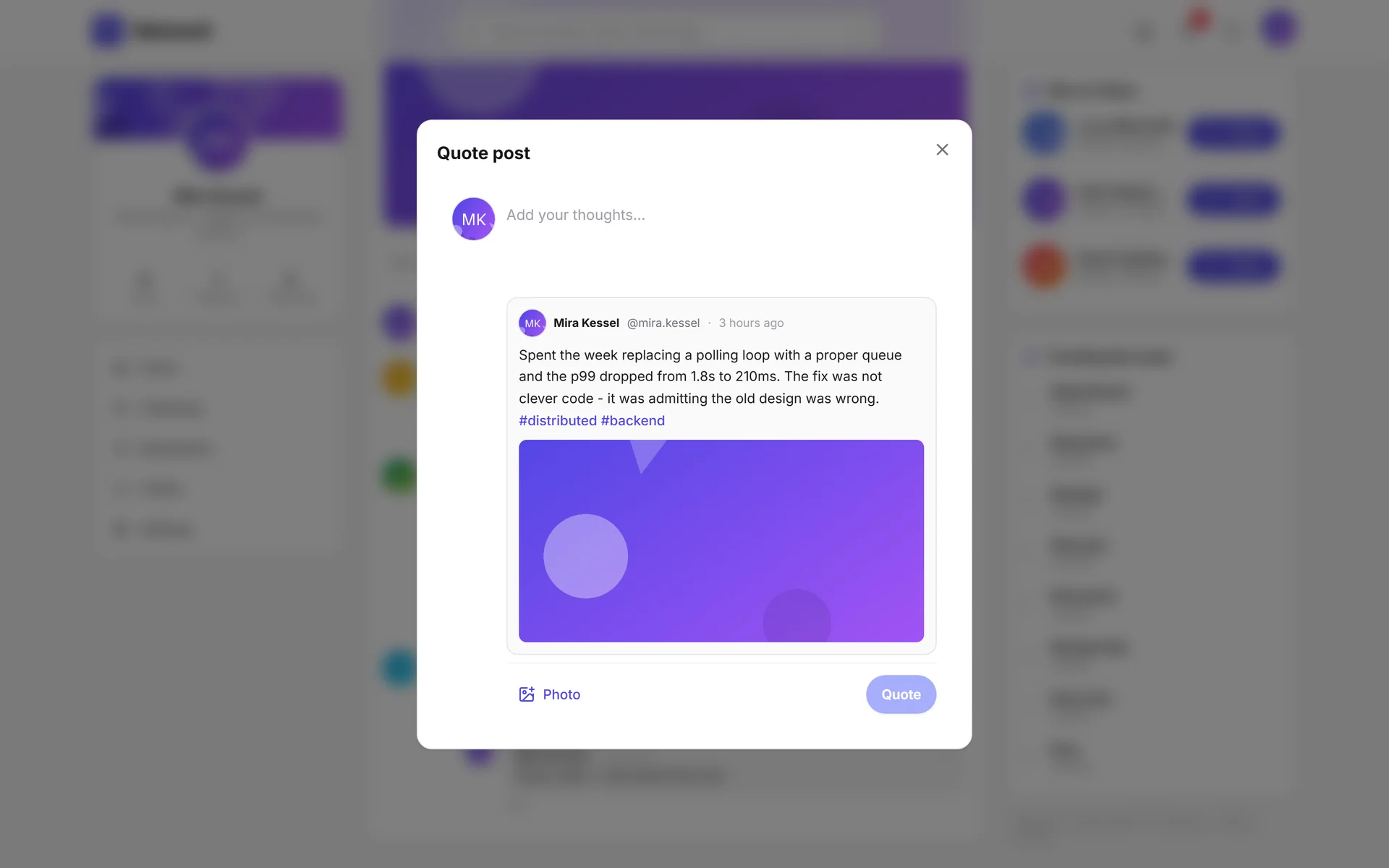
When quoting, you see the full original, image included.
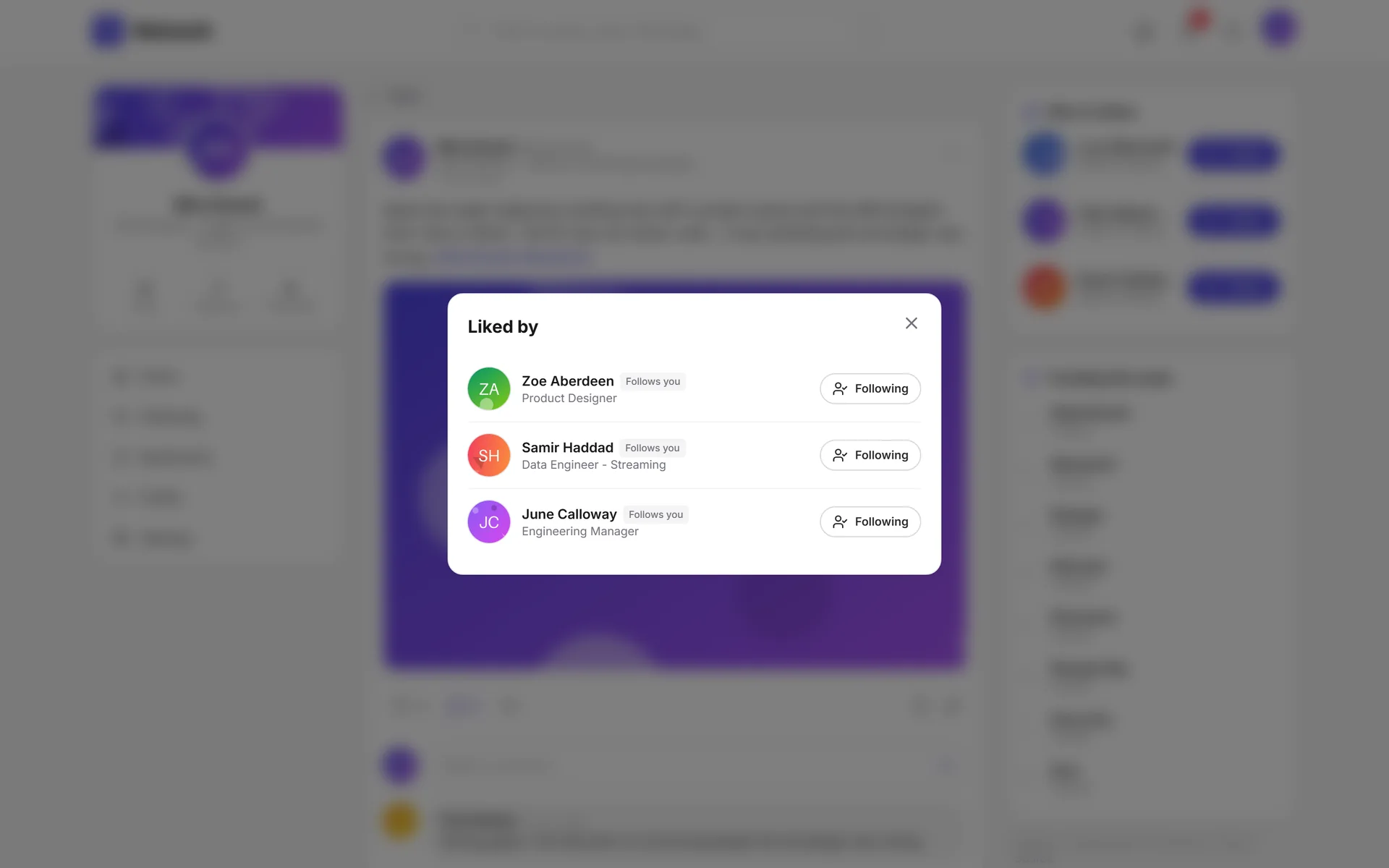
The like counter opens into a list of people.
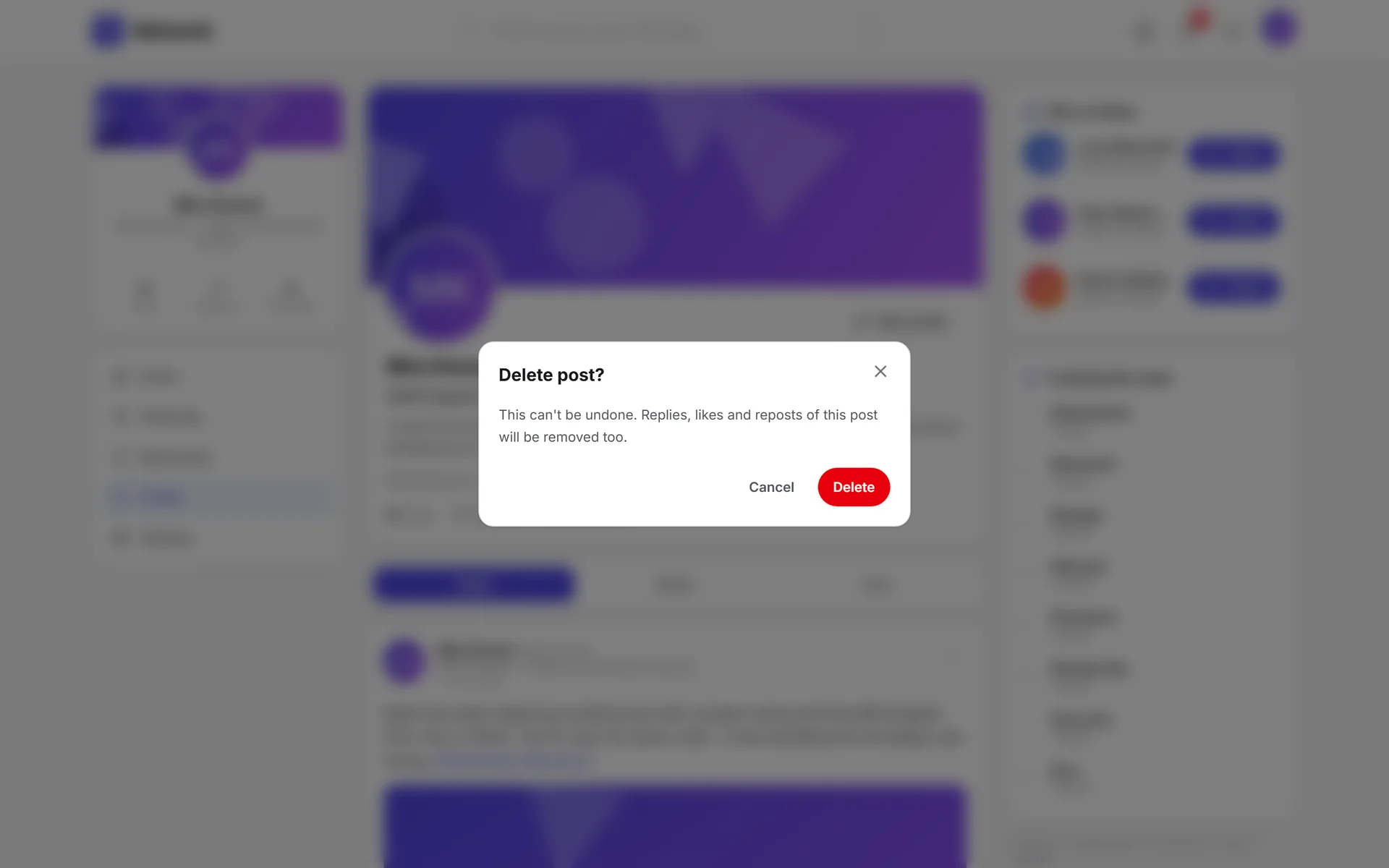
The dialog names what you'll lose, not just the action.
Profiles and connections7 screens
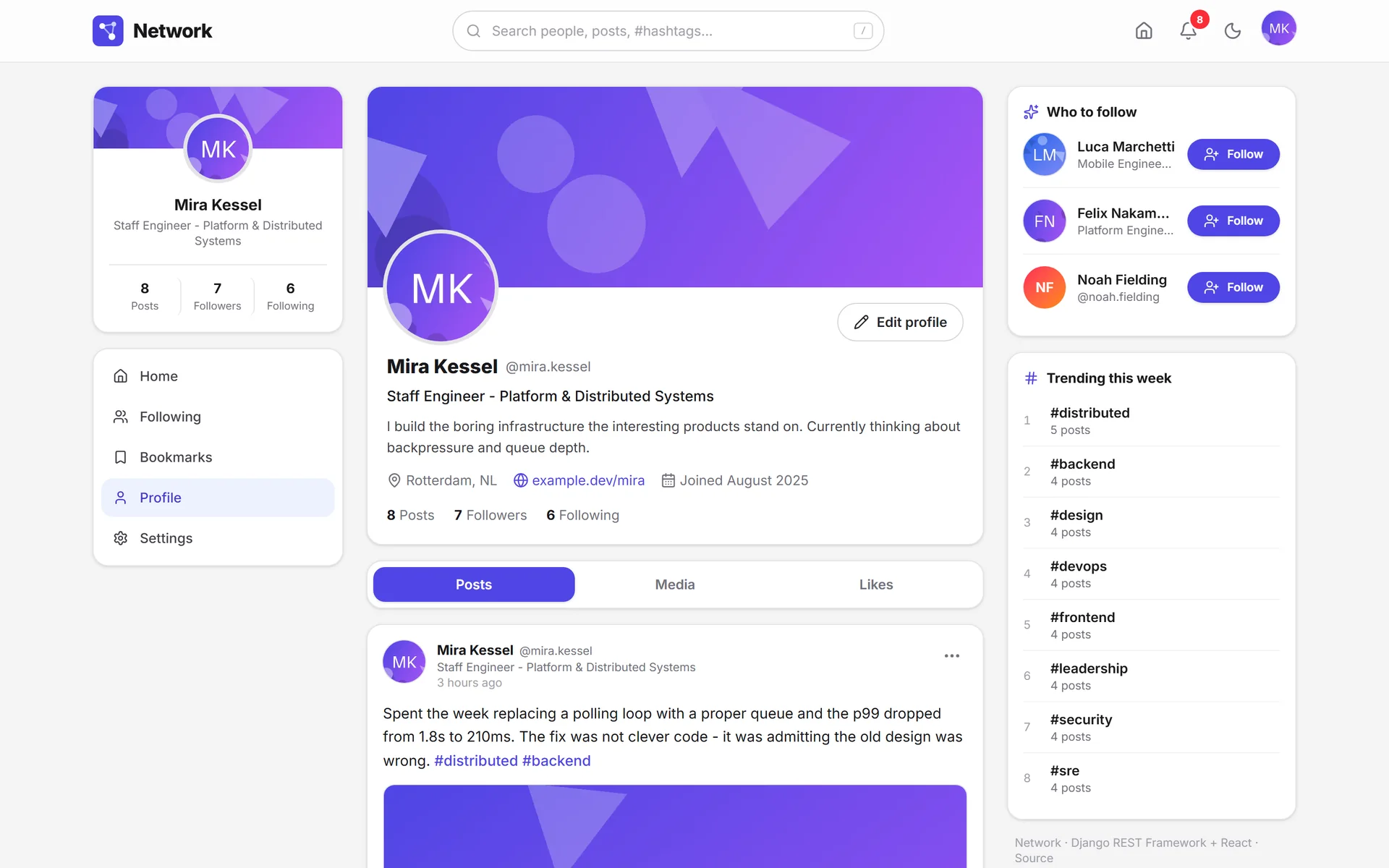
The profile brings identity, relationships and posts together.
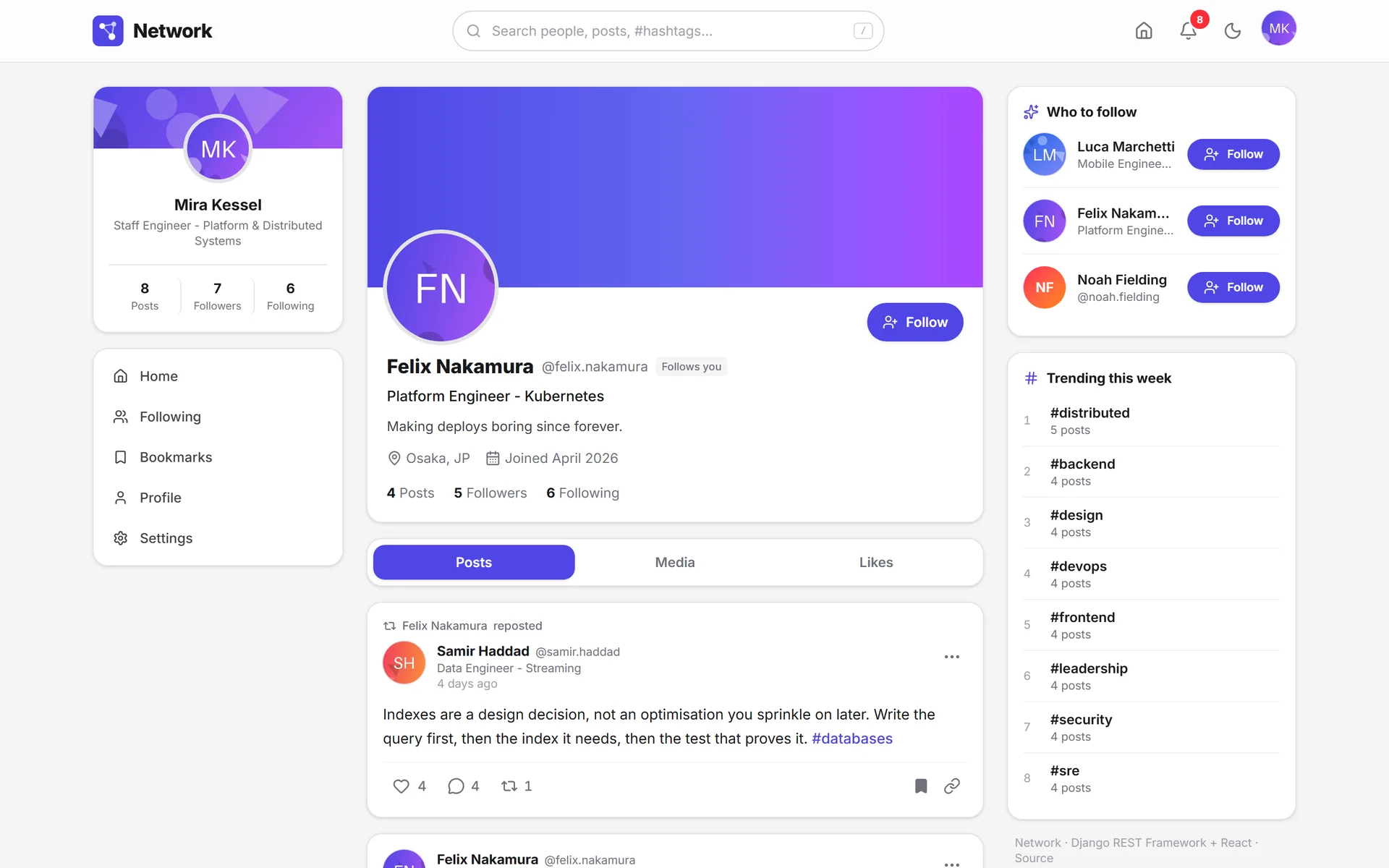
“Follows you” settles the relationship at a glance.
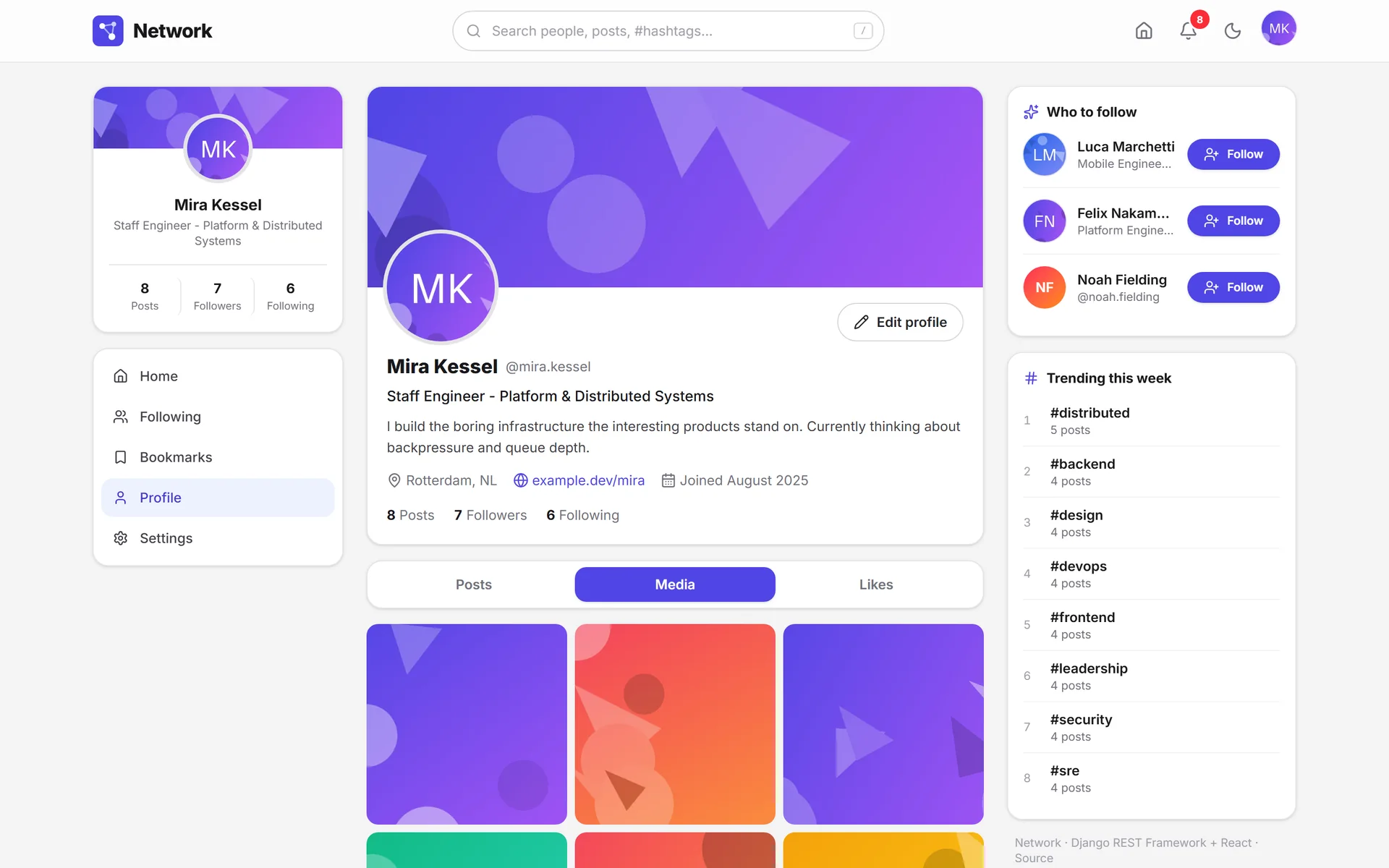
The Media tab browses a profile image by image.
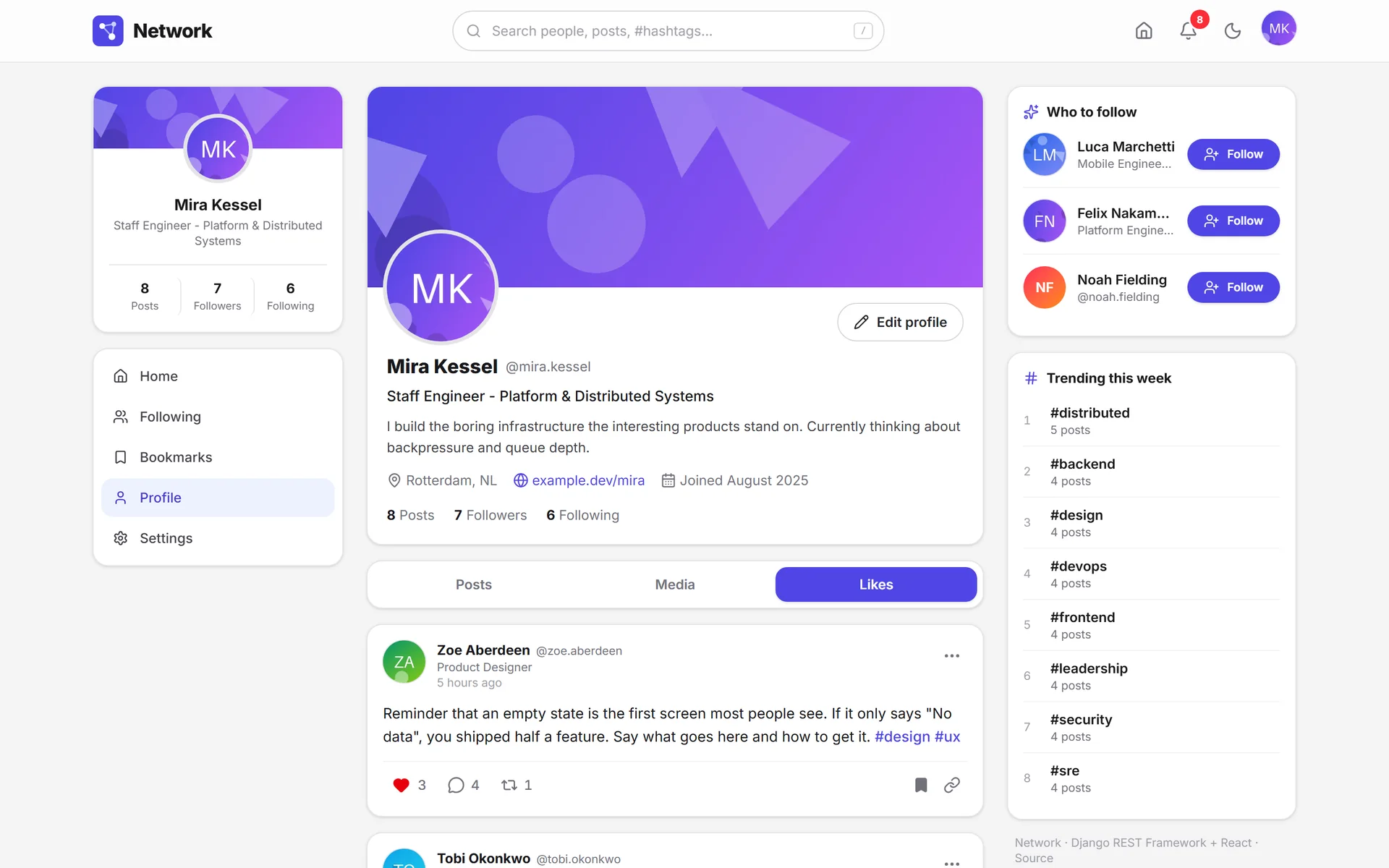
What someone likes also says who they are.
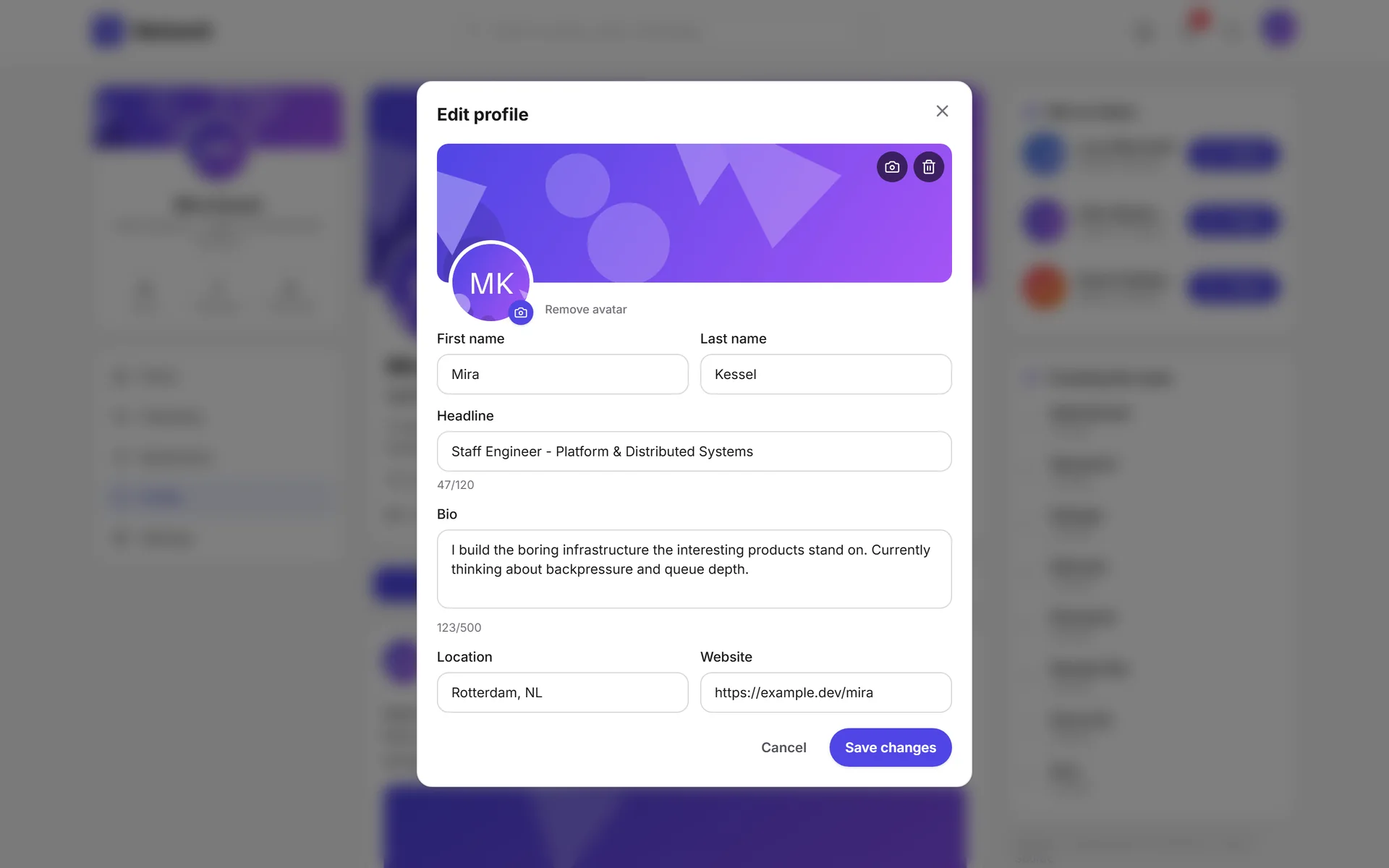
Edit the whole profile without leaving it, with a counter on every field.
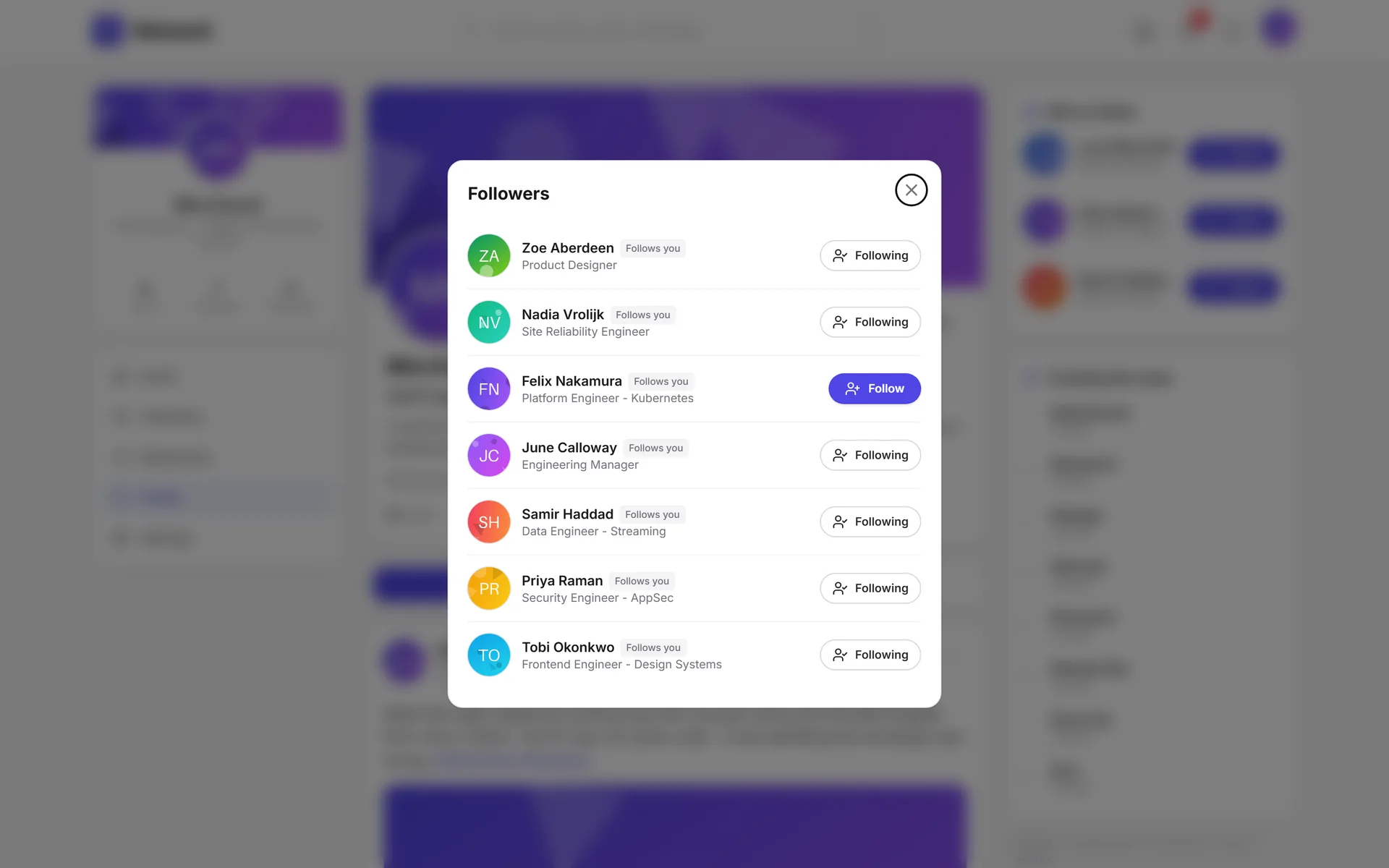
Followers and following are modals with their own URL: you can link to them.
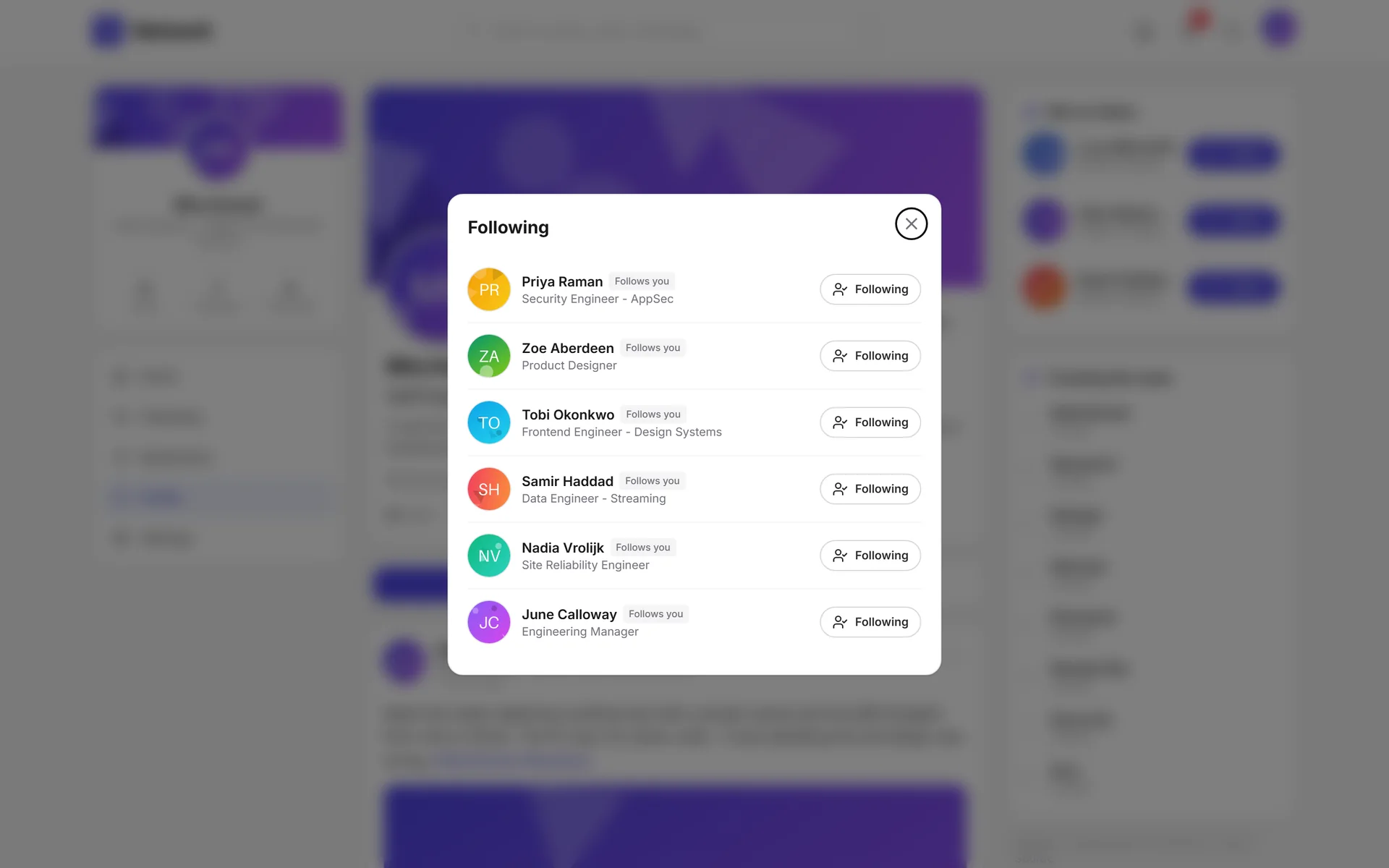
You can walk the graph in both directions from the profile.
Notifications2 screens
Each kind of notification with its own icon, color and sentence.
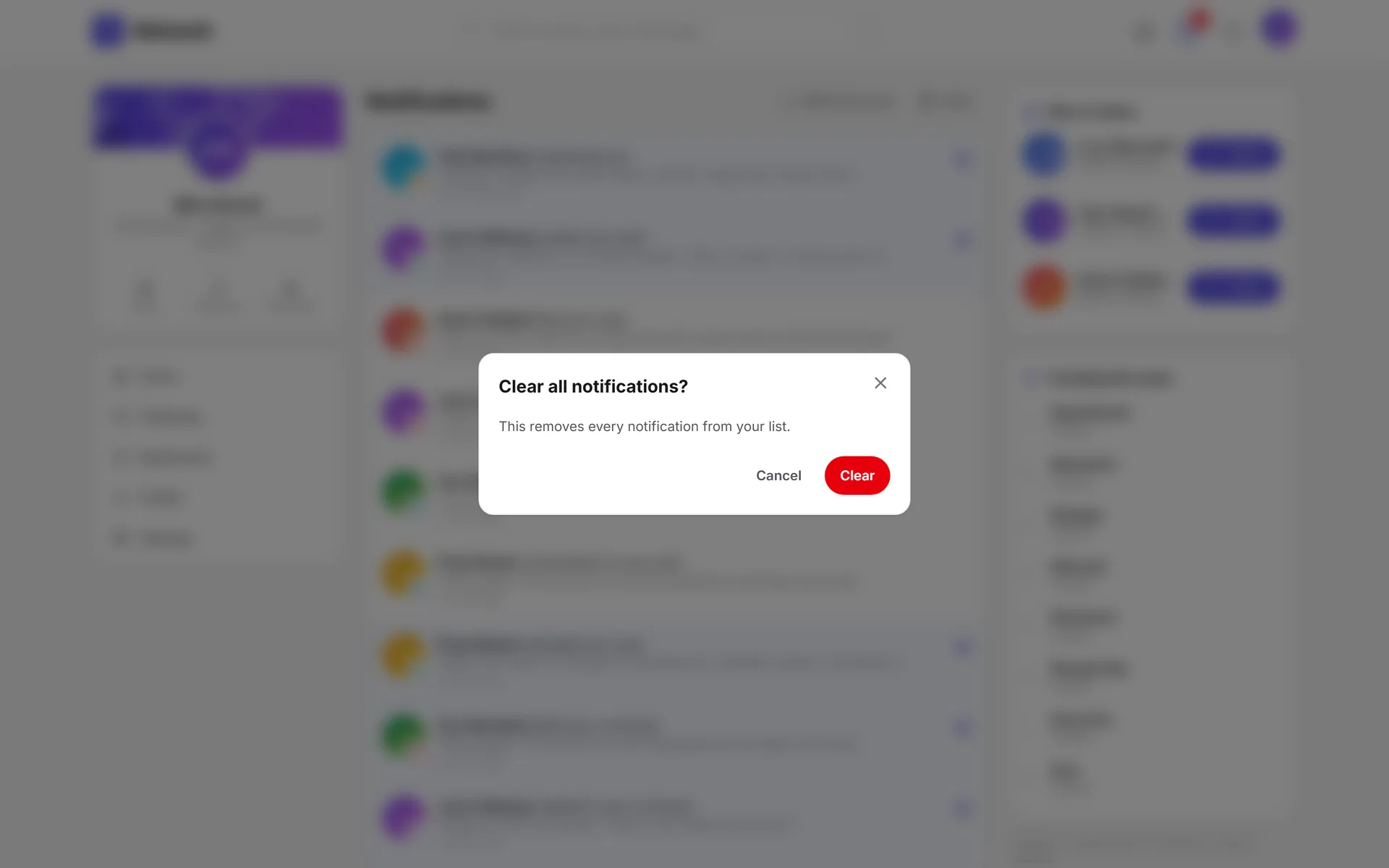
Clearing the list asks for confirmation and says what it deletes.
Search and bookmarks5 screens
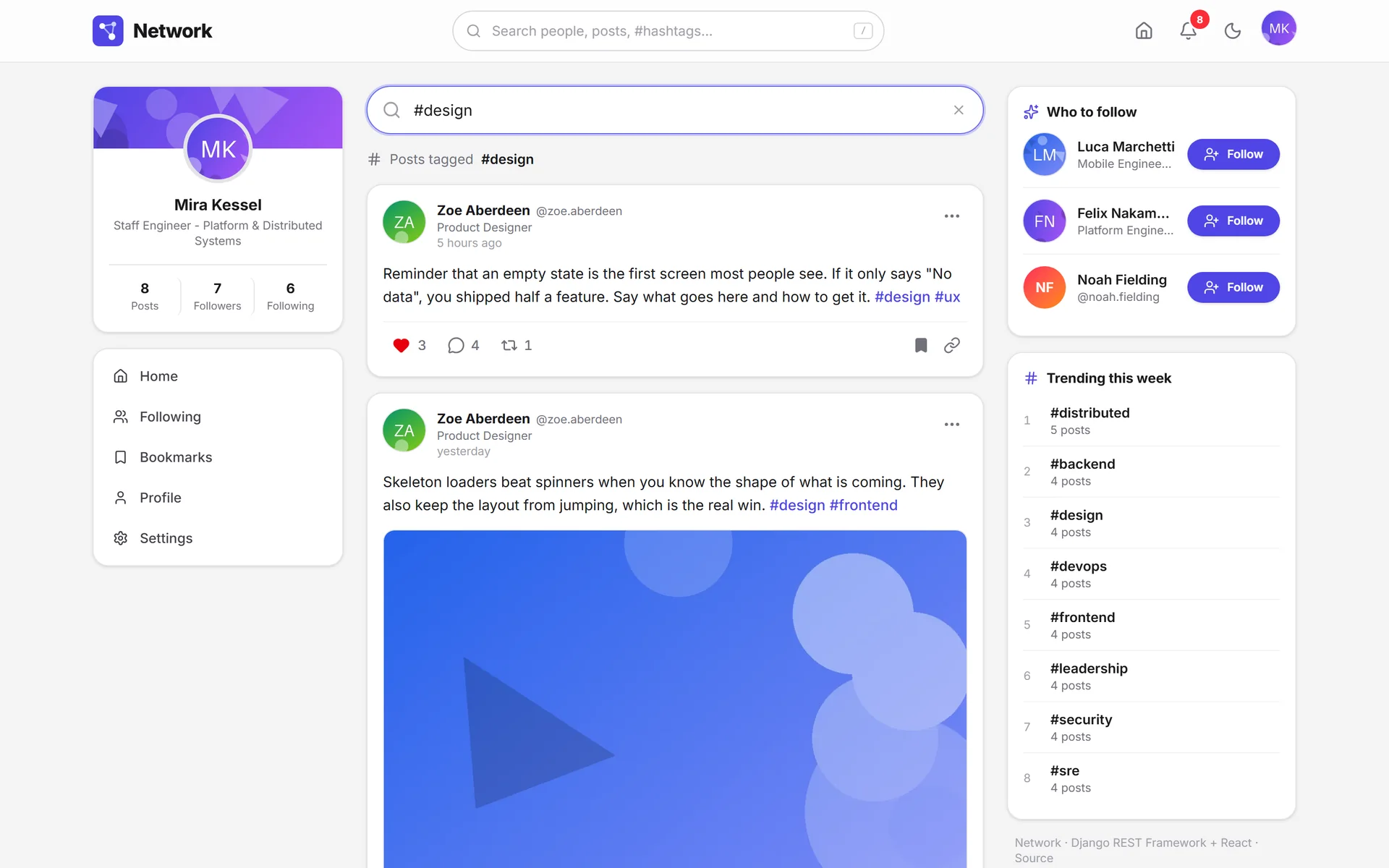
Typing a # jumps straight to the posts on that topic.
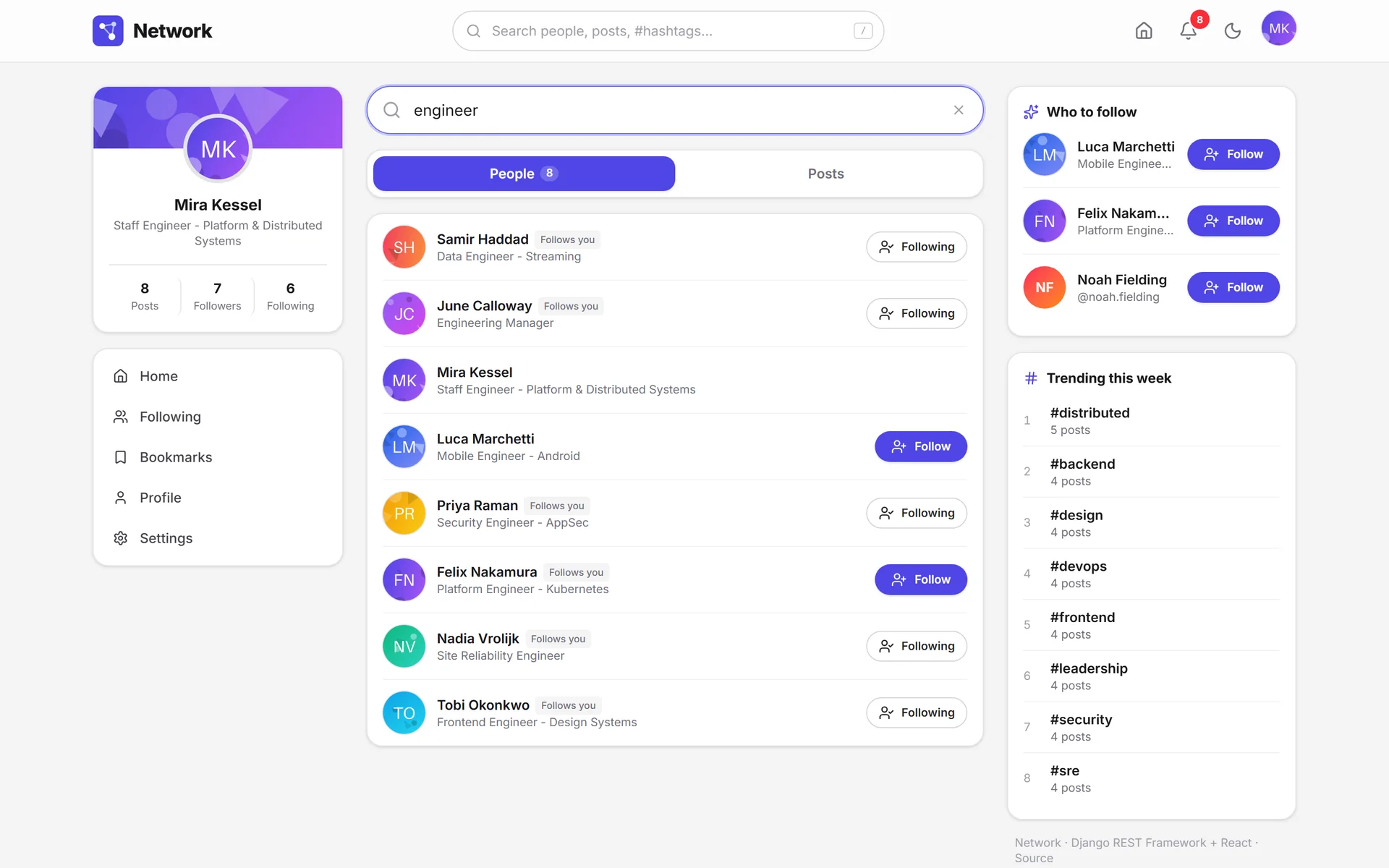
People search covers the headline, not just the name.
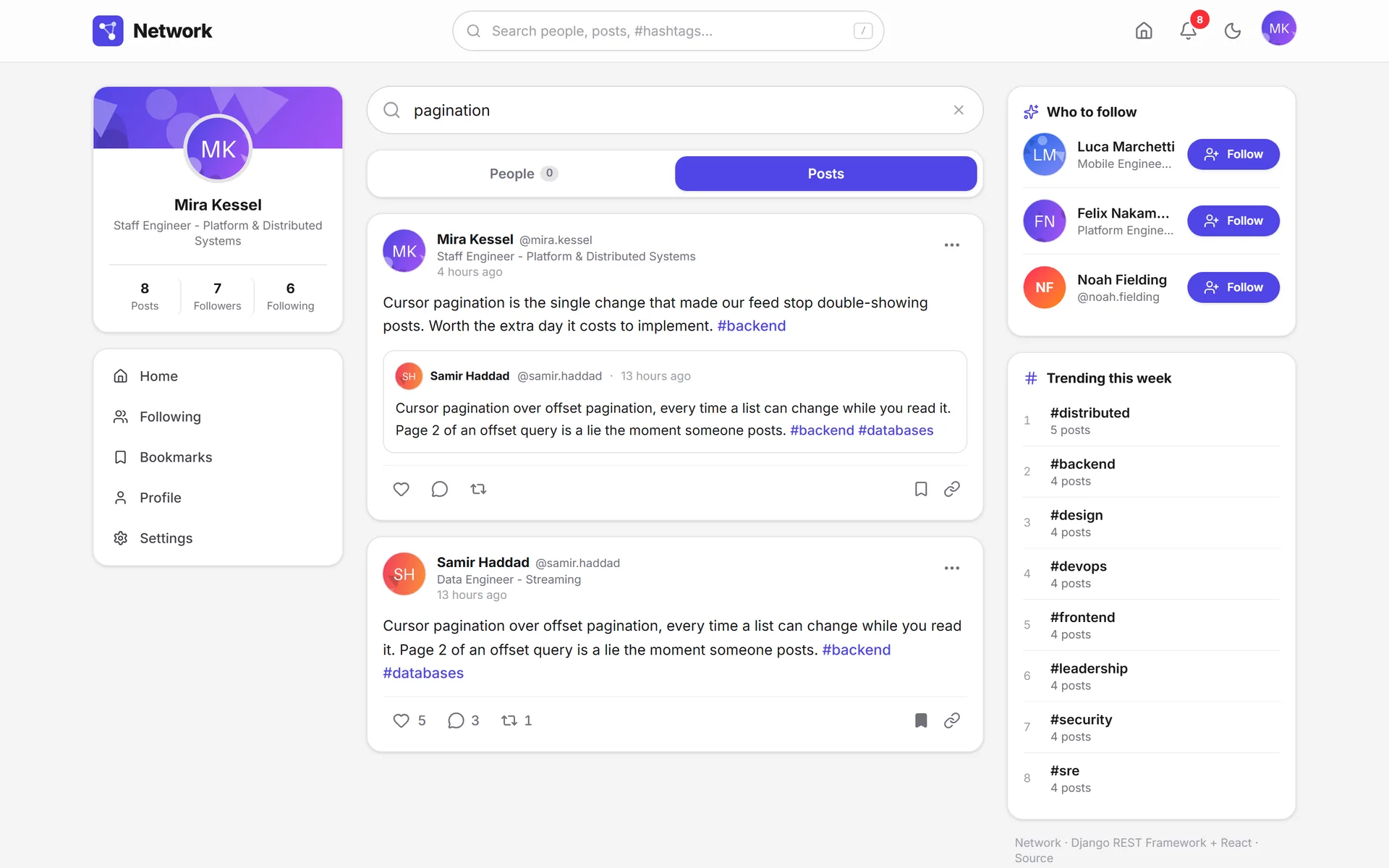
The same box searches people and posts.
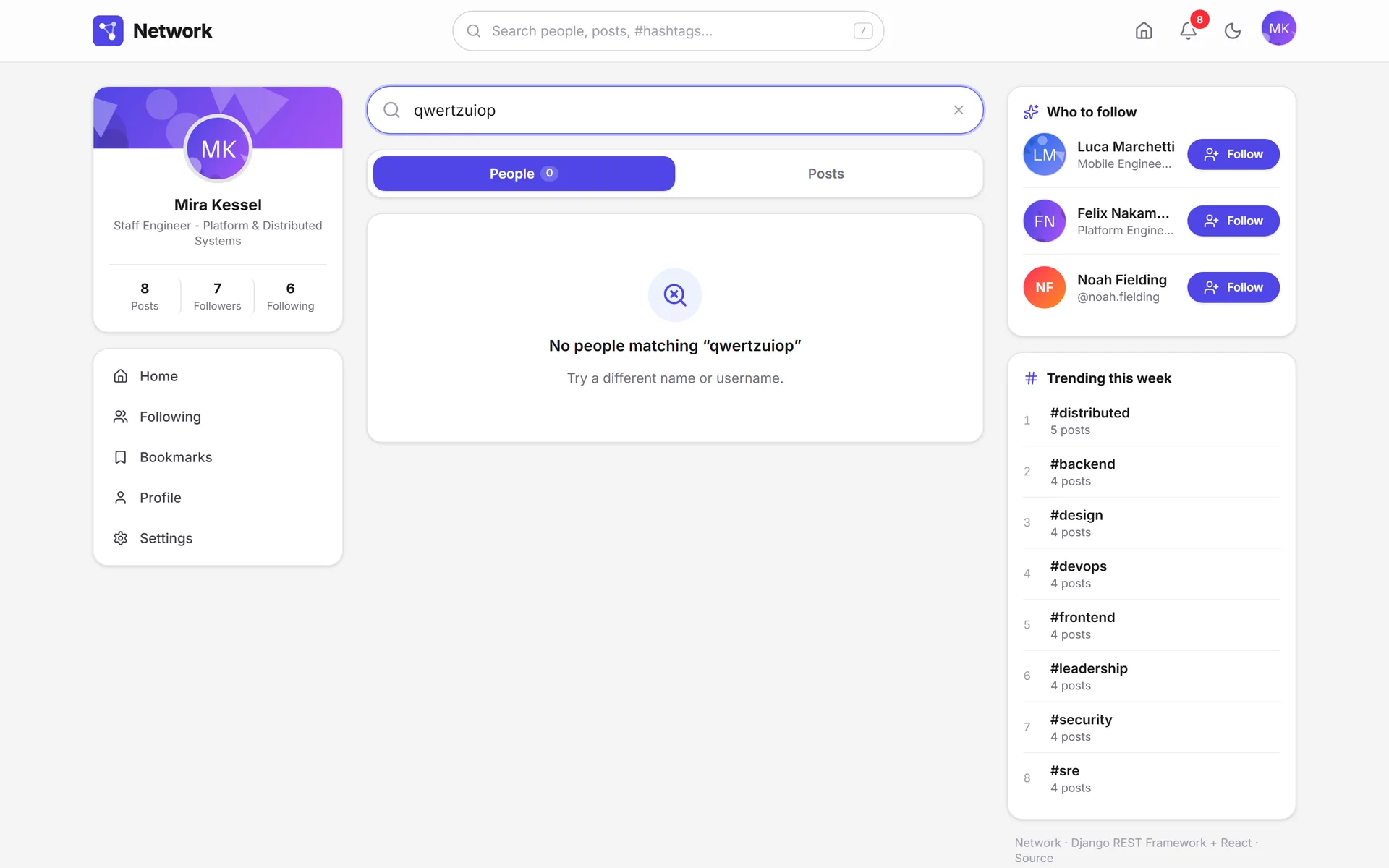
With no results, the screen repeats the term and suggests what to try.
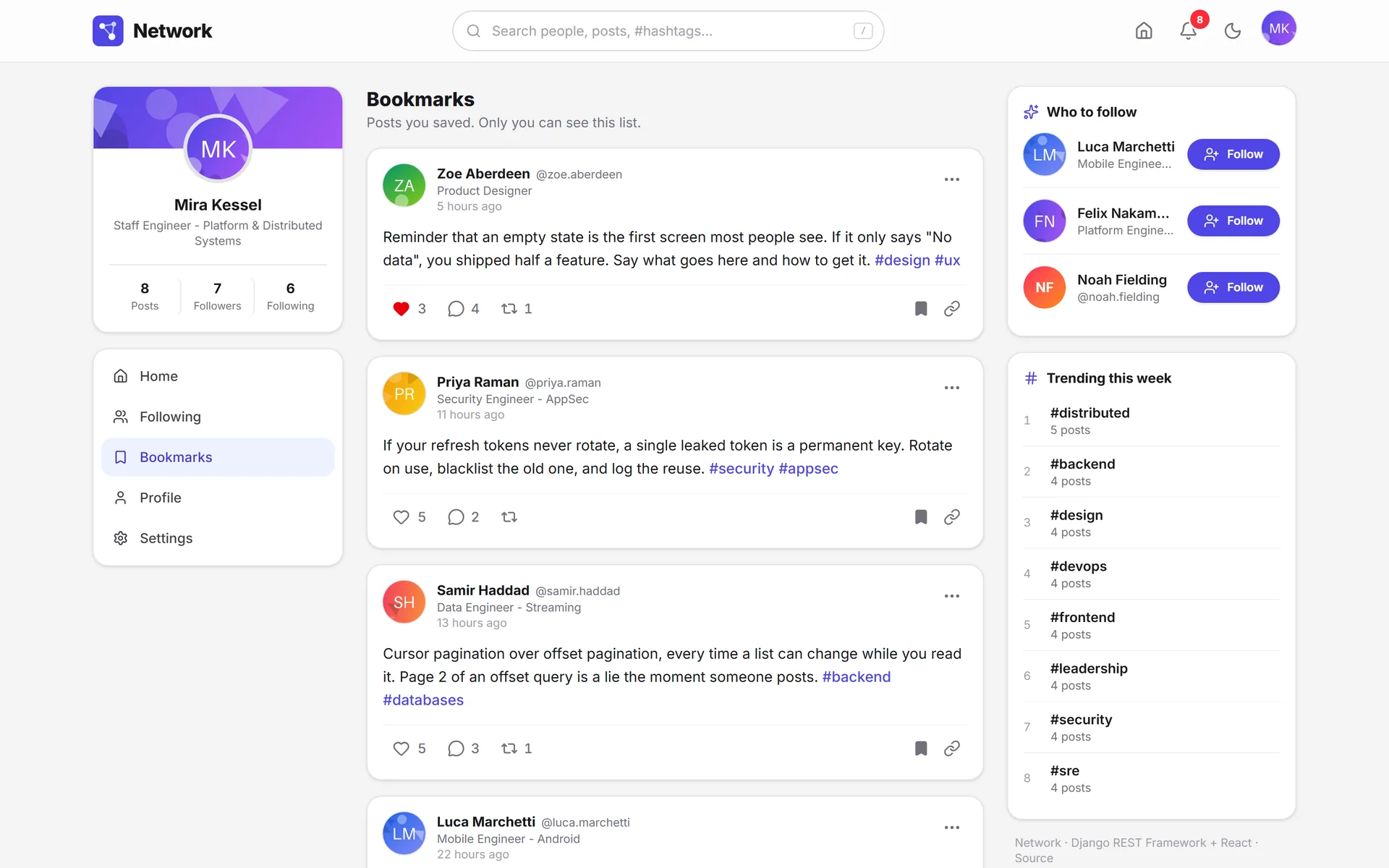
Bookmarks are private, and the screen says so.
Sign-in and account6 screens
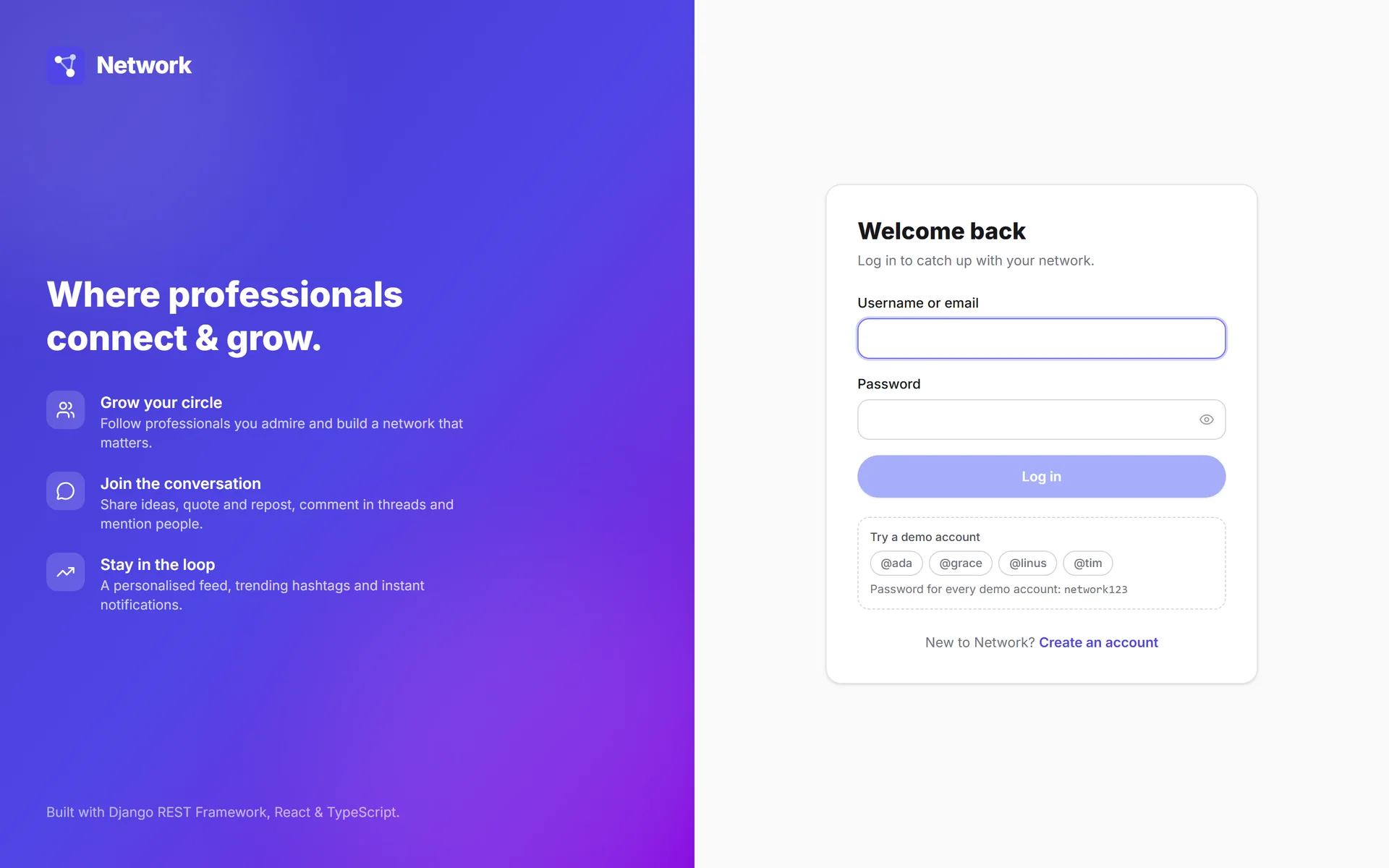
The public demo offers one-click test accounts.
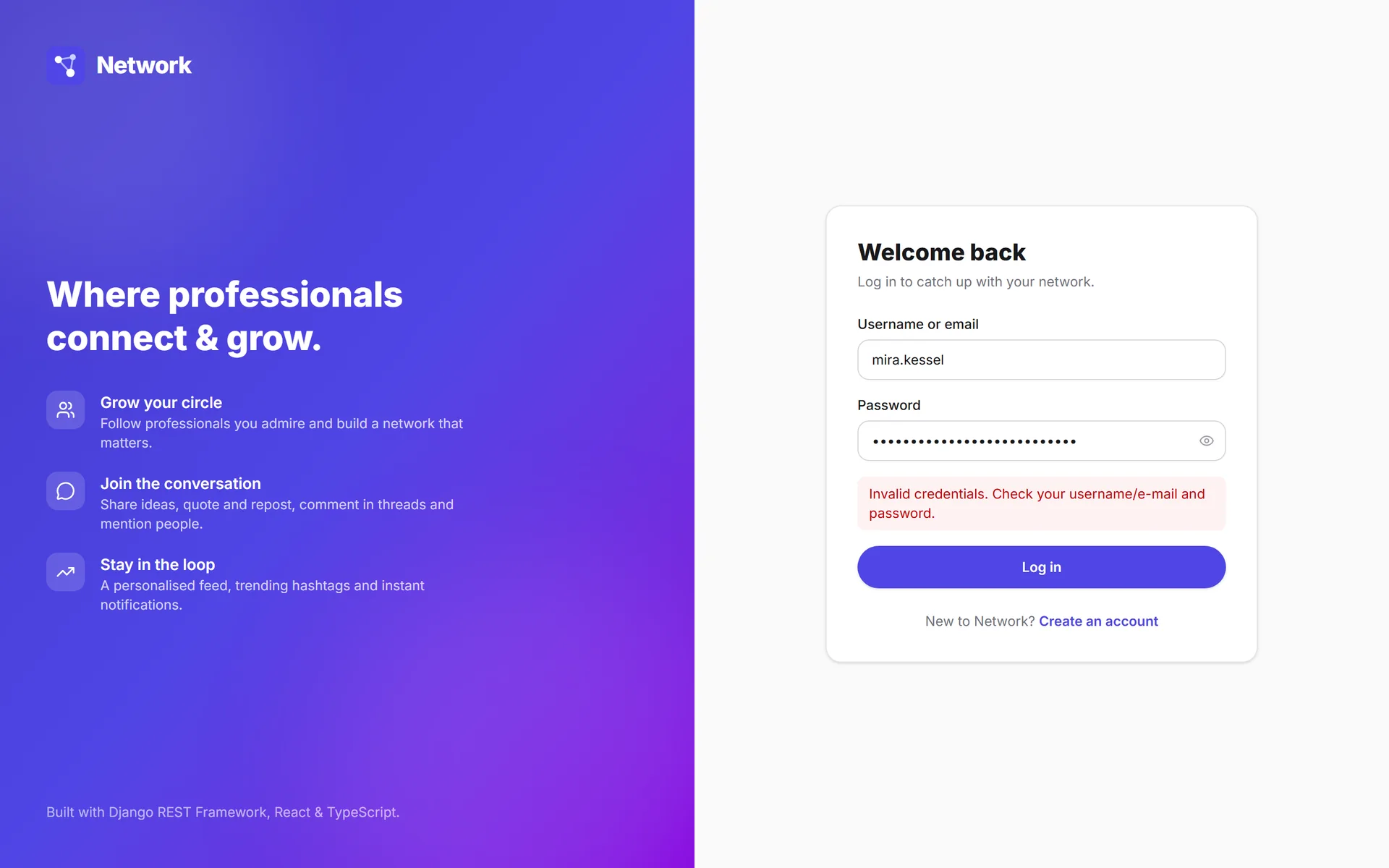
The error appears right in the form, without a reload.
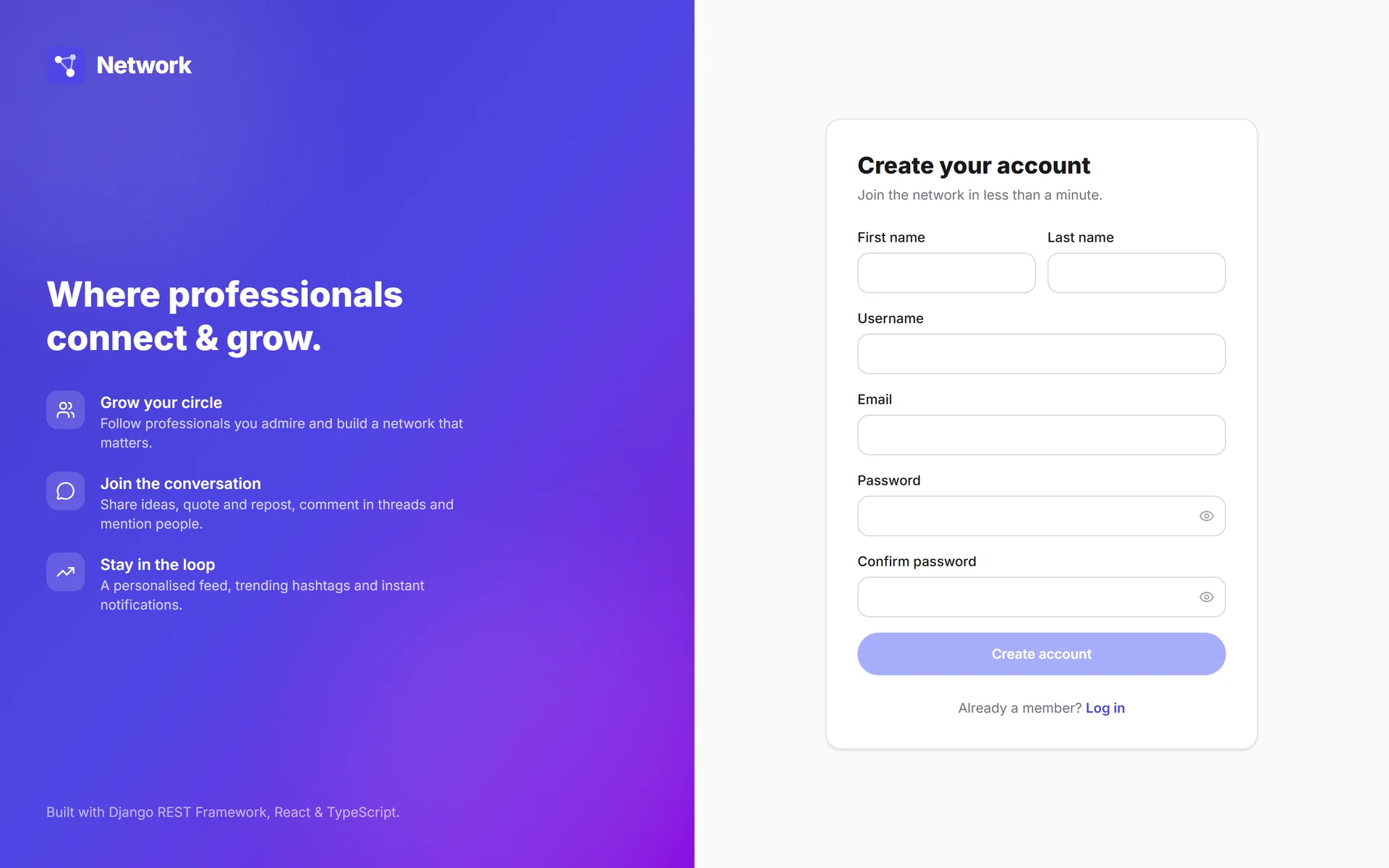
Creating the account signs you in: one screen, not two.
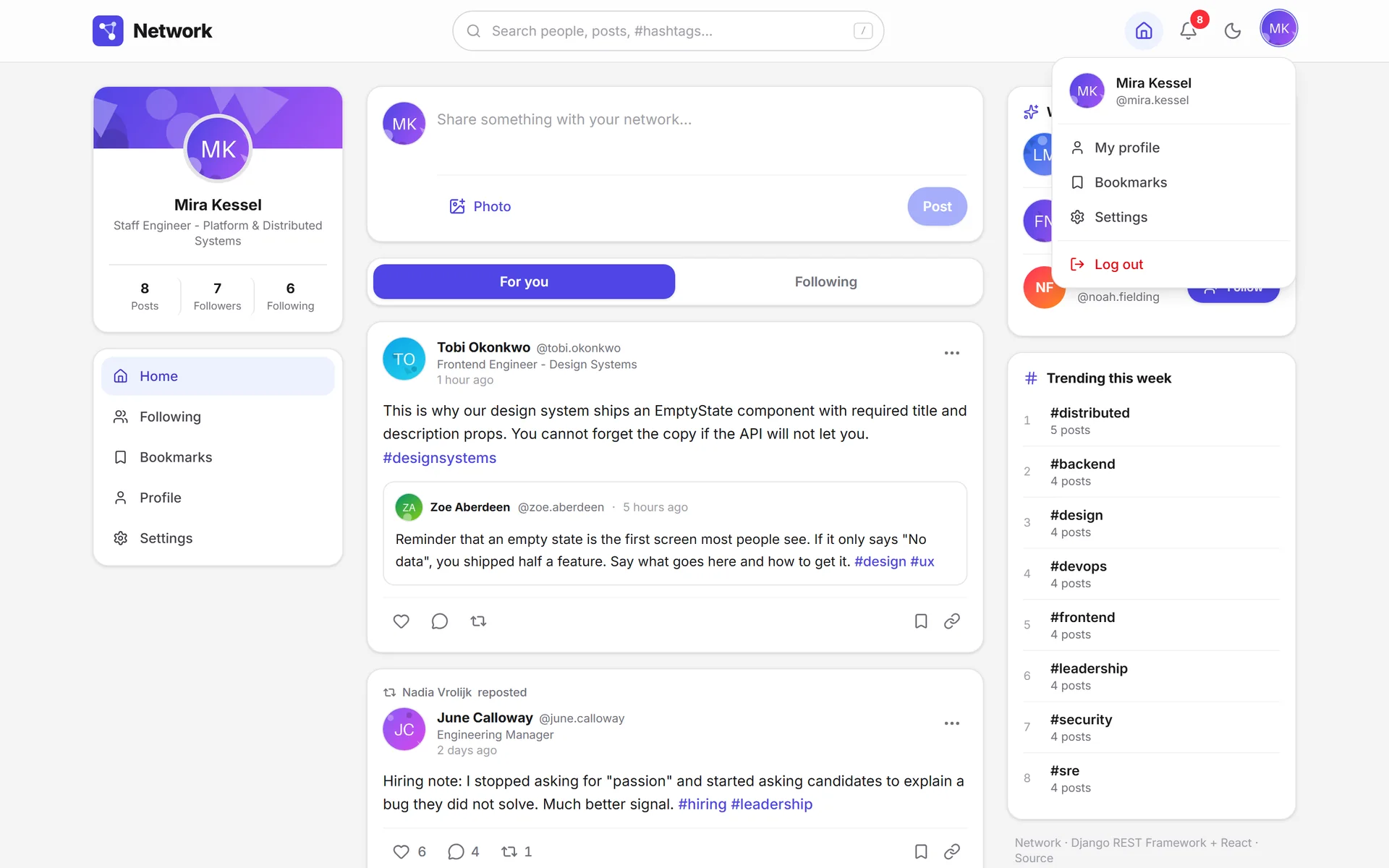
The account menu holds what isn't in the navigation.
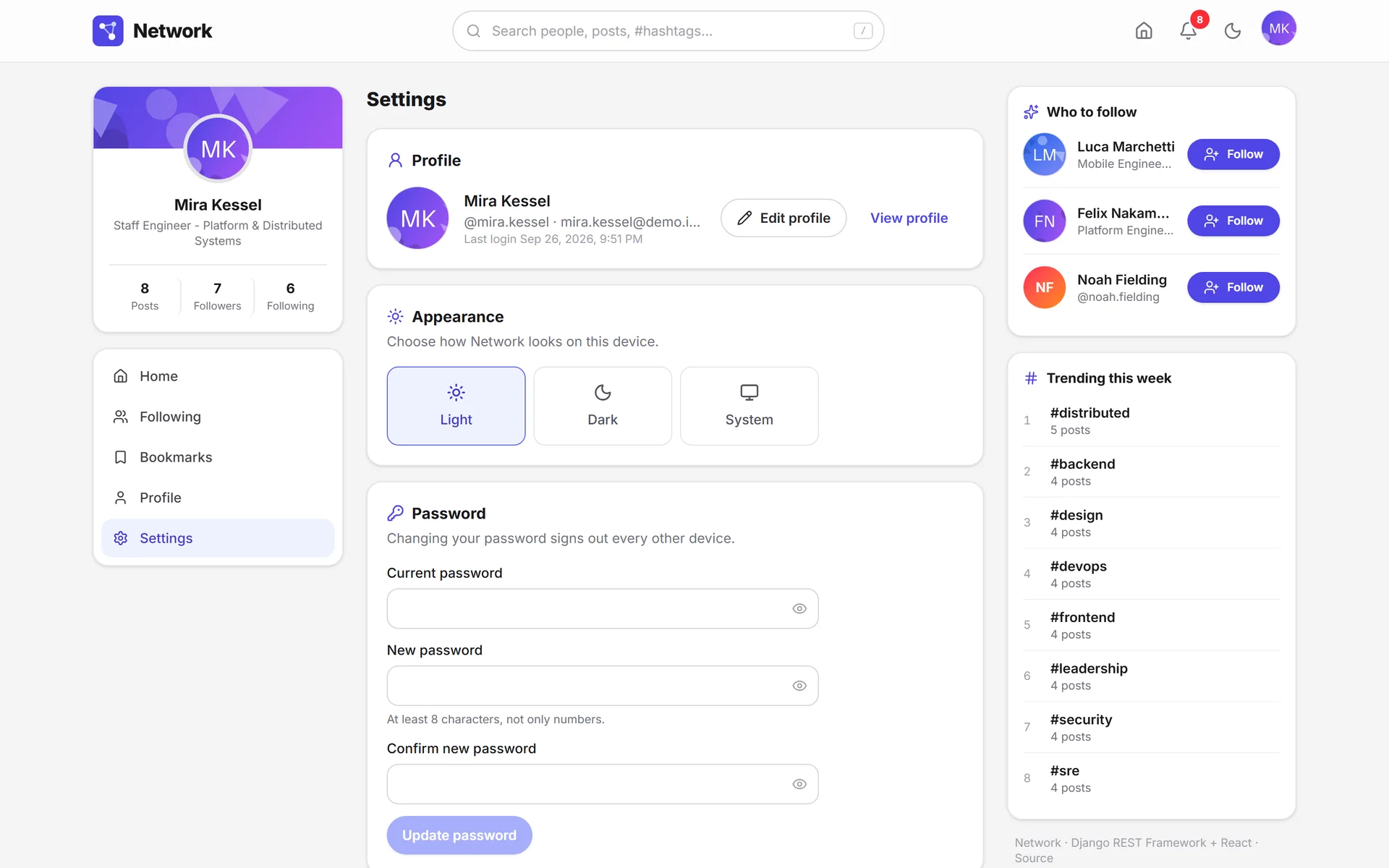
Changing your password signs out your other devices.
Deleting the account lists what you'll lose and asks for your password.
Empty states and errors5 screens
The empty state explains what goes here and links to the action that fills it.
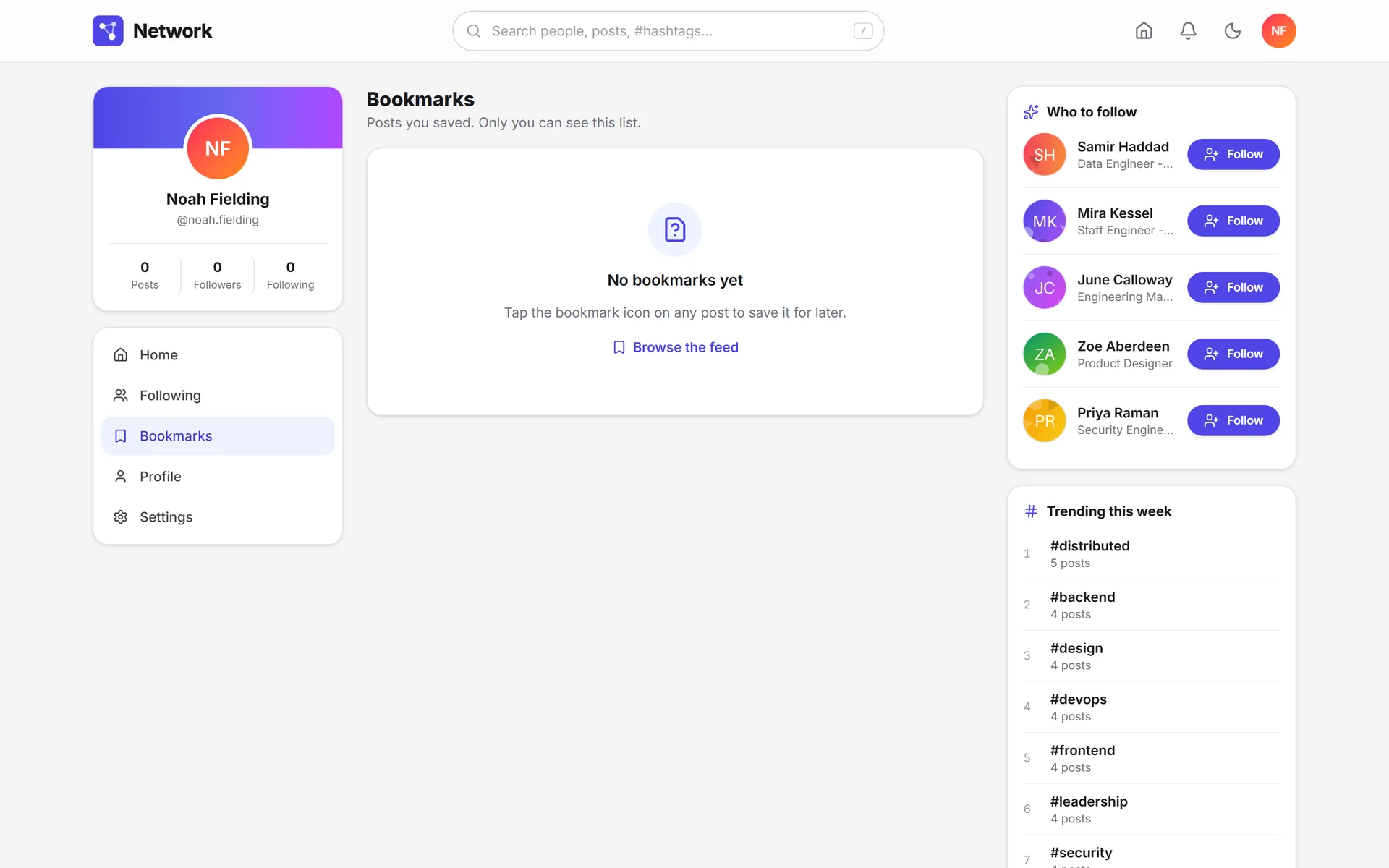
It shows the exact gesture that solves it.
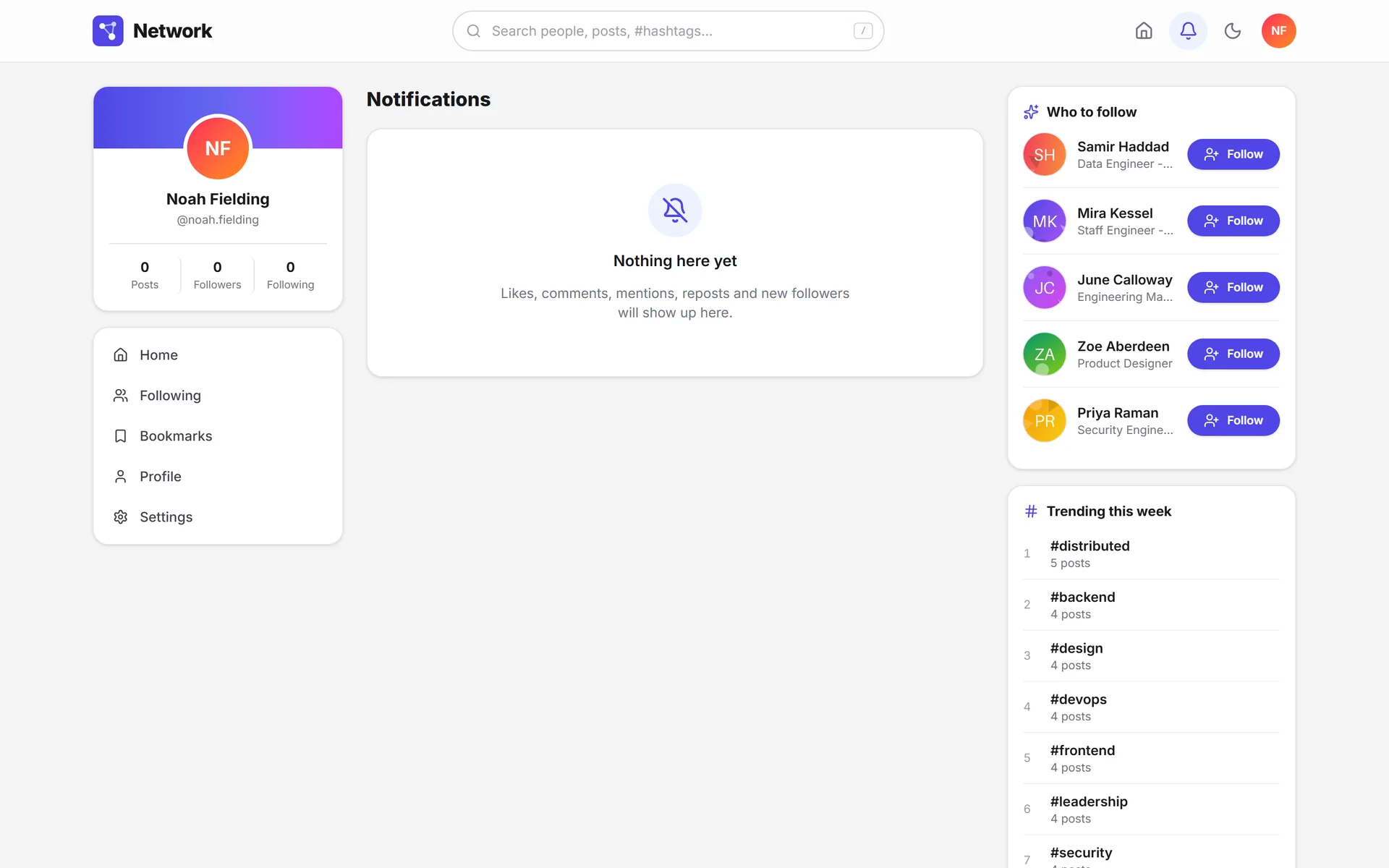
It anticipates which notifications will land on this screen.
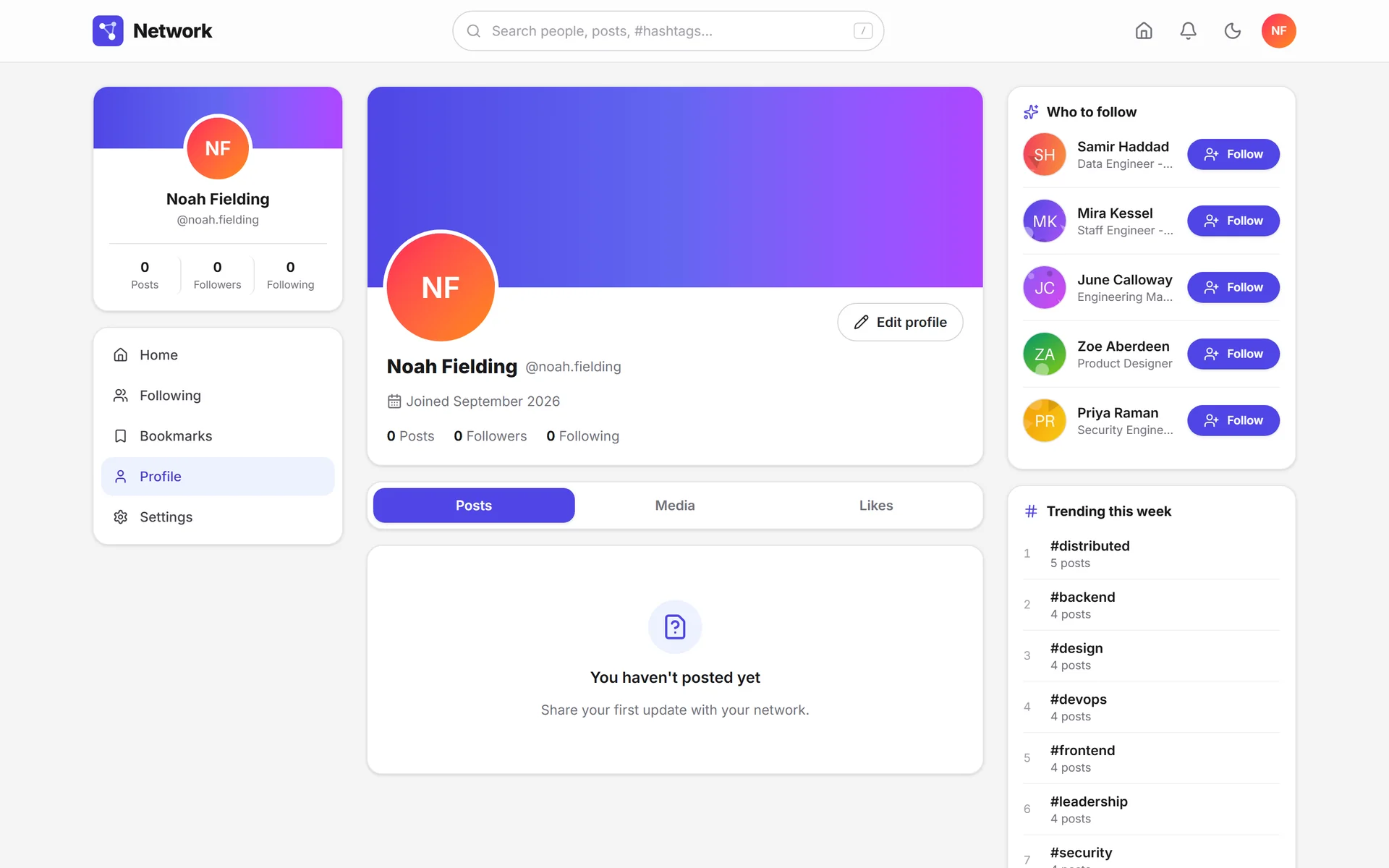
A profile with no content still looks presentable.
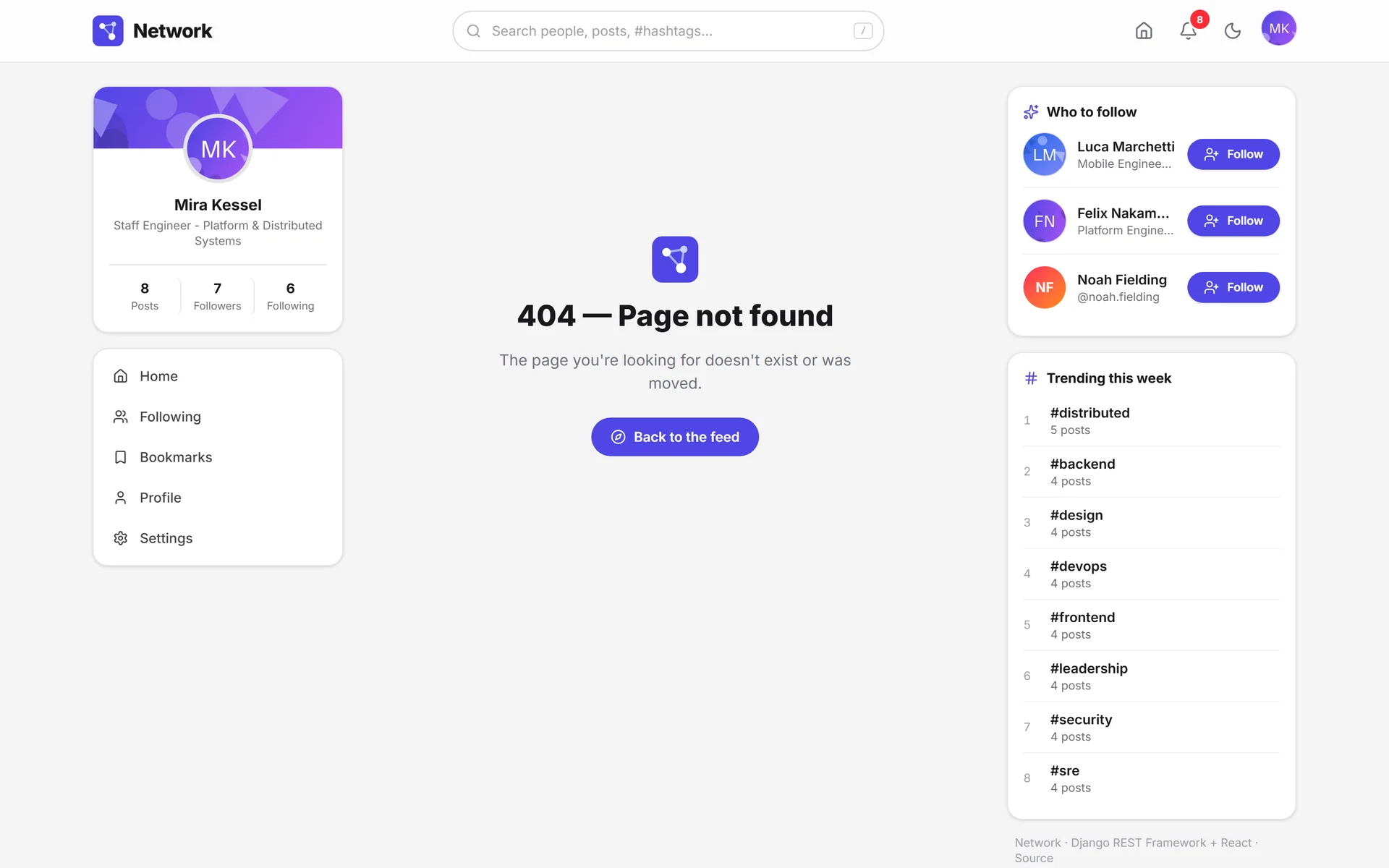
The 404 keeps the brand and offers a way out.
Dark mode6 screens
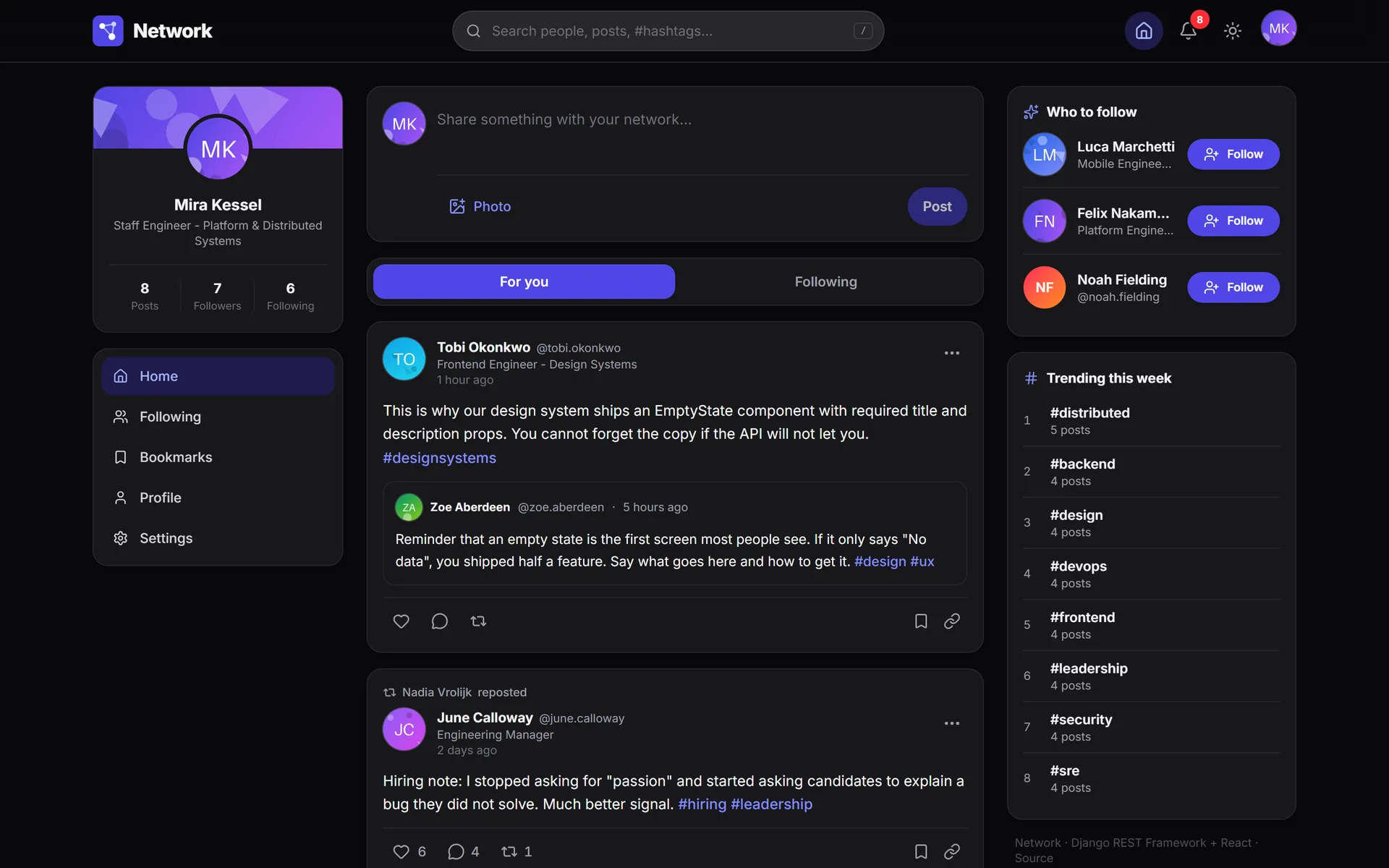
In the dark theme, borders do the work of shadows.
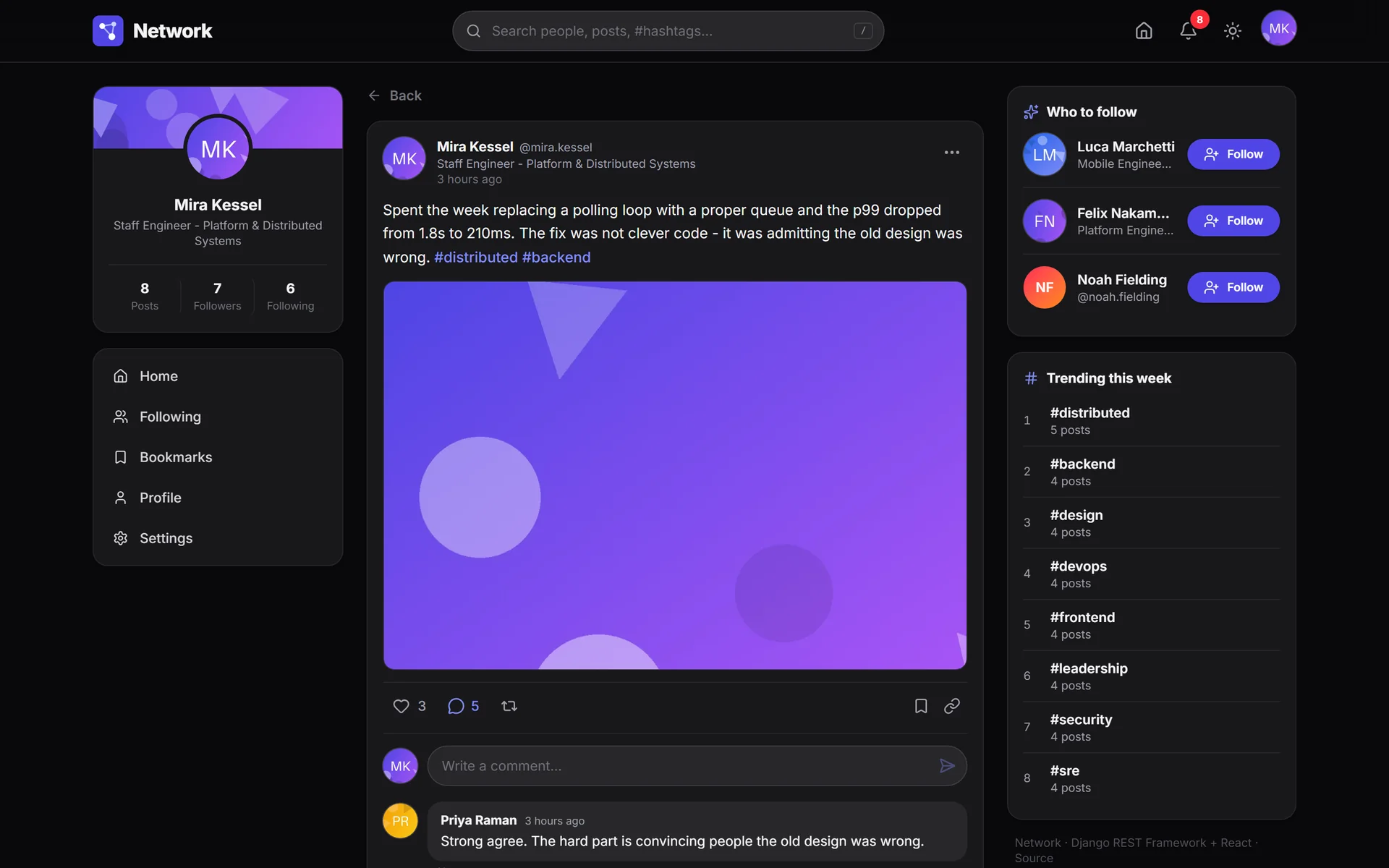
The thread keeps its hierarchy when the theme changes.
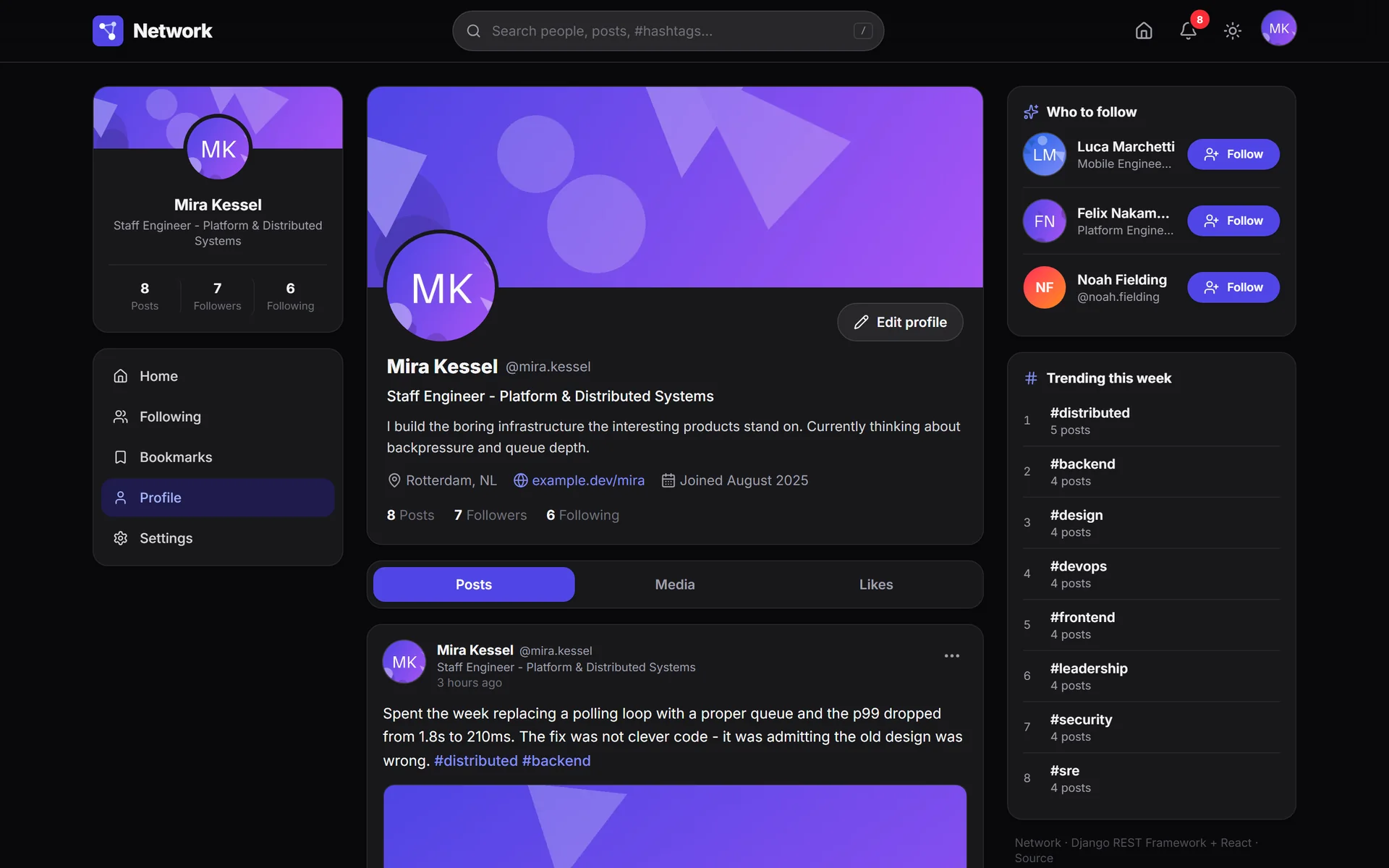
The gradient cover works on a dark background, too.
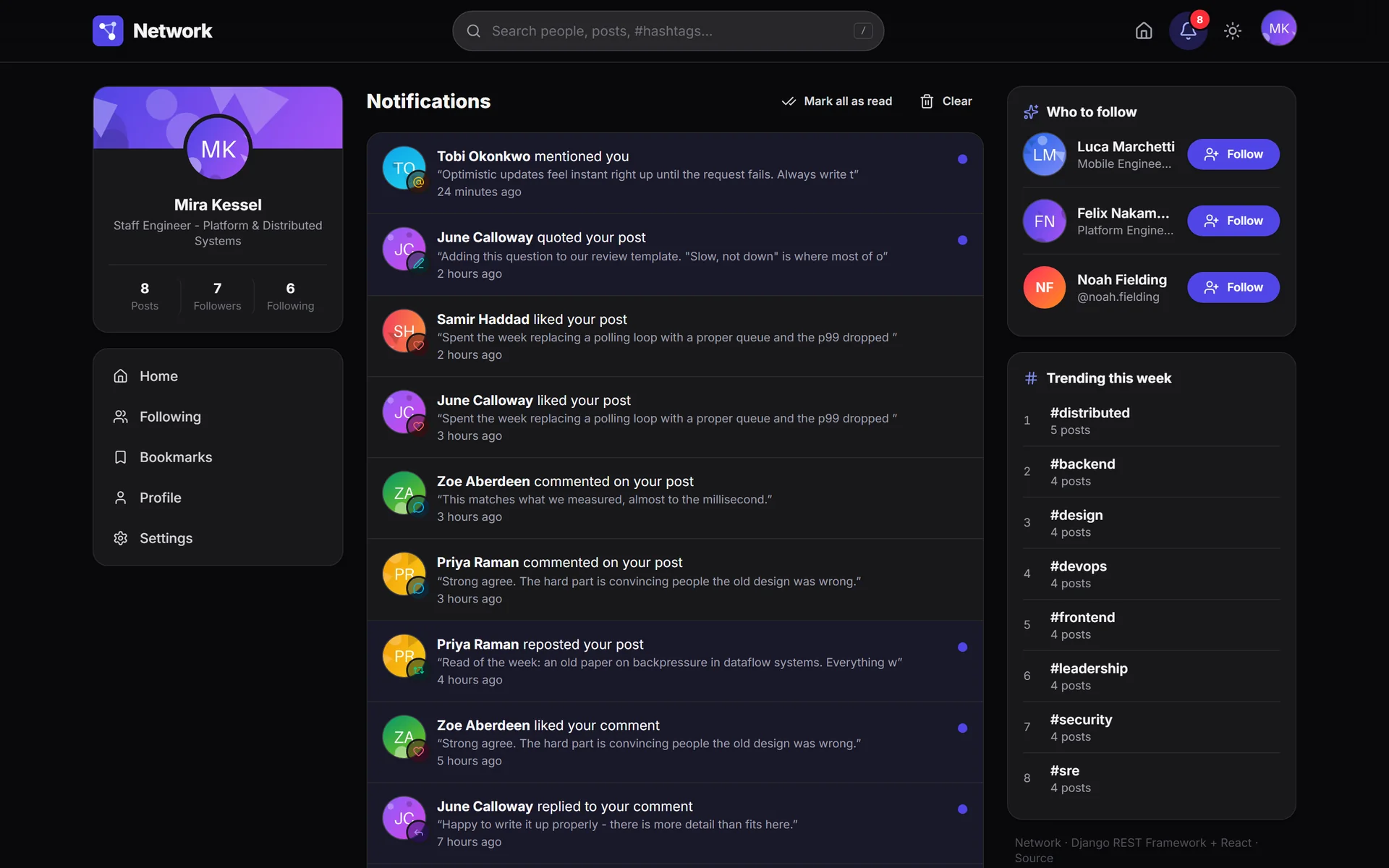
Each notification color has its own dark variant.
Light, dark or system, applied before the first paint.
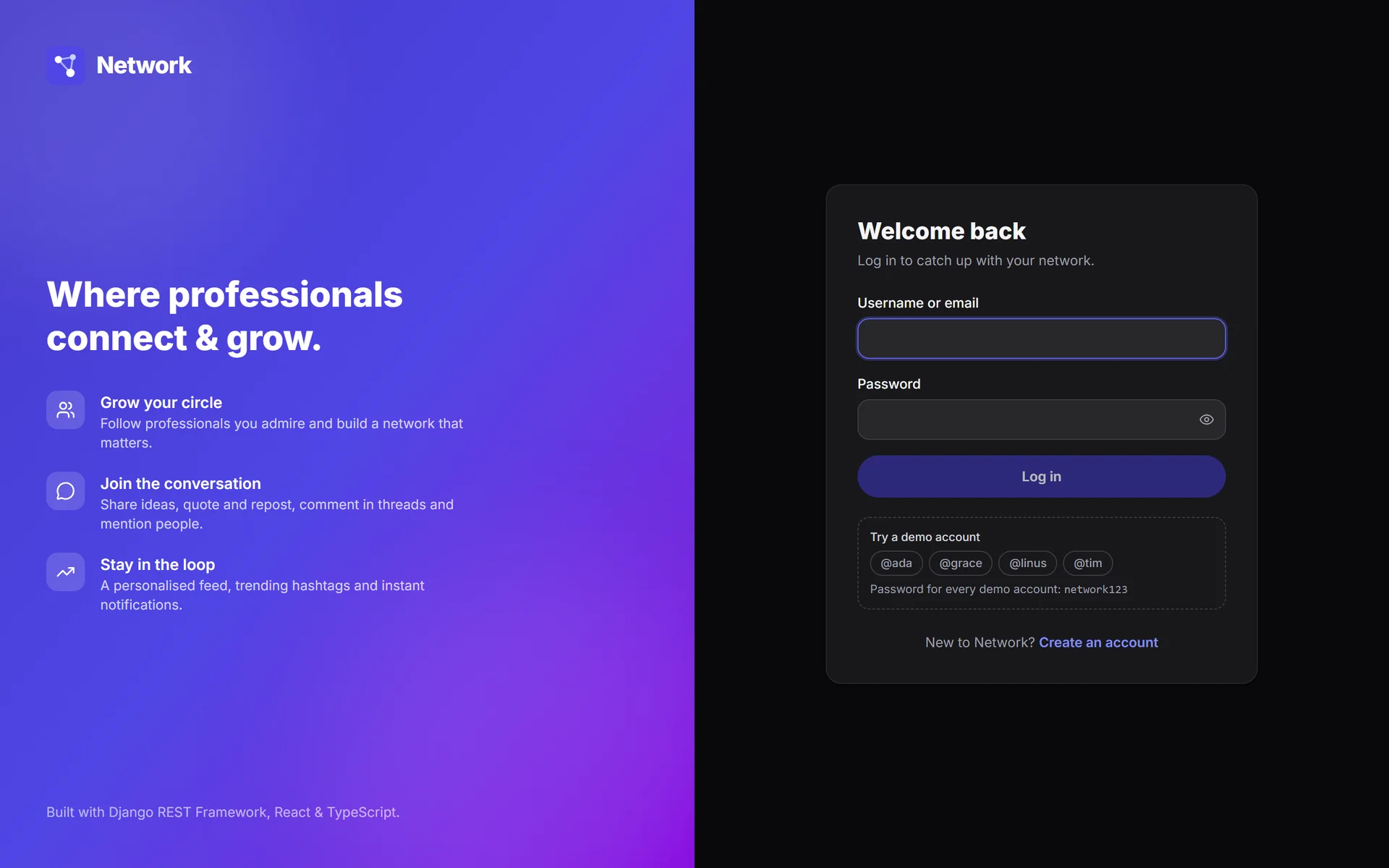
Sign-in and its demo accounts, in dark mode too.
Documented API1 screen
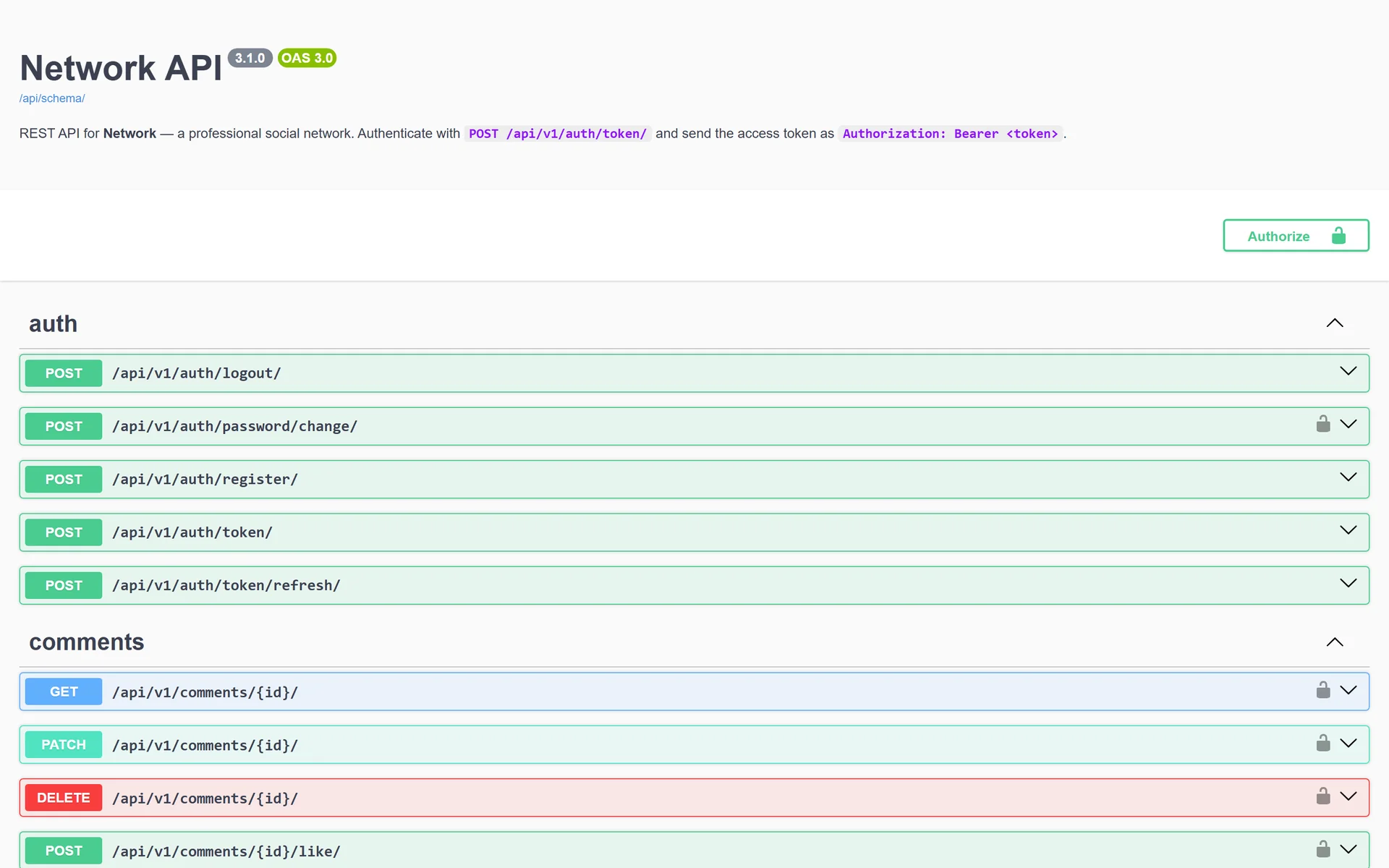
Swagger and ReDoc come from the OpenAPI schema, which is generated from the code.
On the phone19 screens
One column and a bottom bar with four destinations.
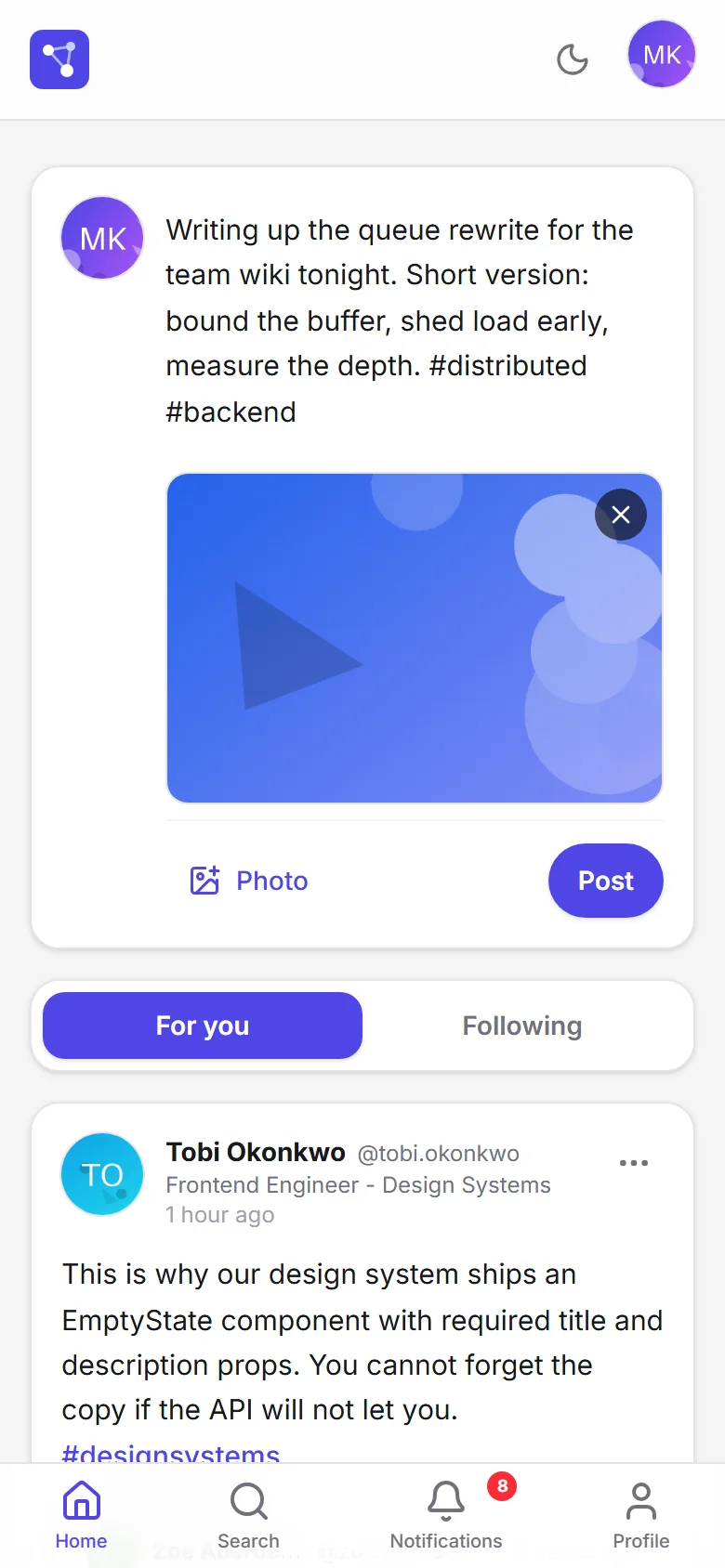
Posting with an image works the same on the phone.
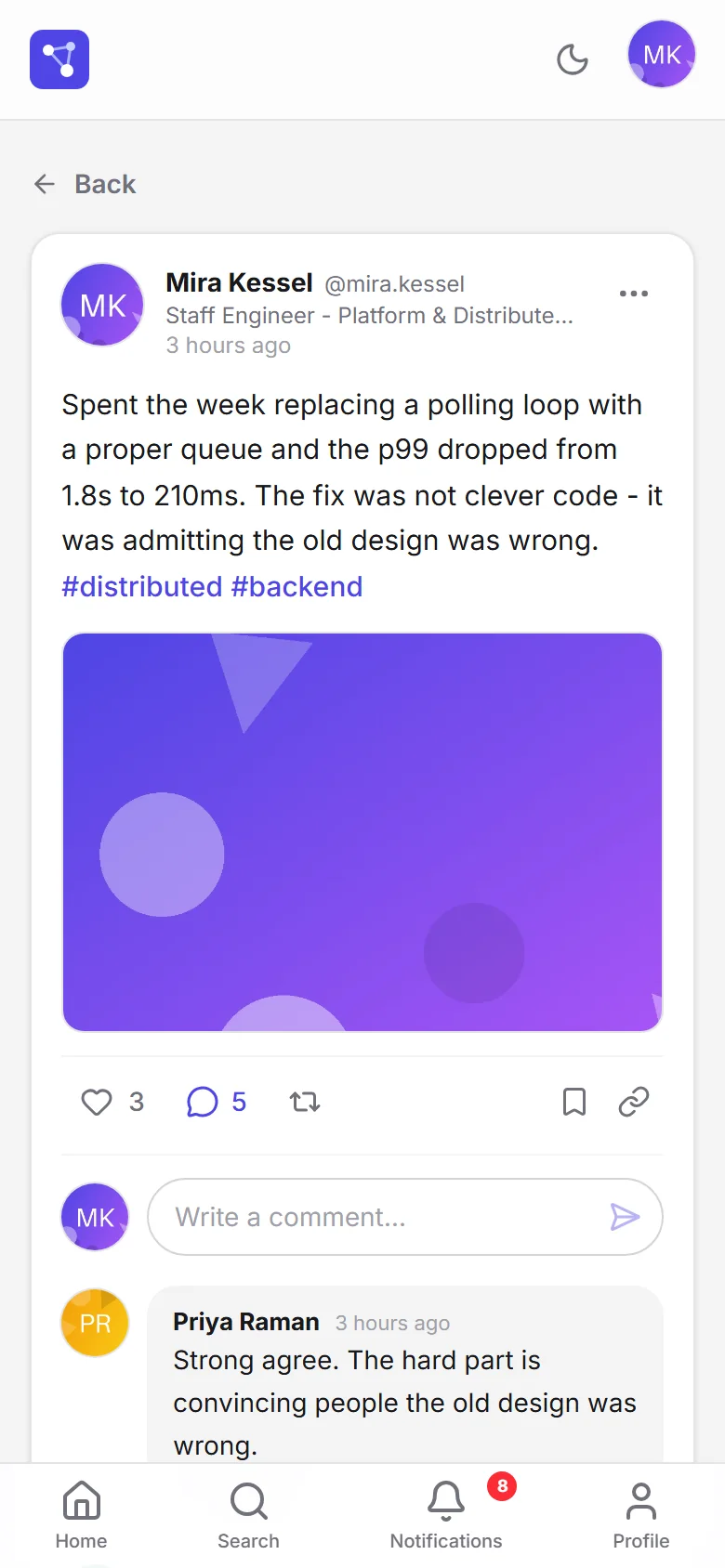
The whole thread reads in one column.
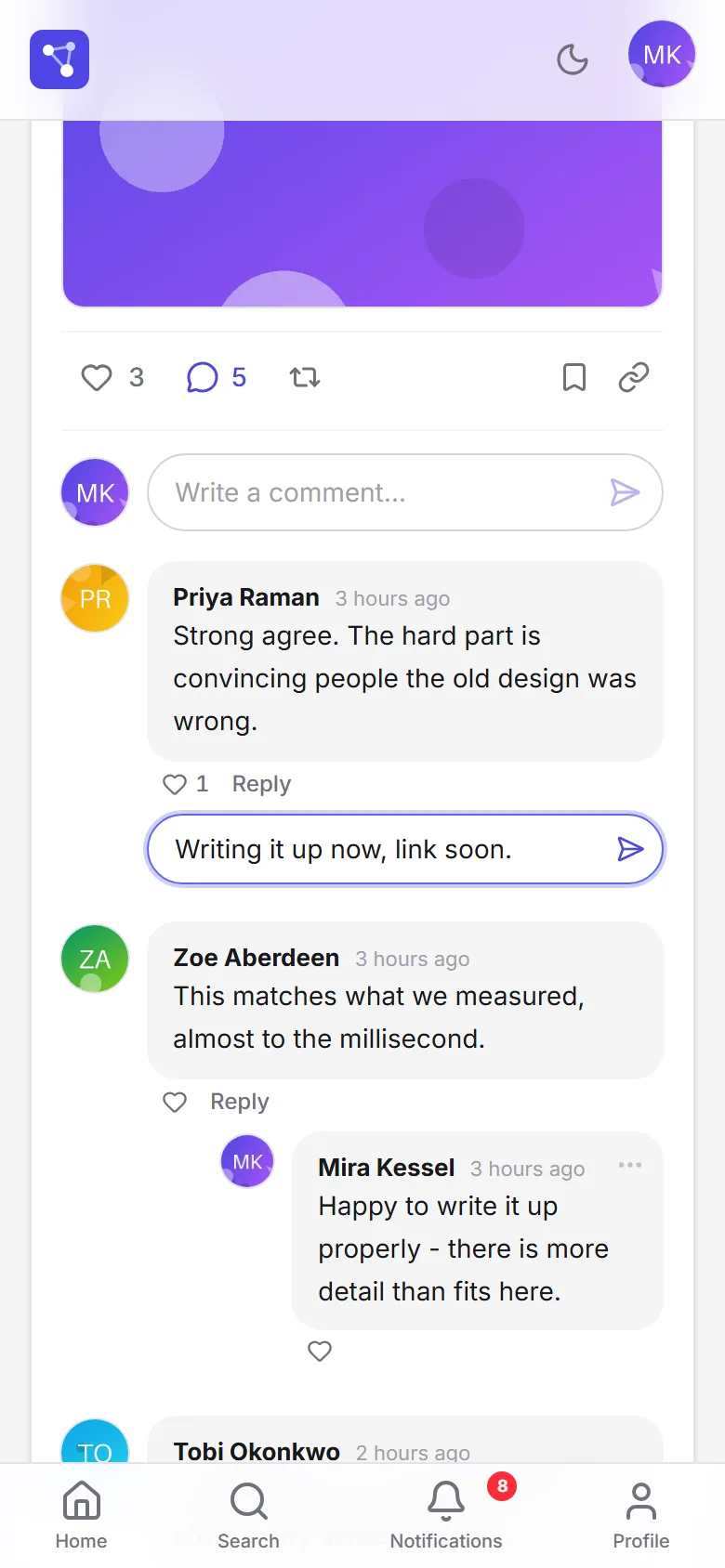
Replies still happen under the comment.
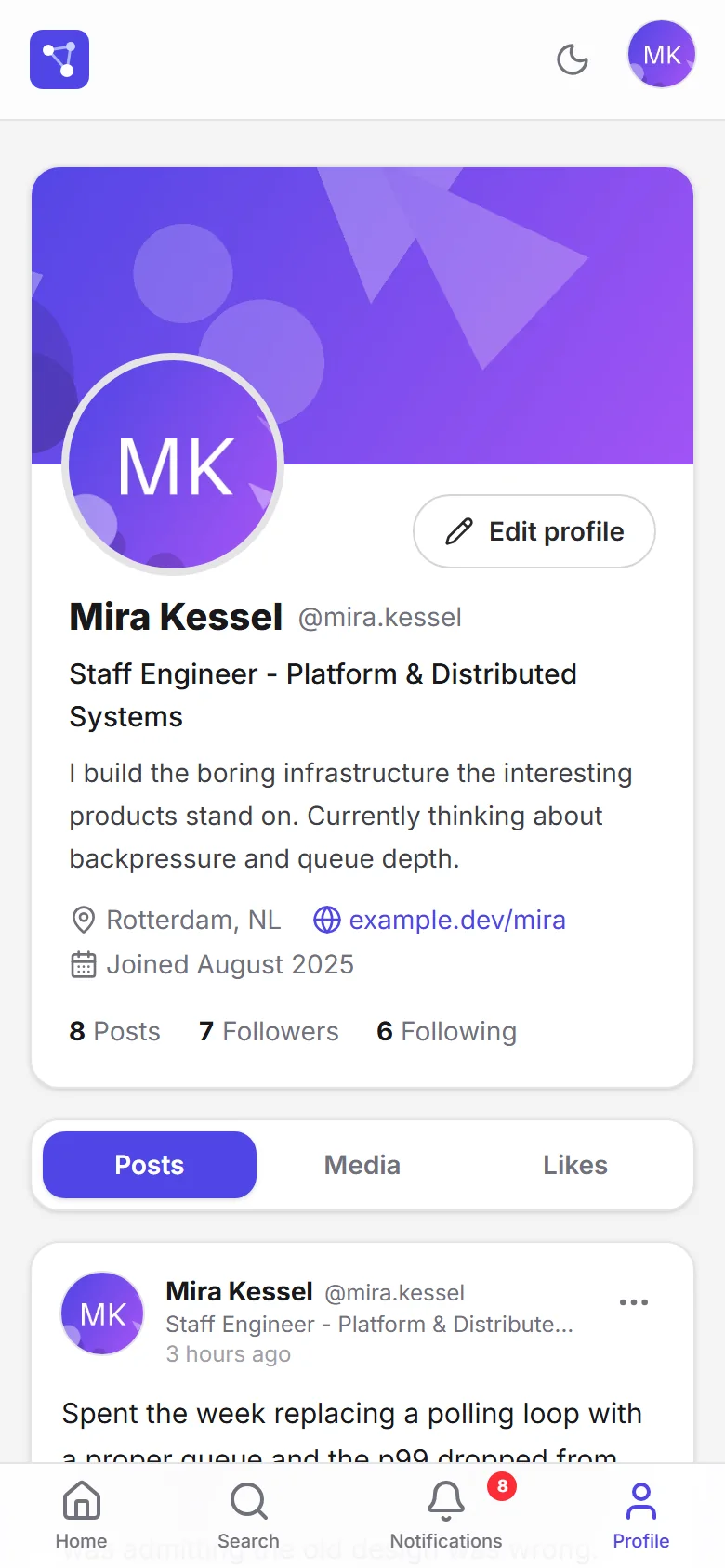
The profile stacks cover, details and tabs.
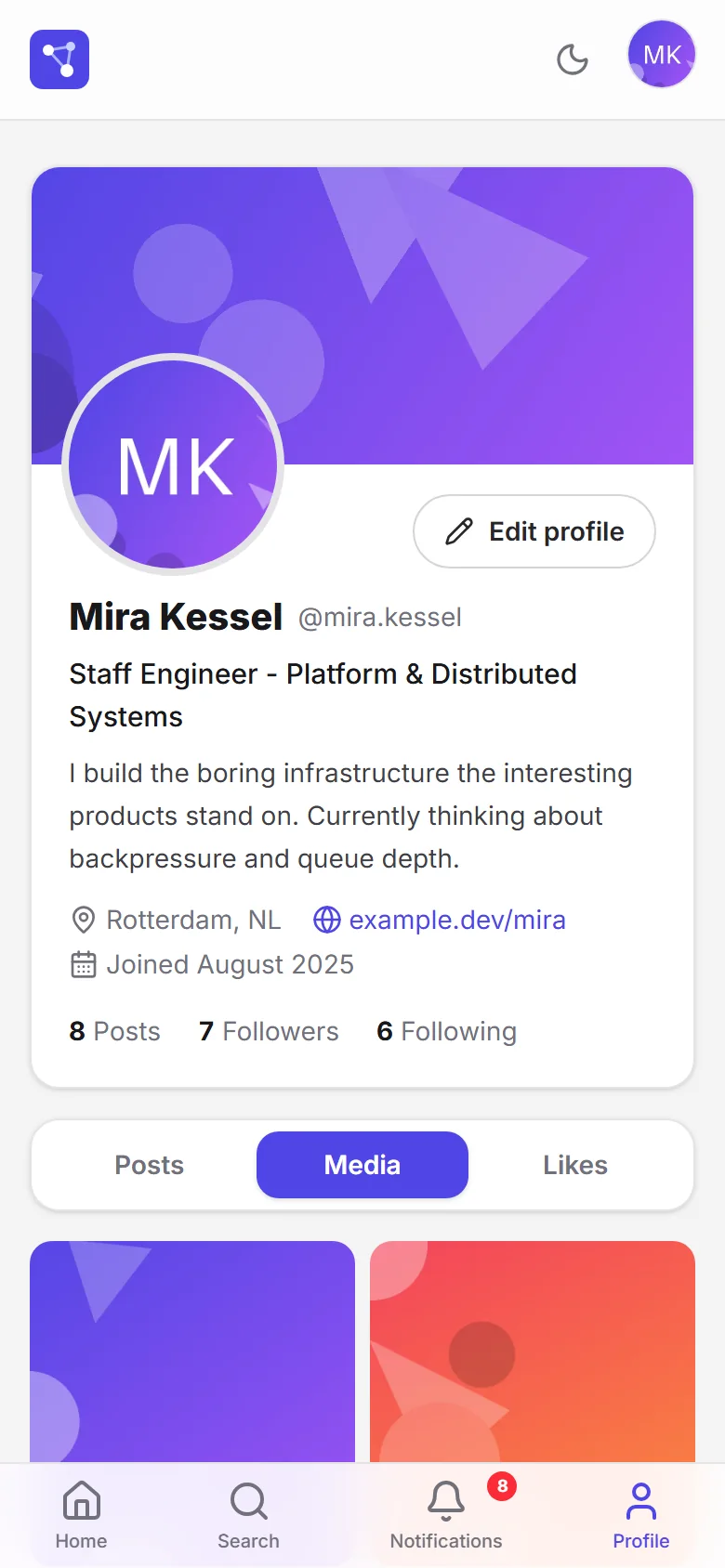
The media grid goes from three columns to two.
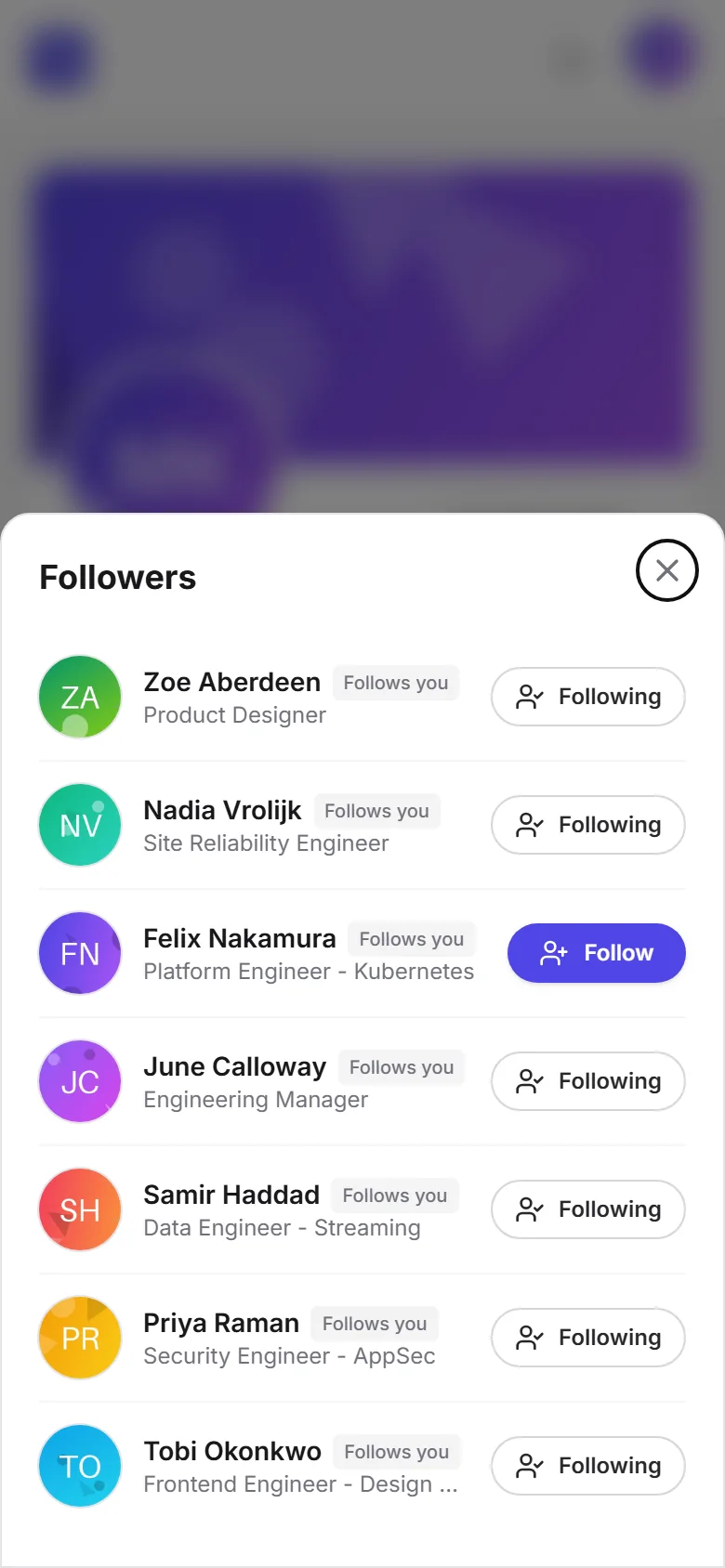
Lists of people slide up as a bottom sheet.
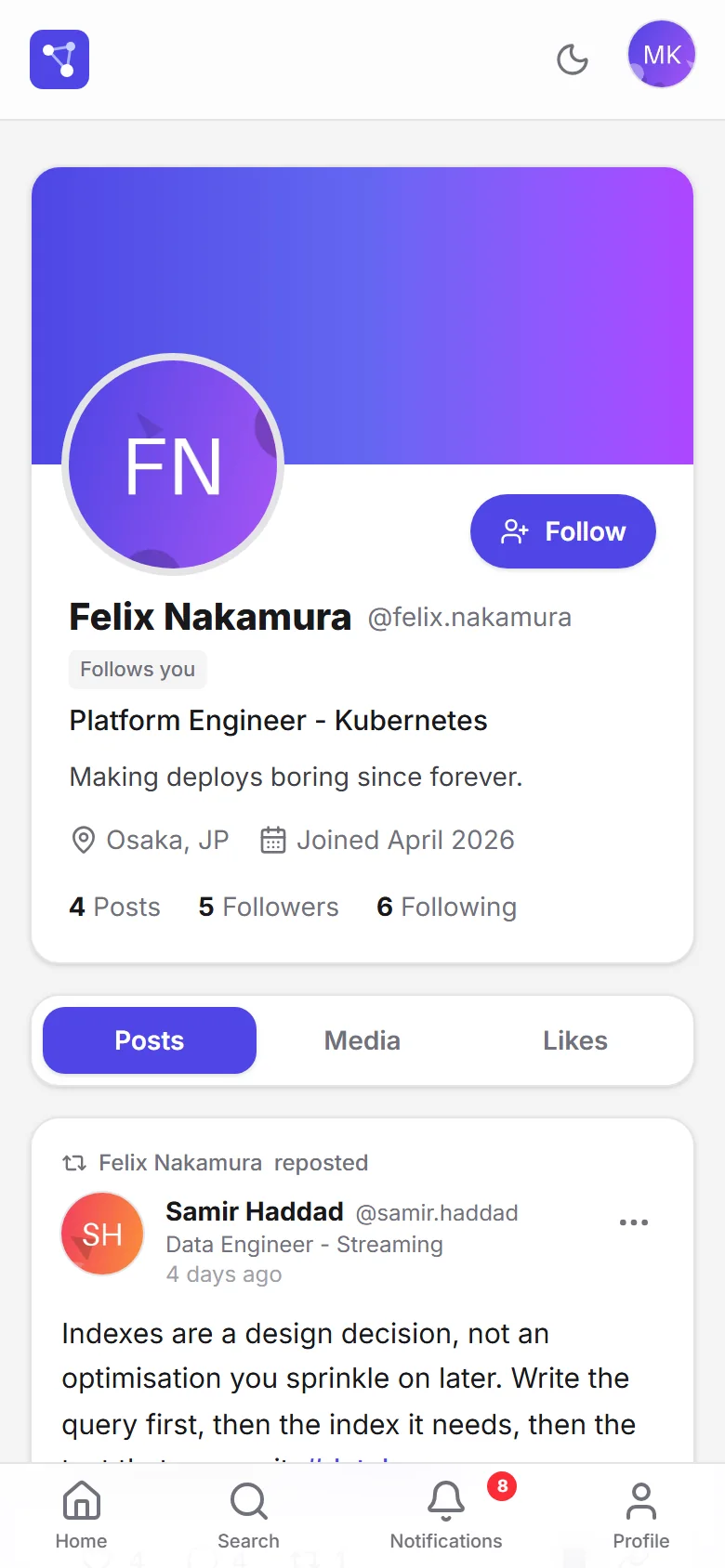
The follow button stays within reach on the phone.
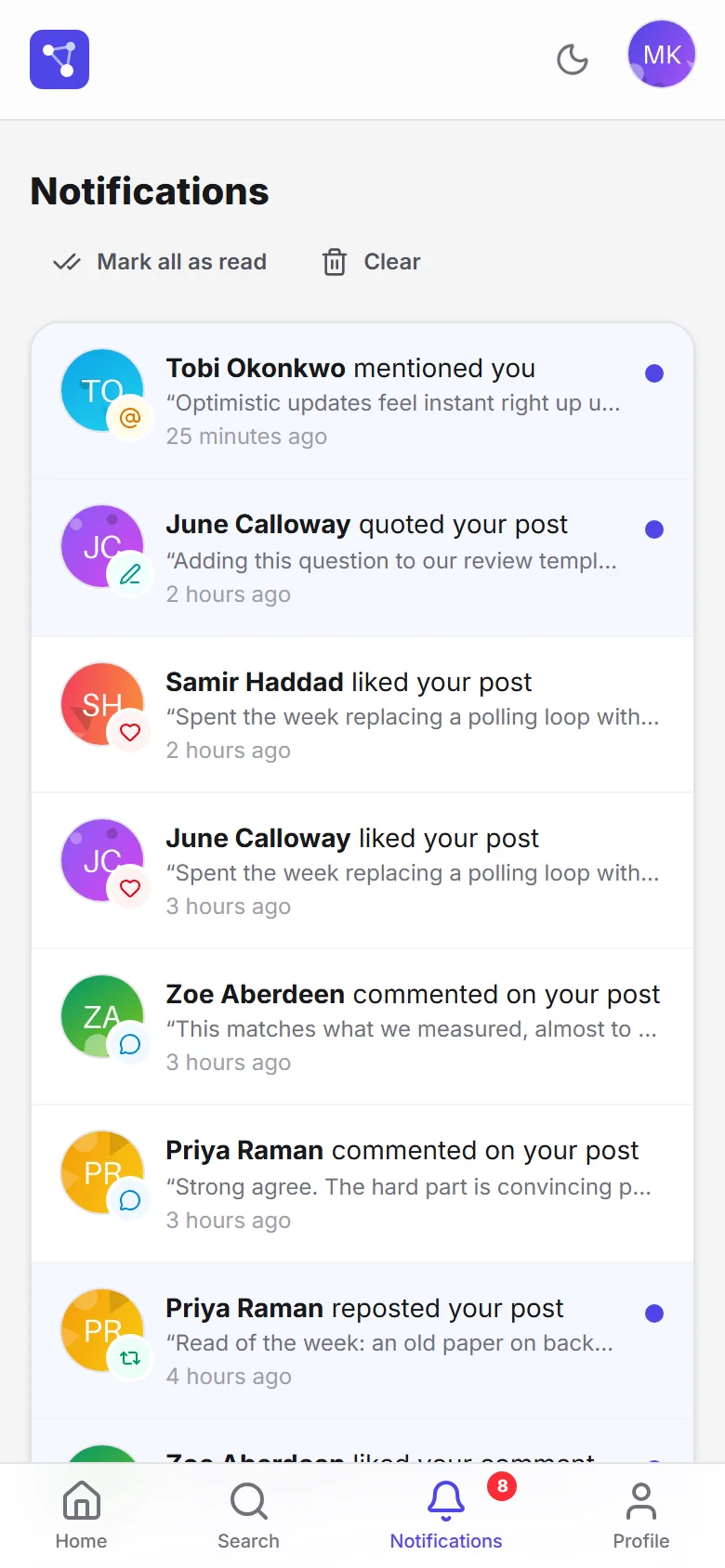
Each kind of notification still stands out on a narrow screen.
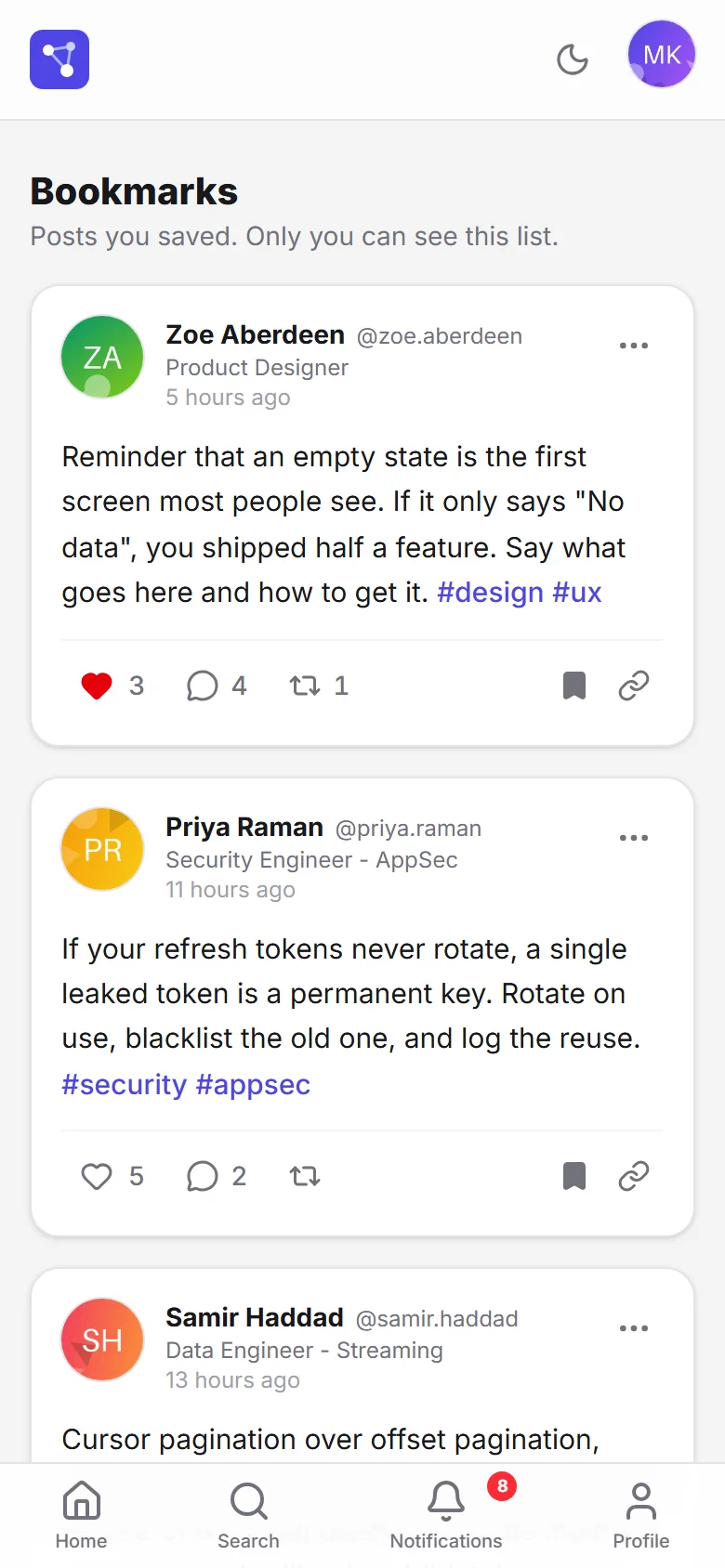
Bookmarks read just as well in one column.
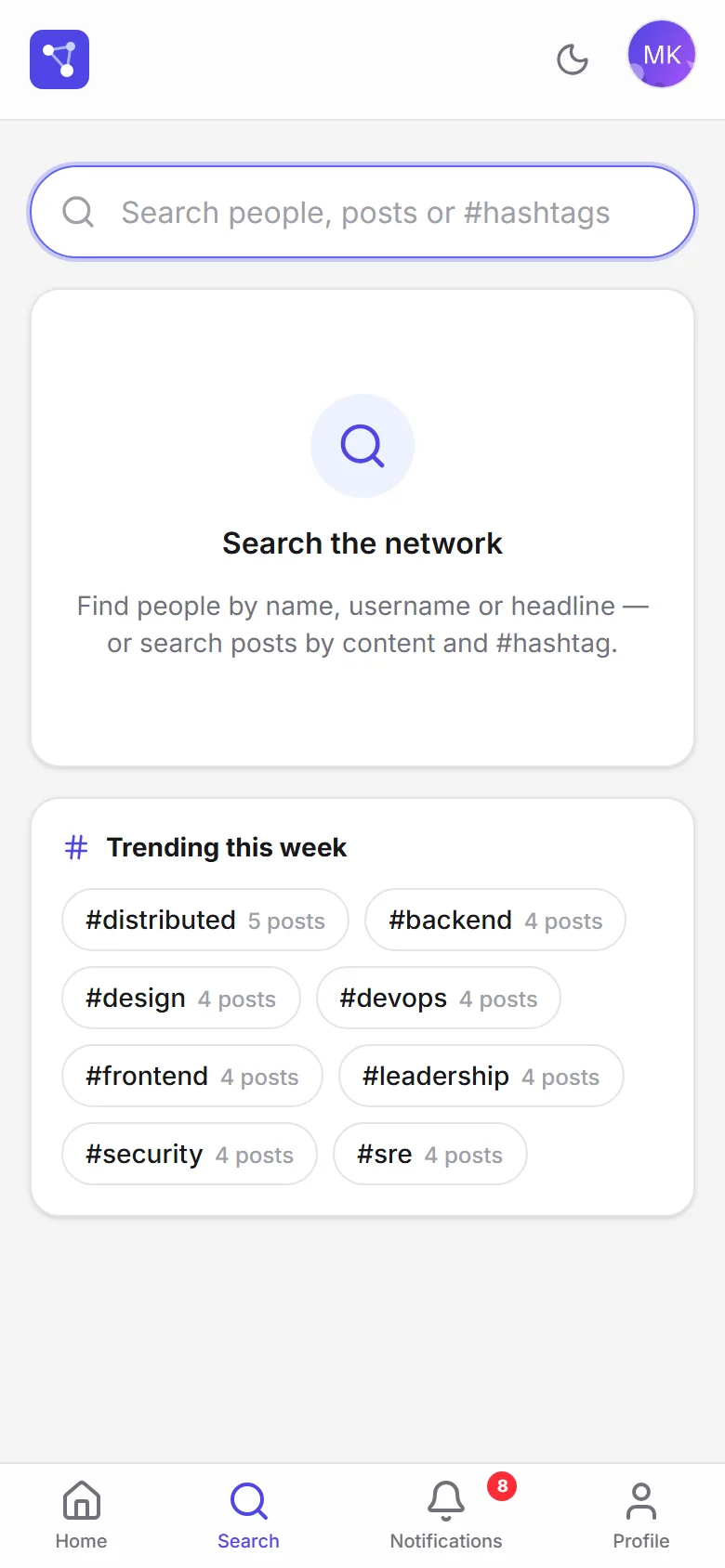
With no query, search suggests topics.
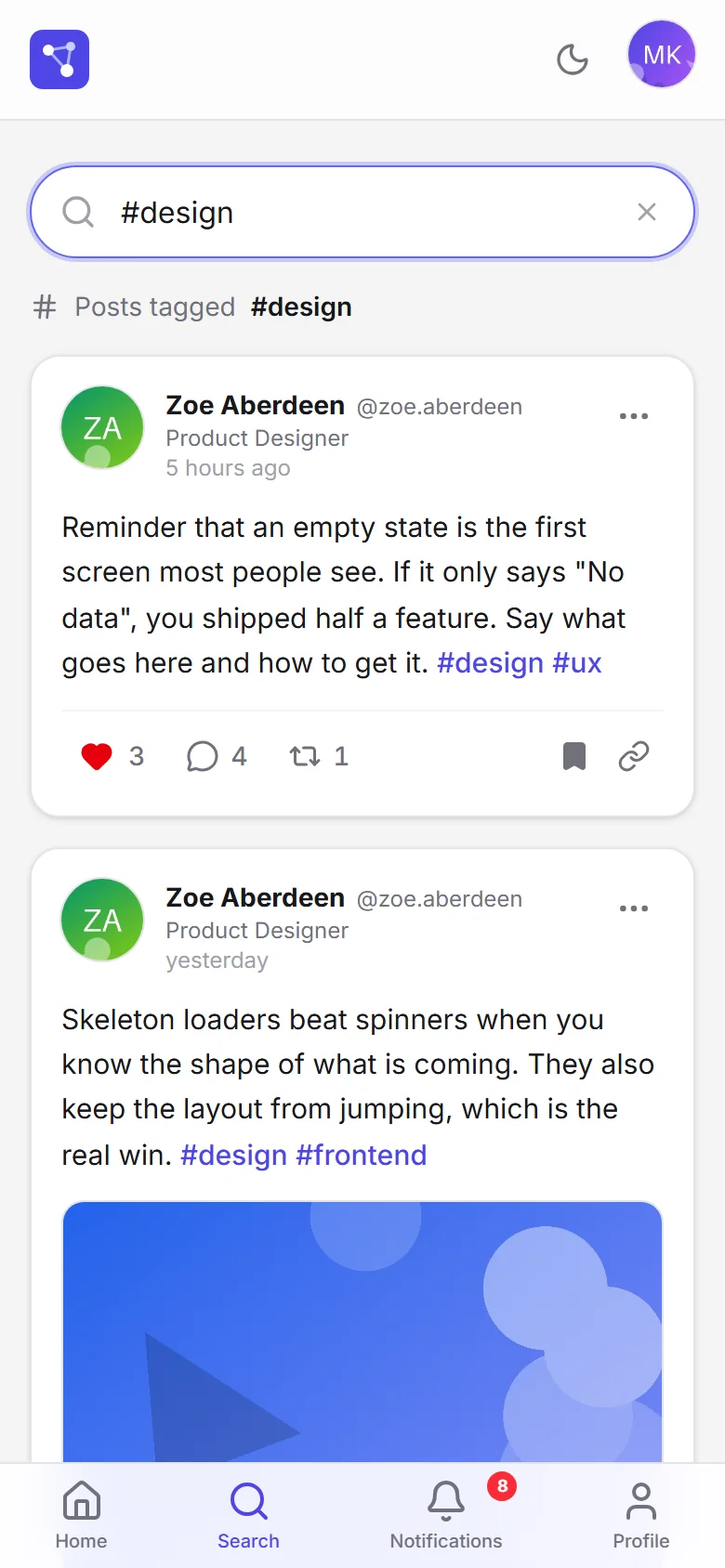
Hashtag search, the same on the phone.
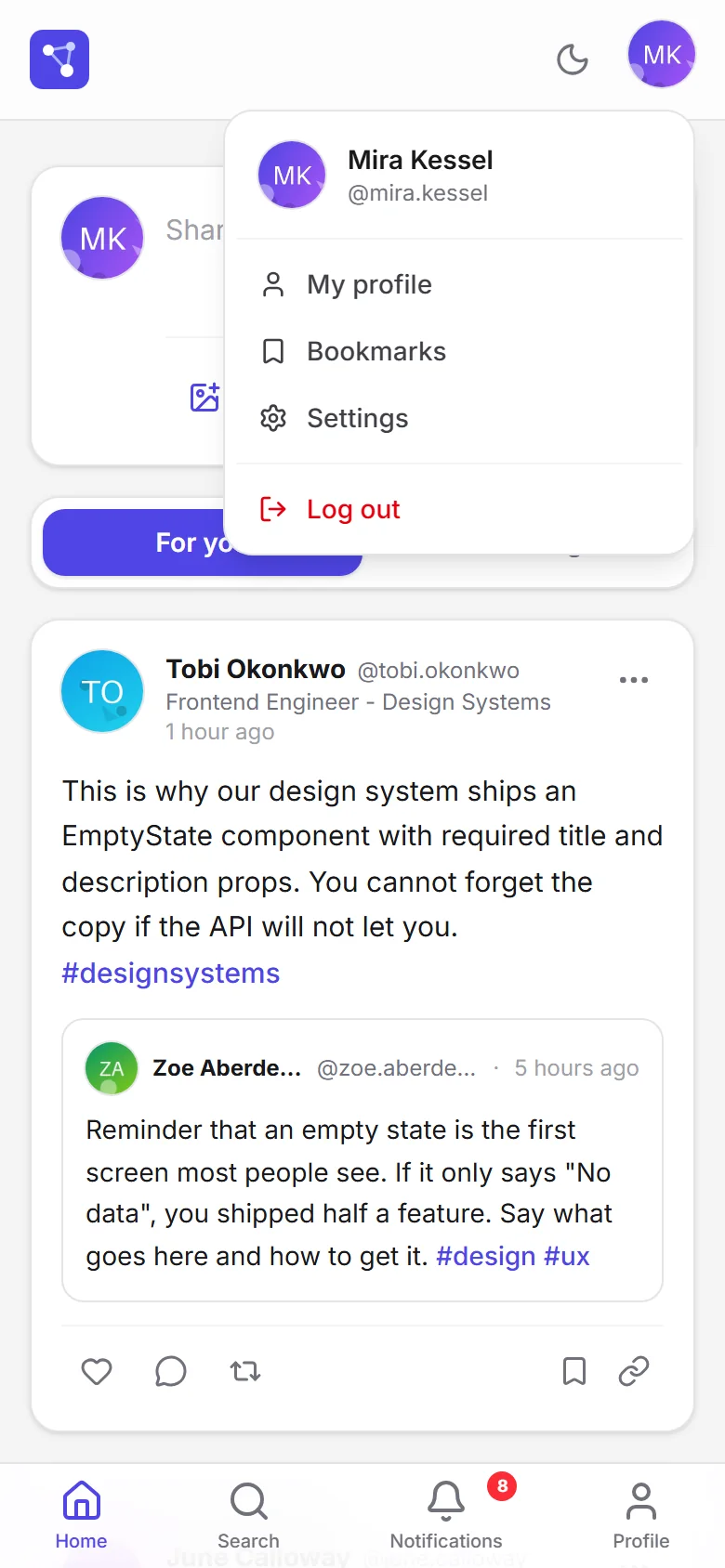
Bookmarks and settings live in the account menu.
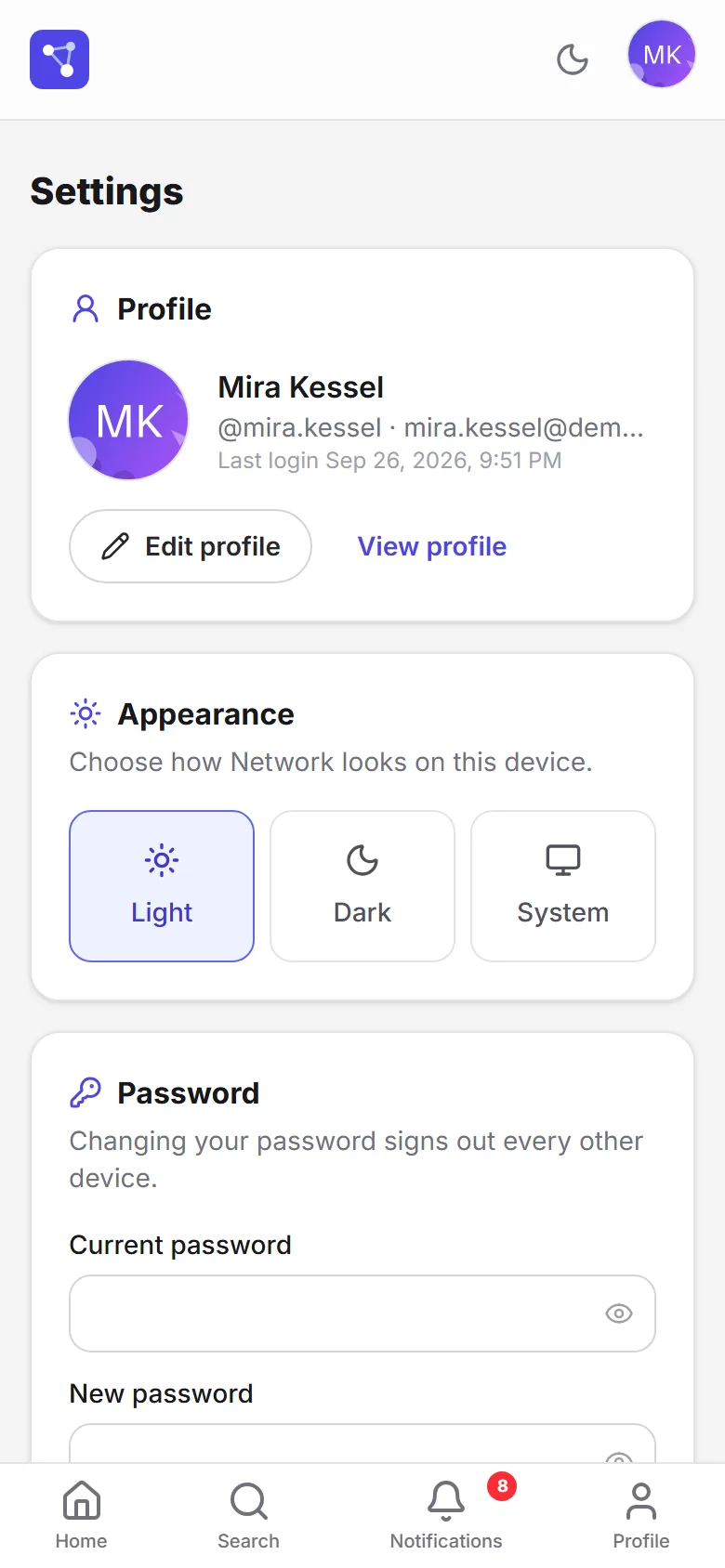
Settings stack in the same order.
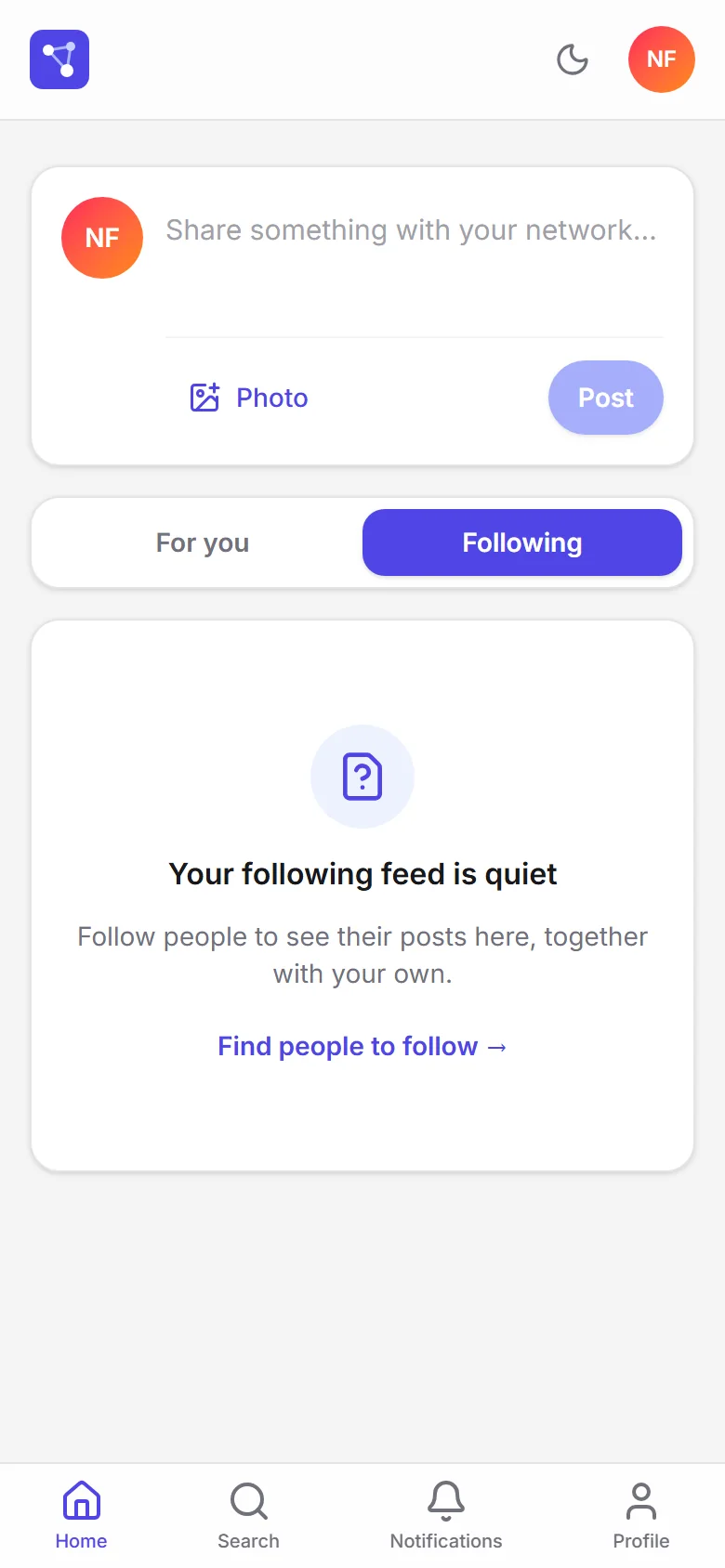
The empty state keeps its explanation on a narrow screen.
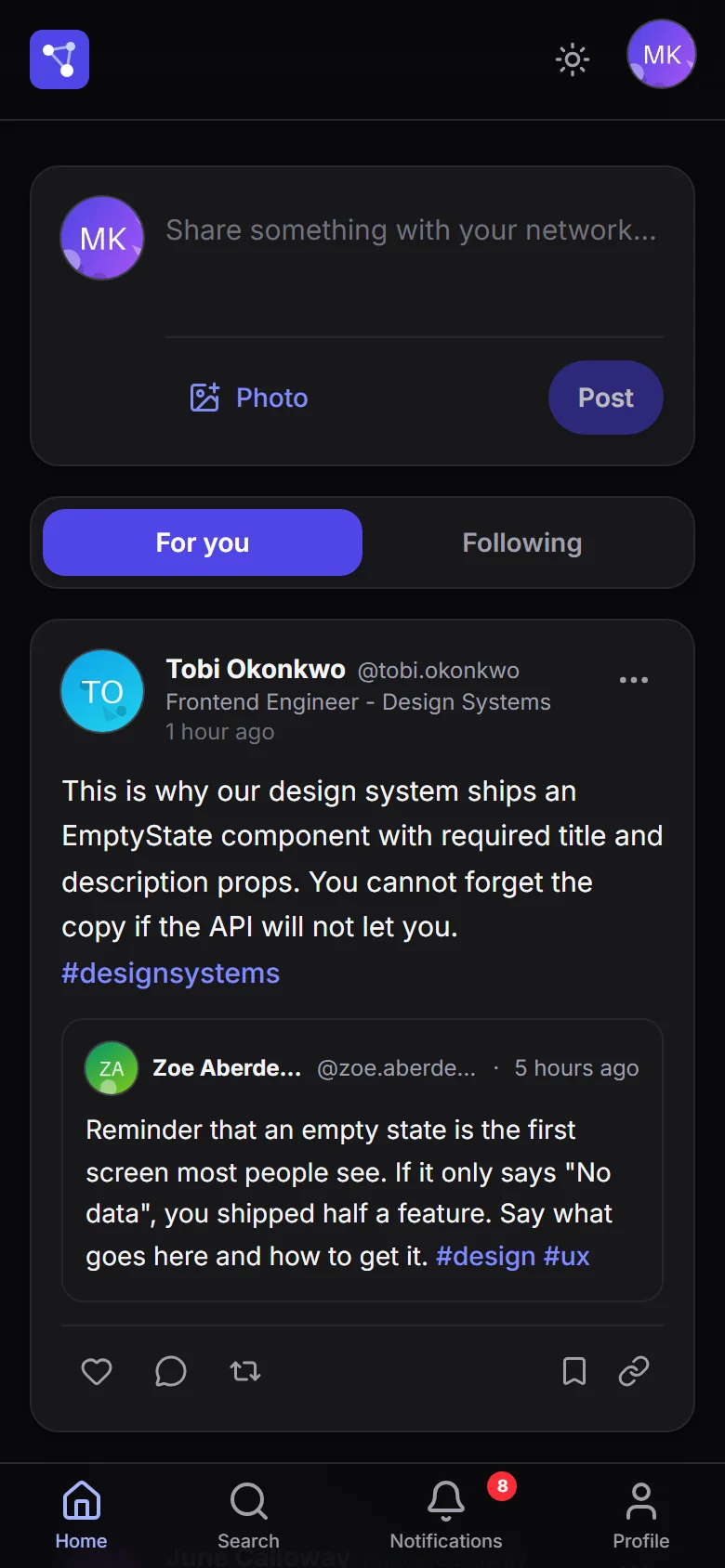
Dark mode and phone at the same time.
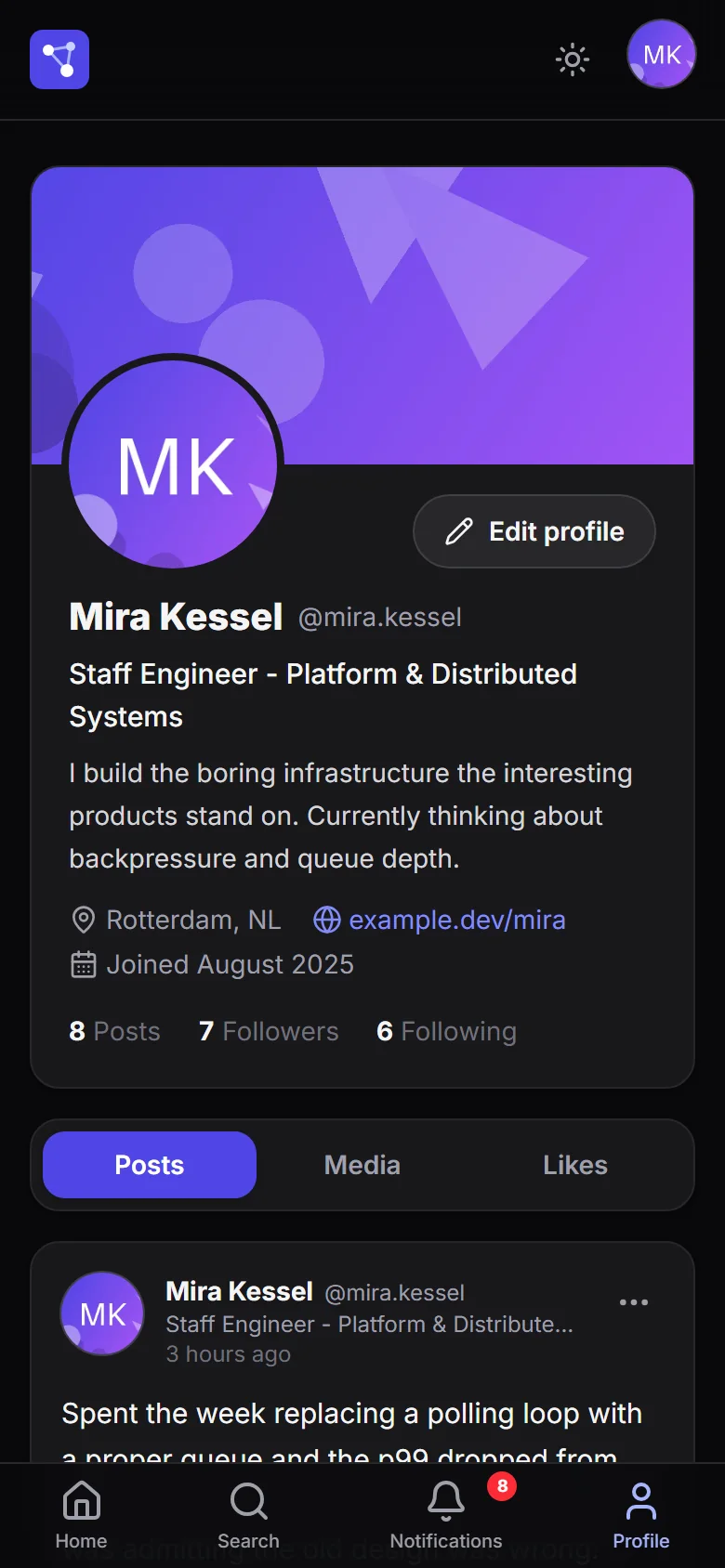
The profile keeps its hierarchy in dark mode.
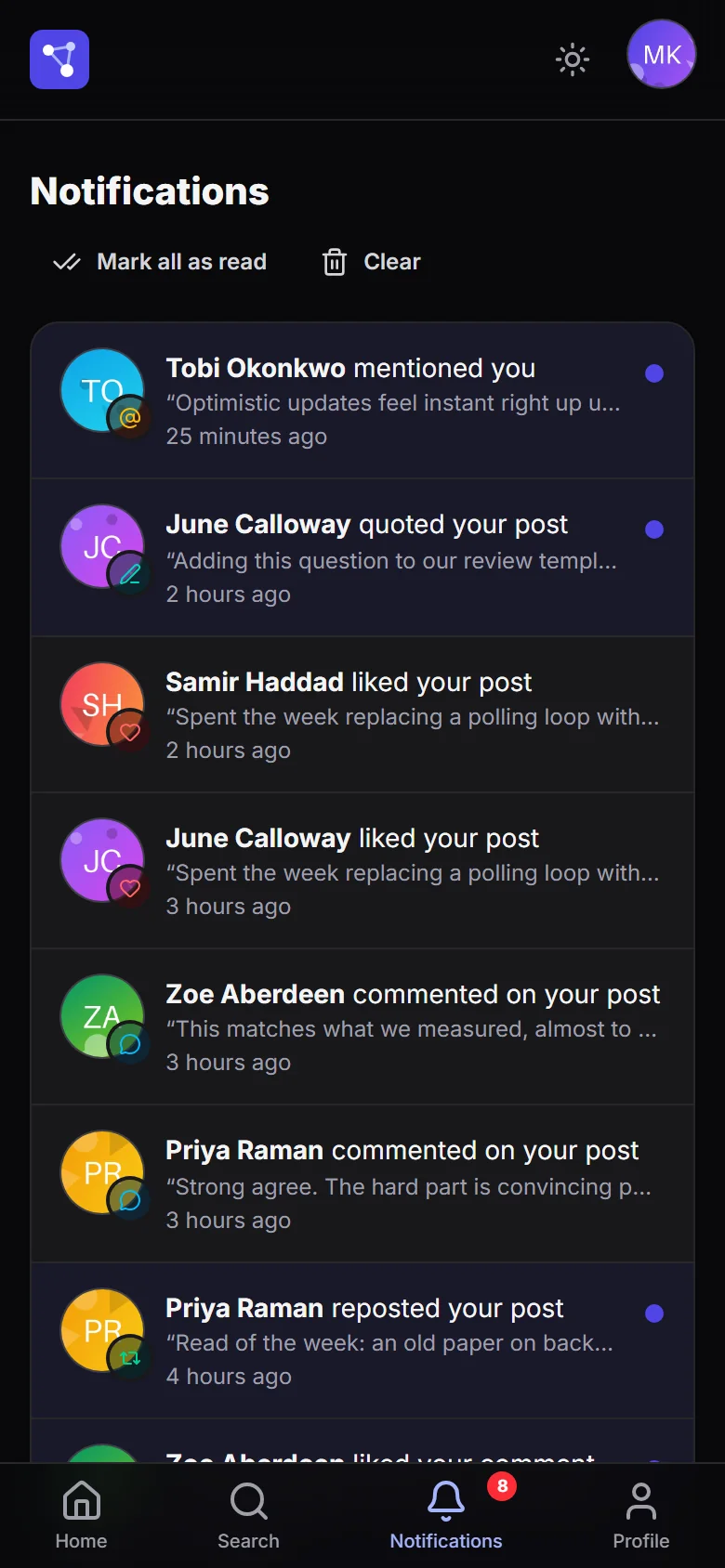
Each notification's color holds up in the dark and on a narrow screen.
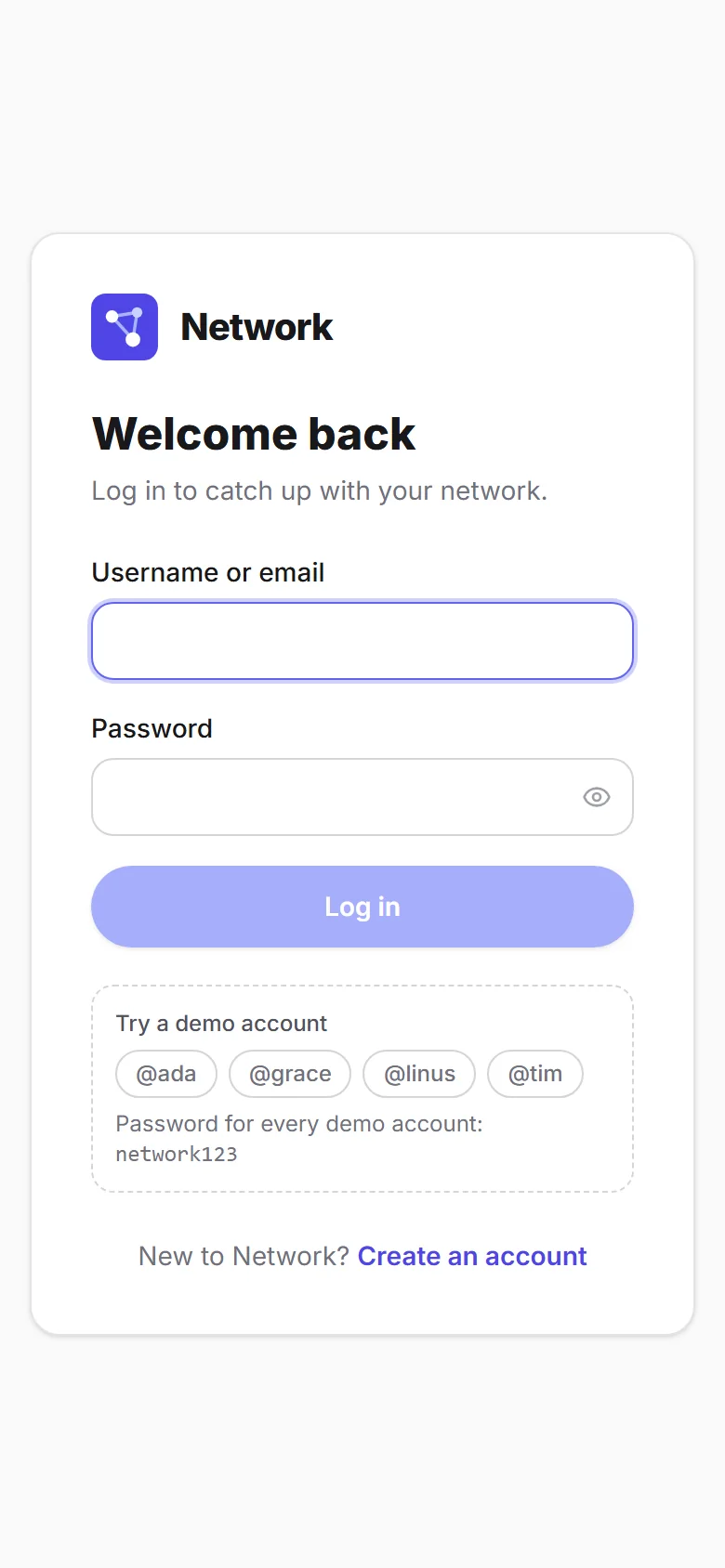
The demo accounts fit on the phone, too.
7 min read
The full case
Context
Network started as project 4 of CS50W, Harvard's web development course: a small social network built with Django templates and framework-free JavaScript. My first submission already went beyond the brief — comments with replies, images, deletion and search — but it was still a course monolith.
Network 3.0 is a full rewrite, not a touch-up. I deleted the monolith, and in its place there are two independent services that share nothing but an HTTP contract: a Django REST API and a React and TypeScript single-page app. The current version, 3.1.0, is deployed on Railway with a public demo. It took a couple of weeks of solo work.
The problem
The hard part of a small social network isn't the screens: it's that everything is connected to everything else, and everything changes while you're looking at it. One like touches the card's counter, a profile's Likes tab and the list of who reacted, and it creates a notification for someone else. The feed moves while someone is reading it, every card needs five aggregated values, and any image a user uploads is, by definition, content you can't trust.
My role
I did it alone: product and interface design, the API, the frontend, the tests, the containers, continuous integration, deployment and documentation.
What CS50W asked for, and what I added
The brief asked for seven things: posting text, seeing all posts, a profile with followers and a follow button, a page of the people you follow, pagination ten at a time with buttons, editing without reloading and liking without reloading.
Version 3 adds, on top of that:
- Architecture. A versioned REST API and a single-page app, deployable separately; JWT with rotation and a blocklist instead of sessions; cursor pagination, and an OpenAPI 3 schema with Swagger and ReDoc.
- Product. Reposts and quotes, private bookmarks, hashtags with weekly trends, mentions that notify, eight kinds of notifications, profiles with a cover and Posts, Media and Likes tabs, who-to-follow suggestions, light, dark or system theme, password change and account deletion.
- Craft. 132 automated tests where there used to be none, continuous integration, Docker images, server-side image processing and security headers.
Constraints
- Nothing required to develop. It starts with SQLite and an in-memory cache; PostgreSQL and Redis switch on with environment variables. Everything that uses the cache has to work without it.
- No guaranteed object storage. Uploaded files go to disk unless an S3-compatible bucket is configured.
- One person and no users to ask. Every product decision was made without usage data.
How I built it
First I deleted the monolith, in its own commit; then came the backend, the frontend and, finally, the containers. When I came back to take it to production, the order was: continuous integration first, then the dependencies with security advisories, and only after that the new features, the redesign and the documentation.
The backend is four Django apps split by domain rather than by technical
layer: core, users, posts and notifications. On the frontend, TanStack
Query owns everything that lives on the server, and Zustand only what belongs
to the client: the session, the theme and toasts. Each page loads on its own.
Architecture decisions
- Cursor pagination on timelines. Ordered by date and id, with the id as the tiebreaker: posting something new doesn't shift the next page or repeat what you've already read. Bounded lists, like people or comments, still use page numbers. Pages are still ten items, as CS50W asked, but they load on their own when you reach the end.
- Counters without multiple JOINs. Each card brings likes, comments and
reposts as independent subqueries, and "did I like it?", "did I repost it?"
and "did I save it?" as
EXISTS. The quoted post gets the same annotations. - JWT with rotation and a blocklist. Every refresh issues a new token and invalidates the old one, and changing your password invalidates all the others. On the client, requests that fail at the same time share a single refresh.
- Repost and quote, one model. A conditional unique constraint prevents reposting the same thing twice without preventing multiple quotes, and the database forbids following yourself.
- Notifications as their own domain. A Django app with its eight verbs, its endpoints and a composite index designed for the two queries that exist: the list and the unread counter.
- Optional, non-critical Redis. It only stores trends and suggestions, with short timeouts: if it goes down, the app slows down rather than breaking. The health check reports on the cache but only marks the service as down if the database fails.
Security and images
- Every uploaded image is validated with Pillow, rotated by its EXIF data, stripped of metadata, resized for its use and rewritten as WebP, with a 40-megapixel cap against decompression bombs.
- Sign-up, sign-in and password change each have their own limit: ten requests per minute per IP.
- In production, Django sets HSTS, secure cookies and the security headers, and nginx sets the Content Security Policy. The app refuses to start with the development secret key.
Challenges
- Keeping the feed from repeating while paginating: a cursor with an id tiebreaker.
- Keeping two simultaneous reposts from breaking anything: the unique constraint in the database, with the integrity error caught.
- Keeping an expired token from triggering a refresh storm: a single shared promise in the HTTP client.
- Keeping the theme from flashing on load: a script in
index.htmlapplies the theme before React mounts. - Keeping notifications from duplicating or going orphan: they're created once and deleted when the like, follow or repost is undone.
- Making demo data reproducible: seeded generators with a fixed seed.
What deployment taught me
The first Railway deploy exposed what the local environment couldn't show: permissions on the file volume, the home directory of the container's unprivileged user, a migration that didn't match the model and the need to seed the demo on startup. All four were fixed in their own pull request, and continuous integration now checks that no migration is missing.
Design and UX
A custom interface in Tailwind CSS 4, with the Inter typeface served from the site itself, no third-party requests. Every state is designed: loading states mirror the real card, empty states explain what goes there and offer the action that fills them, and destructive dialogs name what you'll lose. The dark theme isn't an inverted filter and respects the system setting, and on the phone navigation drops to a four-destination bar.
What it doesn't have
So nobody assumes otherwise: there's no real time — no WebSockets and no polling; data refreshes when it's requested again — there's no task queue and there's no service worker. The manifest makes the web app installable, but it doesn't work offline.
About the screenshots
The screenshots come from a local instance seeded with an invented cast — ten people with code-generated initials avatars — and abstract images generated with Pillow. The names and figures shown, like likes or followers, aren't metrics of anything. The public demo uses different sample accounts, so the names won't match. Screens with any visible defect were left out.
Try the demo
The demo lives at
web-production-9475c.up.railway.app.
Sign in as ada, grace, linus, margaret, alan, katherine, tim or
hedy; the password for all of them is network123. The sign-in screen
offers four of them with one click, and you can also create your own account.
The API documentation is on
Swagger.
What I learned
Rewriting was cleaner than refactoring: by deleting the monolith first, the API was designed without inheriting the shape of the templates. And deployment taught me what development couldn't: permissions, container users and migrations only truly fail in production.
Current status
Finished and running at version 3.1.0: permanently deployed on Railway on PostgreSQL and Redis, with the repository public under the GPL-3.0 license, continuous integration green and 132 automated tests — 98 backend and 34 frontend — passing. It has no real users, so I don't publish usage figures: it's a project built to show how I work.